BuildFrame RecTUM - Recategorisation and Trimming Utility for Build Menu
🟡 Updated this yearPreview
🔍 Analysis
- 👍 2.0% endorsement rate — high engagement, a strong quality signal
- 🏆 #6 of 15 Buildings mods in this game by downloads
📋 About This Mod
Recategorises and condense vanilla basebuilding menu groups to make room for modded objects. The backbone of BuildFrame.
(Recategorisation and Trimming Utility for Build Menu)
is the backbone of
A framework focused on integrating various basebuilding mods into one playable and accessible environment.
RecTUM - Recategorisation and Trimming Utility for Build MenuSACS - Selection Augmentation for Colour System
WENIS - Wall Elements eNforced Intact-keeping or Substitution
MILF - Build Menu Infrastructure Listings from Foundation
Why make RecTUM?
Since the 3. 7 update, the build menu has been revamped into a "tab and list" structure, there are 11 vanilla "top groups" at the time of writing.
Through some research, we discovered that the maximum number of top groups that can appear in the build menu is 19. Once the amount of internal top groups exceeds that number, they are either inaccessible to players in-game, or would cause instabilities, to the point of crashing the game when opening the build menu.
At the same time, each top group has a display size limit of around 24 rows of objects, with the limit decreasing with more subgroups taking room by opening with a new row. We've also found the maximum functional limit of objects per top group is 240. Once again, exceeding that limit will cause instabilities, including inaccessible objects, the build menu UI bugging out visually, booting players out of selected top groups, or crashes.
With the vanilla groups untouched, the absolute maximum number of modded base objects would be 240*8=1920 objects. With current basebuilding mods, we are already past 2000 objects, and thus necessitates a change in the vanilla groups to make room for modded objects in order to maintain compatibility, stability of the mods, and various quality-of-life features such as distinct categorisation, proper headers, etc.
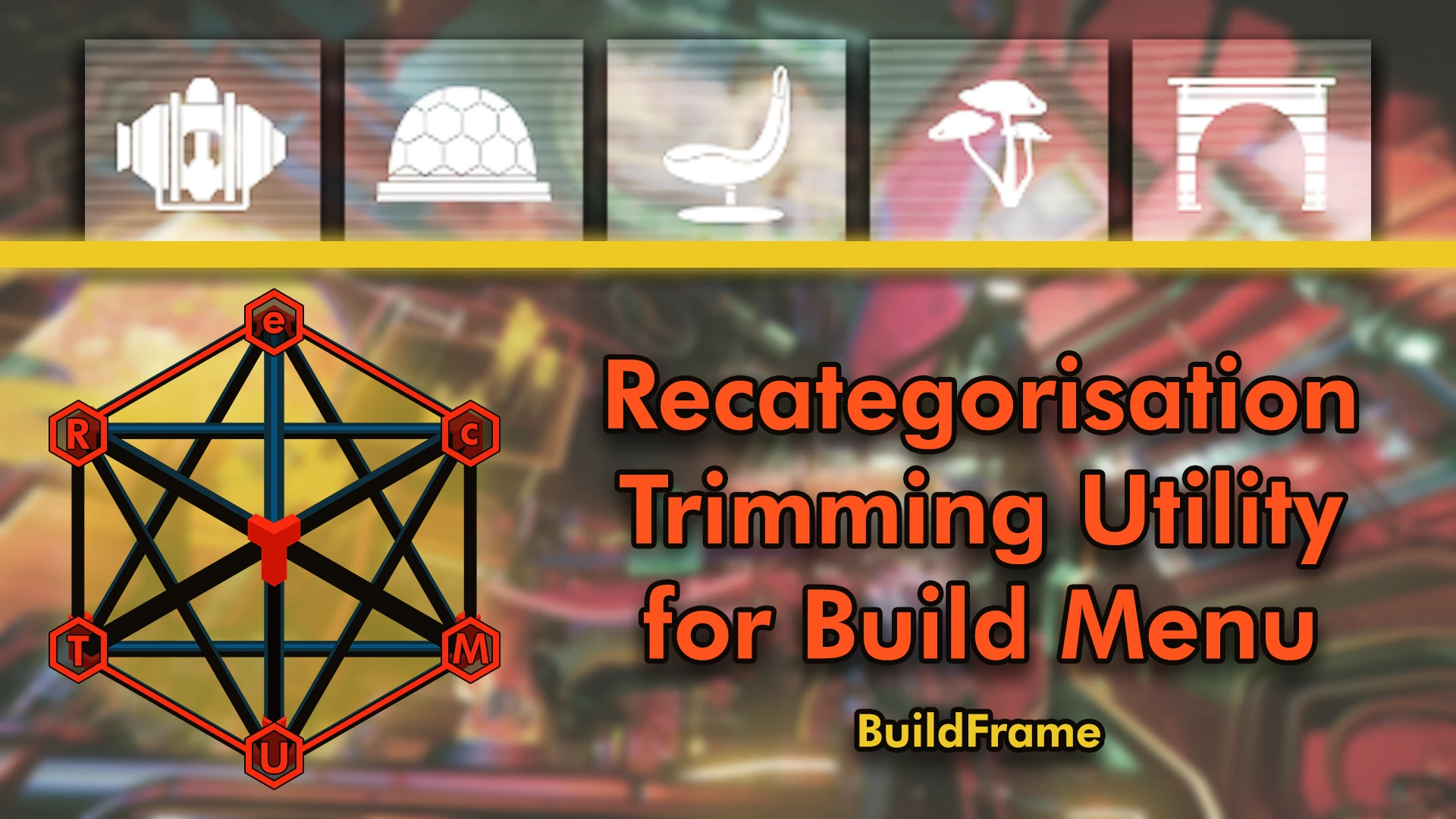
RecTUM condenses the vanilla categories into 5 top groups. This means 6 vanilla top groups are hidden from the build menu, and the total free space for new top groups is now 14. This creates a space for mods that add new base objects to expand more freely, without the fear of crashing the game.
Installation
RecTUM is not meant to be used standalone, even though it can be; it is intended to be used in conjunction with one and more basebuilding mods that add additional objects to the build menu.
RecTUM is designed to be used as an AMUMSS .lua script, to be used along with any .luas that other basebuilding mods provide. However, an installable version is also available for those who not versed to using AMUMSS.
Click here to go to AMUMSS's Nexus mod page.
When used alone, the output mod name will be "~~~BuildFrame_RecTUM"; if incorrectly combined by AMUMSS in conjunction with other luas, the mod name will be "++++DO_NOT_COMBINE_IN_AMUMSS" (or whatever the last lua that dictates the MOD_BATCHNAME to be)
Compatibility
RecTUM is designed to be processed early in AMUMSS, before most other scripts. The intention is that the vanilla groups be reduced before any other tweak is done, although it is not essential.
Because it is processed before any other script, RecTUM edits only the vanilla base object entries (specifically, which group they belong to) and adds new "sub-groups" into existing vanilla top groups.
📊 Mod Details
- Game
- Nomanssky Mods
- Author
- WinderTP and Babscoole
- Version
- 1.4.0.4
- Downloads
- 13,040
- Endorsements
- 255
- Category
- Buildings
- Created
- 3/3/2022
- Updated
- 4/8/2026
🔧 How to Install Nomanssky Mods
Download from Nexus Mods.
📖 Full step-by-step install guide for Nomanssky →
Visit the official mod page for specific installation instructions for this mod.
🎮 Need cheat codes or console commands? Check ur gaming wiki for Nomanssky commands, item IDs, and more.
Keep browsing — more Nomanssky mods await