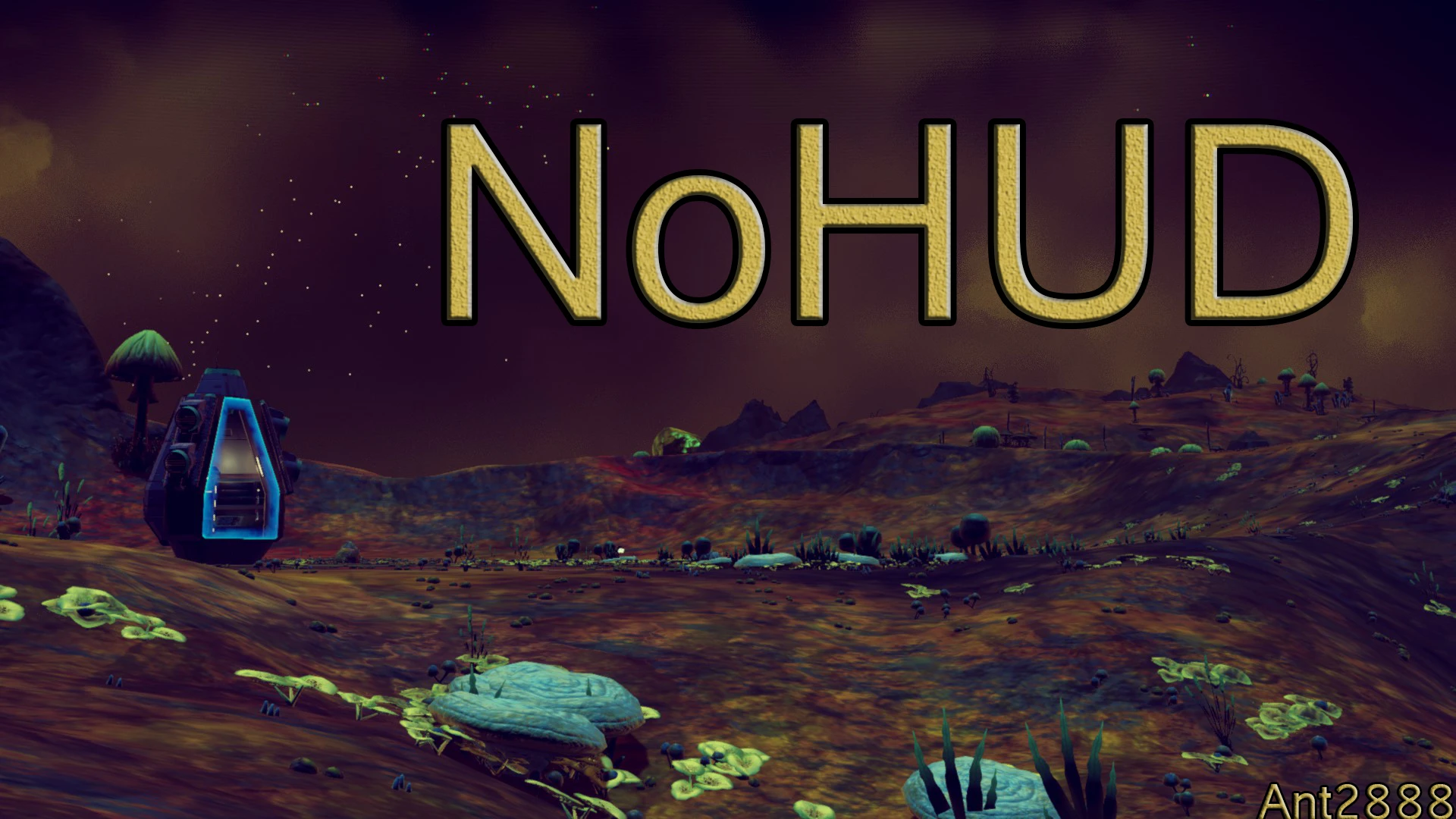
NoHUD - Toggle HUD on and off with F5
⚪ Last updated 2016⚠️ Install Order · 1 step
Install in this order, then this mod last — most mods fail to load without their framework and dependencies in place.
Preview
🔍 Analysis
- 👍 3.2% endorsement rate — high engagement, a strong quality signal
- 🏆 #44 of 48 Environment mods in this game by downloads
📋 About This Mod
If your NMSE is constantly crashing delete everything inside your \binaries\ folder and verify your cache (either with gog or steam)
Hey guys this will be the first official mod from the NMSE (I'm not counting the tab fix since it's included). So this mod essentially does the Full HUD Disable when you press F5. To toggle it back on you just press F5 again :)
- []First you'll need NMSE installed. Tl;dr version of installing: Drag and drop the contents of the NMSEAlpha rar/zip into "...\No Man's Sky\Binaries\". If you didn't understand that try to follow the guide here []After you've made sure you have installed NMSE correctly (your NMS directory should look something like this don't worry if you have more DLL's in their than that). Now just drag and drop the contents of NoHUD into that same directory and click yes to copy/replace (you basically just want the NoHUD.dll inside NMSE).
- Finally to launch the game with the mods just run NMSELauncher instead of through steam or whichever you use (I recommend making a shortcut on your desktop)
NoHUD is a compact utility mod for Fallout 4 that lets you toggle the entire HUD on and off with a single keypress (F5). It's ideal for players who want immersive screenshots or a cleaner gameplay experience without permanent HUD removal. With 182 endorsements and over 5,600 downloads, it's a proven, lightweight solution.
✨ Key Features
📊 Pros & Cons
✅ Pros
- Instant toggle with F5—no menu digging, just pure convenience.
- Community-tested with 182 endorsements and 5,649 downloads, so it's reliable.
- Perfect for screenshot junkies and immersive playthroughs—clean view at a keystroke.
⚠️ Cons
- Last updated in 2016—might not play nice with newer game patches or DLC.
- No MCM or hotkey customization—you're stuck with F5 unless you edit files yourself.
- Toggling HUD off can hide important info like health and ammo, so you'll need to remember to turn it back on in combat.
For Fallout 4 players who love taking screenshots or want a more immersive experience without permanent HUD removal. Also great for roleplayers who want to disable the HUD during cinematic moments. Skip if you need customizable hotkeys or frequent HUD adjustments—this is a simple on/off switch.
💡 Beginner Tips
- Make sure you have F4SE installed if you're using mods that require it, though this mod may not need it—check the mod page for details.
- Test the toggle in a safe area first to get used to the HUD disappearing, especially during combat.
- If you're using a mod manager, install via NMM or Vortex for easy uninstallation.
📊 Mod Details
- Game
- No Mans Sky Mods
- Author
- Ant2888
- Version
- 2.0
- Downloads
- 5,649
- Endorsements
- 182
- Category
- Environment
- Created
- 8/17/2016
- Updated
- 8/30/2016
🔧 How to Install No Man\ Mods
Create /MODS/ folder in /GAMEDATA/PCBANKS/. Delete DISABLEMODS.TXT.
📖 Full step-by-step install guide for No Man\ →
Visit the official mod page for specific installation instructions for this mod.
🎮 Need cheat codes or console commands? Check ur gaming wiki for No Man\ commands, item IDs, and more.
Keep browsing — more No Man\ mods await