Xbox Controller Companion Profile
⚪ Last updated 2022⚠️ Install Order · 5 steps
Install in this order, then this mod last — most mods fail to load without their framework and dependencies in place.
Preview
🔍 Analysis
- 🏆 #1 of 23 Utilities mods in this game by downloads
📋 About This Mod
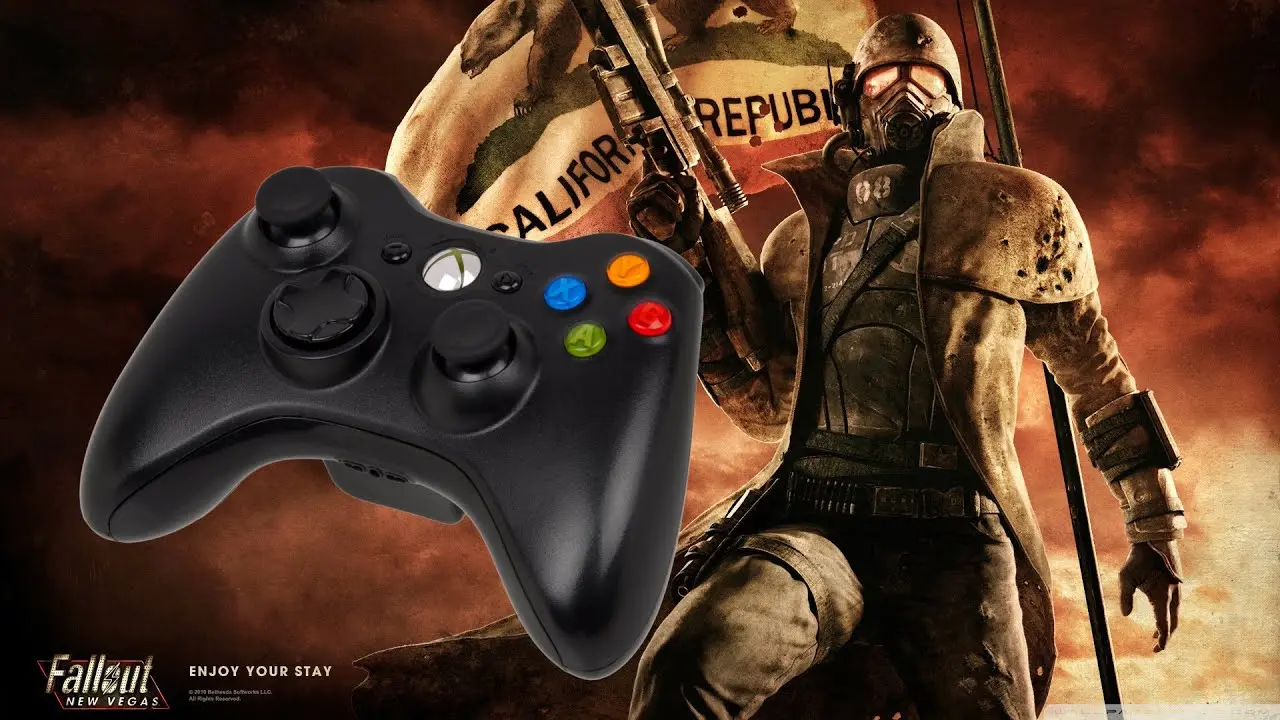
Controller Companion profile which should allow you to enjoy a modded FNV experience using an Xbox controller.
ControllerCompanion profile which should allow you to enjoy a modded FNV experience using an Xbox controller. The profile is based on the default Vanilla keyboard controls for France (Azerty), make sure you tweak it if you’re using a QWERTY layout.
1- Go to your Fallout New Vegas options menu and disable the controller
2- Reset your keyboard and mouse settings to the default ones. The only tweak I made was
to disable the camera view change (F by default on your keyboard).
3- Make sure the Steam overlay is disabled, and edit the Steam controller settings to disable the default Big Picture focus.
4- If you’re using the Mod Configuration Menu (MCM) interface, be sure to disable the controller mode (untick the last box).
5- Customize your key bindings to your likings, depending in the mods enabled. For this profile, I’m using Just Mods Assorted, B42 Weapon Bash, Inspect, Quickthrow, Jip Minimap, Jip CCC.
6- Please note: I am not using Strafe and Block in this custom profile configuration.
Feel free to edit the latter and add the associated keys if you need them.
When you’re done, proceed with customizing your Controller Companion buttons accordingly.
Primary profile controls
Controller= Keyboard equivalent = Function ingame
Start Button = Tab = Pipboy (Hold for lamp light)
Back Button = L = Weapon Wheel (Customize in MCM, Just Mods Weapon Wheel assignment in Pipboy)
A Button = E = Selection
B Button = G = Grenade/projectile throw key
X Button = R = Reload, Hold to holster (Repair in Pipboy)
Y Button = V = Vats (Hold to scan)
RT Right Trigger = Mouse Left Click = Attack
LT Left Trigger = Mouse Right Click = Aim (Drop item in Pipboy)
RB Bumper = Hold to toggle Controller Profile
LB Bumper = Shift = Sprint
Left Stick= ZQSD = Movement
Left Stick press = CTRL = Sneak
Right Stick = Mouse movement
Right Stick press = W = Grab
D-pad =Arrow keys = Menu navigation (Also allows for Pipboy STATS/ITEM/DATA navigation using LB)
Guide (Xbox button) = C = Toggle JIP Companion CC
Secondary profile controls (activate by holding RB)
Start Button= ESC = Pause Menu
Back Button = M = Toggle JIP Local MiniMap (Hide MiniMap on hold)
A Button = Enter
B Button = H = Grenade Swap
X Button = O = Ammo Inspect
Y Button = B = Weapon Bash
RT Right Trigger = Mouse Left Click = Attack
LT Left Trigger = Mouse Right Click = Aim (Drop item in Pipboy)
LB Bumper =Space = Jump
Left Stick= ZQSD = Movement
Left Stick press= A = Auto-walk
Right Stick = Mouse scroll (wheel) = Zoom scope in/out (hold LT + RB and zoom/shoot)
Right Stick press = Middle Mouse Click
D-pad = 2/4/5/7 = Weapon hotkeys assigned from the Pipboy
Guide (Xbox
📊 Mod Details
- Game
- New Vegas Mods
- Author
- Milouzze
- Version
- 1.0
- Downloads
- 418
- Endorsements
- 27
- Category
- Utilities
- Created
- 3/30/2022
- Updated
- 3/30/2022
🔧 How to Install New Vegas Mods
Download from Nexus.
📖 Full step-by-step install guide for New Vegas →
Visit the official mod page for specific installation instructions for this mod.
🎮 Need cheat codes or console commands? Check ur gaming wiki for New Vegas commands, item IDs, and more.
Keep browsing — more New Vegas mods await