Vibrance - A Colourful ReShade Preset
⚪ Last updated 2022⚠️ Install Order · 6 steps
Install in this order, then this mod last — most mods fail to load without their framework and dependencies in place.
Preview
🔍 Analysis
- 👍 3.6% endorsement rate — high engagement, a strong quality signal
- 🏆 #36 of 57 Visuals and Graphics mods in this game by downloads
📋 About This Mod
Description
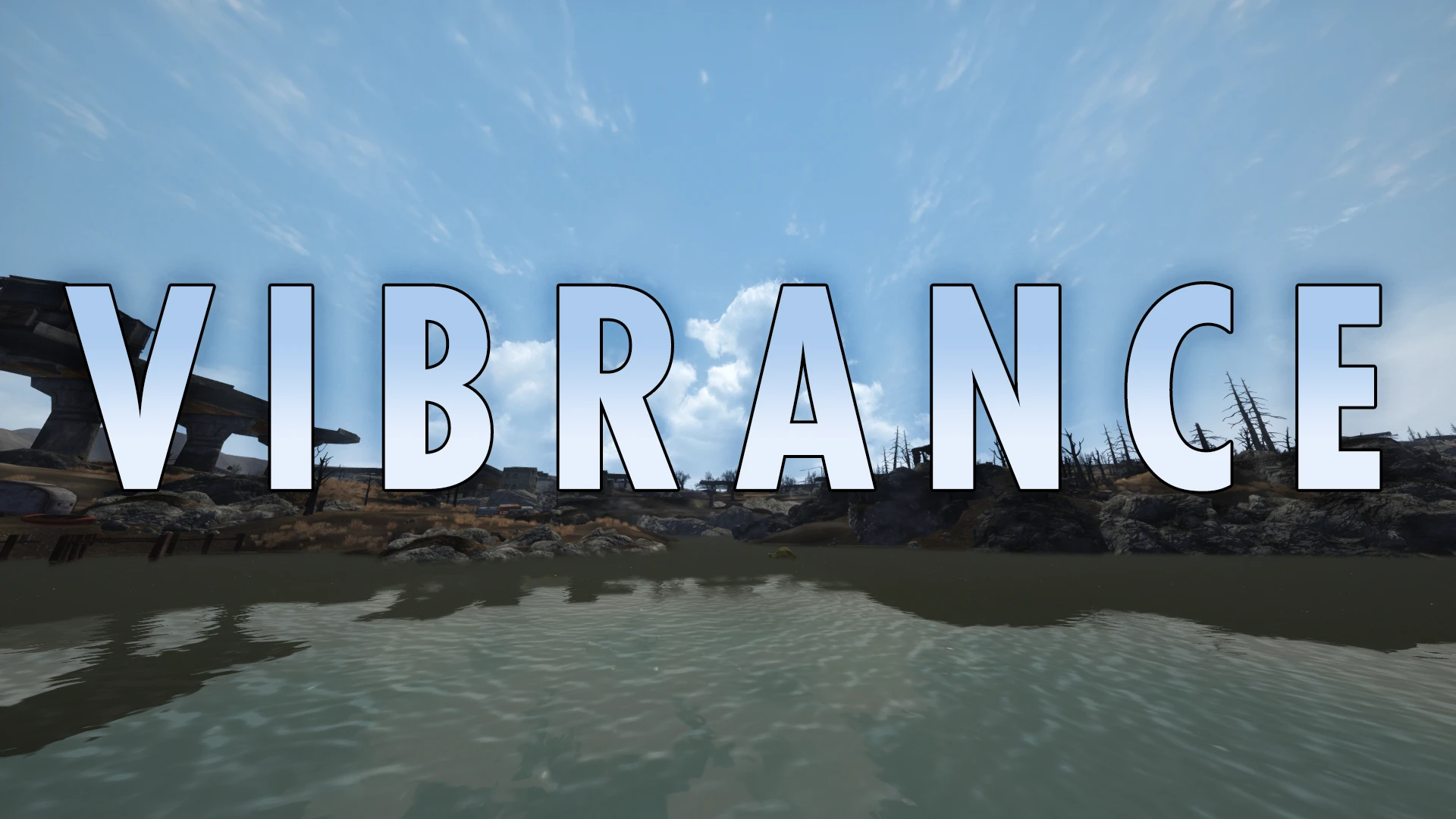
Vibrance aims to enhance the colours of the game while adding other subtle effects like a tiny bit of bloom, for a more vibrant experience. Made for Desert Natural Weathers, it should work with other weather mods (or none at all!) as well, though obviously it will look different than the screenshots.
Requirements
ReShade - required for the preset to work
Desert Natural Weathers - not strictly required, but looks best with it
Installation
-
[]Download the file and put Vibrance.ini in your game's folder
[
]Download ReShade from it's site[]During installation, point ReShade to your New Vegas.exe and choose DirectX 9 (or Vulkan if using DXVK)
[]When asked to select a preset, browse to Vibrance.ini and select it, this will only install the shaders required for this preset
- Once done, launch the game, open the ReShade menu by pressing Home and select the preset from the dropdown at the top
Scott Clam - for taking these awesome screenshots for me
The Many - for making the thumbnail and banner
Vibrance is a ReShade preset that boosts color saturation and vibrance in the game without overblown effects. With 833 endorsements and 23,446 downloads, it's a popular choice for players seeking a subtle visual enhancement. Last updated in May 2022, it remains a solid option for those wanting richer colors.
✨ Key Features
📊 Pros & Cons
✅ Pros
- Community-approved with 833 endorsements—clearly a fan favorite.
- Huge download count (23,446) shows it's been tried and tested.
- Subtle color boost without the garish over-saturation some presets suffer from.
⚠️ Cons
- Last updated in May 2022—may not be optimized for the latest game patches or ReShade versions.
- Requires ReShade to be installed separately, which isn't included.
For players who want richer, more vibrant colors without heavy post-processing effects. Ideal for those who prefer a natural look over dramatic filters. Skip if you're looking for major visual overhauls or gameplay changes—this is purely cosmetic.
💡 Beginner Tips
- Make sure ReShade is installed and set up for your game before adding this preset.
- After applying, tweak the preset's intensity settings in-game to match your preference.
- Check the preset's compatibility with your game version, as it was last updated in 2022.
📊 Mod Details
- Game
- New Vegas Mods
- Author
- Audixas
- Version
- 1.0
- Downloads
- 23,446
- Endorsements
- 833
- Category
- Visuals and Graphics
- Created
- 5/24/2022
- Updated
- 5/24/2022
🔧 How to Install New Vegas Mods
Download from Nexus.
📖 Full step-by-step install guide for New Vegas →
Visit the official mod page for specific installation instructions for this mod.
🎮 Need cheat codes or console commands? Check ur gaming wiki for New Vegas commands, item IDs, and more.
Keep browsing — more New Vegas mods await