Tops Lights Clipping Fix
⚪ Last updated 2022⚠️ Install Order · 5 steps
Install in this order, then this mod last — most mods fail to load without their framework and dependencies in place.
Preview
🔍 Analysis
- 👍 2.0% endorsement rate — high engagement, a strong quality signal
- 🏆 #252 of 344 Models and Textures mods in this game by downloads
📋 About This Mod
Tops Lights Clipping Fix
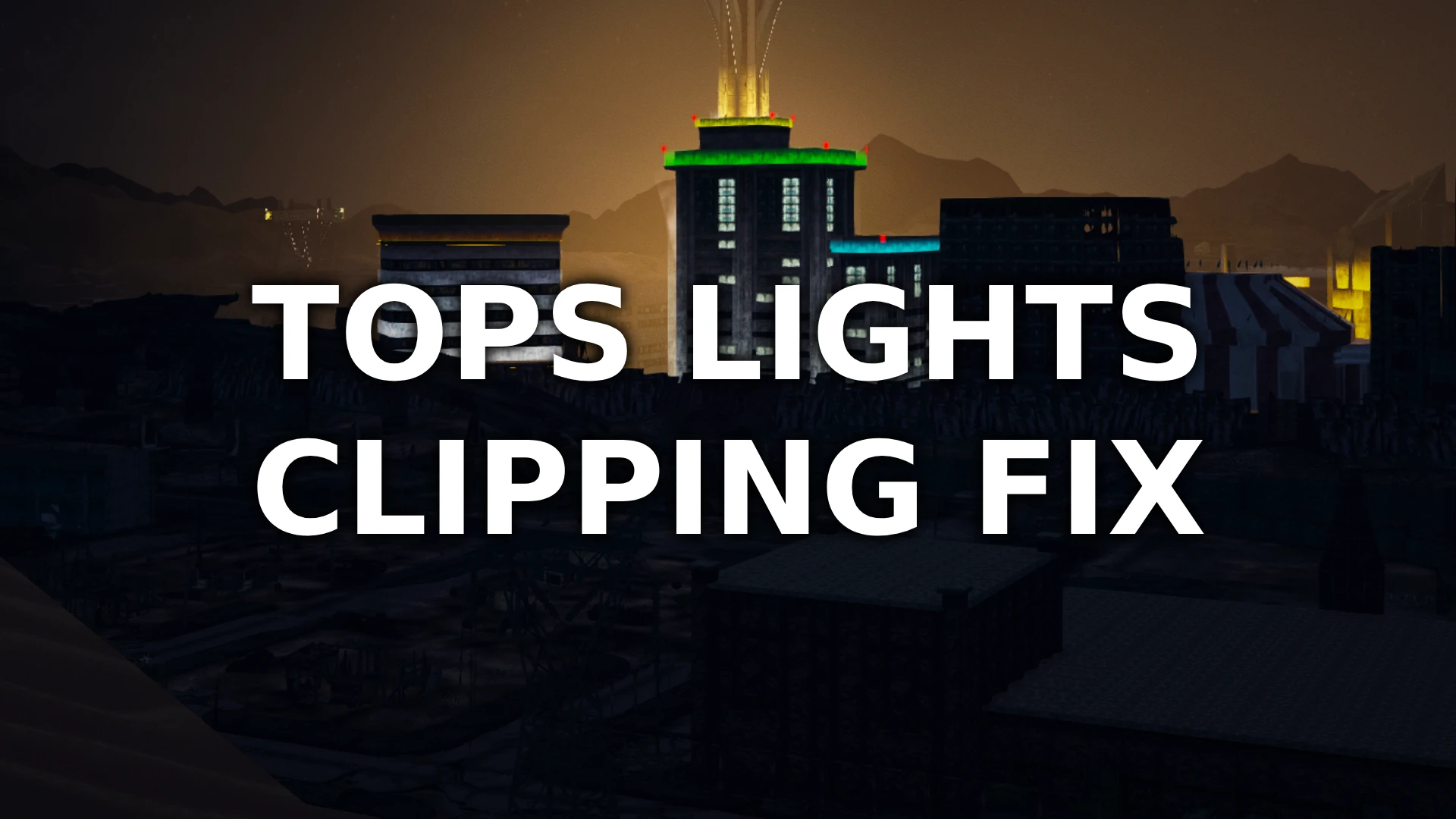
This mod includes an improved mesh for the lights that are visible from a distance on the Tops Casino. The base game mesh has very frequent and noticeable clipping while this has significantly less.
The light mesh does not look entirely the same from right up close under the building when outside the strip, this tradeoff is very much worth it IMO. This mod changes nothing inside the strip, just the impostor that you see at a distance.
No need to regenerate LOD, no esp, just replaces a mesh.
Credits:
Testing and assistance by clayvn on Nexus Mods.
My many mods:
Better Beans
Prettier Pears
Awesome Apples
Perfect Potatoes
Marvelous Maize
A small cosmetic fix for Fallout: New Vegas that resolves the noticeable clipping of lights at the peak of The Tops casino. With 413 endorsements and over 20,000 downloads, it's a community-approved visual polish for players who notice the glitch.
✨ Key Features
📊 Pros & Cons
✅ Pros
- Community-approved with 413 endorsements and over 20,000 downloads.
- Solves a specific visual annoyance that many players notice.
- Simple, focused fix—no bloat, just does what it says.
⚠️ Cons
- Only addresses one location—if you're hoping for broader lighting fixes, this isn't it.
- No screenshots or detailed install instructions provided by the author.
- May be overlooked if you don't spend time near The Tops casino.
For Fallout: New Vegas players who are bothered by visual glitches and want a cleaner look at The Tops casino. If you're a completionist who wants to polish every corner of the Mojave, this is a quick win. Skip if you're looking for gameplay changes or broader visual overhauls.
💡 Beginner Tips
- Since it's a simple mesh fix, just drop the files into your Data folder and enable the mod in your mod manager.
- If you use a mod manager like Vortex or FOMM, install it like any other mod—no special load order needed.
- Check the mod's file structure to ensure you place the meshes correctly, as some mods require specific folder paths.
📊 Mod Details
- Game
- New Vegas Mods
- Author
- MadMonkey119
- Version
- 1.0
- Downloads
- 20,696
- Endorsements
- 413
- Category
- Models and Textures
- Created
- 6/27/2022
- Updated
- 6/27/2022
🔧 How to Install New Vegas Mods
Download from Nexus.
📖 Full step-by-step install guide for New Vegas →
Visit the official mod page for specific installation instructions for this mod.
🎮 Need cheat codes or console commands? Check ur gaming wiki for New Vegas commands, item IDs, and more.
Keep browsing — more New Vegas mods await