TiddieShade - A TTW Reshade
⚪ Last updated 2023⚠️ Install Order · 7 steps
Install in this order, then this mod last — most mods fail to load without their framework and dependencies in place.
Preview
🔍 Analysis
- 👍 0.9% endorsement rate
- 🏆 #17 of 25 ENB presets mods in this game by downloads
📋 About This Mod
MY BADGE OF HONOR
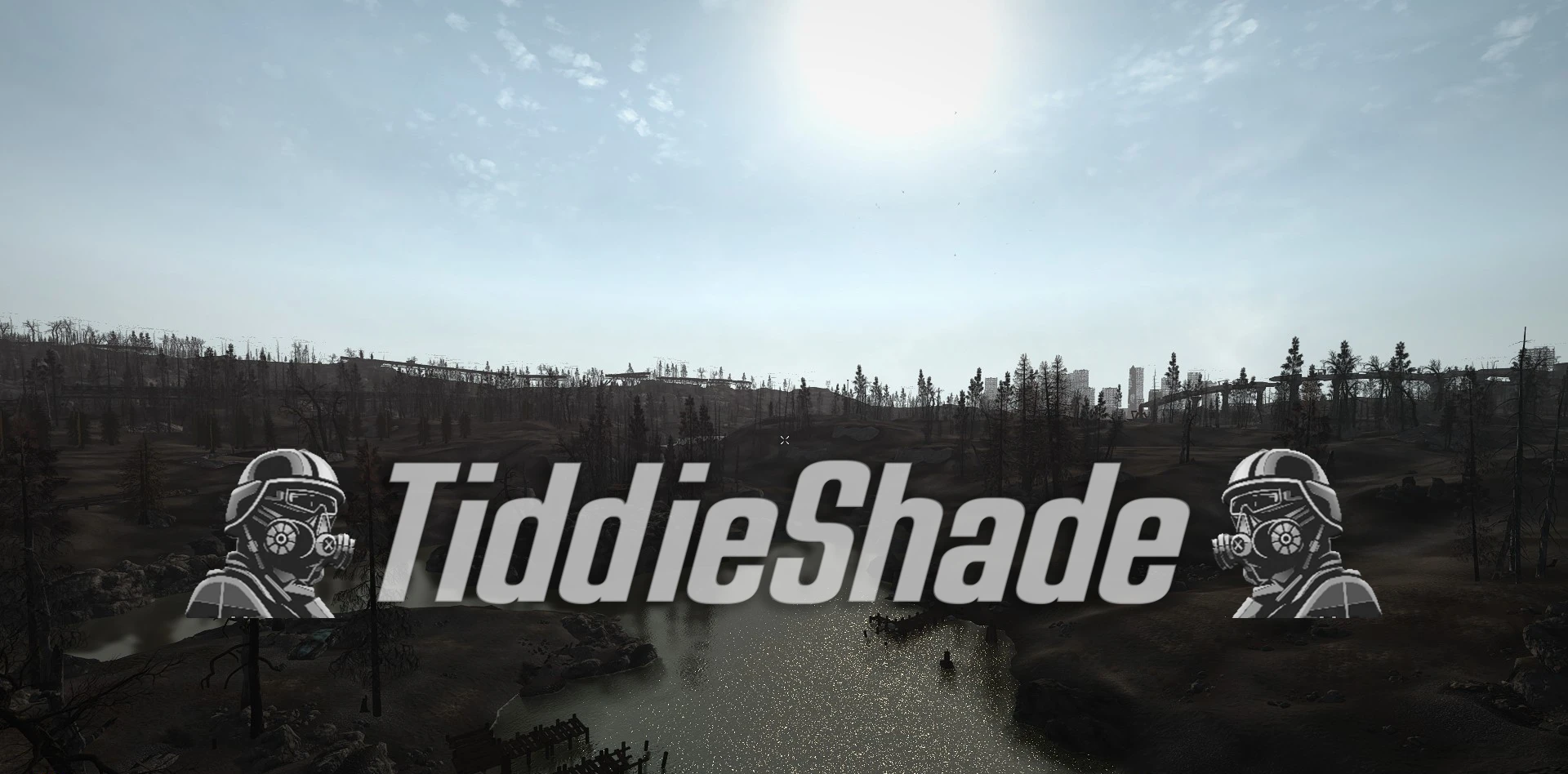
This Preset is made to go alongside TTW and bring out some of the color and detail, while still keeping what makes each wasteland unique.
Requires - Reshade
Installation:
Download Reshade from the provided link and install it to FNV. Select all the presets and install.
Now copy TiddieShade.ini to the main Fallout New Vegas directory (Steam\steamapps\common\Fallout New Vegas)
Once you load the game press the Home button and on the dropdown menu at the top you should see the ini file you downloaded, it may take a few seconds to load.
Mods Featured in screenshots
- Nut Water Overhaul
- Nut's Natural Grass
- NMC's Texture Pack
A Reshade preset for Tale of Two Wastelands that enhances color and detail while preserving the unique atmosphere of each wasteland. With 200 endorsements and over 21,000 downloads, it's a popular choice for players wanting a visual upgrade without overhauling the game's look.
✨ Key Features
📊 Pros & Cons
✅ Pros
- Proven track record: 21,000+ downloads and 200 endorsements show it's a trusted preset
- Keeps the distinct atmosphere of both Capital Wasteland and Mojave, so it doesn't wash everything out
- Easy to install if you already use Reshade—just drop it in and tweak to taste
⚠️ Cons
- Requires Reshade and TTW installed separately—no bundled installer
- No before/after screenshots or detailed settings breakdown in the description, so you're flying blind until you test it
- Last updated in 2023—might not be optimized for the latest Reshade versions or TTW updates
For TTW players who want a subtle visual boost without losing the gritty feel of the wastelands. If you're after a dramatic overhaul or don't use Reshade, this isn't for you.
💡 Beginner Tips
- Make sure you have Reshade installed and working before adding this preset, then just place the ini file in your game directory.
- Use Reshade's in-game overlay (Home key) to toggle effects and adjust intensity to match your monitor and taste.
- If you're on a lower-end PC, disable some of the heavier effects like ambient occlusion to keep performance stable.
📊 Mod Details
- Game
- New Vegas Mods
- Author
- MT4L
- Version
- 4.0
- Downloads
- 21,071
- Endorsements
- 200
- Category
- ENB presets
- Created
- 10/16/2022
- Updated
- 7/4/2023
🔧 How to Install New Vegas Mods
Download from Nexus.
📖 Full step-by-step install guide for New Vegas →
Visit the official mod page for specific installation instructions for this mod.
🎮 Need cheat codes or console commands? Check ur gaming wiki for New Vegas commands, item IDs, and more.
Keep browsing — more New Vegas mods await