Auto Incremental Save
⚪ Last updated 2011⚠️ Install Order · 5 steps
Install in this order, then this mod last — most mods fail to load without their framework and dependencies in place.
Preview
🔍 Analysis
- 👍 6.2% endorsement rate — high engagement, a strong quality signal
- 🏆 #27 of 38 Utilities mods in this game by downloads
📋 About This Mod
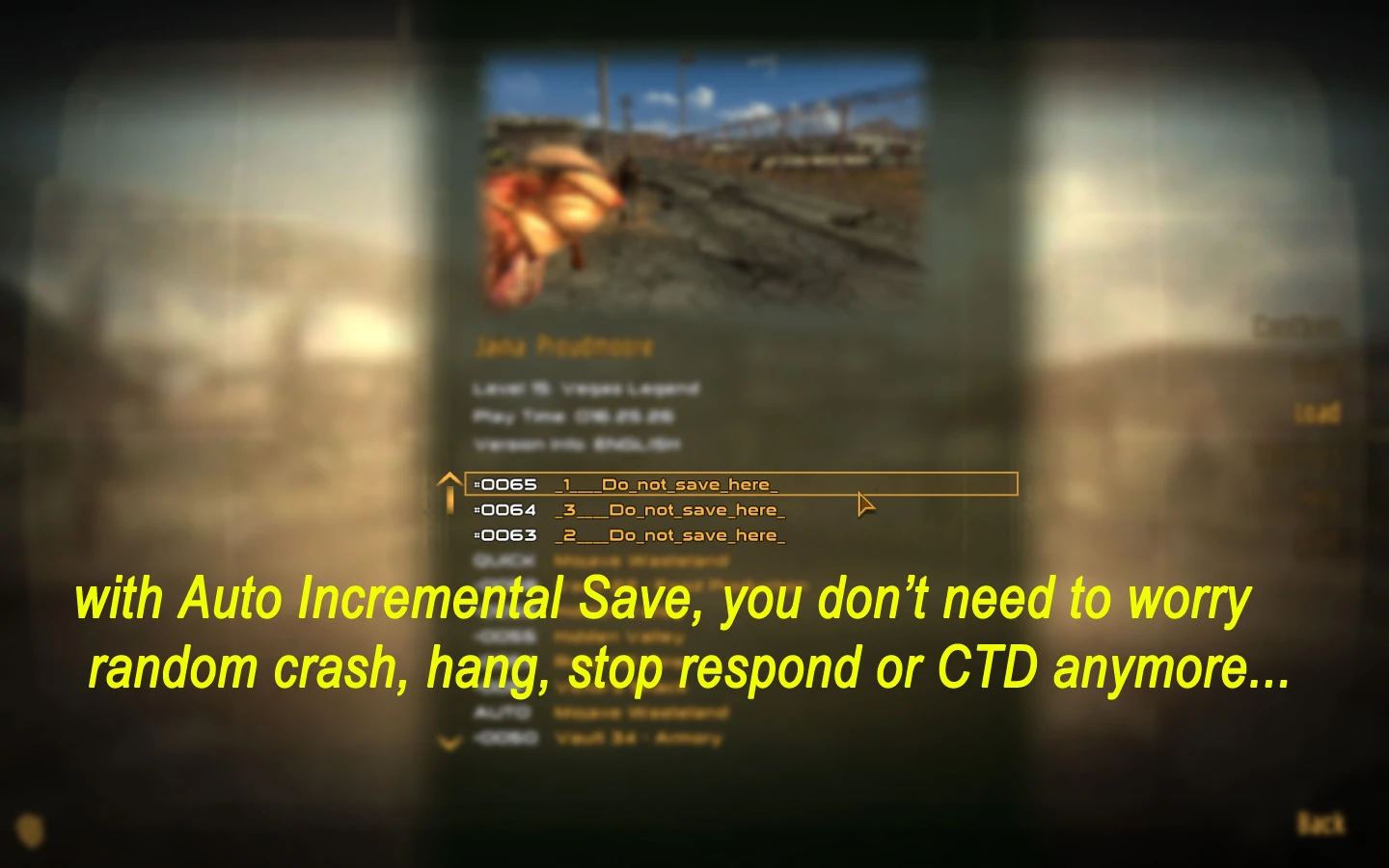
with \"Auto Incremental Save\", you do not need to worry about random crash, hang, stop respond or CTD anymore... The NVSE is required. Install: 1. place RX-Auto Incremental Save to \\Data folder. 2. FalloutNVLauncher or any of loading order tool to check this file. 3. play game using nvse_loader.exe Uninstall: FalloutNULauncher or any of loading order tool to uncheck this file (or delete this file) NVSE homepage: http://nvse.silverlock.org/ How to work: (v1. 0+) 1. After welcome message, your inventory add . 2. switch you Pipboy, Items, Aid page 3. touch 4. config menu appear. (see the Images section, I have upload all of menu there) ps. The initial setting is auto save every 20 sec, maximum 3 incremental files recycle. Version: 1. 0: Initialize Thanks: GECK FNVEdit
Auto Incremental Save is a utility mod for Fallout: New Vegas that automatically saves your game at set intervals, protecting against crashes, hangs, and CTDs. With 1,359 endorsements and 22,069 downloads, it's a proven tool for players who want peace of mind. Last updated in 2011, it remains a popular choice for stability.
✨ Key Features
📊 Pros & Cons
✅ Pros
- Community-approved with 1,359 endorsements and 22,069 downloads
- Essential for players who hate losing progress to random crashes
- Lightweight utility that runs in the background without fuss
⚠️ Cons
- Last updated in 2011 — may not be compatible with the latest game patches or mods
- Potential conflicts with other save-related mods if not managed properly
For Fallout: New Vegas players who are tired of losing hours of progress to unexpected crashes or freezes. If you're a modder or a heavy user of unstable mods, this is a must-have safety net. Skip if you're playing on a stable setup and don't mind manual saving.
💡 Beginner Tips
- Place the mod files directly into your Fallout: New Vegas Data folder, then activate via the launcher or mod manager.
- Test the auto-save feature by playing for a few minutes and checking that saves appear in your save list.
- If you use other save-related mods, check load order to avoid conflicts.
📊 Mod Details
- Game
- New Vegas Mods
- Author
- RetupmocSoft
- Version
- 1.0.final
- Downloads
- 22,069
- Endorsements
- 1,359
- Category
- Utilities
- Created
- 1/1/2011
- Updated
- 2/25/2011
🔧 How to Install New Vegas Mods
Download from Nexus.
📖 Full step-by-step install guide for New Vegas →
Visit the official mod page for specific installation instructions for this mod.
🎮 Need cheat codes or console commands? Check ur gaming wiki for New Vegas commands, item IDs, and more.
Keep browsing — more New Vegas mods await