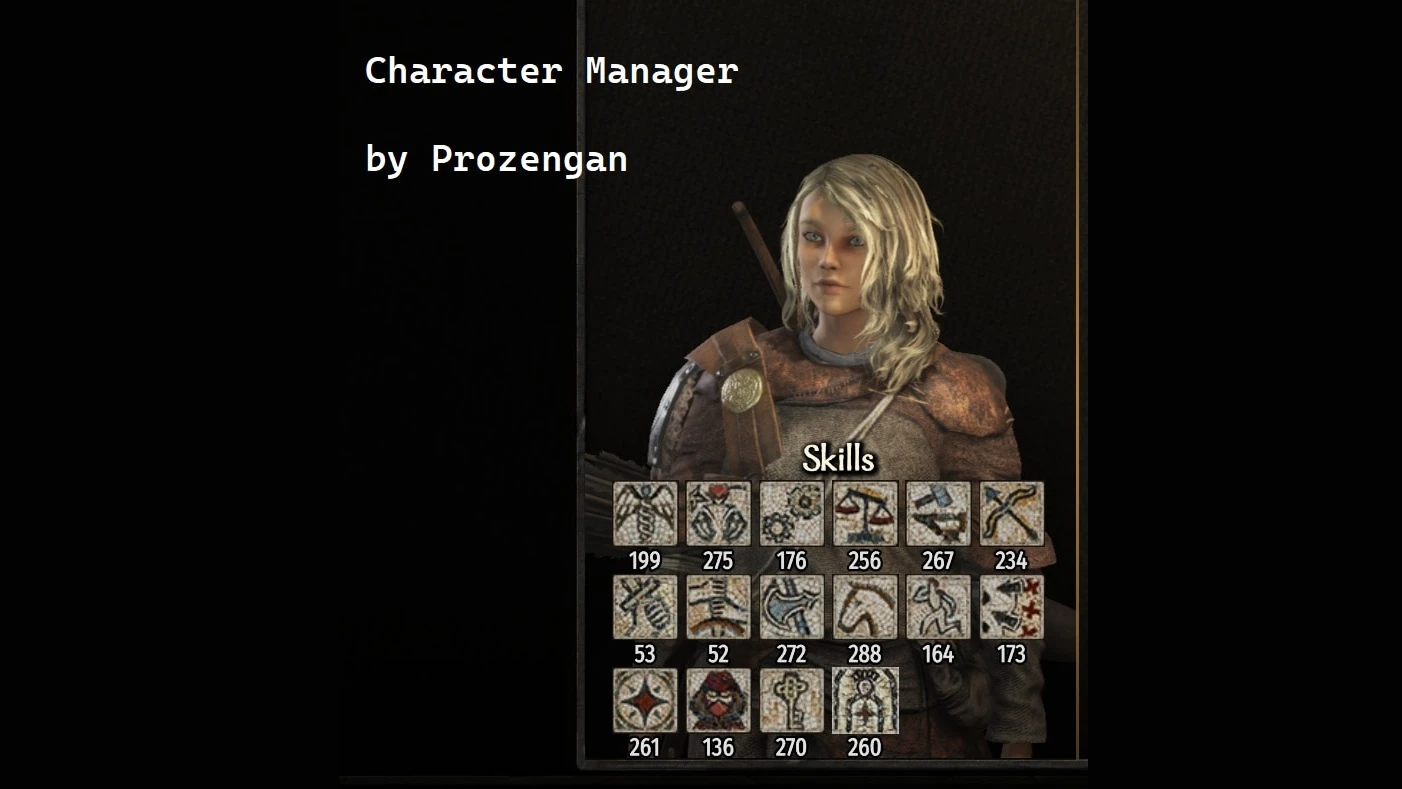
Character Manager
🟡 Updated this yearPreview
🔍 Analysis
- 👍 1.9% endorsement rate — high engagement, a strong quality signal
- 🏆 #16 of 28 Utilities mods in this game by downloads
📋 About This Mod
This mod adds commands in the developer console to export or import any character in the game. You'll keep the exact same level as in your previous save, contrary to some other old tools which don't work fully since TW changed how the
ALSO AVAILABLE DIRECTLY FROM THE STEAM WORKSHOP
Feel free to go and rate it if you enjoyed my mods during those two last years :)
Hello everyone ! As probably many of you, I used to use the Character Import/Export mod back in the days. But since TW changed how the XP is managed, this tool doesn't work fully anymore, especially on the save of the experience. I know some other mods exist which allow to modify the heroes data from the game, but I wanted a simple tool as the CIE was, with a textfile to edit allowing easy modification. Maybe other people will want it too, so I share ^^
Two mod versions
- Console : only commands via the console. More compatible with anything usualy.
- GUI : Save / Load command also available in Encyclopedia
What can you change / transfer ?
- Death status
- Clan leaders relation
- Influence
- Encyclopedia biography
- Focus and attributes
- Equipment
- Unlocked crafting parts
- Settlements
How does it work ?
== Classic usage
[]character_manager.save HeroName : Save the data of the character HeroName
[]character_manager.load HeroName : Import the data of the character HeroName
Notes :
- You can use HeroName "main" to save/load the main character
- You can use HeroName "companions" to save/load ALL your companions at once
- Renown, influence, partner, equipment and crafting pieces are NOT loaded by default. Toogle them in the txt file (xxxActivated=true)
[]character_manager.load_all_companions : Import (and create if needed) all txt files with the data companion=true as companions
[]character_manager.reset HeroName : All attributes at 1, perks reset, focus at 0, and all points available (skills level NOT changed)
[]character_manager.resetfull HeroName : Reset attributes, skills, level, total experience, focus and perks (big thanks to rayler for the tip !)
[]character_manager.godmode HeroName : All stats boosted, all perks (except Rogue Extraordinaire, apparently broken in 1. 5. 7) and adds 1m denars to the character
[]character_manager.godmode_for_all : All stats boosted for every Hero in your save
[]character_manager.rename intialName , newName : Rename a character. Allows to temporary rename a character if two characters have the same name. Initial name is not case sensitive. You can use spaces in names. Names are trimmed, so if you add spaces after or before a name, they won't be used (example : bob the something , bob the other thing will be read as bob the something , bob the other thing without additional spaces). Comma is mandatory.
[*]character_manager.help : Shows an help with command examples
Those use case are some simple example. You can do more complicated stuff with the command, but I'll stay simple for the sake of explanation.
Transfer your hero from a save to another
ORIGINAL SAVE
character_manager.save mainHeroName
A file mainHeroName.txt should be created in your documents
📊 Mod Details
- Game
- Mountandblade2bannerlord Mods
- Author
- Prozengan
- Version
- 4.0.10
- Downloads
- 185,762
- Endorsements
- 3,561
- Category
- Utilities
- Created
- 11/8/2020
- Updated
- 12/25/2025
🔧 How to Install Mountandblade2bannerlord Mods
Download from Nexus Mods.
📖 Full step-by-step install guide for Mountandblade2bannerlord →
Visit the official mod page for specific installation instructions for this mod.
🎮 Need cheat codes or console commands? Check ur gaming wiki for Mountandblade2bannerlord commands, item IDs, and more.
Keep browsing — more Mountandblade2bannerlord mods await