Ebony Shortword Returns
⚪ Last updated 2018⚠️ Install Order · 2 steps
Install in this order, then this mod last — most mods fail to load without their framework and dependencies in place.
Preview
🔍 Analysis
- 👍 7.9% endorsement rate — high engagement, a strong quality signal
- 🏆 #24 of 47 Bug Fixes mods in this game by downloads
📋 About This Mod
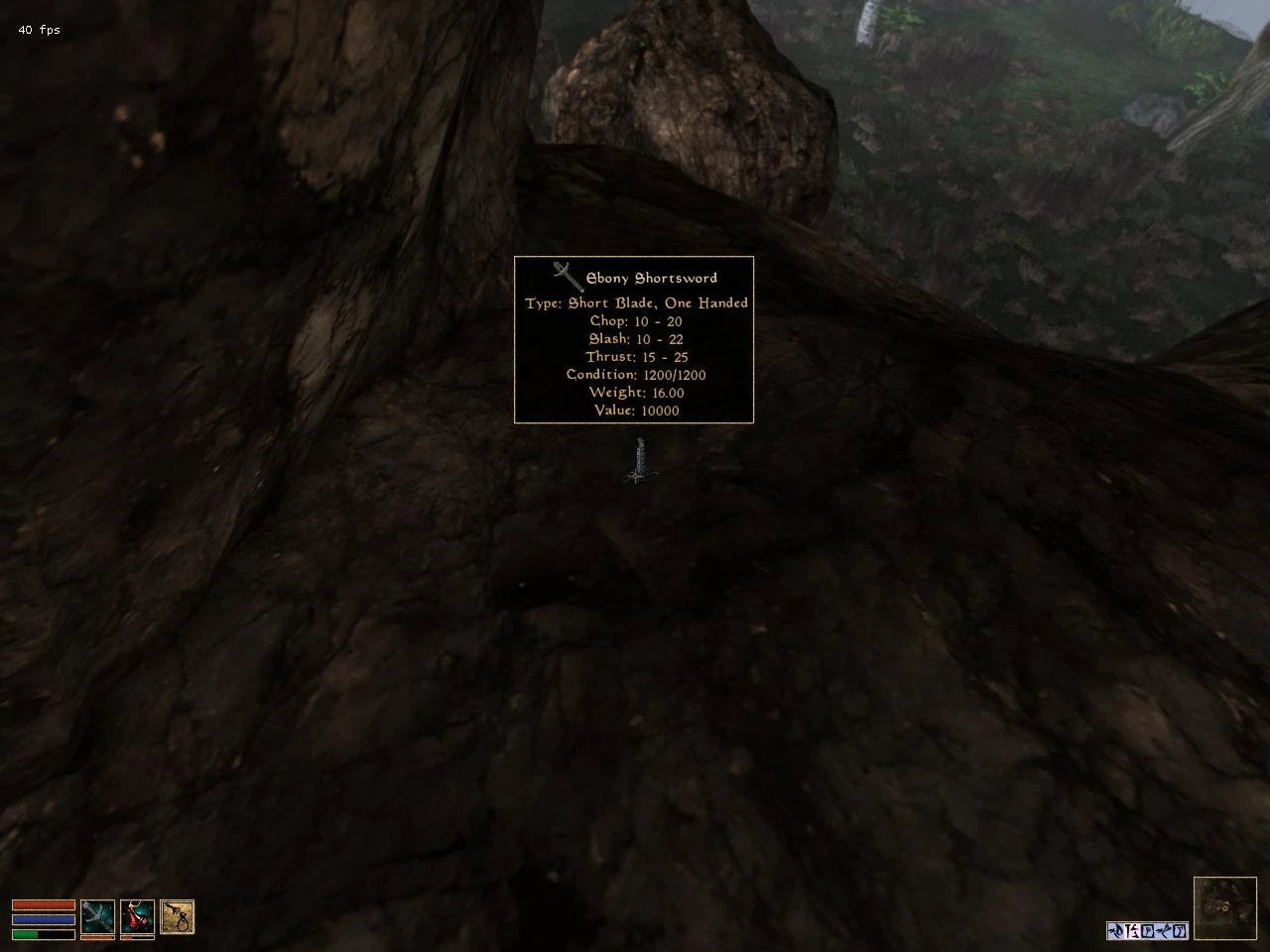
There used to be an ebony shortword hidden in the Odai Plataeu in a previous version of Morrowind. But for some reason a later version of morrowind clipped the sword under the ground so its impossible to get. This mod moves the sword back to a place it can be found again.
Its an odd thing what happened to this fabled sword. Many people recall finding it in their playthroughs long ago, including me,. But now if you try to find it you cannot, unless you use console command cheats. The sword has always been there, but likely due to some oversight, the sword or the terrain has been shifted slightly causing the sword to be completely inside the terrain thus making it impossible to reach.
This mod simply moves the sword back to where it was originally so it can once again be found by the player as they stumble about.
This bug fix mod restores the Ebony Shortsword in Morrowind's Odai Plateau, which was previously clipped underground in a later game version. It moves the sword back to a reachable location, making it obtainable again. Ideal for players who want to recover this hidden weapon without console commands.
✨ Key Features
📊 Pros & Cons
✅ Pros
- Fixes a frustrating bug that made a unique weapon unobtainable
- Simple, focused fix—no extra bloat
- Community-tested with 41 endorsements
⚠️ Cons
- Last updated in 2018—may not be compatible with the latest Morrowind patches
- Only addresses this one specific sword—no other bug fixes included
For Morrowind players who want to grab the Ebony Shortsword without resorting to console commands. Also for completionists who hate missing out on hidden loot. Skip if you're not interested in this specific weapon or if you're playing a heavily modded setup where compatibility could be an issue.
💡 Beginner Tips
- Make sure to place the mod files in your Morrowind Data Files folder and activate the .esp in the launcher.
- If you're using a mod manager like Wrye Mash or Mod Organizer 2, install through that for easier management.
- After installing, head to Odai Plateau and look for the sword in its original spot—it should be visible now.
📊 Mod Details
- Game
- Morrowind Mods
- Author
- Teralitha
- Version
- 1.0
- Downloads
- 516
- Endorsements
- 41
- Category
- Bug Fixes
- Created
- 7/8/2018
- Updated
- 7/8/2018
🔧 How to Install Morrowind Mods
Download from Nexus.
📖 Full step-by-step install guide for Morrowind →
Visit the official mod page for specific installation instructions for this mod.
🎮 Need cheat codes or console commands? Check ur gaming wiki for Morrowind commands, item IDs, and more.
Keep browsing — more Morrowind mods await