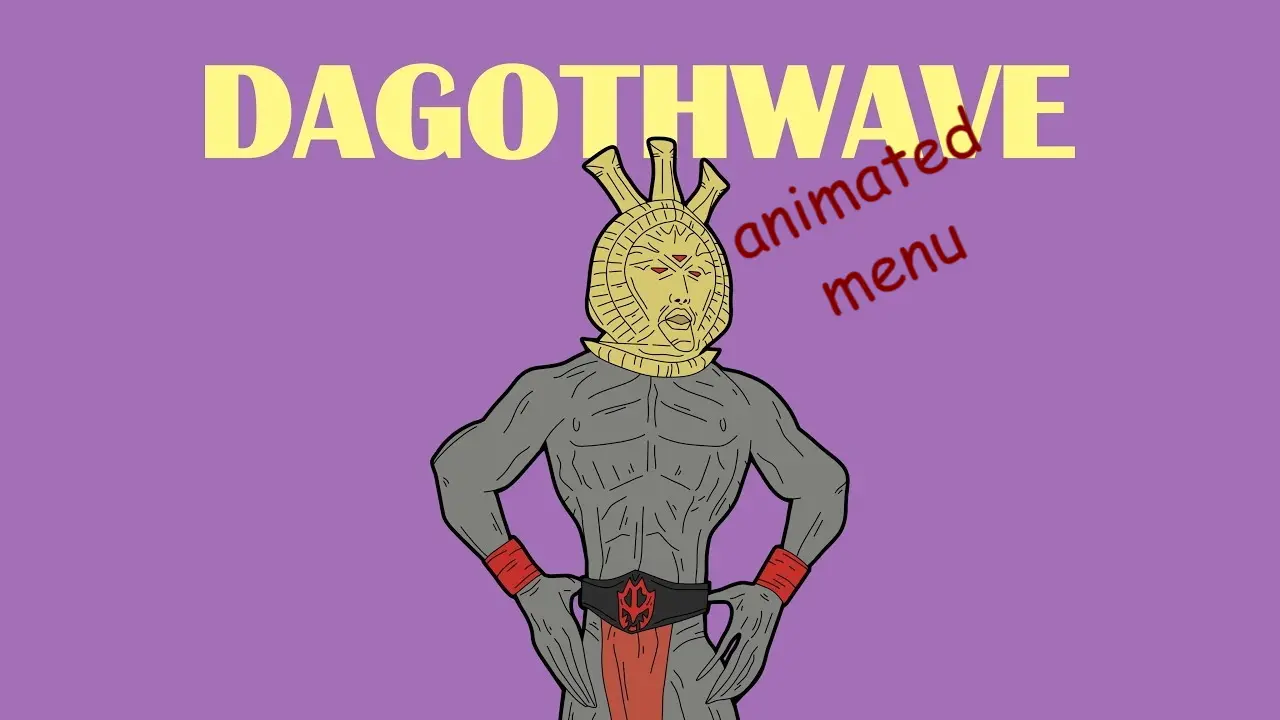
DAGOTHWAVE - Animated Main Menu
⚪ Last updated 2020⚠️ Install Order · 2 steps
Install in this order, then this mod last — most mods fail to load without their framework and dependencies in place.
Preview
🔍 Analysis
- 👍 4.4% endorsement rate — high engagement, a strong quality signal
- 🏆 #95 of 95 User Interface mods in this game by downloads
📋 About This Mod
"Welcome Moon-and-Star. Come to me, through fire and war."
DAGOTHWAVE is a compact UI mod for Morrowind that replaces the main menu with an animated tribute to Dagoth Ur, featuring the iconic quote 'Welcome Moon-and-Star. Come to me, through fire and war.' With 38 endorsements and 864 downloads, it's a niche cosmetic enhancement for fans of the game's lore.
✨ Key Features
📊 Pros & Cons
✅ Pros
- Perfect for Morrowind fans who want a lore-friendly main menu
- Adds a unique touch to the game's UI without affecting gameplay
- Small but dedicated following (38 endorsements) — a cult classic for Dagoth Ur enthusiasts
⚠️ Cons
- Last updated in January 2020 — may not be compatible with the latest Morrowind patches or mod setups
- Only affects the main menu — if you're looking for broader UI overhauls, this won't satisfy you
For Morrowind players who love Dagoth Ur and want a bit of his presence every time they boot up the game. Also for mod collectors who appreciate niche, atmospheric UI tweaks. Skip if you prefer a vanilla or completely overhauled menu — this is purely cosmetic and lore-specific.
💡 Beginner Tips
- Since the mod is from 2020, check if your Morrowind installation is up-to-date and consider using a mod manager like Wrye Mash or Mod Organizer 2 to handle file placement safely.
- If you're using OpenMW, test the mod after installation — some old UI mods may need manual adjustments to work with OpenMW's engine.
- Make a backup of your original main menu files before overwriting, so you can revert if you don't like the change.
📊 Mod Details
- Game
- Morrowind Mods
- Author
- Young Scrolls
- Version
- 1.0
- Downloads
- 864
- Endorsements
- 38
- Category
- User Interface
- Created
- 1/20/2020
- Updated
- 1/20/2020
🔧 How to Install Morrowind Mods
Download from Nexus.
📖 Full step-by-step install guide for Morrowind →
Visit the official mod page for specific installation instructions for this mod.
🎮 Need cheat codes or console commands? Check ur gaming wiki for Morrowind commands, item IDs, and more.
Keep browsing — more Morrowind mods await