ALL Items in Shop (with DLC support)
⚪ Last updated 2019⚠️ Install Order · 1 step
Install in this order, then this mod last — most mods fail to load without their framework and dependencies in place.
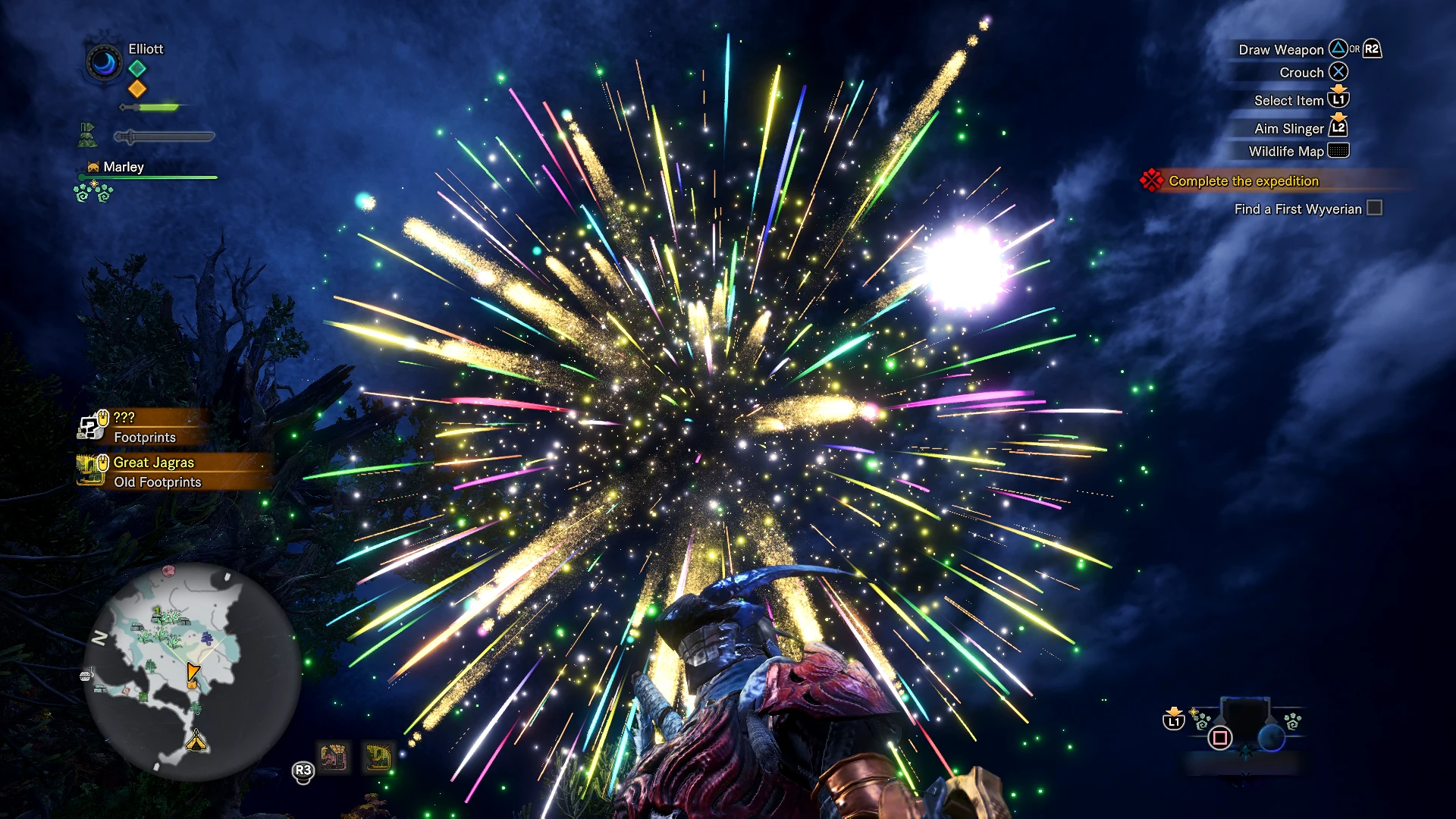
Preview
🔍 Analysis
- 👍 3.1% endorsement rate — high engagement, a strong quality signal
- 🏆 #2 of 65 Miscellaneous mods in this game by downloads
📋 About This Mod
UPDATE 10/09/19 - fixed an issue where items, including the popularly requested Handicraft jewel, were missing.
Adds every single item in the game into the store, including unreleased DLC items, decorations, streamstones and much more. It's important to note that the game has a limit on the number of items in the store, which cannot (as of yet) be bypassed, so the files are split into "pages". The game will by default load the first page, which has the first 255 items, but there are 3 (update: 9!) other pages which you can load in by renaming the files (see readme.txt).
This mod is designed to help you restore your progress from a PS4 or Xbox One save file, so you can just buy all the items you have on one save to bring them into your new PC save!
All items have their real prices (approximately 10 times their sell value). This is dictated by the game in some other file that I haven't found yet, and so cannot currently be changed.
This mod should support all of the items from the free DLC updates, and in theory should support all the items from Iceborne. This hasn't been tested, so expect a fully validated version when Iceborne actually releases in January 2020.
Installation:
-
[]Read readme.txt (this is essential).
[
]Extract the downloaded .zip file and move the nativePC folder to C:/Program Files (x86)/Steam/steamapps/common/Monster Hunter World, or whatever your install directory is.[]In File Explorer, go to "View" and tick "File name extensions" (the image at this link may help).
[]Rename whichever page you want to load into the game in /nativePC/common/facility to shopList.slt.
This mod adds every item in Monster Hunter World to the in-game shop, including DLC items, decorations, and streamstones, with support for unreleased Iceborne content. It is designed to help players restore progress from console saves by purchasing items on PC. The shop has a 255-item limit, so the mod splits items into multiple pages that can be loaded by renaming files.
✨ Key Features
📊 Pros & Cons
✅ Pros
- Massive community trust with 25,873 endorsements and over 840k downloads — this is the go-to shop mod.
- Covers everything: decorations, streamstones, and even unreleased DLC items, so you can get your build back fast.
- Regularly updated (last in September 2019) with fixes for missing items like the Handicraft jewel.
⚠️ Cons
- The 255-item shop limit means you have to manually rename files to switch pages — clunky if you need items from multiple pages.
- Iceborne support is theoretical and untested; if you're on the latest version, expect potential issues until a validated update.
- Prices are fixed at roughly 10x sell value and can't be changed — you'll need to farm zenny if you're buying a lot.
For Monster Hunter World players migrating from console who want to rebuild their loadout without replaying hundreds of hours. Also great for PC players who want to test builds with every decoration and streamstone at their fingertips. Skip if you prefer a pure progression experience or want to avoid any semblance of cheating.
💡 Beginner Tips
- Read readme.txt first — it's essential for understanding the page system and file renaming.
- Enable 'File name extensions' in File Explorer so you can properly rename the shopList files.
- Back up your original shopList.slt if you have one, so you can revert if needed.
📊 Mod Details
- Game
- Monster Hunter World Mods
- Author
- Elliott Weaver
- Version
- 2.1.1
- Downloads
- 840,001
- Endorsements
- 25,873
- Category
- Miscellaneous
- Created
- 8/21/2018
- Updated
- 9/12/2019
🔧 How to Install MHW Mods
Install Stracker\
📖 Full step-by-step install guide for MHW →
Visit the official mod page for specific installation instructions for this mod.
🎮 Need cheat codes or console commands? Check ur gaming wiki for MHW commands, item IDs, and more.
Keep browsing — more MHW mods await