Max Slots and Skills - Armor and Weapons and Talismans
🟡 Updated this yearThis mod may not work until the author updates it. Check for an update, or see the rollback guide.
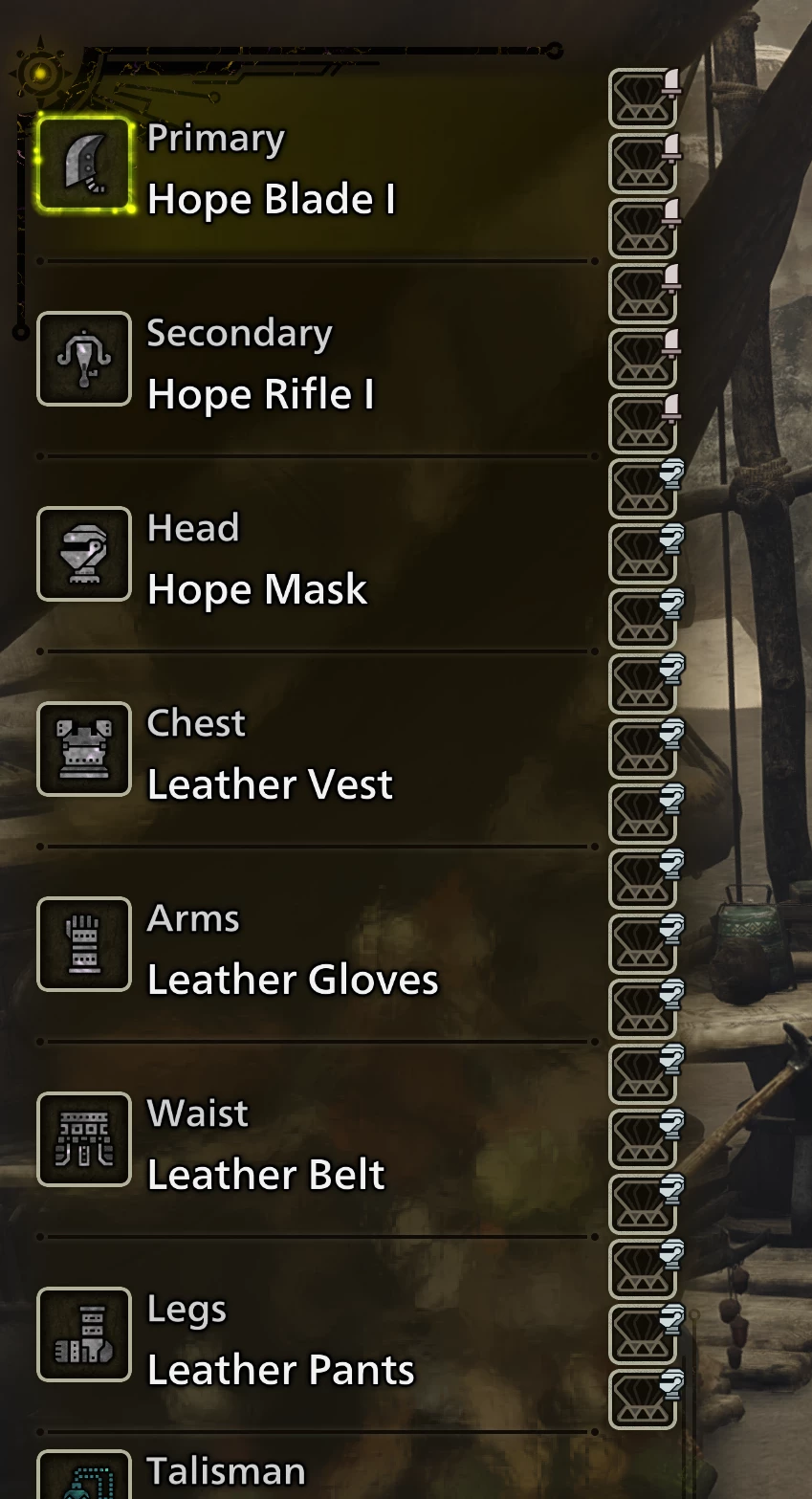
Preview
🔍 Analysis
- 👍 0.6% endorsement rate
- 🏆 #7 of 97 Miscellaneous mods in this game by downloads
📋 About This Mod
Various options to max slots and skills on armors/weapons.
-
[]Loose: Loose asset files. Conflicts with anything altering the same asset, and REQUIRES REF's "Loose File Loader" to be enabled.
[
]REF: These are LUA based, but shouldn't conflict with anything at all.A Note on Talismans (Generated/Forged):
-
[]Forged: This is the regular 'Talismans' file on here; it's all the normal talismans and has been how the mod has worked till this point. It cannot and will never affect generated talismans.
[
]Generated: This covers ONLY generated talismans, and ONLY NEW INSTANCES of them! Because some will fail to understand that: This means it will not affect any previously generated talisman. You MUST meld/appraise a new one and whatever 'generated' mod options you have active will apply during generation.Talismans are checked for legality! This is done via the rules used to generate them. In other words, the changes this makes so they generate with max skills or whatever, are only usable with the same mods active. With those active, talismans generated without the mod are then considered invalid since they go against the new generation rules.
None of this will remove the talismans or prevent your save from loading, the game just prevents you from equipping illegal ones.
The REF options can be combined! The loose options (within a single type) cannot! (You can activate one armor loose option, one weapon loose option, etc., but not more than one armor loose option.)
e.g. If you want both max slots and skills, activate both the REF options!
Installation Instructions
-
[]Install REFramework. (Nightly 1207 or later!)
[
]The loose file loader must be enabled BEFORE THE GAME HAS STARTED for these loose assets to be loaded.[]Either enable it in the overlay or through the config (re2_fw_config.txt): `LooseFileLoader_Enabled`
[]The setting in REF's overlay is only saved WHEN THE OVERLAY IS CLOSED.
[]Install Fluffy Mod Manager.
- [
[]Or place the archive into `.....\Fluffy Mod Manager\Games\MonsterHunterWilds\Mods` WITHOUT EXTRACTING!
[]If you wanna install it manually, have at it, but I'm not gonna support or give instructions for it. Too much user error.
Uninstallation Instructions
-
[]Remove the files. Turning it off in FMM is usually sufficient. Yeah. That's it.
[
]If it's still active in-game, then the files are still in the game directory, no matter what your mod manager says.
-
[]Install REFramework. (Nightly 1207 or later!)
-
[]Forged: This is the regular 'Talismans' file on here; it's all the normal talismans and has been how the mod has worked till this point. It cannot and will never affect generated talismans.
📊 Mod Details
- Game
- Monster Hunter Wilds Mods
- Author
- LordGregory
- Version
- 1.11
- Downloads
- 126,809
- Endorsements
- 822
- Category
- Miscellaneous
- Created
- 2/28/2025
- Updated
- 2/18/2026
🔧 How to Install MH Wilds Mods
Use Fluffy Mod Manager.
📖 Full step-by-step install guide for MH Wilds →
Visit the official mod page for specific installation instructions for this mod.
🎮 Need cheat codes or console commands? Check ur gaming wiki for MH Wilds commands, item IDs, and more.
Keep browsing — more MH Wilds mods await