Disable Post Processing Effects
🟠 Updated over a year agoThis mod may not work until the author updates it. Check for an update, or see the rollback guide.
Preview
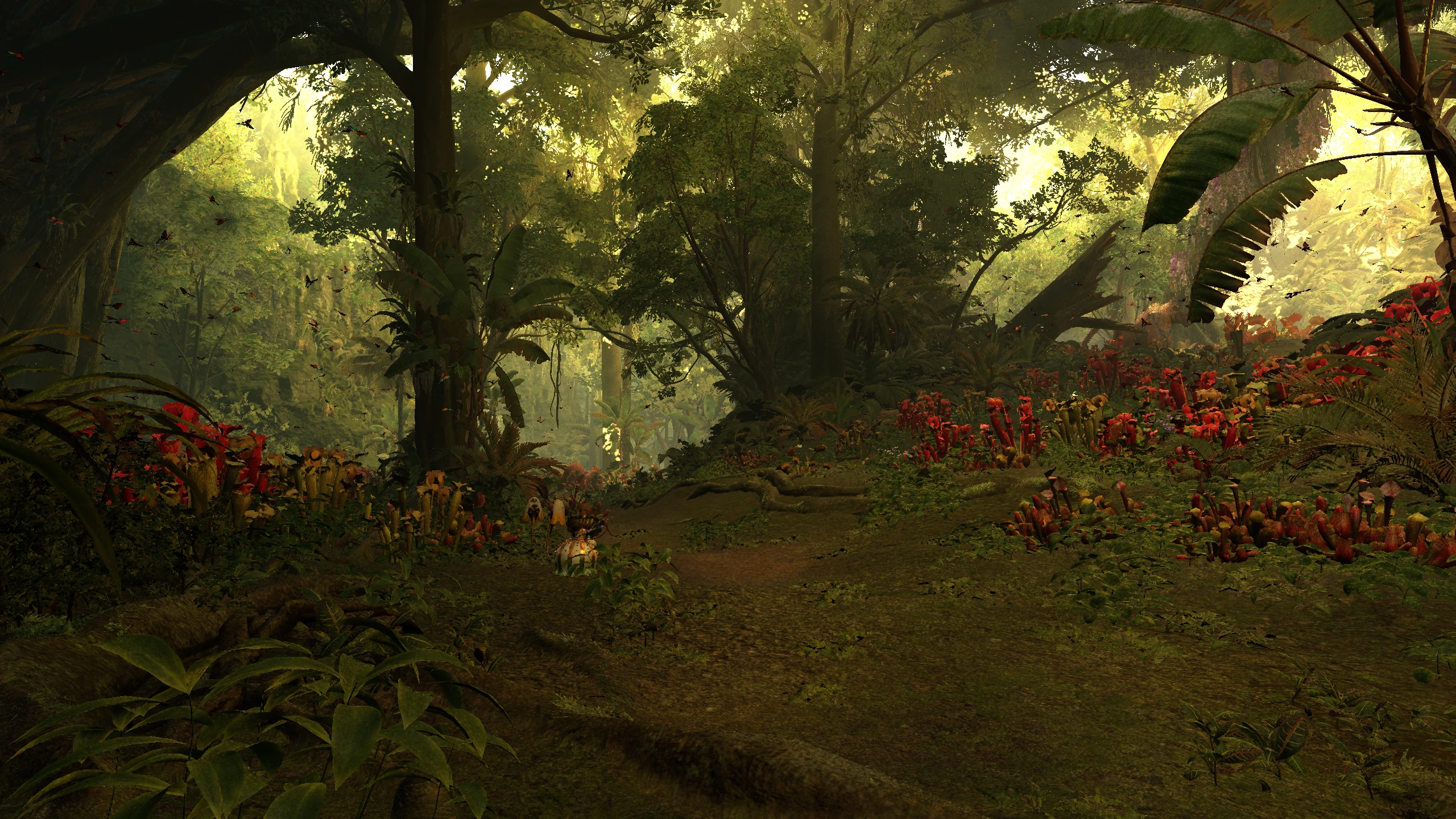
🔍 Analysis
- 👍 1.5% endorsement rate — high engagement, a strong quality signal
- 🏆 #2 of 140 Visuals mods in this game by downloads
📋 About This Mod
A REFramework script that lets you adjust or disable different post processing effects such as TAA, color correction, lens distortion, local exposure, sharpening, volumetric fog, film grain , etc.
Other alternatives/mods/presets:
RenoDX - HDR and SDR Fix - Tonemap - Color Grade by Ritsu and Kickfister (rewrite of grading pipeline to fix HDR/SDR and other features)
No Color Filters by korone (removes the color filter by replacing the color filter LUT with a neutral one)
Disable Lens Distortion by SnakeyHips (disables lens distortion only)
Disable Ambient Lighting by SnakeyHips (disables ambient lighting)
Tweak In-Game Volumetric Fog(s) by TheFuzzy (tweak volumetric fog and ambient lighting parameters)
Lite Environment - OGU (Old Gens Unbloat) by HolographicWings (improves fps by disabling wind simulation, volumetric fog, ambient lighting)
More graphics options by Aiyke (allows you to adjust a variety of graphics options with the goal of increasing performance)
ColorCorrection_MonsterHunterWilds_LCPD15 by LCPD15 (ReShade preset bundled with REFramework and this script)
Monster Hunter Wilds ReGraded by Duke Bilgewater (ReShade preset made to be used with this script)
Wilds Rehydrated - ReShade by ISpectre23 (ReShade preset that uses this mod for the SDR version)
GitHub mirror: https://github.com/TonWonton/RE_DisablePostProcessingEffects
Important
If you are updating from a version older than v2. 0. 0 to v2. 0. 0+:
- Delete the old version in `\GAME_FOLDER\reframework\autorun\mhwilds_disable_postprocessing.lua
- Config will be reset (uses new config file)
Description
Disable or change the settings of different post-processing effects.
Features
- Disable or change the settings of different post-processing effects
- Anti-aliasing
- Color correct
- Sharpening
- Local exposure
- Auto exposure
- Gamma (game and UI)
- Brightness (game and UI)
- Volumetric fog
- Film grain
- Lens distortion
- All options have a `Default` setting
- The mod will not change things set to `Default`
- Allows for choosing which options you want to change without affecting other options or scenes
- Settings are saved to config file and automatically loaded
Installation
Lua
1. Install REFramework
- NexusMods: https://www.nexusmods.com/monsterhunterwilds/mods/93
- GitHub: https://github.com/praydog/REFramework-nightly/releases
2. Download the lua script and extract to game folder
- `MHWilds_DisablePostProcessingEffects.lua` should be in `\GAME_FOLDER\reframework\autorun\MHWilds_DisablePostProcessingEffects.lua`
C#
1. Install REFramework an
📊 Mod Details
- Game
- Monster Hunter Wilds Mods
- Author
- TonWonton
- Version
- 1.3.3
- Downloads
- 253,941
- Endorsements
- 3,780
- Category
- Visuals
- Created
- 3/5/2025
- Updated
- 7/13/2025
🔧 How to Install MH Wilds Mods
Use Fluffy Mod Manager.
📖 Full step-by-step install guide for MH Wilds →
Visit the official mod page for specific installation instructions for this mod.
🎮 Need cheat codes or console commands? Check ur gaming wiki for MH Wilds commands, item IDs, and more.
Keep browsing — more MH Wilds mods await