Xray 1.16.5
⚪ Last updated 2021Preview
🔍 Analysis
- 👍 2.3% endorsement rate — high engagement, a strong quality signal
- 🏆 #23 of 227 Resource/Texture pack mods in this game by downloads
📋 About This Mod
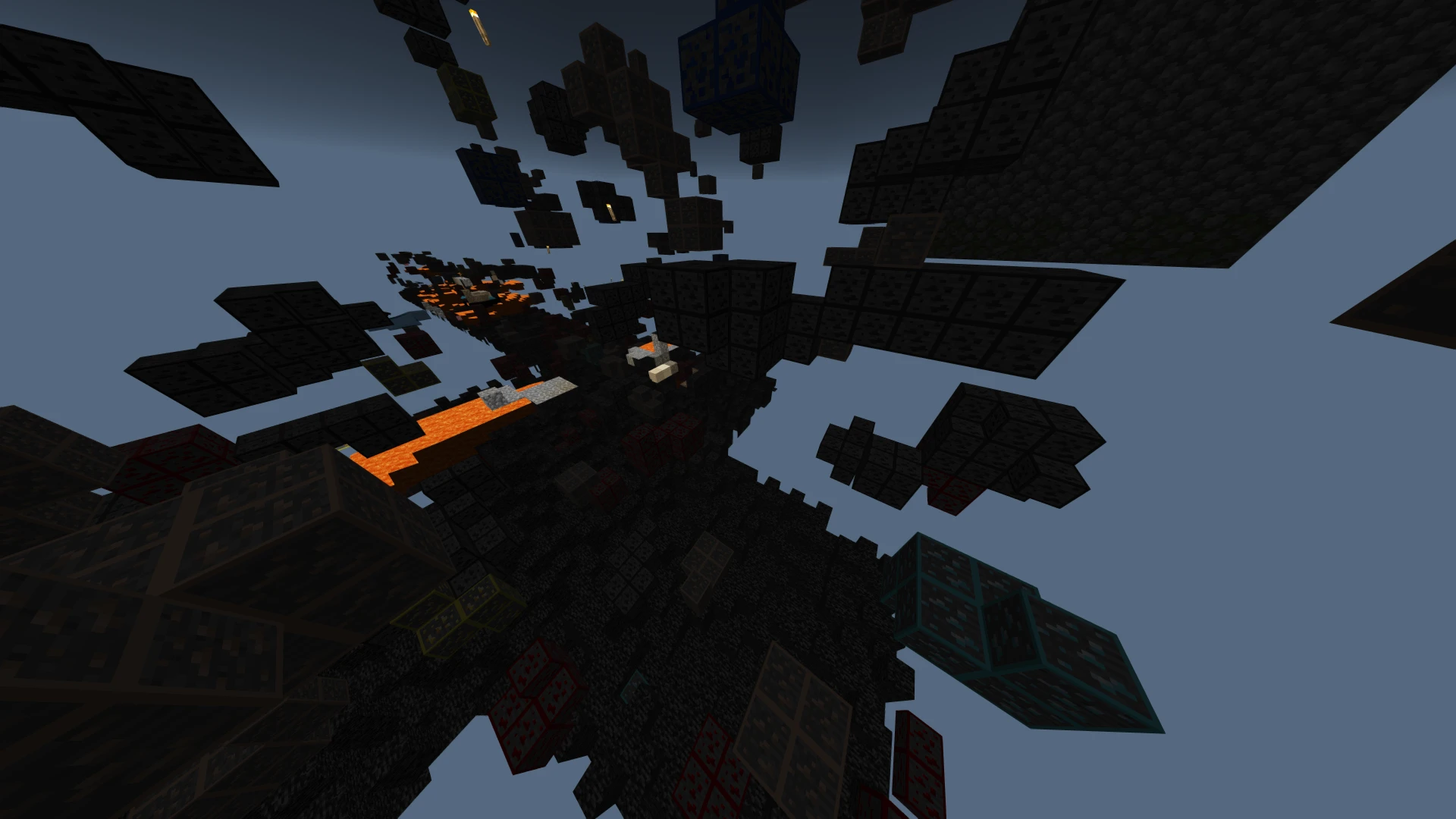
Its just xray for java and bedrock, If you dont already know File texture packs must be placed into the (C:\Users\*YOURUSERNAME*\AppData\Local\Packages\Microsoft. MinecraftUWP_8wekyb3d8bbwe\LocalState\games\com.mojang\resource_packs)
Xray 1.16.5 is a resource pack that provides X-ray vision for Minecraft Java and Bedrock editions. It requires manual installation into the game's resource pack folder. With 119 endorsements and 5,283 downloads, it's a niche utility pack for players seeking ore visibility.
✨ Key Features
📊 Pros & Cons
✅ Pros
- Works on both Java and Bedrock, so it covers a wide player base
- Lightweight resource pack—no extra mods or dependencies needed
- Decent community trust with 119 endorsements and over 5k downloads
⚠️ Cons
- Last updated in March 2021—might not work with newer game versions
- X-ray packs can be considered cheating on multiplayer servers, so use at your own risk
For Minecraft players who want to quickly find ores and caves without installing a full mod. It's perfect for single-player mining sessions or creative building. Skip if you play on servers with anti-cheat or if you prefer a more balanced gameplay experience.
💡 Beginner Tips
- Place the pack in the exact folder path provided—make sure to replace 'YOURUSERNAME' with your actual Windows username.
- After placing the pack, enable it in Minecraft's resource pack settings (Options > Resource Packs).
- If the pack doesn't work on Bedrock, double-check that you're using the correct folder for your platform (Windows 10/11 vs mobile).
📊 Mod Details
- Game
- Minecraft Mods
- Author
- Safswae
- Version
- Java
- Downloads
- 5,283
- Endorsements
- 119
- Category
- Resource/Texture pack
- Created
- 3/5/2021
- Updated
- 3/5/2021
🔧 How to Install Minecraft Mods
Download from Nexus Mods.
📖 Full step-by-step install guide for Minecraft →
Visit the official mod page for specific installation instructions for this mod.
🎮 Need cheat codes or console commands? Check ur gaming wiki for Minecraft commands, item IDs, and more.
Keep browsing — more Minecraft mods await