Smoother Glowing
🟡 Updated this year🖼️ Gallery (6 images)
🔍 Analysis
- 👍 0.2% endorsement rate
📋 About This Mod
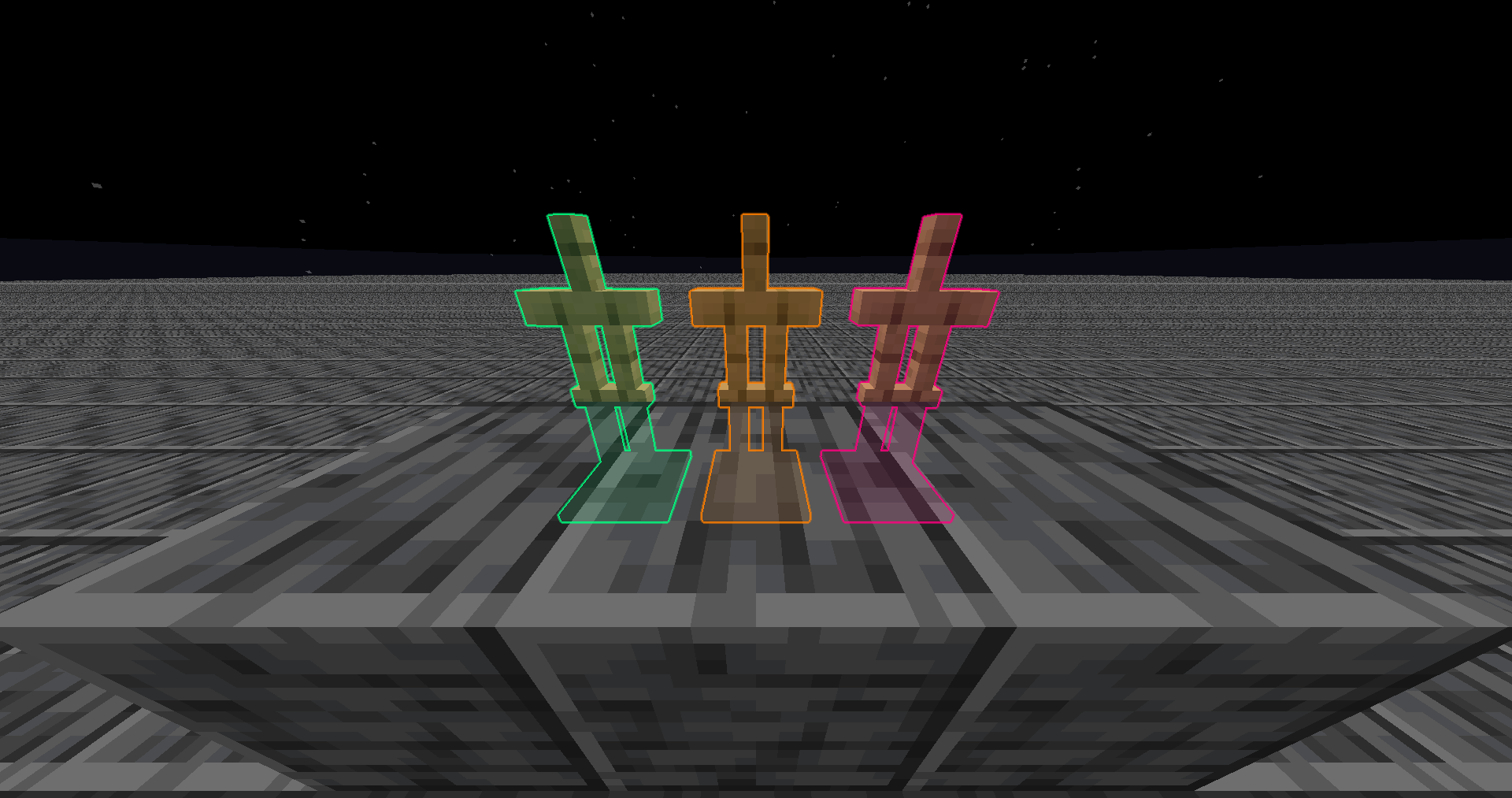
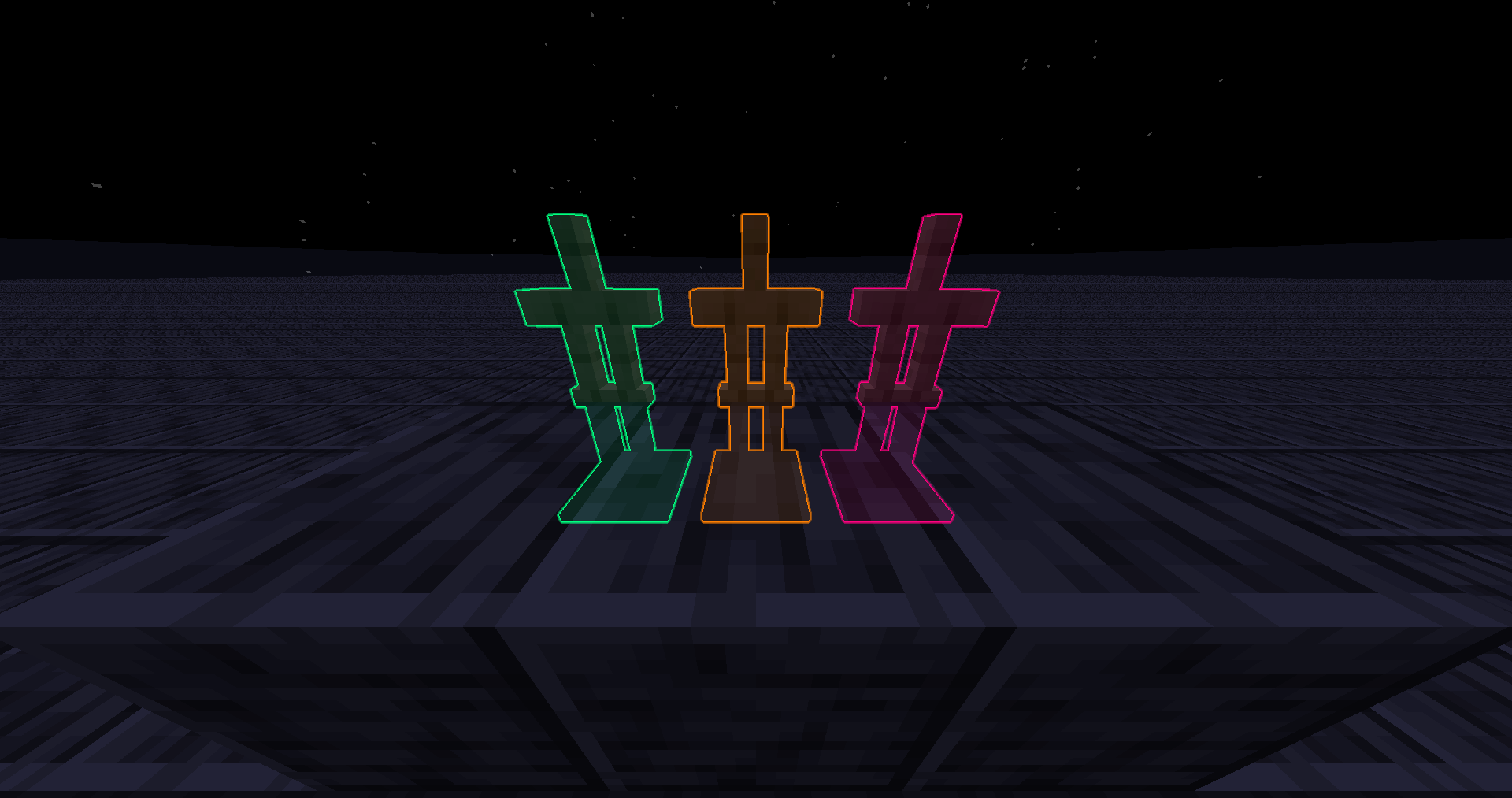
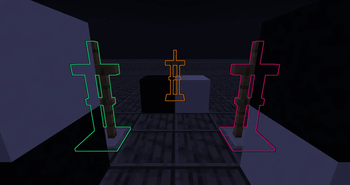
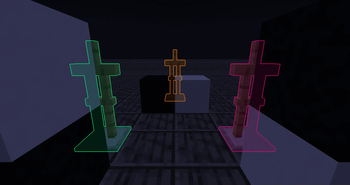
I've rewritten the glowing post shader to remove the black outline and stop it from covering the entity, it looks better imo. Also, it's faster than vanilla so you'll lose less fps while there's glowing entity in view.
Feel free to use it anywhere!
### Mc Version It works on Minecraft 1. 9 and all the way up. But if you're on below Minecraft 1. 14, you'll need a game restart after applying this pack. (Technically it works on all version because there's no glowing effect before 1. 9)
Recently (2025/10/19) found out that it doesn't work below Minecraft 1. 17 on macOs, and I didn't bother to debug it. My windows pc broke so I can't test if it still works on windows. I'd like to assume it does..
### Installing It should be installed like resource pack. Why is it in Shaders category? Because this pack only modifies post shader and there's Vanilla filter in Shaders category. So I thought it's technically a resource pack but logically a shader pack.
(https://cdn.discordapp.com/attachments/1132625481045389312/1468282574395801762/image.png?ex=69837435&is=698222b5&hm=af322dd2f73dc9109dd2fbc0fdace27fac876da93d03d2c2ad1646bbe25bf77c&)
### 1. 20. 5+ Minecraft itself has optimized the shader with similar strategy on 1. 20. 5+, so this pack's optimization won't be as obvious as before. But I still prefer this pack's visual because: They didn't divide the color sum by alpha sum, causing the outline to look black instead of transparent. They didn't prevent the outline from covering the actual entity, causing the entity to look weird.
After some testing, this pack still optimizes from 54fps to 60fps on 1. 21! (at least on my client)
### Modifying The radius and final alpha can be changed by editing the entityglow.fsh file. (changing radius affects performance!) If you have a hard time modifying it, try out (https://modrinth.com/mod/shader-reload) or join my Discord!
📊 Mod Details
- Game
- Minecraft Shaders
- Author
- MelonRind
- Version
- 1.4.0
- Downloads
- 49,186
- Endorsements
- 114
- Category
- potato
- Created
- 7/6/2023
- Updated
- 10/18/2025
- Game Versions
- 1.17, 1.17.1, 1.18, 1.18.1, 1.18.2
- Tags
- potato
🔧 How to Install Minecraft Shaders Mods
Download from Modrinth. Use Prism Launcher or drop into your mods folder.
📖 Full step-by-step install guide for Minecraft Shaders →
Visit the official mod page for specific installation instructions for this mod.
🎮 Need cheat codes or console commands? Check ur gaming wiki for Minecraft Shaders commands, item IDs, and more.
❓ Frequently Asked Questions
Which Minecraft Shaders versions does Smoother Glowing support?
The author lists 1.17, 1.17.1, 1.18, 1.18.1, 1.18.2, 1.19. Other versions may work but are untested by the author.
What is the latest version of Smoother Glowing?
Version 1.4.0, published 2025-10-18 with 49,186 downloads recorded at the source.
Keep browsing — more Minecraft Shaders mods await