Sildur's Basic Shaders
🟡 Updated this year🖼️ Gallery (3 images)
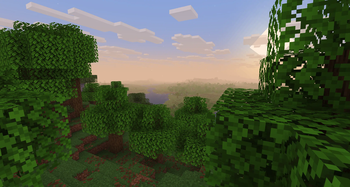
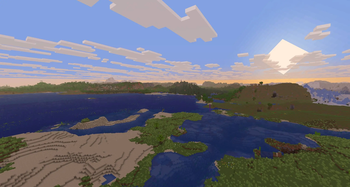
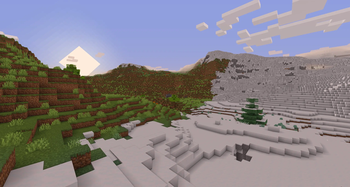
🔍 Analysis
- 👍 0.0% endorsement rate
- 🏆 #43 of 223 atmosphere mods in this game by downloads
📋 About This Mod
!(https://cdn.modrinth.com/data/N1BIOvQX/images/69bc94c511a4b983efba33c6674b71dad7638469.png) # Sildur's Basic Shaders (https://sildurs-shaders.github.io/) | (https://www.patreon.com/Sildur) (https://modrinth.com/shader/sildurs-vibrant-shaders) | (https://modrinth.com/shader/sildurs-enhanced-default-shaders) ### About: Return of the basic shaders! First started in like 2013. It is a very lightweight and fast shaderpack, featuring lots of customization. It supports the following options: TAA (antialiasing), Sharpening (used with TAA), SSAO (ambient occlusion), Celshading, Colorboost, Crossprocess (color filter), Custom emissive lightmaps, Custom sun/moon angle, Tonemapping, Depth of Field, Motionblur, Bump and Parallax mapping and everything wavy. There are also 5 presets available in the ingame options: Very Fast, Fast, Fast+MB, Fast+DoF and Fancy. ### Compatibility: * Support for **Distant Horizons** and **Voxy** * **Minecraft Versions:** 1.7.10 up to the latest release * **Supports:** Iris and OptiFine --- ### How to Install via Iris: 1. Download and run the (https://irisshaders.dev). 2. Select **"Iris and Sodium"**, choose your Minecraft version, and install. 3. Open the Minecraft Launcher and select the new Iris profile. 4. Launch the game, go to **Options** -> **Video Settings** -> **Shader Packs**. 5. Click **"Open Shader Pack Folder"** and drop the Sildur's Shaders .zip file inside. 6. Select the pack from the in-game list. <br> ### How to Install via OptiFine: 1. Download and run the official (https://optifine.net) jar file to create an OptiFine profile. 2. Open the Minecraft Launcher and select the new OptiFine profile. 3. Launch the game, go to **Options** -> **Video Settings** -> **Shaders**. 4. Click **"Shaders Folder"** at the bottom of the screen. 5. Drop the Sildur's Shaders .zip file inside and select it in-game. <br> --- **Permissions:** You are not allowed to edit, copy code, or redistribute this shaderpack under a different name or claim it as yours. **Modpack Policy:** Permission is not required for modpacks hosted on CurseForge or Modrinth. You may freely add this shaderpack as long as you use the platform's built-in system. Do not bundle or re-host the raw .zip file inside your project download. --- ### Socials & Support: * (https://discord.gg/EbsAecrVXg) * (https://x.com/SildurFX) * (https://www.facebook.com/profile.php?id=100063771121307#) * (https://www.nexusmods.com/profile/SildurFX/mods) * (https://www.paypal.com/donate/?cmd=_s-xclick&hosted_button_id=KY99R4D8YUEX2&source=url&ssrt=1786589479049)
# Sildur's Basic Shaders
(https://sildurs-shaders.github.io/) | (https://www.patreon.com/Sildur) (https://modrinth.com/shader/sildurs-vibrant-shaders) | (https://modrinth.com/shader/sildurs-enhanced-default-shaders)
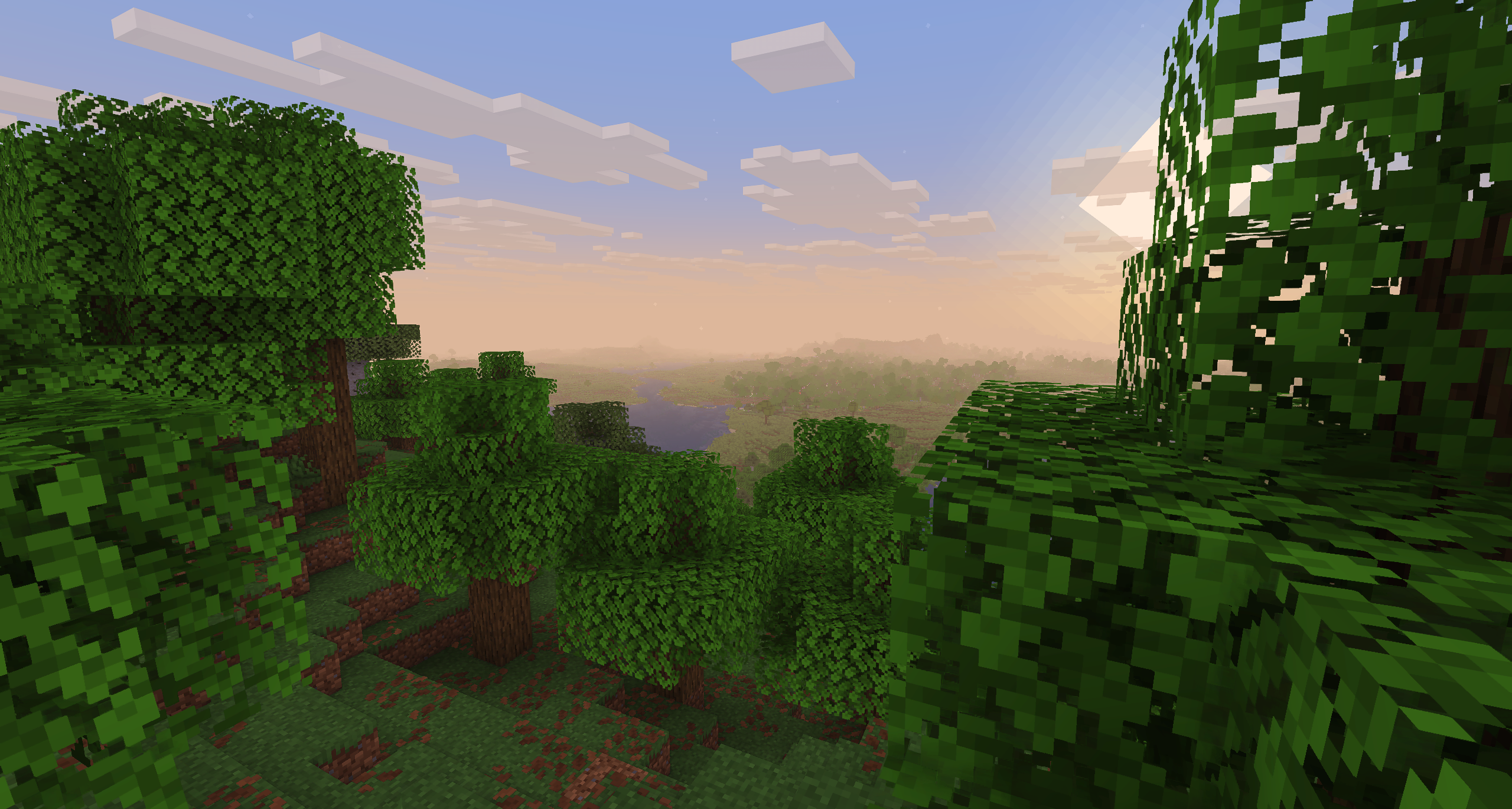
### About: Return of the basic shaders! First started in like 2013. It is a very lightweight and fast shaderpack, featuring lots of customization. It supports the following options: TAA (antialiasing), Sharpening (used with TAA), SSAO (ambient occlusion), Celshading, Colorboost, Crossprocess (color filter), Custom emissive lightmaps, Custom sun/moon angle, Tonemapping, Depth of Field, Motionblur, Bump and Parallax mapping and everything wavy. There are also 5 presets available in the ingame options: Very Fast, Fast, Fast+MB, Fast+DoF and Fancy.
### Compatibility: Support for Distant Horizons and Voxy Minecraft Versions: 1. 7. 10 up to the latest release Supports: Iris and OptiFine
### How to Install via Iris: 1. Download and run the (https://irisshaders.dev). 2. Select "Iris and Sodium", choose your Minecraft version, and install. 3. Open the Minecraft Launcher and select the new Iris profile. 4. Launch the game, go to Options -> Video Settings -> Shader Packs. 5. Click "Open Shader Pack Folder" and drop the Sildur's Shaders .zip file inside. 6. Select the pack from the in-game list.
### How to Install via OptiFine: 1. Download and run the official (https://optifine.net) jar file to create an OptiFine profile. 2. Open the Minecraft Launcher and select the new OptiFine profile. 3. Launch the game, go to Options -> Video Settings -> Shaders. 4. Click "Shaders Folder" at the bottom of the screen. 5. Drop the Sildur's Shaders .zip file inside and select it in-game.
Permissions: You are not allowed to edit, copy code, or redistribute this shaderpack under a different name or claim it as yours.
Modpack Policy: Permission is not required for modpacks hosted on CurseForge or Modrinth. You may freely add this shaderpack as long as you use the platform's built-in system. Do not bundle or re-host the raw .zip file inside your project download.
### Socials & Support: (https://discord.gg/EbsAecrVXg) (https://x.com/SildurFX) (https://www.facebook.com/profile.php?id=100063771121307#) (https://www.nexusmods.com/profile/SildurFX/mods) (https://www.paypal.com/donate/?cmd=_s-xclick&hosted_button_id=KY99R4D8YUEX2&source=url&ssrt=1786589479049)
📊 Mod Details
- Game
- Minecraft Shaders
- Author
- Sildur
- Version
- 2.6
- Downloads
- 62,851
- Endorsements
- 26
- Category
- atmosphere
- Created
- 5/23/2026
- Updated
- 5/23/2026
- Game Versions
- 1.7.10, 1.8, 1.8.1, 1.8.2, 1.8.3
- Tags
- atmosphere, potato, vanilla-like
🔧 How to Install Minecraft Shaders Mods
Download from Modrinth. Use Prism Launcher or drop into your mods folder.
📖 Full step-by-step install guide for Minecraft Shaders →
Visit the official mod page for specific installation instructions for this mod.
🎮 Need cheat codes or console commands? Check ur gaming wiki for Minecraft Shaders commands, item IDs, and more.
❓ Frequently Asked Questions
Which Minecraft Shaders versions does Sildur's Basic Shaders support?
The author lists 1.7.10, 1.8, 1.8.1, 1.8.2, 1.8.3, 1.8.4. Other versions may work but are untested by the author.
What is the latest version of Sildur's Basic Shaders?
Version 2.6, published 2026-05-23 with 62,851 downloads recorded at the source.
Keep browsing — more Minecraft Shaders mods await