Ultimate Redstone+
🟡 Updated this year🖼️ Gallery (12 images)



🔍 Analysis
- 👍 0.2% endorsement rate
- 🏆 #319 of 644 16x mods in this game by downloads
📋 About This Mod
# Ultimate Redstone+ <img src="https://img.shields.io/badge/Version-1.4-blue" alt="Version"> <img src="https://img.shields.io/badge/Minecraft-1.20.2%2B-green" alt="Minecraft"> !(https://cdn.modrinth.com/data/cached_images/67ab67d8336fcafdacc43a394250037a41de58a8.png) > Clear visual feedback for all your redstone components and more! ## 📥 Installation 1. **Download** the latest version 2. **Place** the `.zip` file in your `.minecraft/resourcepacks` folder 3. **Activate** in Minecraft: `Options` → `Resource Packs` → `Ultimate Redstone+` ## ✨ Features ### 🟥 Redstone Components Visual indicators that make redstone engineering easier: - **Bee nest**: Shows honey level (0-5) - **Beehive**: Shows honey level (0-5) - **Blast furnace**: Shows lit states (off/on) - **Buttons**: Shows pressed state (off/on) - **Comparator**: Shows mode (com/sub) - **Composter**: Shows fill level (0-8) - **Crafter**: Shows states (crafting/triggered) - **Calibrated sculk sensor**: Shows output power & state (active/cooldown/inactive) - **Cauldron**: Shows fill level (0-3) - **Daylight detector**: Shows output power & mode (day/night) - **Dispenser**: Shows direction and powered state - **Dropper**: Shows direction and powered state - **Detector rail**: Shows triggered state (off/on) - **Furnace**: Shows lit states (off/on) - **Jukebox**: Shows music status (playing/stopped) - **Hopper**: Shows direction & state (enabled/disabled) - **Iron door**: Shows triggered state - **Iron trapdoor**: Shows triggered state - **Lever**: Toggle status (off/on) - **Lectern**: Shows powered state (off/on) - **Note block**: Shows pitch and instrument - **Observer**: Indicates direction and activation status - **Piston & Sticky piston**: Shows powered state - **Pressure plates**: Shows pressed state (off/on) - **Redstone dust**: Displays power level (0-15) - **Repeater**: Shows delay (0-4) - **Respawn anchor**: Shows charge status (0-4) - **Smoker**: Shows lit states (off/on) - **Target**: Displays output power level (0-15) - **Sculk sensor**: Shows output power & state (active/cooldown/inactive) ### 🧱 Block Outlines Enhanced visibility for important blocks: - **Bedrock** - **(Deepslate) Coal ore** - **(Deepslate) Copper ore** - **(Deepslate) Iron ore** - **(Deepslate) Redstone ore** - **(Deepslate) Gold ore** - **(Deepslate) Lapis ore** - **(Deepslate) Diamond ore** - **(Deepslate) Emerald ore** - **Nether quartz ore** - **Nether gold ore** - **🎬 Animated outlines** - Ancient debris - Suspicious sand - Suspicious gravel ### 🧰 Other - **Lava & Water** - Shows flow direction for better fluid management - **Redstone torch:** Model from 1.21.2+ ## ❤️ Like this Pack? I put a lot of passion and effort into creating Ultimate Redstone+. If you use this pack in your YouTube videos, Twitch streams, or other online content, I'd be really grateful for a shout-out! **Please include this in your description:** ``` Resource Pack: Ultimate Redstone+ by ffreq76 Download: https://modrinth.com/resourcepack/ultimate-redstone-plus ```
# Ultimate Redstone+ 

!(https://cdn.modrinth.com/data/cached_images/67ab67d8336fcafdacc43a394250037a41de58a8.png)
> Clear visual feedback for all your redstone components and more!
## 📥 Installation
1. Download the latest version 2. Place the `.zip` file in your `.minecraft/resourcepacks` folder 3. Activate in Minecraft: `Options` → `Resource Packs` → `Ultimate Redstone+`
## ✨ Features
### 🟥 Redstone Components Visual indicators that make redstone engineering easier:
- Bee nest: Shows honey level (0-5)
- Beehive: Shows honey level (0-5)
- Blast furnace: Shows lit states (off/on)
- Buttons: Shows pressed state (off/on)
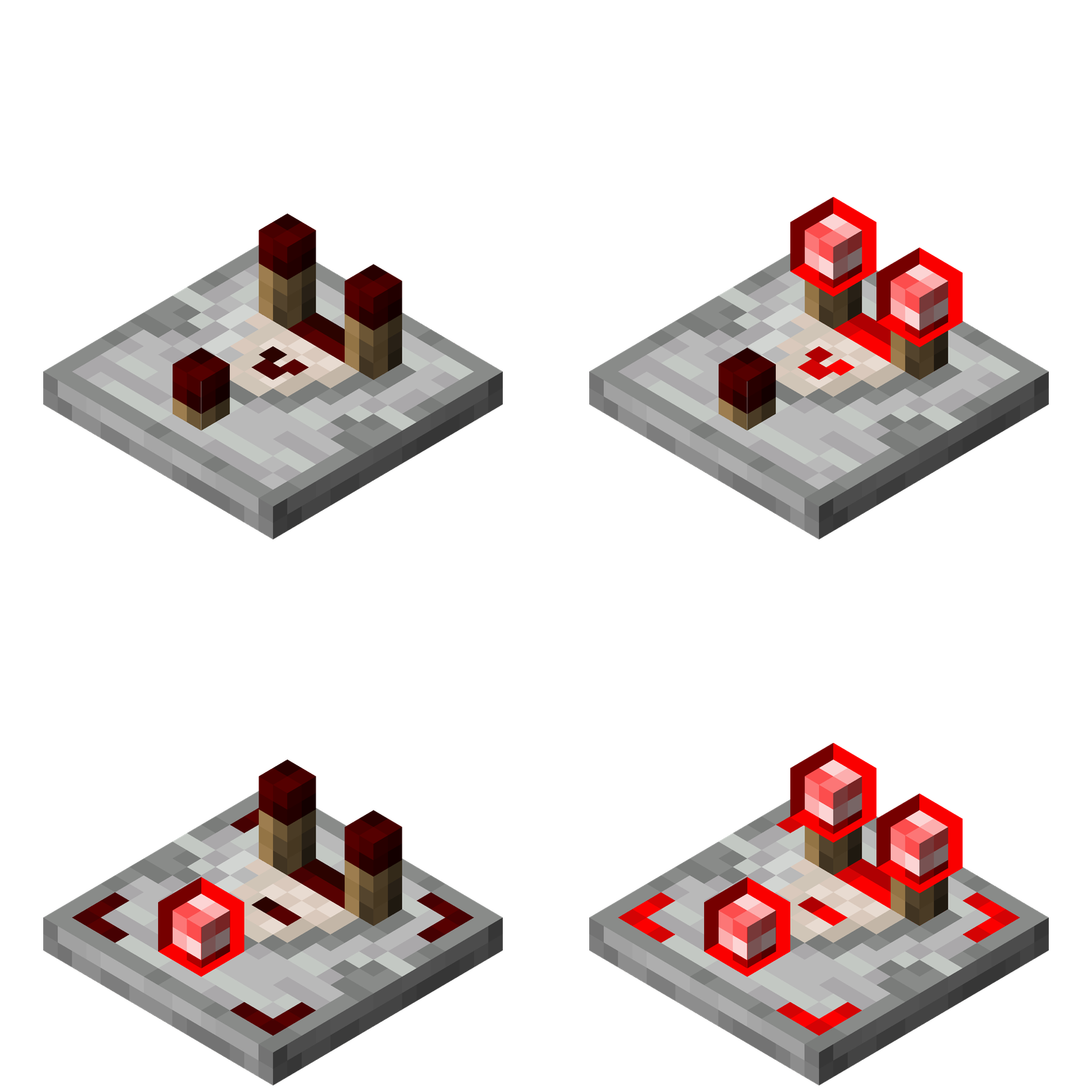
- Comparator: Shows mode (com/sub)
- Composter: Shows fill level (0-8)
- Crafter: Shows states (crafting/triggered)
- Calibrated sculk sensor: Shows output power & state (active/cooldown/inactive)
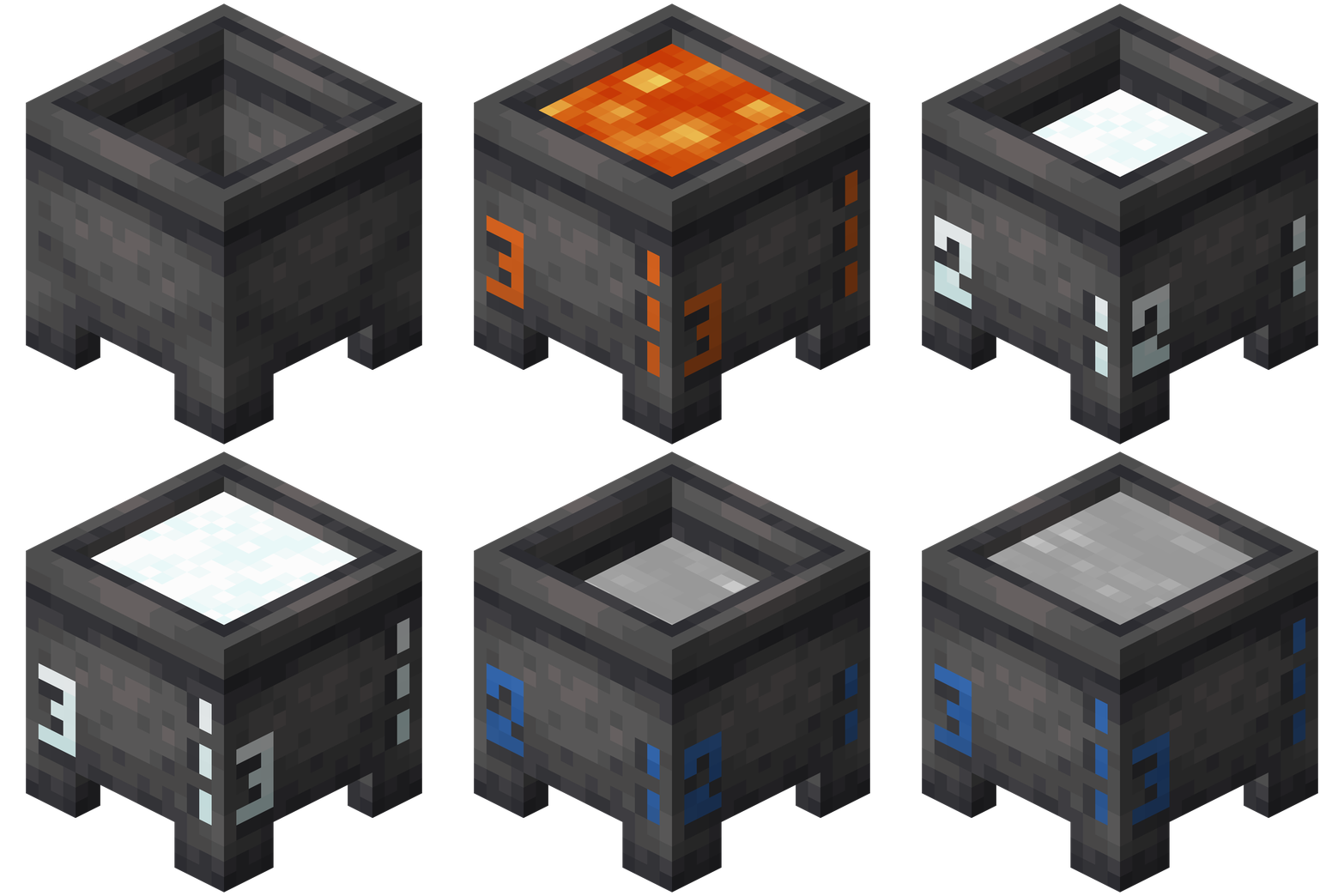
- Cauldron: Shows fill level (0-3)
- Daylight detector: Shows output power & mode (day/night)
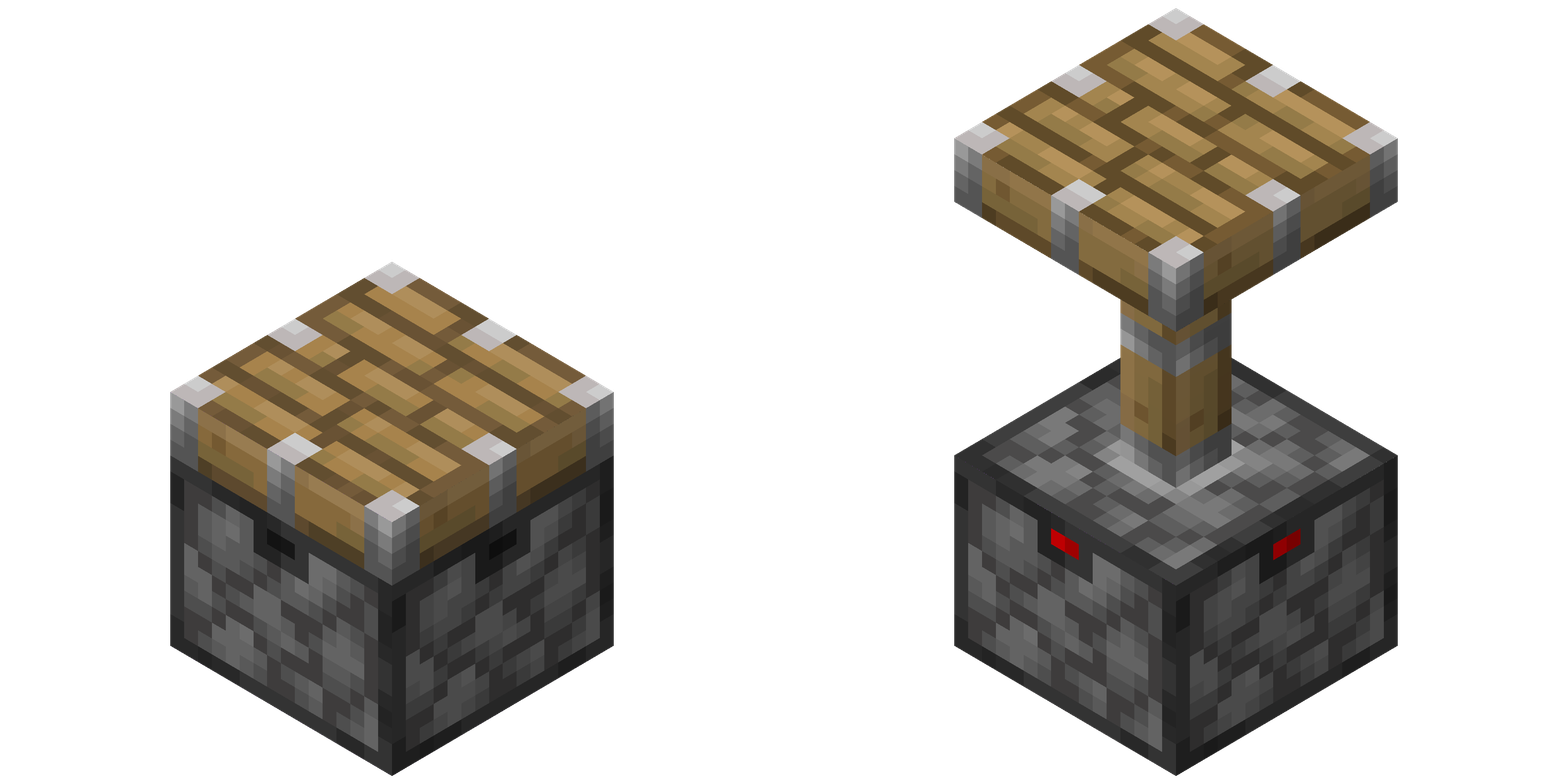
- Dispenser: Shows direction and powered state
- Dropper: Shows direction and powered state
- Detector rail: Shows triggered state (off/on)
- Furnace: Shows lit states (off/on)
- Jukebox: Shows music status (playing/stopped)
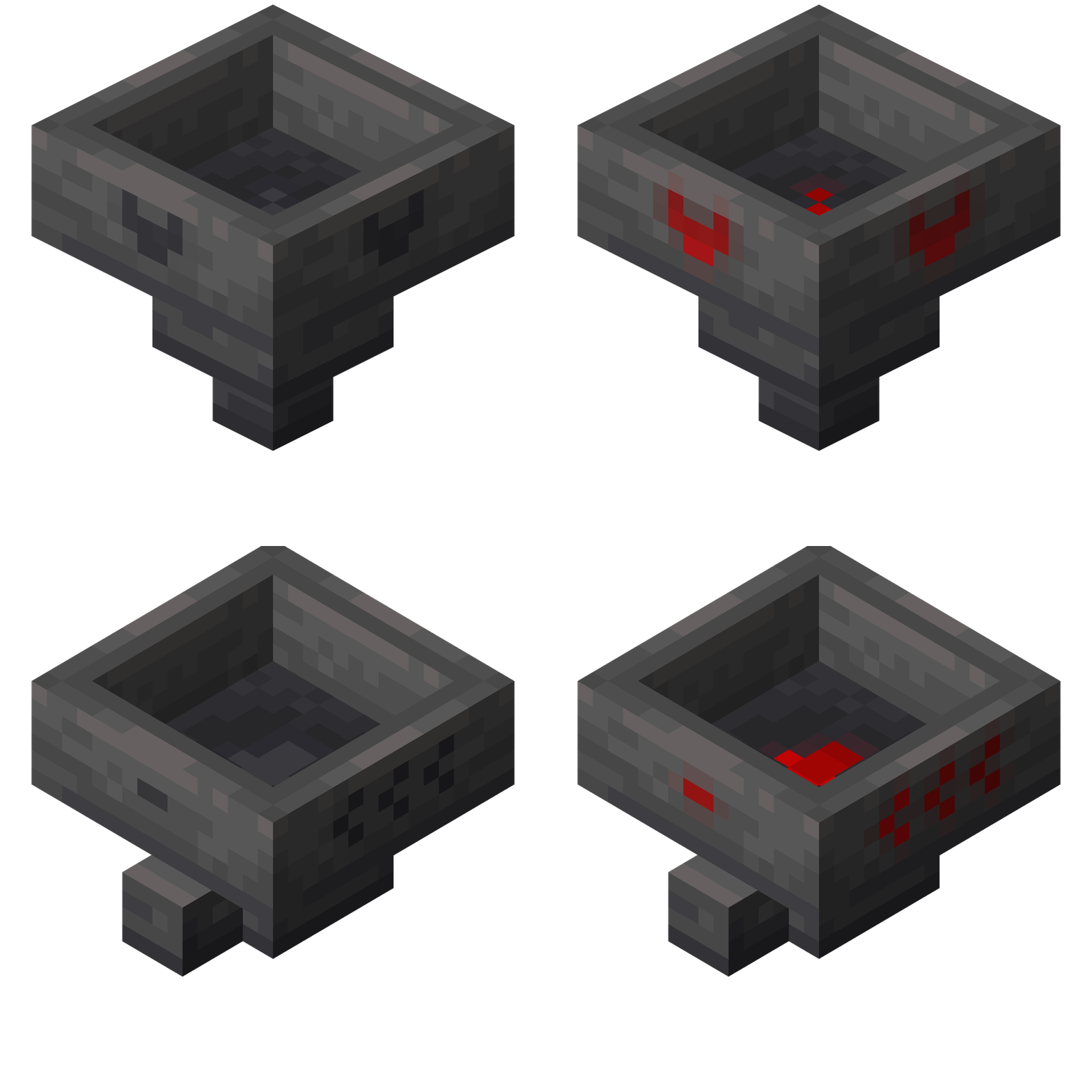
- Hopper: Shows direction & state (enabled/disabled)
- Iron door: Shows triggered state
- Iron trapdoor: Shows triggered state
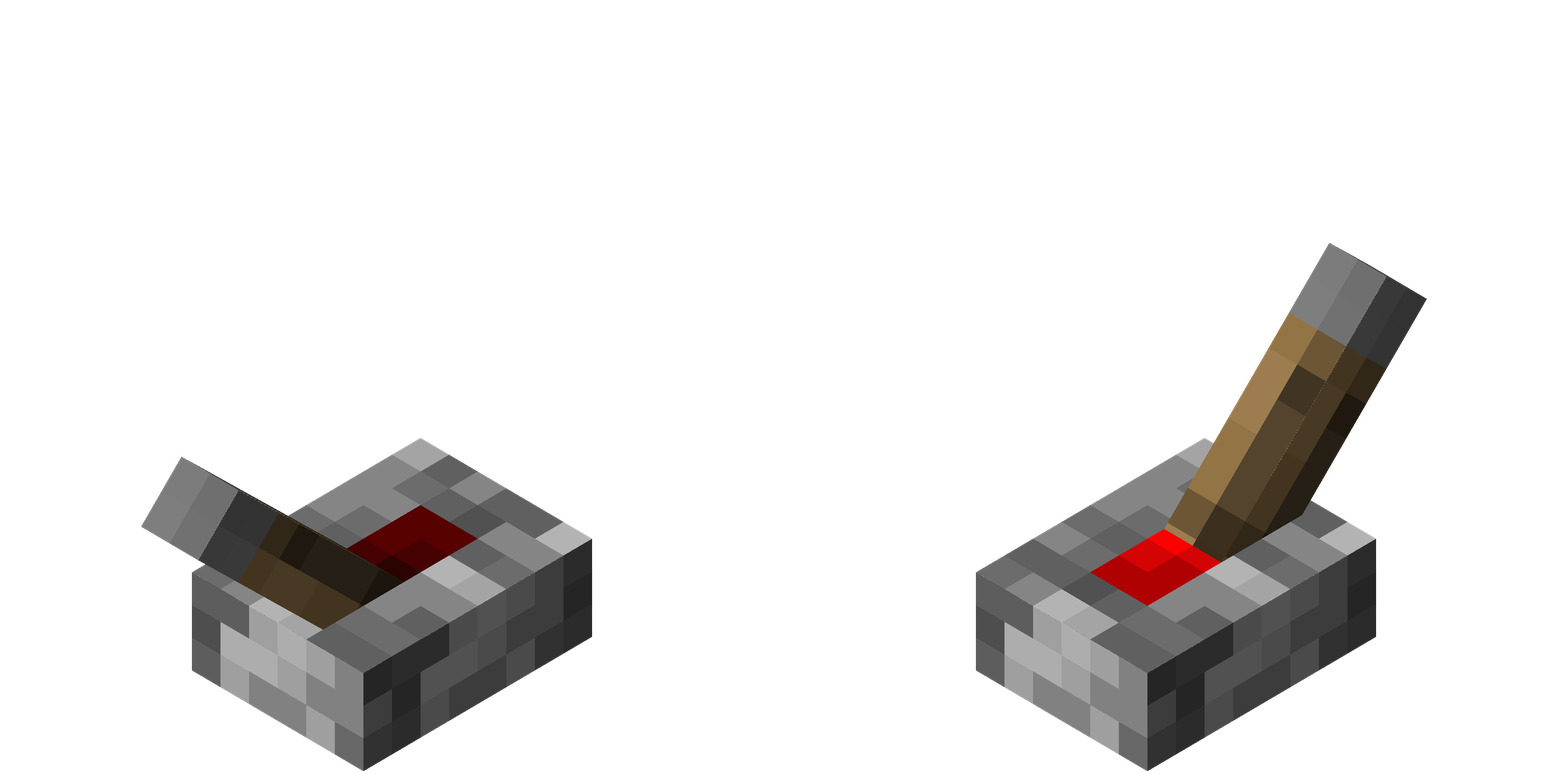
- Lever: Toggle status (off/on)
- Lectern: Shows powered state (off/on)
- Note block: Shows pitch and instrument
- Observer: Indicates direction and activation status
- Piston & Sticky piston: Shows powered state
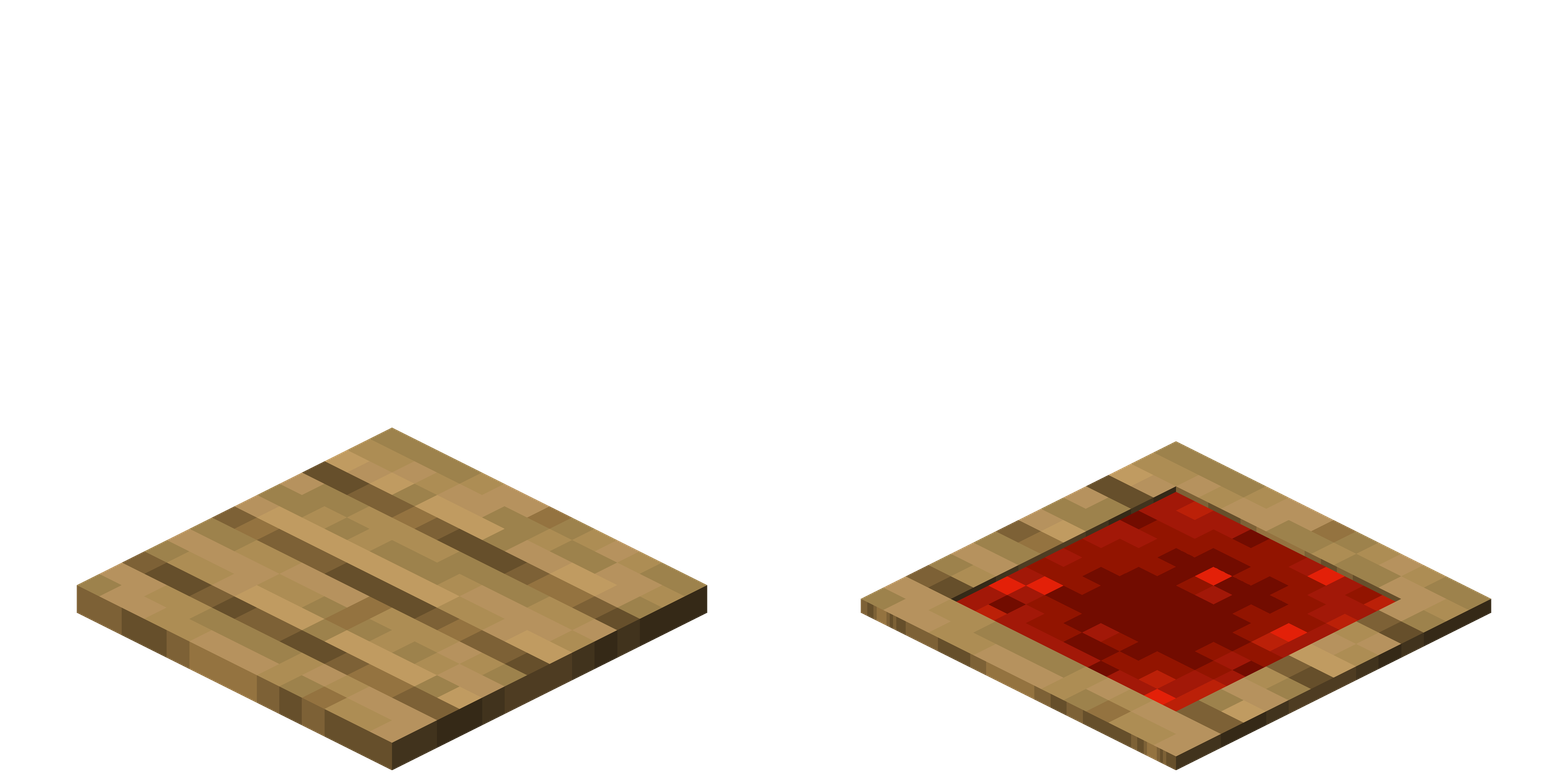
- Pressure plates: Shows pressed state (off/on)
- Redstone dust: Displays power level (0-15)
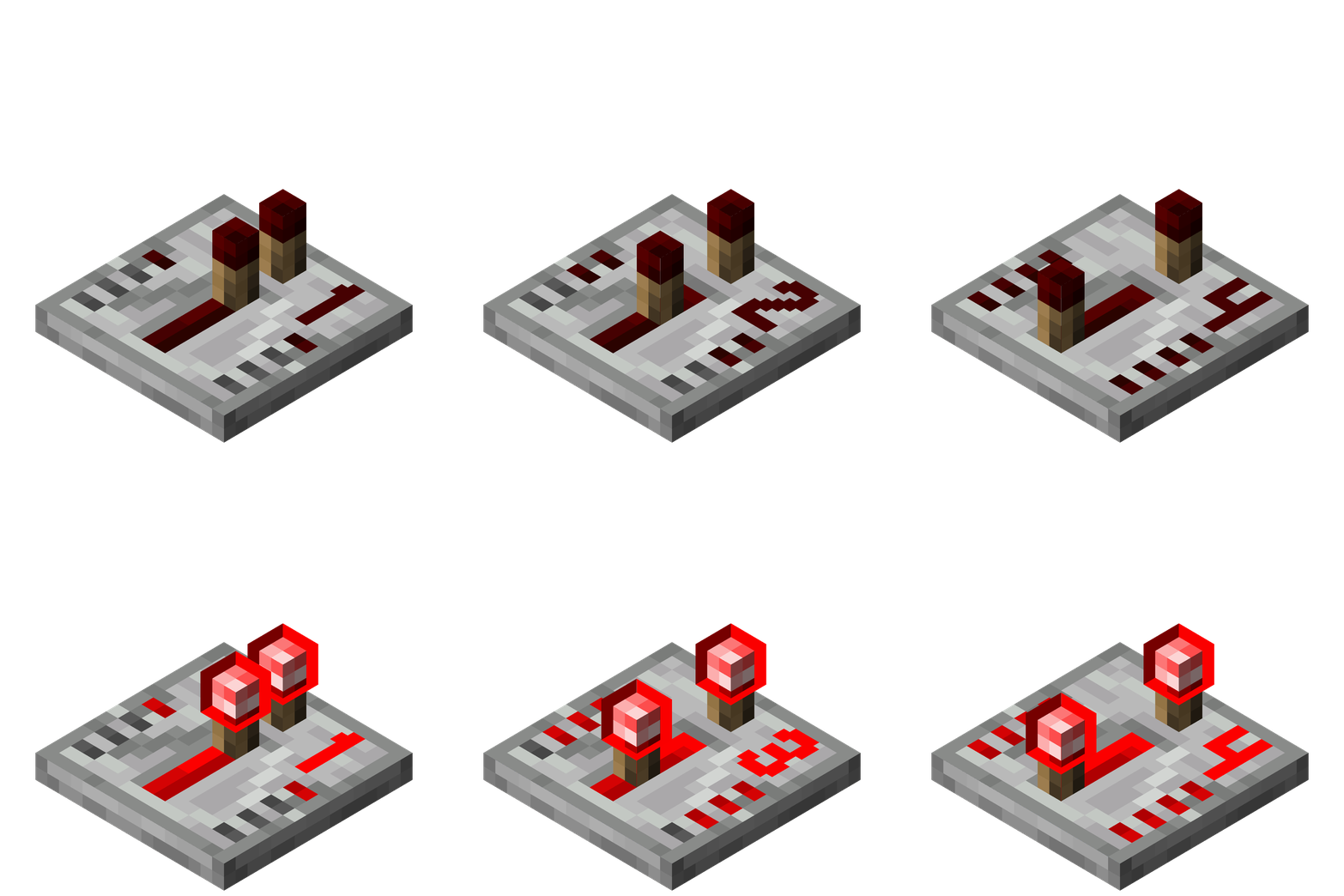
- Repeater: Shows delay (0-4)
- Respawn anchor: Shows charge status (0-4)
- Smoker: Shows lit states (off/on)
- Target: Displays output power level (0-15)
- Sculk sensor: Shows output power & state (active/cooldown/inactive)
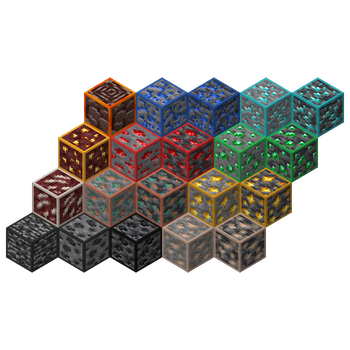
### 🧱 Block Outlines Enhanced visibility for important blocks: - Bedrock - (Deepslate) Coal ore - (Deepslate) Copper ore - (Deepslate) Iron ore - (Deepslate) Redstone ore - (Deepslate) Gold ore - (Deepslate) Lapis ore - (Deepslate) Diamond ore - (Deepslate) Emerald ore - Nether quartz ore - Nether gold ore - 🎬 Animated outlines - Ancient debris - Suspicious sand - Suspicious gravel
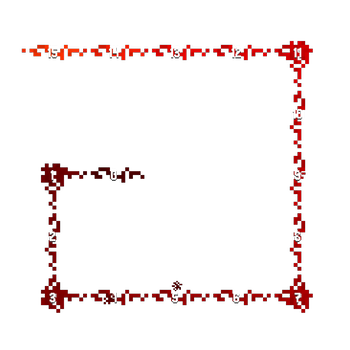
### 🧰 Other - Lava & Water - Shows flow direction for better fluid management - Redstone torch: Model from 1. 21. 2+
## ❤️ Like this Pack?
I put a lot of passion and effort into creating Ultimate Redstone+. If you use this pack in your YouTube videos, Twitch streams, or other online content, I'd be really grateful for a shout-out!
Please include this in your description: ``` Resource Pack: Ultimate Redstone+ by ffreq76 Download: https://modrinth.com/resourcepack/ultimate-redstone-plus ```
📊 Mod Details
- Game
- Minecraft Resource Packs
- Author
- ffreq76
- Version
- 1.4
- Downloads
- 7,215
- Endorsements
- 16
- Category
- 16x
- Created
- 10/27/2025
- Updated
- 1/3/2026
- Game Versions
- 1.20.2, 1.20.3, 1.20.4, 1.20.5, 1.20.6
- Tags
- 16x, tweaks, utility
🔧 How to Install Minecraft Resource Packs Mods
Download from Modrinth. Use Prism Launcher or drop into your mods folder.
📖 Full step-by-step install guide for Minecraft Resource Packs →
Visit the official mod page for specific installation instructions for this mod.
🎮 Need cheat codes or console commands? Check ur gaming wiki for Minecraft Resource Packs commands, item IDs, and more.
❓ Frequently Asked Questions
Which Minecraft Resource Packs versions does Ultimate Redstone+ support?
The author lists 1.20.2, 1.20.3, 1.20.4, 1.20.5, 1.20.6, 1.21. Other versions may work but are untested by the author.
What is the latest version of Ultimate Redstone+?
Version 1.4, published 2026-01-03 with 7,215 downloads recorded at the source.
Keep browsing — more Minecraft Resource Packs mods await