Snuggly Totems
⚪ Last updated 2023🖼️ Gallery (3 images)
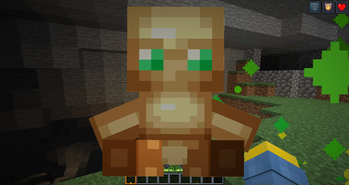
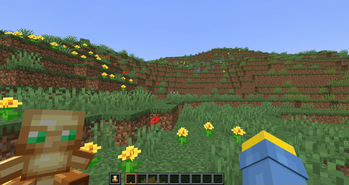
🔍 Analysis
- 👍 1.1% endorsement rate — high engagement, a strong quality signal
- 🏆 #10 of 117 items mods in this game by downloads
📋 About This Mod
<img style="float:left;" src="https://cdn.modrinth.com/data/IsNhku1g/images/5915ca0446ce8490d1961ac2c8fe157d73e4ca7a.png"> Hello! If your wondering how to use this pack there's a instructions doc inside of the zip but ill paste it here just in case you cant find it. If you have slim arms please go to: https://modrinth.com/resourcepack/snuggly-totems-slim This pack makes all totems plushies if you would like to install the player head to plushie pack you can go here - https://modrinth.com/resourcepack/plushie-pack THIS PACK CAN BE USED COMPLETELY IN VANILA MINECRAFT INSTRUCTIONS --------------------------------------------------------------------- Hello welcome to the Snuggly Totems Pack: How to apply your custom skin: Navigate to the textures folder and go into the item area and replace the totem texture to your skin (DO NOT JUST DRAG YOUR SKIN IN) Rename this skin to (totem_of_undying) Please make sure your skin is a png not jpeg. WHY IS THE BASE TOTEM NOT FULLY PUT IN This is because the texture for the totem skin is slim but for simplicity i put it as the wide model as most skins are wide <img style="float:left;" src="https://cdn.modrinth.com/data/IsNhku1g/images/91b66f8d4c0a703421027148d6a1a92ed67ab1c6.png"> -------------------------------------------------------------.
Hello! If your wondering how to use this pack there's a instructions doc inside of the zip but ill paste it here just in case you cant find it.
If you have slim arms please go to: https://modrinth.com/resourcepack/snuggly-totems-slim
This pack makes all totems plushies if you would like to install the player head to plushie pack you can go here - https://modrinth.com/resourcepack/plushie-pack
THIS PACK CAN BE USED COMPLETELY IN VANILA MINECRAFT
INSTRUCTIONS --------------------------------------------------------------------- Hello welcome to the Snuggly Totems Pack:
How to apply your custom skin:
Navigate to the textures folder and go into the item area and replace the totem texture to your skin (DO NOT JUST DRAG YOUR SKIN IN) Rename this skin to (totem_of_undying) Please make sure your skin is a png not jpeg.
WHY IS THE BASE TOTEM NOT FULLY PUT IN
This is because the texture for the totem skin is slim but for simplicity i put it as the wide model as most skins are wide
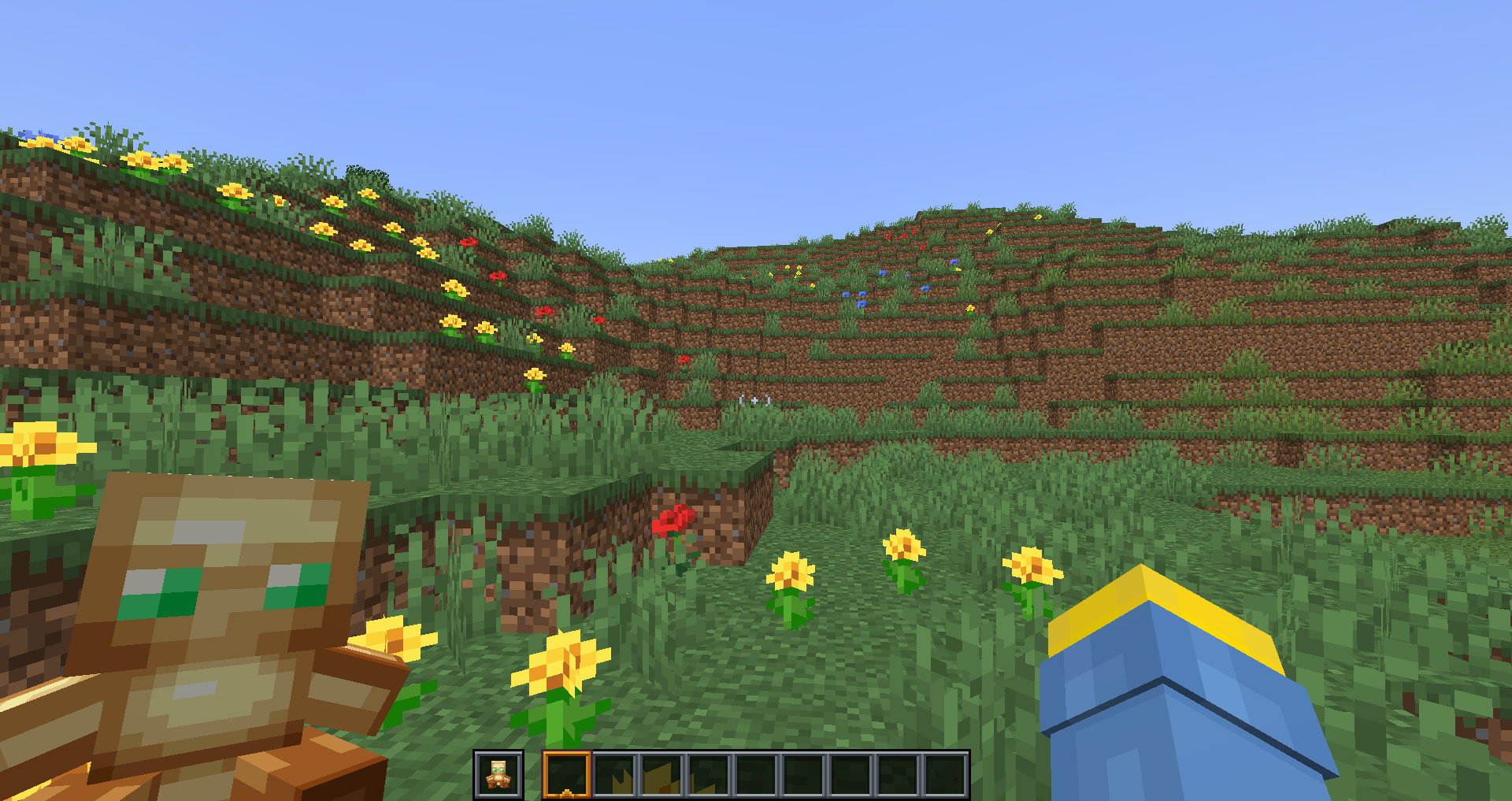
-------------------------------------------------------------.
📊 Mod Details
- Game
- Minecraft Resource Packs
- Author
- Jackstar09
- Version
- 1.0
- Downloads
- 611
- Endorsements
- 7
- Category
- items
- Created
- 1/11/2024
- Updated
- 12/31/2023
- Game Versions
- 1.20.1, 1.20.2, 1.20.3, 1.20.4
- Tags
- items, simplistic, vanilla-like
🔧 How to Install Minecraft Resource Packs Mods
Download from Modrinth. Use Prism Launcher or drop into your mods folder.
📖 Full step-by-step install guide for Minecraft Resource Packs →
Visit the official mod page for specific installation instructions for this mod.
🎮 Need cheat codes or console commands? Check ur gaming wiki for Minecraft Resource Packs commands, item IDs, and more.
❓ Frequently Asked Questions
Which Minecraft Resource Packs versions does Snuggly Totems support?
The author lists 1.20.1, 1.20.2, 1.20.3, 1.20.4. Other versions may work but are untested by the author.
What is the latest version of Snuggly Totems?
Version 1.0, published 2023-12-31 with 611 downloads recorded at the source.
Keep browsing — more Minecraft Resource Packs mods await