Saiko Lightsaber Pack
⚪ Last updated 2022🖼️ Gallery (11 images)
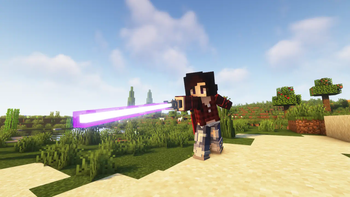
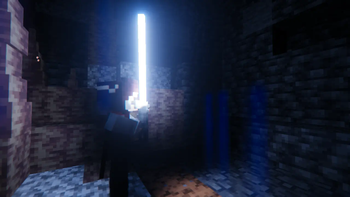
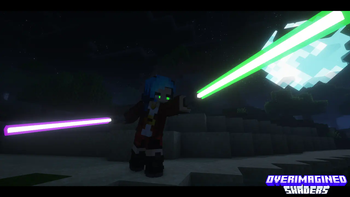
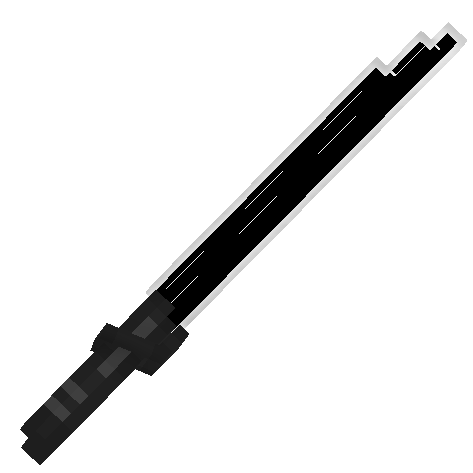
🔍 Analysis
- 👍 0.5% endorsement rate
- 🏆 #441 of 644 16x mods in this game by downloads
📋 About This Mod
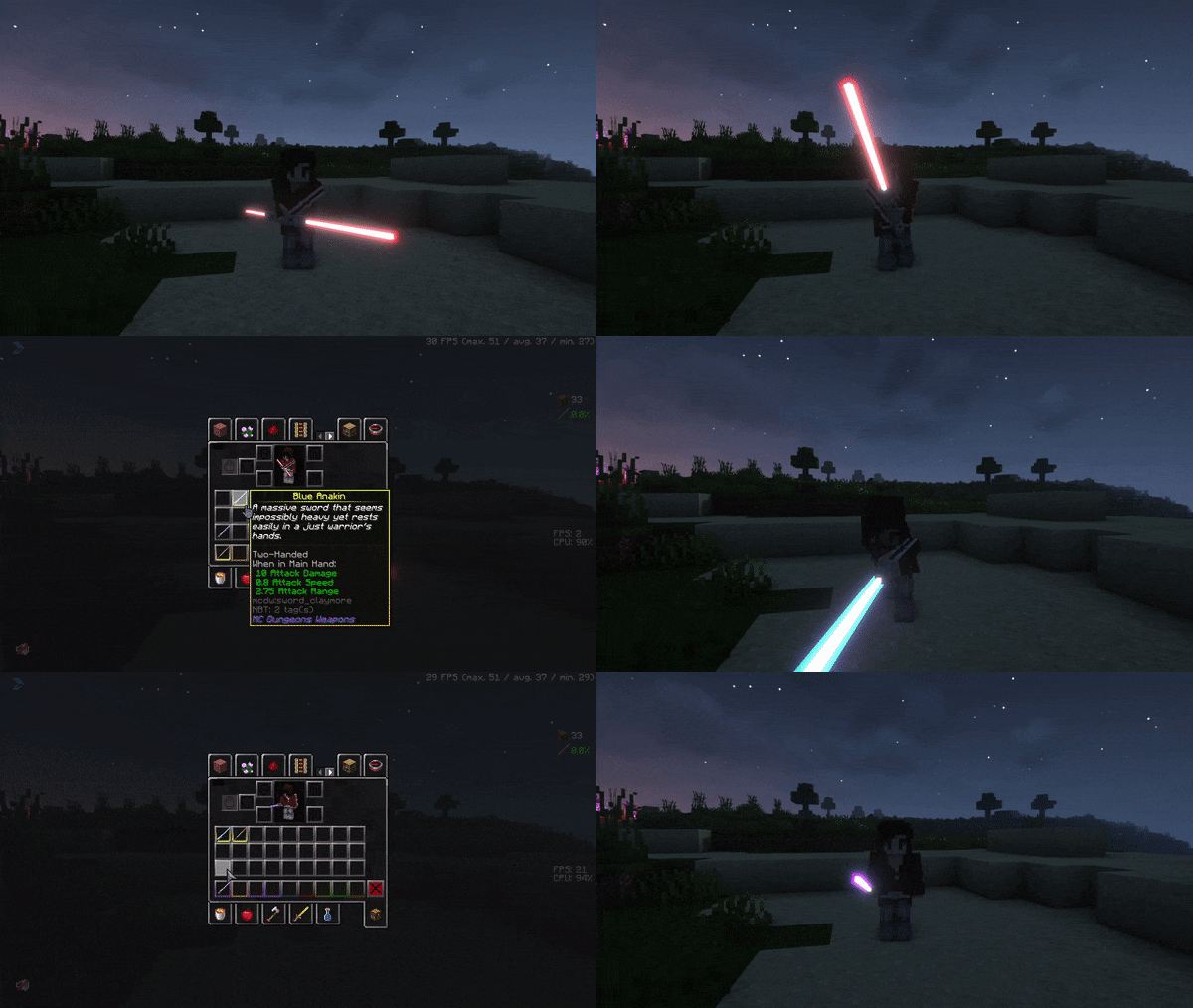
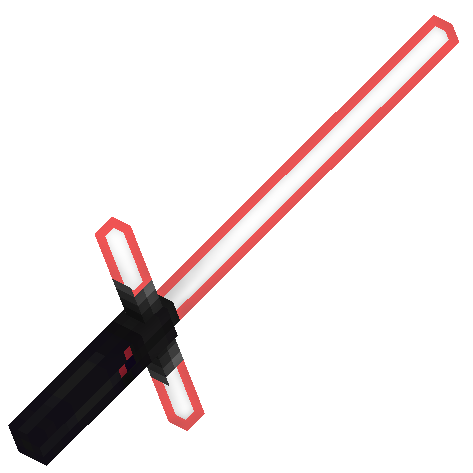
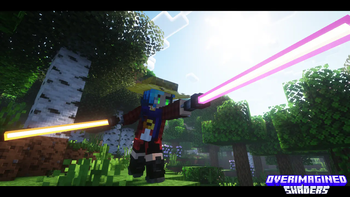
# 📝 Please note: ### 1. The pack is being ported over to Vanilla format so it no longer requires people to use mods like optifine or CITResewn. I will keep the old guide for the naming as the new format will look a little bit different for first version ditching the ability to choose custom colors until I make the adjustments ### 2. the models will recieve tweaks to make them appear more rounder, keeping the blocky style but making the cubes no longer have the same rotation as the previous ones ### 3. there is no need to use shaders or mods that add emissive texture since mojang added the ability to make parts of the models emissive # ## - ``Anakin's Lightsaber`` - ``Obi Wan's Lightsaber`` (alt. ``Obi Wan's 2nd Lightsaber``) - ``Obi Wan's 1st Lightsaber`` - ``Kylo's Lightsaber`` - ``Maul's Lightsaber`` - ``Inquisitor's Lightsaber`` - ``Darksaber`` - ``Custom Lightsaber`` ## - ``Ezra's Lightsaber`` - ``Kanan's Lightsaber`` - ``Vader's Lightsaber`` - ``Windu's Lightsaber`` # # schemat for name is "anything you want" use anvil to name iron/diamond/netherite sword or shield to change into lightsaber and options for different parts are colors: - blue - green - purple - red - yellow - white - dark - rainbow /!\ might have some glitches /!\ ================ upcoming 2.0 colors - pink - orange ================ models: - anakin - obi wan 1 - obi wan 2 - luke - kylo - maul - mando - dooku - inquisitor - custom ================ upcoming 2.0 handles - vader - windu - kanan - ezra ================ How to use resource pack Optifine: -Install optifine as client in your minecraft launcher -use anvil to rename iron/diamond/netherite sword or shield with format given above {example "Blue Anakin"} If the model doesn't show in game make sure to have custom items on in settings If the blade of lightsaber doesn't glow Make sure to e able emissive textures in settings For shaders make sure shaders support LabPBR format and a able it in settings for shaderpack of your choice Iris: -install fabric mod loader -install following Iris, sodium, indium, CIT Resewn Make sure Iris version is 1.5.0 or 1.5.2 1.5.1 had issues with PBR -rename item in anvil -use shaders that use PBR If it doesn't work then check your cit Resewn config and if shaders you use support PBR
# 📝 Please note: ### 1. The pack is being ported over to Vanilla format so it no longer requires people to use mods like optifine or CITResewn. I will keep the old guide for the naming as the new format will look a little bit different for first version ditching the ability to choose custom colors until I make the adjustments ### 2. the models will recieve tweaks to make them appear more rounder, keeping the blocky style but making the cubes no longer have the same rotation as the previous ones ### 3. there is no need to use shaders or mods that add emissive texture since mojang added the ability to make parts of the models emissive
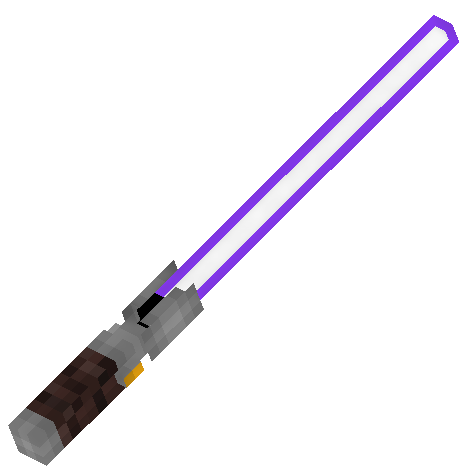
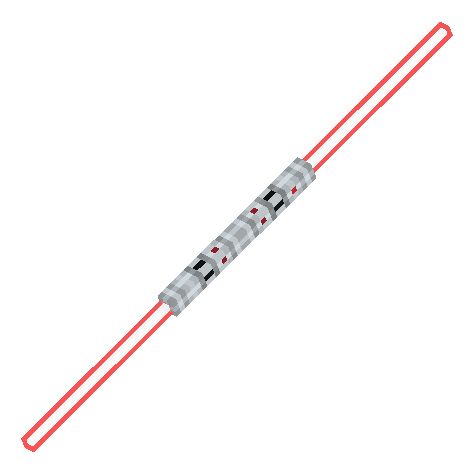
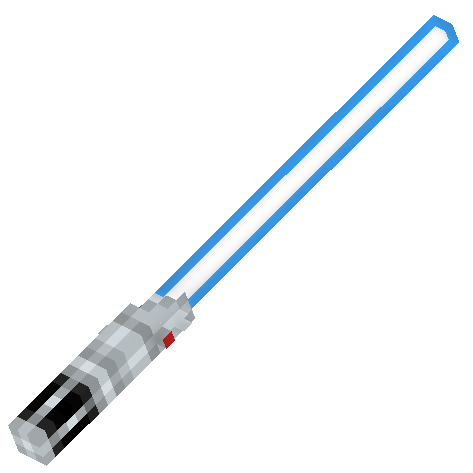
## - ``Anakin's Lightsaber`` - ``Obi Wan's Lightsaber`` (alt. ``Obi Wan's 2nd Lightsaber``) - ``Obi Wan's 1st Lightsaber`` - ``Kylo's Lightsaber`` - ``Maul's Lightsaber`` - ``Inquisitor's Lightsaber`` - ``Darksaber`` - ``Custom Lightsaber``
## - ``Ezra's Lightsaber`` - ``Kanan's Lightsaber`` - ``Vader's Lightsaber`` - ``Windu's Lightsaber``
# # schemat for name is "anything you want" ["color" "model"]
use anvil to name iron/diamond/netherite sword or shield to change into lightsaber
and options for different parts are colors: - blue - green - purple - red - yellow - white - dark - rainbow /!\ might have some glitches /!\
================
upcoming 2. 0 colors - pink - orange
================
models: - anakin - obi wan 1 - obi wan 2 - luke - kylo - maul - mando - dooku - inquisitor - custom
================
upcoming 2. 0 handles - vader - windu - kanan - ezra
================
How to use resource pack
Optifine: -Install optifine as client in your minecraft launcher
- use anvil to rename iron/diamond/netherite sword or shield
- with format given above ["color" "model"]
- {example "Blue Anakin"}
If the model doesn't show in game make sure to have custom items on in settings
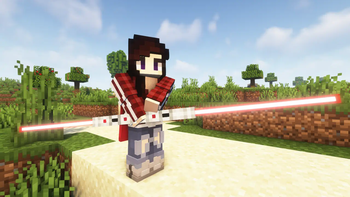
If the blade of lightsaber doesn't glow Make sure to e able emissive textures in settings
For shaders make sure shaders support LabPBR format and a able it in settings for shaderpack of your choice
Iris: -install fabric mod loader -install following Iris, sodium, indium, CIT Resewn Make sure Iris version is 1. 5. 0 or 1. 5. 2 1. 5. 1 had issues with PBR
-rename item in anvil
-use shaders that use PBR
If it doesn't work then check your cit Resewn config and if shaders you use support PBR
📊 Mod Details
- Game
- Minecraft Resource Packs
- Author
- Saiko_Kyuno
- Version
- 1.7
- Downloads
- 5,750
- Endorsements
- 30
- Category
- 16x
- Created
- 11/17/2022
- Updated
- 11/16/2022
- Game Versions
- 1.12, 1.12.1, 1.12.2, 1.13, 1.13.1
- Tags
- 16x, items, models
🔧 How to Install Minecraft Resource Packs Mods
Download from Modrinth. Use Prism Launcher or drop into your mods folder.
📖 Full step-by-step install guide for Minecraft Resource Packs →
Visit the official mod page for specific installation instructions for this mod.
🎮 Need cheat codes or console commands? Check ur gaming wiki for Minecraft Resource Packs commands, item IDs, and more.
❓ Frequently Asked Questions
Which Minecraft Resource Packs versions does Saiko Lightsaber Pack support?
The author lists 1.12, 1.12.1, 1.12.2, 1.13, 1.13.1, 1.13.2. Other versions may work but are untested by the author.
What is the latest version of Saiko Lightsaber Pack?
Version 1.7, published 2022-11-16 with 5,750 downloads recorded at the source.
Keep browsing — more Minecraft Resource Packs mods await