New Custom Paintings - Resource Pack
🟡 Updated this year🖼️ Gallery (8 images)
🔍 Analysis
- 👍 0.5% endorsement rate
- 🏆 #372 of 634 16x mods in this game by downloads
📋 About This Mod
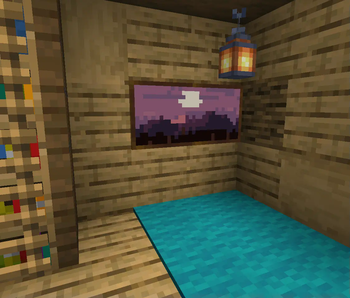
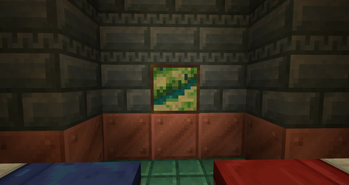
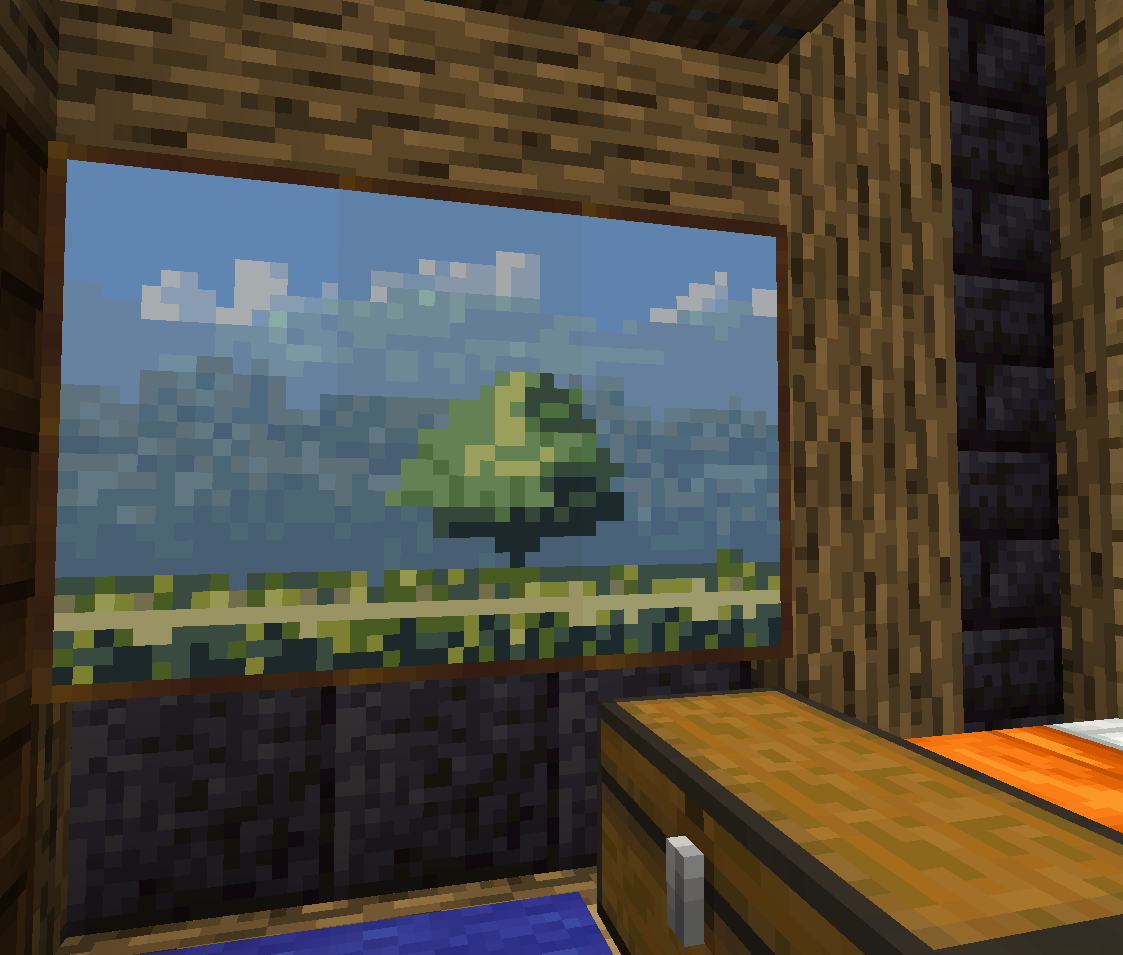
This Minecraft resourcepack adds some new paintings by using the Painting variants feature added in 1. 21. It doesn't replace any existing painting, it adds extra ones to the already existing.
> This is an update of my Custom Paintings resource pack for Minecraft versions 1. 14 to 1. 20. You can find it (https://modrinth.com/resourcepack/custom-paintings). This project only works for 1. 21+ versions of Minecraft.
## Installation The new painting variants features requires both a resource pack and a datapack.
> Important: This resource pack also requires a datapack > You can find the companion datapack (https://modrinth.com/datapack/new-custom-paintings-datapack).
Copy the resource pack in your Minecraft installation `resourcepacks` folder and the datapack in your world `datapacks` folder. You have to add the resource pack to the selected packs.
For more information see (https://minecraft.wiki/w/Data_pack#Usage) and (https://minecraft.wiki/w/Resource_pack#Behavior) in the Minecraft wiki.
Note: This datapack will mark your world as using experimental settings.
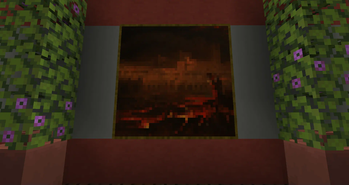
## Usage The paintings are available as any other Minecraft painting. Either randomly selected when placing a painting in the world or with the predetermined painting from the creative inventory.
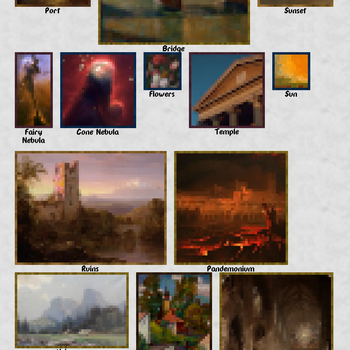
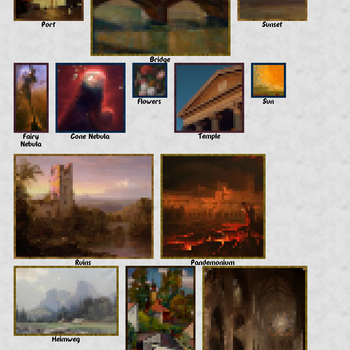
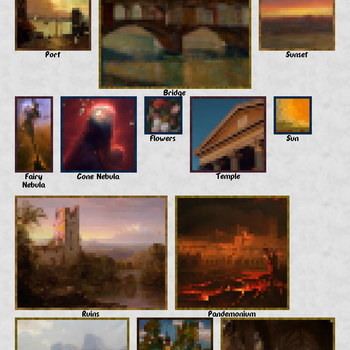
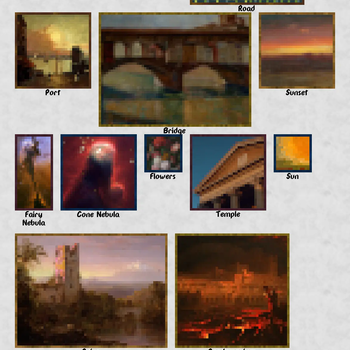
The next image shows all the available paintings:
!(https://cdn.modrinth.com/data/1qzjVkSR/images/dc6a7aab8718cdcea61e0d28fdd42a30f5e80b33.png)
## Credits First 4 sample paintings in the resource pack are created from art released under CC0 license by ansimuz. You can find the original images at the next links:
- "River" - (https://opengameart.org/content/top-down-river-shooter-environment)
- "Forest" - (https://opengameart.org/content/forest-background)
- "Mountain" - (https://opengameart.org/content/mountain-at-dusk-background)
- "Road" - (https://opengameart.org/content/country-side-platform-tiles)
The rest of the paintings are created based on public domain images. You can find the originals in the next links:
- "Port" - (https://commons.wikimedia.org/wiki/File:Cumulus_Clouds,_East_River_SAAM-1992. 91_1.jpg)
- "Bridge" - (https://artvee.com/dl/florence-3/)
- "Sunset" - (https://artvee.com/dl/sunset-13/)
- "Fairy Nebula" - (https://commons.wikimedia.org/wiki/File:Fairy_of_Eagle_Nebula.jpg)
- "Cone Nebula" - (https://commons.wikimedia.org/wiki/File:Cone_Nebula_(NGC_2264)_Star-Forming_Pillar_of_Gas_and_Dust.jpg)
- "Flowers" - (https://www.rijksmuseum.nl/en/collection/SK-C-214)
- "Temple" - (https://unsplash.com/photos/8XR23JaBUuA)
- "Sun" - (https://commons.wikimedia.org/wiki/File:Watts_%E2%80%93_After_the_Deluge.jpg)
- "Ruins" - (https://artvee.com/dl/chimborazo-volcano/)
- "Pandemonium" - (https://commons.wikimedia.org/wiki/File:John_Martin_Le_Pandemonium_Louvre. JPG)
- "Heimweg" - (https://commons.wikimedia.org/wiki/File:Anna_Klein_12_Auf_dem_Heimweg_II.jpg)
- "Village" - (https://artvee.com/dl/houses-and-the-church-at-the-salwator-hill-in-krakow/)
- "Church" - (https://commons.wikimedia.org/wiki/File:Coronation_of_Queen_Victoria_-_John_Martin.jpg)
- "Foundry" - (https://commons.wikimedia.org/wiki/File:Fra_Burmeister_og_Wains_jernst%C3%B8beri.jpg)
## Acknowledgements - Minecraft Wiki fantastic and to the point (https://minecraft.wiki/w/Painting_variant_definition) and (https://minecraft.wiki/w/Tutorials/Adding_custom_paintings) about painting variants. - (https://github.com/cassiancc/painting-variant-example/tree/main) - Hermitcraft for inspiring the original custom paintings resourcepack, as seen in (https://youtu.be/OBOAlfX7Zus?t=893).
- --
- New Custom Paintings © 2024 by Fuegon is licensed under (https://creativecommons.org/licenses/by-sa/4. 0/)
📊 Mod Details
- Game
- Minecraft Resource Packs
- Author
- Fuegon
- Version
- 2.0.0
- Downloads
- 1,386
- Endorsements
- 7
- Category
- 16x
- Created
- 6/15/2024
- Updated
- 5/12/2026
- Game Versions
- 24w18a, 24w19a, 24w19b, 24w20a, 1.21
- Tags
- 16x, decoration, vanilla-like
🔧 How to Install Minecraft Resource Packs Mods
Download from Modrinth. Use Prism Launcher or drop into your mods folder.
📖 Full step-by-step install guide for Minecraft Resource Packs →
Visit the official mod page for specific installation instructions for this mod.
🎮 Need cheat codes or console commands? Check ur gaming wiki for Minecraft Resource Packs commands, item IDs, and more.
❓ Frequently Asked Questions
Which Minecraft Resource Packs versions does New Custom Paintings - Resource Pack support?
The author lists 24w18a, 24w19a, 24w19b, 24w20a, 1.21, 1.21.1. Other versions may work but are untested by the author.
What is the latest version of New Custom Paintings - Resource Pack?
Version 2.0.0, published 2026-05-12 with 1,386 downloads recorded at the source.
Keep browsing — more Minecraft Resource Packs mods await