Invisible Boss Bars
⚪ Last updated 2023🖼️ Gallery (3 images)
🔍 Analysis
- 👍 0.1% endorsement rate
- 🏆 #49 of 177 decoration mods in this game by downloads
📋 About This Mod
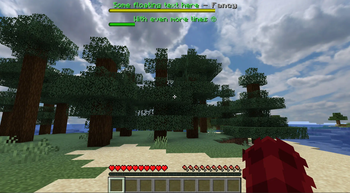
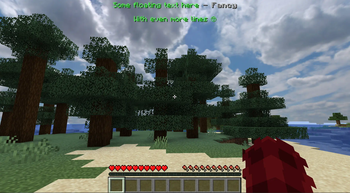
# Invisible Boss Bars A fairly simple pack to hide all boss bars and just keep the text above it. This is usually useful for servers that use the boss bar for info displays and you just want fancy floating text. If you use it for your own server try the plugin/mod (https://modrinth.com/mod/mweb) to (force) load it for other players. ## Choose your version This pack is designed to work in all versions after the boss bar revamp update by Minecraft (so no 1.8 currently). You can choose between hiding all boss bars (all), only hiding the progress (full) or just hiding boss bars that has no progress (empty). All colors are hidden by default, to still show e.g. the purple boss bar for ender dragons you need to modify the single ``bars.png`` file inside the pack. !(https://cdn.modrinth.com/data/sRddCRho/images/a75b5b729caa36f7ff3ccd6a336c32e2a25131ac.png) **Invisible Boss Bars (all)* <details><summary>Other Version Previews</summary> If you use the empty hider, progress will be displayed differently without the background. Therefore it will be invisible on no value or 0.<br><br> !(https://cdn.modrinth.com/data/sRddCRho/images/40e42857eec8fbd5dec8c8e514ccfa54eb669946.png) If you use the full hider, progress will not be displayed at all. Therefore all boss bars seems to be empty but always visible. </details>
# Invisible Boss Bars A fairly simple pack to hide all boss bars and just keep the text above it. This is usually useful for servers that use the boss bar for info displays and you just want fancy floating text.
If you use it for your own server try the plugin/mod (https://modrinth.com/mod/mweb) to (force) load it for other players.
## Choose your version This pack is designed to work in all versions after the boss bar revamp update by Minecraft (so no 1. 8 currently).
You can choose between hiding all boss bars (all), only hiding the progress (full) or just hiding boss bars that has no progress (empty). All colors are hidden by default, to still show e.g. the purple boss bar for ender dragons you need to modify the single ``bars.png`` file inside the pack.
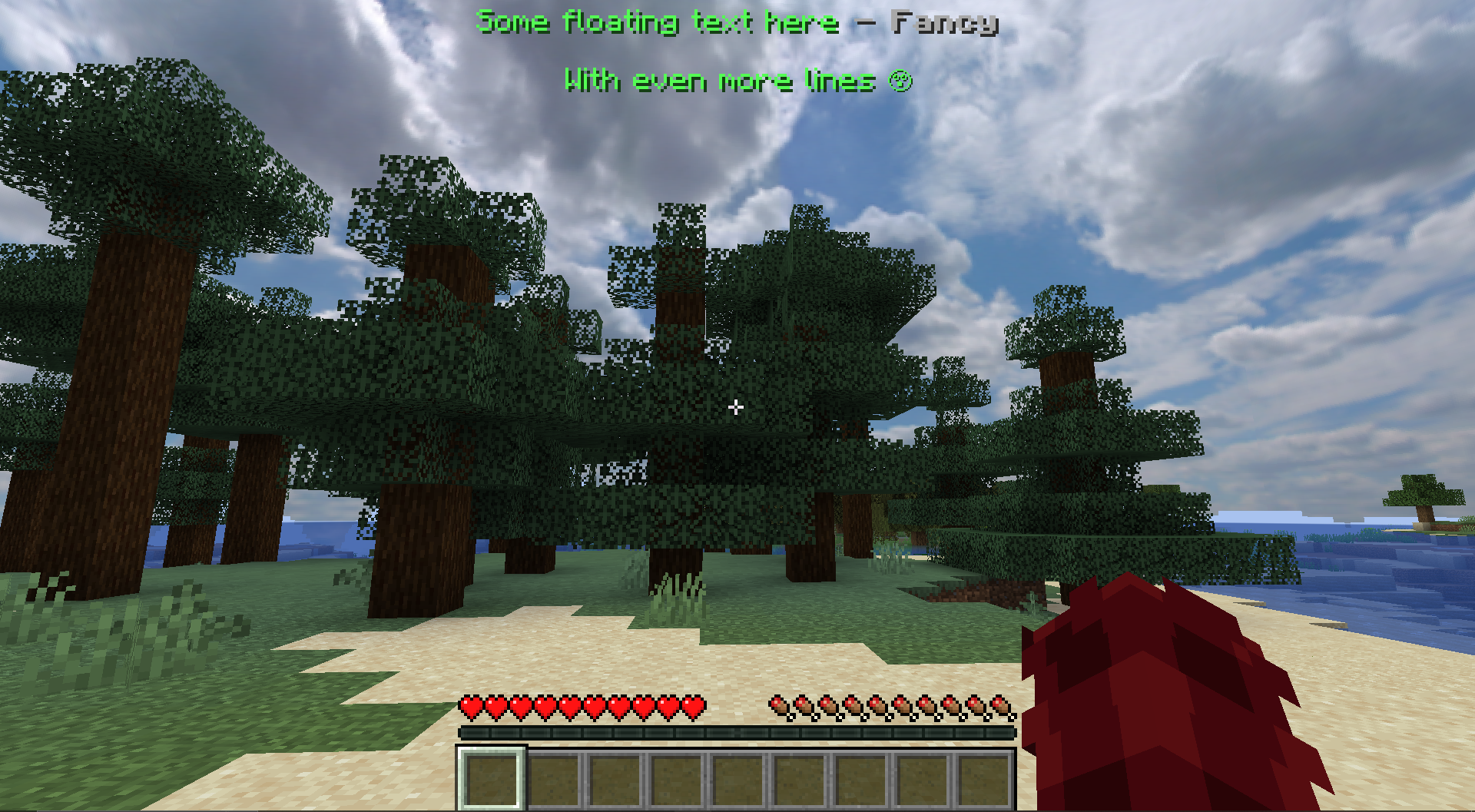 *Invisible Boss Bars (all)
Other Version Previews
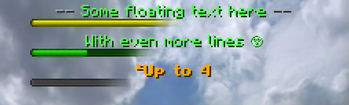
If you use the empty hider, progress will be displayed differently without the background. Therefore it will be invisible on no value or 0.
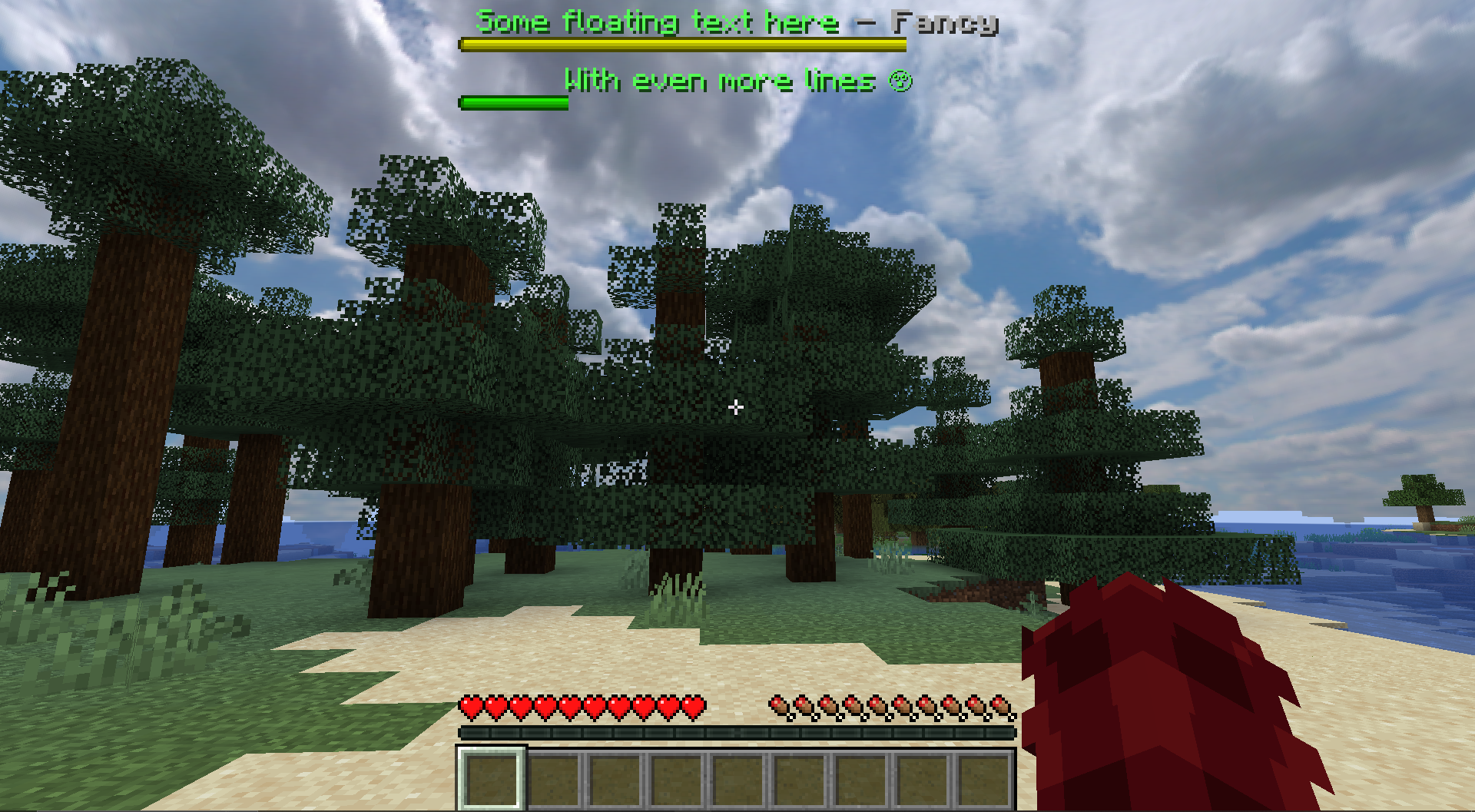
If you use the full hider, progress will not be displayed at all. Therefore all boss bars seems to be empty but always visible.
📊 Mod Details
- Game
- Minecraft Resource Packs
- Author
- Miraculixx
- Version
- 1.0.1-all
- Downloads
- 10,335
- Endorsements
- 14
- Category
- decoration
- Created
- 9/13/2023
- Updated
- 10/6/2023
- Game Versions
- 1.20.2, 1.20.3, 1.20.4, 1.20.5, 1.20.6
- Tags
- decoration, gui, tweaks
🔧 How to Install Minecraft Resource Packs Mods
Download from Modrinth. Use Prism Launcher or drop into your mods folder.
📖 Full step-by-step install guide for Minecraft Resource Packs →
Visit the official mod page for specific installation instructions for this mod.
🎮 Need cheat codes or console commands? Check ur gaming wiki for Minecraft Resource Packs commands, item IDs, and more.
❓ Frequently Asked Questions
Which Minecraft Resource Packs versions does Invisible Boss Bars support?
The author lists 1.20.2, 1.20.3, 1.20.4, 1.20.5, 1.20.6, 1.21. Other versions may work but are untested by the author.
What is the latest version of Invisible Boss Bars?
Version 1.0.1-all, published 2023-10-06 with 10,335 downloads recorded at the source.
Keep browsing — more Minecraft Resource Packs mods await