ViperX
🟡 Updated this year🖼️ Gallery (3 images)
🔍 Analysis
- 🏆 #213 of 1317 bukkit mods in this game by downloads
📋 About This Mod
# ViperX (https://forthebadge.com/badges/gluten-free.svg)](https://github.com/xmoderlive/viperx) (https://forthebadge.com/badges/built-with-love.svg)](https://github.com/xmoderlive/viperx) !(https://img.shields.io/github/v/release/xmoderlive/ViperX) !(https://img.shields.io/github/license/xmoderlive/ViperX) ViperX is a Simple Minecraft Server Plugin for Clearing Player Inventory When Banned. ## Overview ViperX helps server automatically clear certain NBT data when banned such as goods in the inventory obtained via unfair means or a custom NBT tag, handling of which is powered by `NBTAPI`. ## Features - Clears player inventory data when a ban is applied - Supports AdvancedBan and LiteBans as well as Vanilla ban system - Removes custom NBT tags from player data - Supports custom ban durations and duration presets - Tracks pending clears - Provides operator-only configuration menus ## Commands | Command | Description | | --- | --- | | `/viperx` | Opens the main menu for operators; non-operators are sent to the public links menu | | `/vx` | Alias for `/viperx` | ## Permissions | Permission | Description | Default | | --- | --- | --- | | `viperx.menu.*` | Grants access to all ViperX menus | `op` | | `viperx.mainMenu` | Opens the main menu | `op` | | `viperx.settings` | Opens the settings menu | `op` | | `viperx.pending` | Opens the pending clears menu | `op` | | `viperx.links` | Opens the public links menu | `true` | | `viperx.banMenu` | Opens the ban duration menu | `op` | ## Requirements - Bukkit/Spigot/Paper server - `NBTAPI` ## Installation 1. Download the latest ViperX release JAR. 2. Place it in your server's `plugins/` folder. 3. Install `NBTAPI` if it is not already present. 4. Start or restart the server. ## Configuration After the first startup, ViperX generates its config files. The current default config includes offline-mode warnings, ban duration presets, playerdata paths, and NBT tags to clear. ```yaml # False: Does not warn the currently logged-in admin if the server is in offline mode # True: Warns the currently logged-in admin if the server is in offline mode offline-mode-warning: true global: ban-durations: # The amount of time the ban duration is allowed to be off by in milliseconds grace-period: 100 # Exact durations that can be matched for inventory clearing duration: - "1s" - "1h" - "1d" - "1w" - "1y" # Relative paths to playerdata folders inside each world directory playerdata-path: - "playerdata" - "players/data" # NBT tags that are removed from player data NBT-Tags: - "Inventory" - "EnderItems" ``` ## Changelog See (CHANGELOG.md) for release notes and version history. !(https://cdn.modrinth.com/data/8tto75vt/images/443e106c431209d6125736ad2eafb0a7db9dca2f.gif) !(https://cdn.modrinth.com/data/8tto75vt/images/0335ec54cdb09c1262a1ad9fbe664489a2195558.gif) ## Authors - (https://www.github.com/NotNightSky)
[!(https://forthebadge.com/badges/gluten-free.svg)](https://github.com/xmoderlive/viperx) [!(https://forthebadge.com/badges/built-with-love.svg)](https://github.com/xmoderlive/viperx)
!(https://img.shields.io/github/v/release/xmoderlive/ViperX) !(https://img.shields.io/github/license/xmoderlive/ViperX)
ViperX is a Simple Minecraft Server Plugin for Clearing Player Inventory When Banned.
## Overview
ViperX helps server automatically clear certain NBT data when banned such as goods in the inventory obtained via unfair means or a custom NBT tag, handling of which is powered by `NBTAPI`.
## Features
- Clears player inventory data when a ban is applied
- Supports AdvancedBan and LiteBans as well as Vanilla ban system
- Removes custom NBT tags from player data
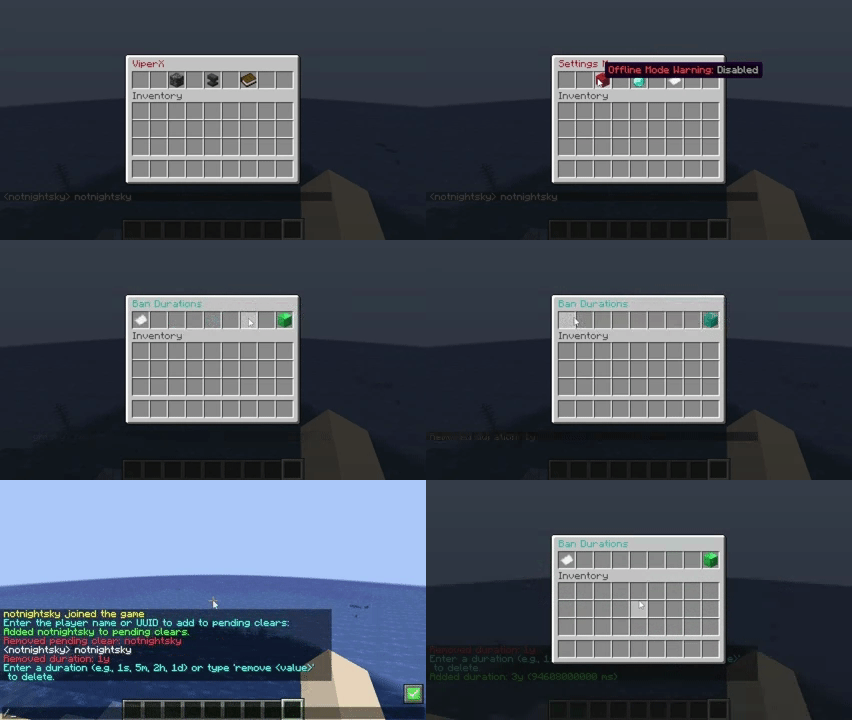
- Supports custom ban durations and duration presets
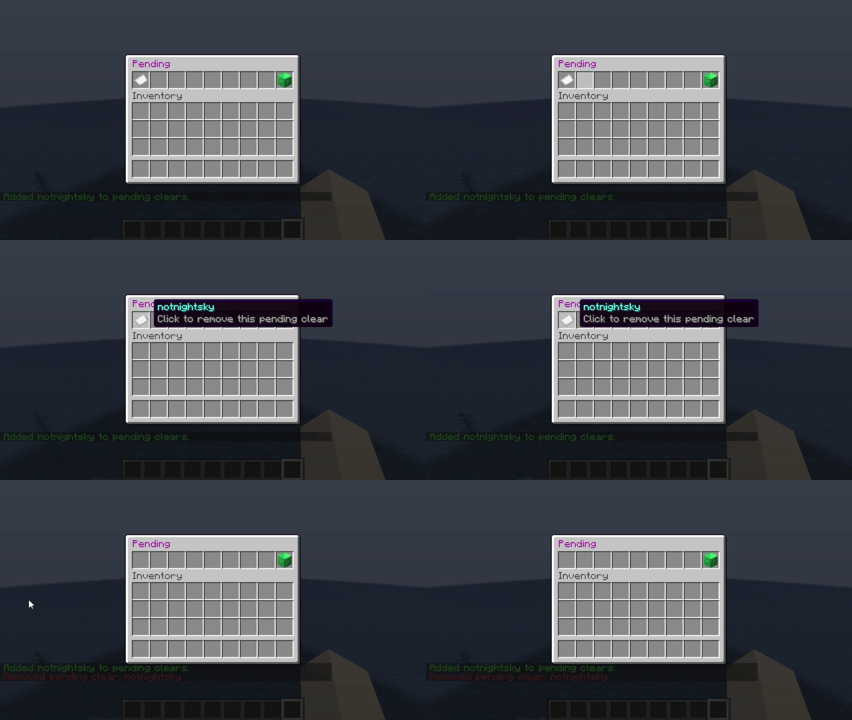
- Tracks pending clears
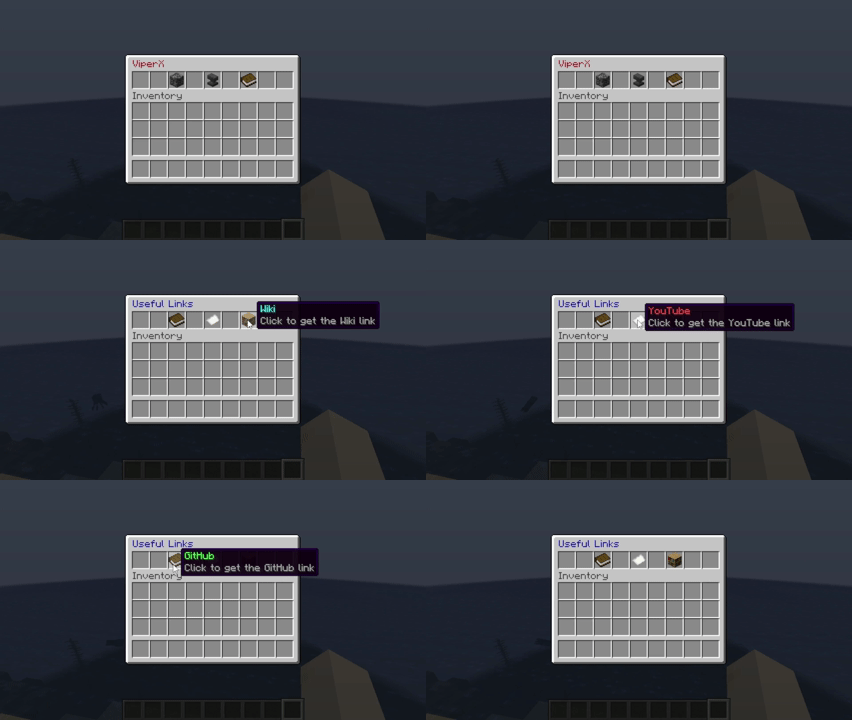
- Provides operator-only configuration menus
## Commands
| Command | Description | | --- | --- | | `/viperx` | Opens the main menu for operators; non-operators are sent to the public links menu | | `/vx` | Alias for `/viperx` |
## Permissions
| Permission | Description | Default | | --- | --- | --- | | `viperx.menu.*` | Grants access to all ViperX menus | `op` | | `viperx.mainMenu` | Opens the main menu | `op` | | `viperx.settings` | Opens the settings menu | `op` | | `viperx.pending` | Opens the pending clears menu | `op` | | `viperx.links` | Opens the public links menu | `true` | | `viperx.banMenu` | Opens the ban duration menu | `op` |
## Requirements
- Bukkit/Spigot/Paper server
- `NBTAPI`
## Installation
1. Download the latest ViperX release JAR. 2. Place it in your server's `plugins/` folder. 3. Install `NBTAPI` if it is not already present. 4. Start or restart the server.
## Configuration
After the first startup, ViperX generates its config files. The current default config includes offline-mode warnings, ban duration presets, playerdata paths, and NBT tags to clear.
```yaml # False: Does not warn the currently logged-in admin if the server is in offline mode # True: Warns the currently logged-in admin if the server is in offline mode offline-mode-warning: true
global: ban-durations: # The amount of time the ban duration is allowed to be off by in milliseconds grace-period: 100 # Exact durations that can be matched for inventory clearing duration: - "1s" - "1h" - "1d" - "1w" - "1y" # Relative paths to playerdata folders inside each world directory playerdata-path: - "playerdata" - "players/data"
# NBT tags that are removed from player data NBT-Tags: - "Inventory" - "EnderItems" ```
## Changelog
See [`CHANGELOG.md`](CHANGELOG.md) for release notes and version history.
!(https://cdn.modrinth.com/data/8tto75vt/images/443e106c431209d6125736ad2eafb0a7db9dca2f.gif)
!(https://cdn.modrinth.com/data/8tto75vt/images/0335ec54cdb09c1262a1ad9fbe664489a2195558.gif)
- (https://www.github.com/NotNightSky)
📊 Mod Details
- Game
- Minecraft Plugins
- Author
- NotNightSky
- Version
- 5.0.0
- Downloads
- 316
- Endorsements
- 0
- Category
- bukkit
- Created
- 8/21/2025
- Updated
- 8/1/2026
- Game Versions
- 1.8.8, 1.8.9, 1.9, 1.9.1, 1.9.2
- Tags
- game-mechanics, management, utility
🔧 How to Install Minecraft Plugins Mods
Download from Modrinth. Use Prism Launcher or drop into your mods folder.
📖 Full step-by-step install guide for Minecraft Plugins →
Visit the official mod page for specific installation instructions for this mod.
🎮 Need cheat codes or console commands? Check ur gaming wiki for Minecraft Plugins commands, item IDs, and more.
❓ Frequently Asked Questions
Which Minecraft Plugins versions does ViperX support?
The author lists 1.8.8, 1.8.9, 1.9, 1.9.1, 1.9.2, 1.9.3. Other versions may work but are untested by the author.
What is the latest version of ViperX?
Version 5.0.0, published 2026-08-01 with 316 downloads recorded at the source.
Keep browsing — more Minecraft Plugins mods await