TextGenerator
🟡 Updated this year🖼️ Gallery (8 images)



🔍 Analysis
- 👍 1.0% endorsement rate — high engagement, a strong quality signal
- 🏆 #926 of 1560 bukkit mods in this game by downloads
📋 About This Mod
<h1>TextGenerator</h1> <iframe width="420" height="315" src="https://www.youtube.com/embed/QFX4GHEk6OQ"> </iframe> <h2>Features</h2> <ul> <li>Drag to move the text</li> <li>You can edit the text whenever you want</li> <li>GUI to edit everything of the text</li> <li>A for Minecraft specific font size with slabs and stairs to generate small texts</li> <li>\n for a new line</li> <li>The text cannot override other blocks</li> </ul> <h2>Examples of texts</h2> <img width="420" height="315"src="https://cdn.modrinth.com/data/KR9zve3W/images/c1c4155f1f91d9aba6e9c7d0b7122c8678ffbadc.png" alt=""/> <img width="420" height="315"src="https://cdn.modrinth.com/data/KR9zve3W/images/13911893531aa7abb54cd5d446e26d9422b8da7e.png" alt=""/> <img width="420" height="315"src="https://cdn.modrinth.com/data/KR9zve3W/images/6bced5cc1aa3f86538870677cef70b0bd2a22d5d.png" alt=""/> <img width="420" height="315"src="https://cdn.modrinth.com/data/KR9zve3W/images/08a702a06177475e0f4b384a832069042d602421.png" alt=""/> <h2>Commands</h2> <p>All commands have the "textgenerator.use" permission <h3>When not editing a text:</h3> <p>/tg generate - Generates a text with your text settings in front of the player</p> <p>/tg edit this - When looking at a previous generated text the player goes into the editing mode to edit it</p> <p>/tg settings - Opens a GUI to edit the default text settings for the next generate</p> <h3>When editing a text:</h3> <p>/tg confirm - Stops editing the text and leaves it there</p> <p>/tg edit menu - Opens a GUI to edit the text</p> <p>/tg move - When drag to move is disabled it moves the text to the given directions. First number indicates left/right, second indicates top/bottom, and third indicates back/front</p> <p>/tg refresh - When drag to move is disabled it moves the text to the players looking direction</p> <p>/tg cancel - Destroys the text (when it was previously generated) or sets the text to its previous state (when it was edited)</p> <p>/tg destroy - Destroys the text</p> <p>/tg reset - Destroys all build blocks and builds it again</p> <p>/tg remove - Removes the text from the plugin (the text cannot be edited anymore)</p> <p>/tg setText - Changes the text</p> <h2>PlaceHolderAPI</h2> <p>%textgeneratorGeneratedTexts% - Returns a list of all texts ever generated</p> <h2>The configuration file </h2> <pre> placementRange: 30 dragToMove: false textSettings: block: quartz_block fontName: Arial fontSize: 15 fontStyle: BOLD underline: false lineSpacing: 2</pre>
TextGenerator
Features
- Drag to move the text
- You can edit the text whenever you want
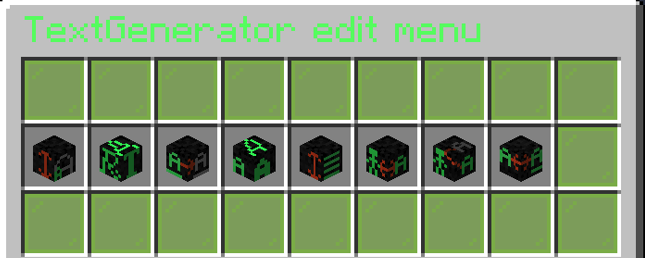
- GUI to edit everything of the text
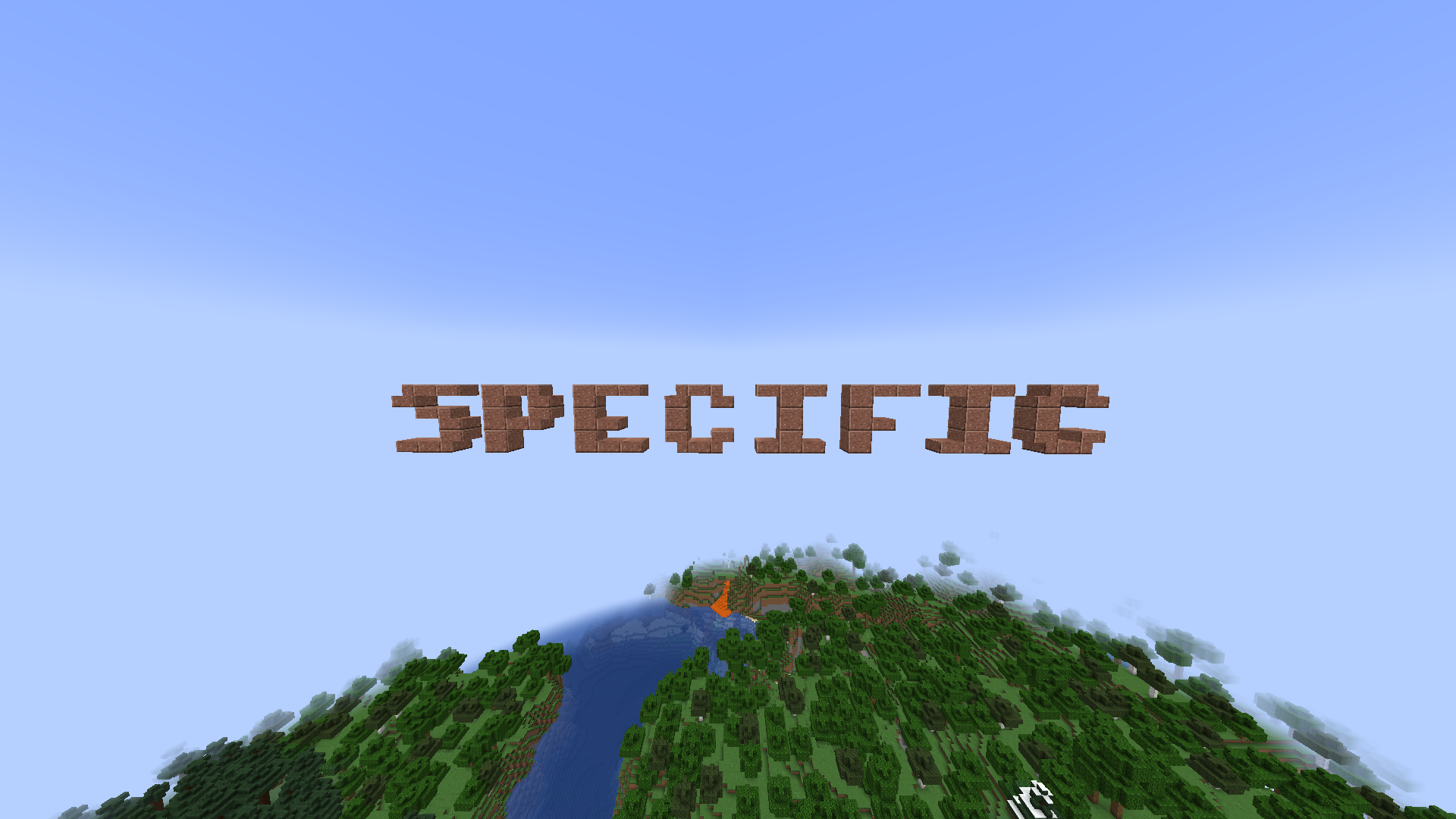
- A for Minecraft specific font size with slabs and stairs to generate small texts
- \n for a new line
- The text cannot override other blocks
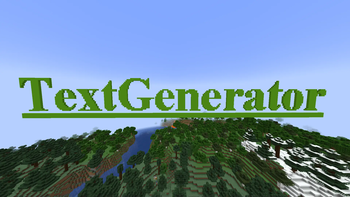
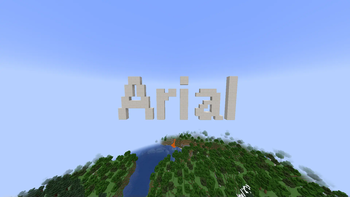
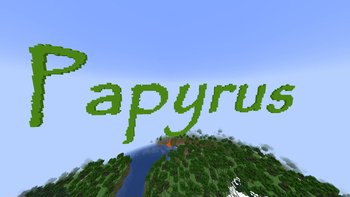
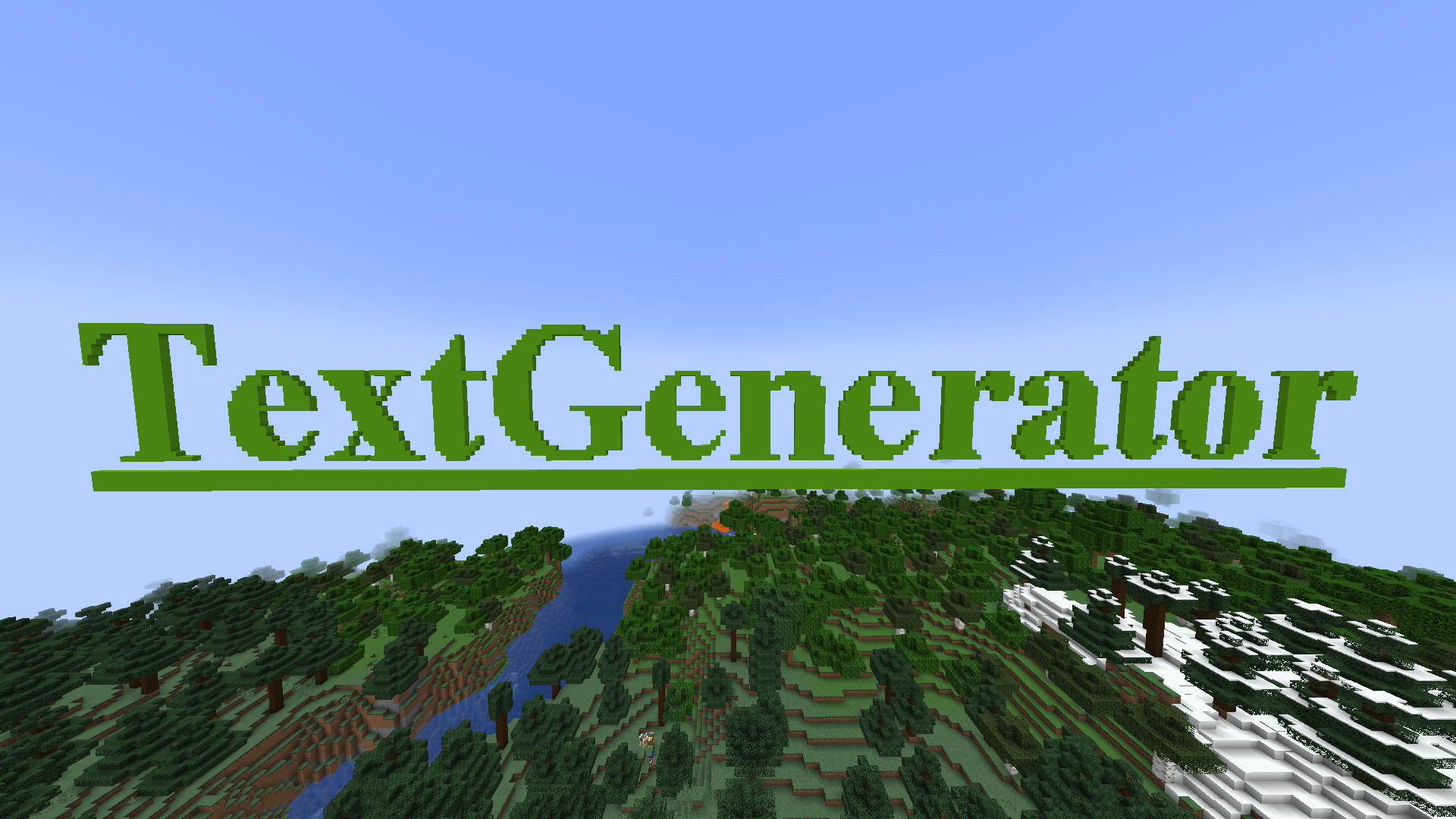
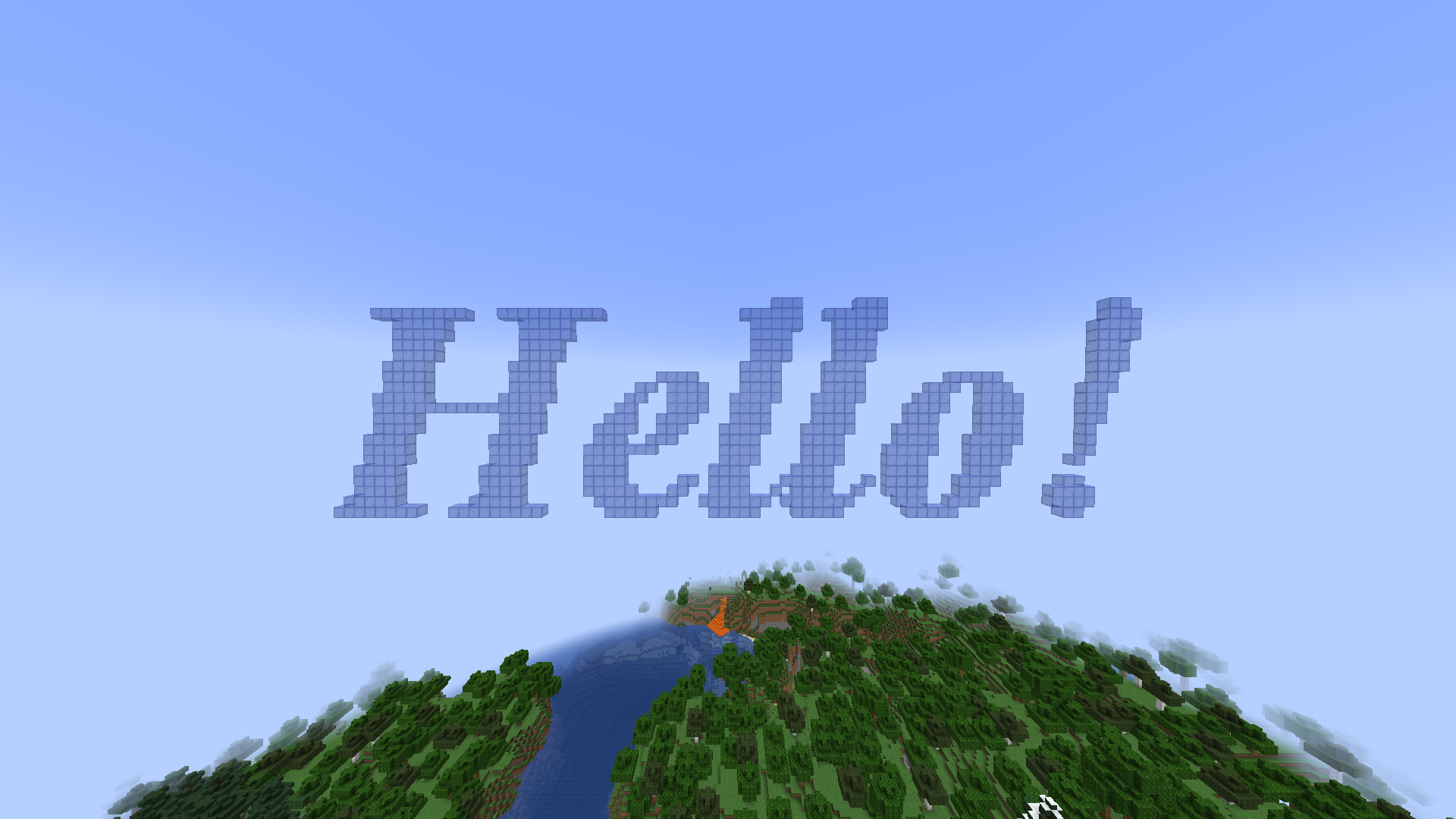
Examples of texts

Commands
All commands have the "textgenerator.use" permission
When not editing a text:
/tg generate - Generates a text with your text settings in front of the player
/tg edit this - When looking at a previous generated text the player goes into the editing mode to edit it
/tg settings - Opens a GUI to edit the default text settings for the next generate
When editing a text:
/tg confirm - Stops editing the text and leaves it there
/tg edit menu - Opens a GUI to edit the text
/tg move - When drag to move is disabled it moves the text to the given directions. First number indicates left/right, second indicates top/bottom, and third indicates back/front
/tg refresh - When drag to move is disabled it moves the text to the players looking direction
/tg cancel - Destroys the text (when it was previously generated) or sets the text to its previous state (when it was edited)
/tg destroy - Destroys the text
/tg reset - Destroys all build blocks and builds it again
/tg remove - Removes the text from the plugin (the text cannot be edited anymore)
/tg setText - Changes the text
PlaceHolderAPI
%textgeneratorGeneratedTexts% - Returns a list of all texts ever generated
The configuration file
placementRange: 30
dragToMove: false
textSettings:
 block: quartz_block
 fontName: Arial
 fontSize: 15
 fontStyle: BOLD
 underline: false
 lineSpacing: 2
📊 Mod Details
- Game
- Minecraft Plugins
- Author
- DidlDimpfe
- Version
- 1.0.6
- Downloads
- 2,297
- Endorsements
- 24
- Category
- bukkit
- Created
- 7/17/2023
- Updated
- 4/24/2026
- Game Versions
- 1.19, 1.19.1, 1.19.2, 1.19.3, 1.19.4
- Tags
- decoration, magic, utility
🔧 How to Install Minecraft Plugins Mods
Download from Modrinth. Use Prism Launcher or drop into your mods folder.
📖 Full step-by-step install guide for Minecraft Plugins →
Visit the official mod page for specific installation instructions for this mod.
🎮 Need cheat codes or console commands? Check ur gaming wiki for Minecraft Plugins commands, item IDs, and more.
❓ Frequently Asked Questions
Which Minecraft Plugins versions does TextGenerator support?
The author lists 1.19, 1.19.1, 1.19.2, 1.19.3, 1.19.4, 1.20. Other versions may work but are untested by the author.
What is the latest version of TextGenerator?
Version 1.0.6, published 2026-04-24 with 2,297 downloads recorded at the source.
Keep browsing — more Minecraft Plugins mods await