Sonar
🟡 Updated this year🖼️ Gallery (5 images)

🔍 Analysis
- 👍 0.2% endorsement rate
- 🏆 #120 of 1560 bukkit mods in this game by downloads
📋 About This Mod
!(https://i.imgur.com/XsYZi9r.jpeg) ## Sonar Sonar is a lightweight and easy-to-use anti-bot plugin for your Minecraft server. Sonar provides a multi-layered defense against bots, keeping your server safe from common and even sophisticated bot attacks without hindering the experience for real players. > ### Notice about Sonar 3.0 > > If you want more robust protection, better performance, and awesome new features, check out Sonar 3.0 at https://sonar.top/! > You can read more about what sets Sonar 3.0 apart from Sonar 2.0 (<https://sonar.top/docs/features>). ## Design and Goal * Effective, lightweight, and easy-to-use * No unnecessary features and clean code * Protection against all kinds of bot attacks * No player should be annoyed by any sort of (https://en.wikipedia.org/wiki/CAPTCHA) * No sort of checking for VPNs or proxies * Multi-platform support (See (https://docs.jonesdev.xyz/sonar/supported-versions)) ## Checks Sonar analyzes a player's behavior before joining the actual server, therefore stopping malicious traffic from ever reaching the backend. It is supposed to be an instant, powerful, and simple method of verification that should prevent all typical and advanced types of bots. 1. Sonar sends the player to a lightweight fake server when they connect for the first time. 2. Sonar verifies that players obey the laws of Minecraft's physics, including gravity and proper block collision. 3. Sonar verifies that players send legitimate packets when interacting with vehicles (e.g. boats). 4. Sonar makes sure that players send legitimate packets according to the (<https://wiki.vg/Protocol>). Sonar also protects against spambot attacks since it queues the incoming connections, therefore making it technically impossible to have a ton of bots join the server at the same time. ### False positives Sonar is unlikely to ever falsely prevent a player from joining the server since Minecraft uses the TCP protocol, which means that packets are always sent in the correct order. Therefore, lag or ping should not affect the bot check. ## Previews and tutorials Hindi <iframe src="https://www.youtube-nocookie.com/embed/YyLcl1fG0j4" title="YouTube video player" frameborder="0" allow="accelerometer; autoplay; clipboard-write; encrypted-media; gyroscope; picture-in-picture; web-share" allowfullscreen></iframe> Spanish <iframe src="https://www.youtube-nocookie.com/embed/SpxmM5vht2Q" title="YouTube video player" frameborder="0" allow="accelerometer; autoplay; clipboard-write; encrypted-media; gyroscope; picture-in-picture; web-share" allowfullscreen></iframe> Russian <iframe src="https://www.youtube-nocookie.com/embed/fBMq8UF2xQI" title="YouTube video player" frameborder="0" allow="accelerometer; autoplay; clipboard-write; encrypted-media; gyroscope; picture-in-picture; web-share" allowfullscreen></iframe> <details> <summary>Short Previews</summary> <iframe src="https://www.youtube-nocookie.com/embed/A4ARtQaTzak" title="YouTube video player" frameborder="0" allow="accelerometer; autoplay; clipboard-write; encrypted-media; gyroscope; picture-in-picture; web-share" allowfullscreen></iframe> <iframe src="https://www.youtube-nocookie.com/embed/Gba_3Eagx-c" title="YouTube video player" frameborder="0" allow="accelerometer; autoplay; clipboard-write; encrypted-media; gyroscope; picture-in-picture; web-share" allowfullscreen></iframe> </details> ## bStats <details> <summary>Velocity</summary> <a href="https://bstats.org/plugin/velocity/Sonar/19107"> <img src="https://bstats.org/signatures/velocity/Sonar.svg"></img> </a> </details> <details> <summary>BungeeCord</summary> <a href="https://bstats.org/plugin/bungeecord/Sonar/19109"> <img src="https://bstats.org/signatures/bungeecord/Sonar.svg"></img> </a> </details> <details> <summary>Bukkit</summary> <a href="https://bstats.org/plugin/bukkit/Sonar/19110"> <img src="https://bstats.org/signatures/bukkit/Sonar.svg"></img> </a> </details>

## Sonar Sonar is a lightweight and easy-to-use anti-bot plugin for your Minecraft server. Sonar provides a multi-layered defense against bots, keeping your server safe from common and even sophisticated bot attacks without hindering the experience for real players.
> ### Notice about Sonar 3. 0
>
> If you want more robust protection, better performance, and awesome new features, check out Sonar 3. 0 at https://sonar.top/!
> You can read more about what sets Sonar 3. 0 apart from Sonar 2. 0 (
## Design and Goal Effective, lightweight, and easy-to-use No unnecessary features and clean code Protection against all kinds of bot attacks No player should be annoyed by any sort of (https://en.wikipedia.org/wiki/CAPTCHA) No sort of checking for VPNs or proxies Multi-platform support (See (https://docs.jonesdev.xyz/sonar/supported-versions))
## Checks Sonar analyzes a player's behavior before joining the actual server, therefore stopping malicious traffic from ever reaching the backend. It is supposed to be an instant, powerful, and simple method of verification that should prevent all typical and advanced types of bots.
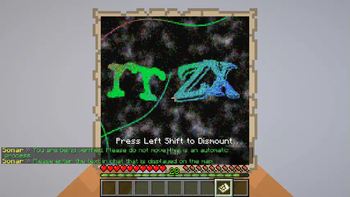
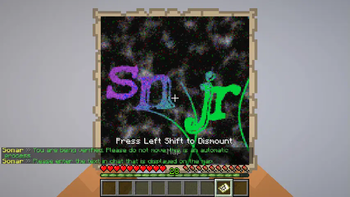
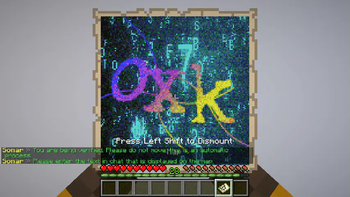
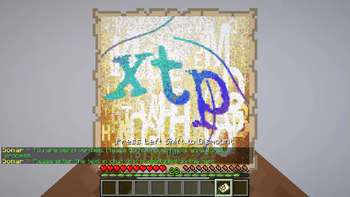
1. Sonar sends the player to a lightweight fake server when they connect for the first time.
2. Sonar verifies that players obey the laws of Minecraft's physics, including gravity and proper block collision.
3. Sonar verifies that players send legitimate packets when interacting with vehicles (e.g. boats).
4. Sonar makes sure that players send legitimate packets according to the (
Sonar also protects against spambot attacks since it queues the incoming connections, therefore making it technically impossible to have a ton of bots join the server at the same time.
### False positives Sonar is unlikely to ever falsely prevent a player from joining the server since Minecraft uses the TCP protocol, which means that packets are always sent in the correct order. Therefore, lag or ping should not affect the bot check.
## Previews and tutorials
Hindi
Spanish
Russian
Short Previews
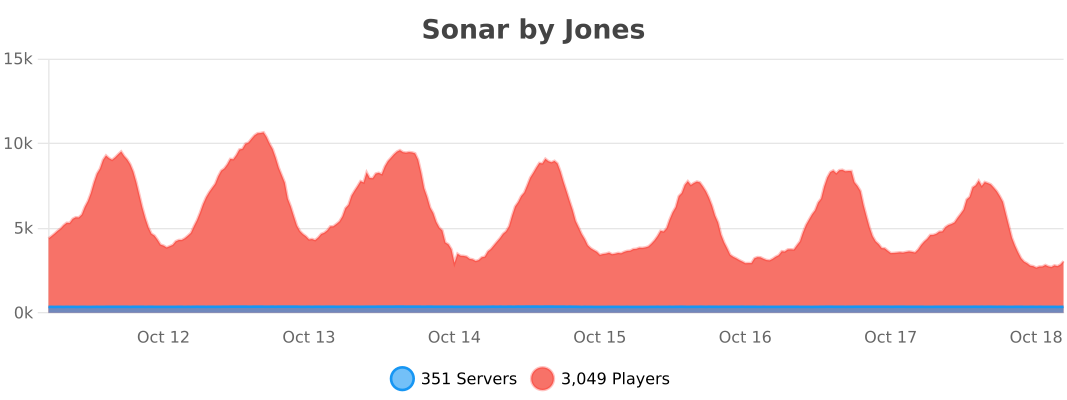
Velocity
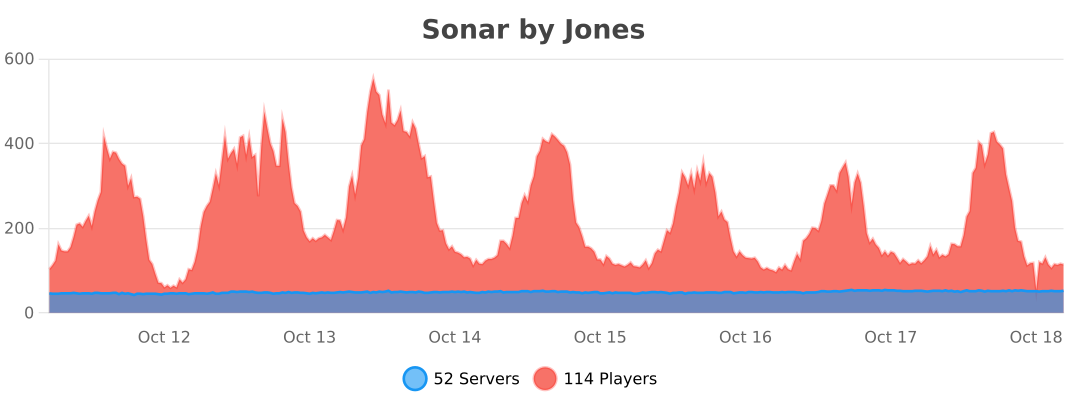
BungeeCord
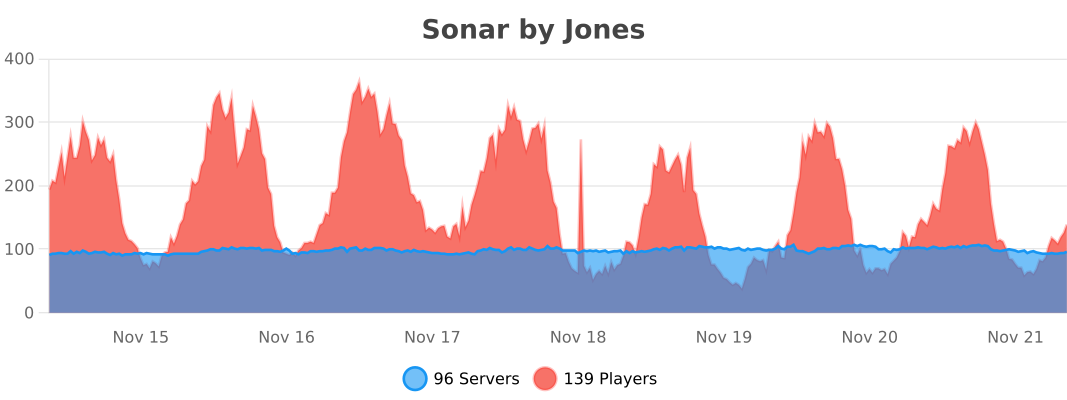
Bukkit
📊 Mod Details
- Game
- Minecraft Plugins
- Author
- Jones
- Version
- 2.1.50
- Downloads
- 55,729
- Endorsements
- 119
- Category
- bukkit
- Created
- 10/21/2023
- Updated
- 7/12/2026
- Game Versions
- 1.7.2, 1.7.3, 1.7.4, 1.7.5, 1.7.6
- Tags
- management, utility
🔧 How to Install Minecraft Plugins Mods
Download from Modrinth. Use Prism Launcher or drop into your mods folder.
📖 Full step-by-step install guide for Minecraft Plugins →
Visit the official mod page for specific installation instructions for this mod.
🎮 Need cheat codes or console commands? Check ur gaming wiki for Minecraft Plugins commands, item IDs, and more.
❓ Frequently Asked Questions
Which Minecraft Plugins versions does Sonar support?
The author lists 1.7.2, 1.7.3, 1.7.4, 1.7.5, 1.7.6, 1.7.7. Other versions may work but are untested by the author.
What is the latest version of Sonar?
Version 2.1.50, published 2026-07-12 with 55,729 downloads recorded at the source.
Keep browsing — more Minecraft Plugins mods await