ServerCtrl
⚪ Last updated 2024🖼️ Gallery (3 images)
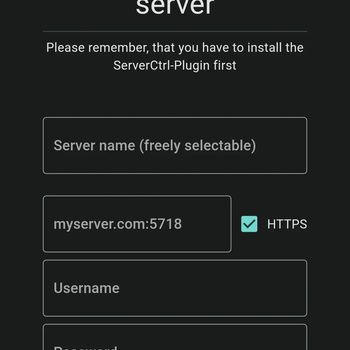
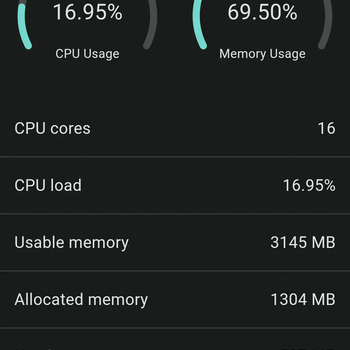
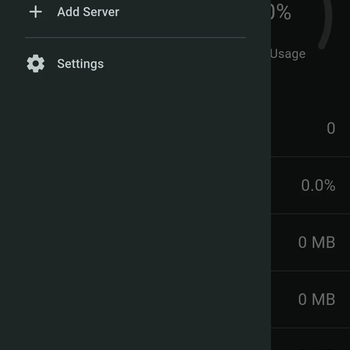
🔍 Analysis
- 👍 1.8% endorsement rate — high engagement, a strong quality signal
- 🏆 #106 of 131 management mods in this game by downloads
📋 About This Mod
# ServerCtrl <p align="center"> <img src="https://raw.githubusercontent.com/blitzdose/ServerCtrl/master/Images/name.png", width=800> <br> <br> ServerCtrl lets you control your Minecraft server from an Android / Windows / Linux App or the integrated Web interface. <br> <br> <a href="https://discord.gg/SewjCwVpaa" target="_blank"><img src="https://raw.githubusercontent.com/blitzdose/ServerCtrl/master/Images/discord.png", width=400></a> <br> <a href="https://www.spigotmc.org/resources/minecraft-server-remote.72231/" target="_blank"><img src="https://raw.githubusercontent.com/blitzdose/ServerCtrl/master/Images/spigot.png", width=400></a> <br> <a href="https://serverctrl.blitzdose.de/docs/intro" target="_blank"><img src="https://raw.githubusercontent.com/blitzdose/ServerCtrl/master/Images/wiki.png", width=400></a> </p> ## 🛫 Getting Started You can install this Plugin like any other for your Spigot (Paper, etc.) server. **On the first start, you will get the credentials for the admin account inside your console.** ## 🚀 Features - View system health (CPU and RAM usage) - View online players and kick, ban or op them with a click of a button - A fully functional Console - Logging for logins, downloads and more - Rights-System. Add your devs to this plugin and let them perform only the actions you want them to do - Complete file manager that lets you upload, download, edit and much more ## 📷 Screenshots <p align="center"> <img src="https://raw.githubusercontent.com/blitzdose/ServerCtrl/master/Images/Screenshots/Android-1.png", width=180> <img src="https://raw.githubusercontent.com/blitzdose/ServerCtrl/master/Images/Screenshots/Android-2.png", width=180> <img src="https://raw.githubusercontent.com/blitzdose/ServerCtrl/master/Images/Screenshots/Android-3.png", width=180> <img src="https://raw.githubusercontent.com/blitzdose/ServerCtrl/master/Images/Screenshots/Android-4.png", width=180> </p> ## ⬇️ Download Download the latest version here: (https://github.com/blitzdose/ServerCtrl/releases/latest) ## 🌍 Translation <a href="https://github.com/blitzdose/ServerCtrl/wiki/Contribute-translations"><img src="https://img.shields.io/badge/dynamic/json?color=2ea44f&label=English&query=%24.statistics.en.percent&url=https%3A%2F%2Ftranslation.blitzdose.de%2Fapi%2Fv1%2Fprojects%2F1%2Fstatistics" alt="English"></a> <a href="https://github.com/blitzdose/ServerCtrl/wiki/Contribute-translations"><img src="https://img.shields.io/badge/dynamic/json?color=2ea44f&label=Arabic&query=%24.statistics.ar.percent&url=https%3A%2F%2Ftranslation.blitzdose.de%2Fapi%2Fv1%2Fprojects%2F1%2Fstatistics" alt="Arabic"></a> <a href="https://github.com/blitzdose/ServerCtrl/wiki/Contribute-translations"><img src="https://img.shields.io/badge/dynamic/json?color=2ea44f&label=Chinese%20(Simplified)&query=%24.statistics.percent&url=https%3A%2F%2Ftranslation.blitzdose.de%2Fapi%2Fv1%2Fprojects%2F1%2Fstatistics" alt="Chinese (Simplified)"></a> <a href="https://github.com/blitzdose/ServerCtrl/wiki/Contribute-translations"><img src="https://img.shields.io/badge/dynamic/json?color=2ea44f&label=Chinese%20(Traditional)&query=%24.statistics.percent&url=https%3A%2F%2Ftranslation.blitzdose.de%2Fapi%2Fv1%2Fprojects%2F1%2Fstatistics" alt="Chinese (Traditional)"></a> <a href="https://github.com/blitzdose/ServerCtrl/wiki/Contribute-translations"><img src="https://img.shields.io/badge/dynamic/json?color=2ea44f&label=Czech&query=%24.statistics.cs.percent&url=https%3A%2F%2Ftranslation.blitzdose.de%2Fapi%2Fv1%2Fprojects%2F1%2Fstatistics" alt="Czech"></a> <a href="https://github.com/blitzdose/ServerCtrl/wiki/Contribute-translations"><img src="https://img.shields.io/badge/dynamic/json?color=2ea44f&label=Dutch&query=%24.statistics.nl.percent&url=https%3A%2F%2Ftranslation.blitzdose.de%2Fapi%2Fv1%2Fprojects%2F1%2Fstatistics" alt="Dutch"></a> <a href="https://github.com/blitzdose/ServerCtrl/wiki/Contribute-translations"><img src="https://img.shields.io/badge/dynamic/json?color=2ea44f&label=French&query=%24.statistics.fr.percent&url=https%3A%2F%2Ftranslation.blitzdose.de%2Fapi%2Fv1%2Fprojects%2F1%2Fstatistics" alt="French"></a> <a href="https://github.com/blitzdose/ServerCtrl/wiki/Contribute-translations"><img src="https://img.shields.io/badge/dynamic/json?color=2ea44f&label=German&query=%24.statistics.de.percent&url=https%3A%2F%2Ftranslation.blitzdose.de%2Fapi%2Fv1%2Fprojects%2F1%2Fstatistics" alt="German"></a> <a href="https://github.com/blitzdose/ServerCtrl/wiki/Contribute-translations"><img src="https://img.shields.io/badge/dynamic/json?color=2ea44f&label=Italian&query=%24.statistics.it.percent&url=https%3A%2F%2Ftranslation.blitzdose.de%2Fapi%2Fv1%2Fprojects%2F1%2Fstatistics" alt="Italian"></a> <a href="https://github.com/blitzdose/ServerCtrl/wiki/Contribute-translations"><img src="https://img.sh
# ServerCtrl

ServerCtrl lets you control your Minecraft server from an Android / Windows / Linux App or the integrated Web interface.



## 🛫 Getting Started You can install this Plugin like any other for your Spigot (Paper, etc.) server. On the first start, you will get the credentials for the admin account inside your console.
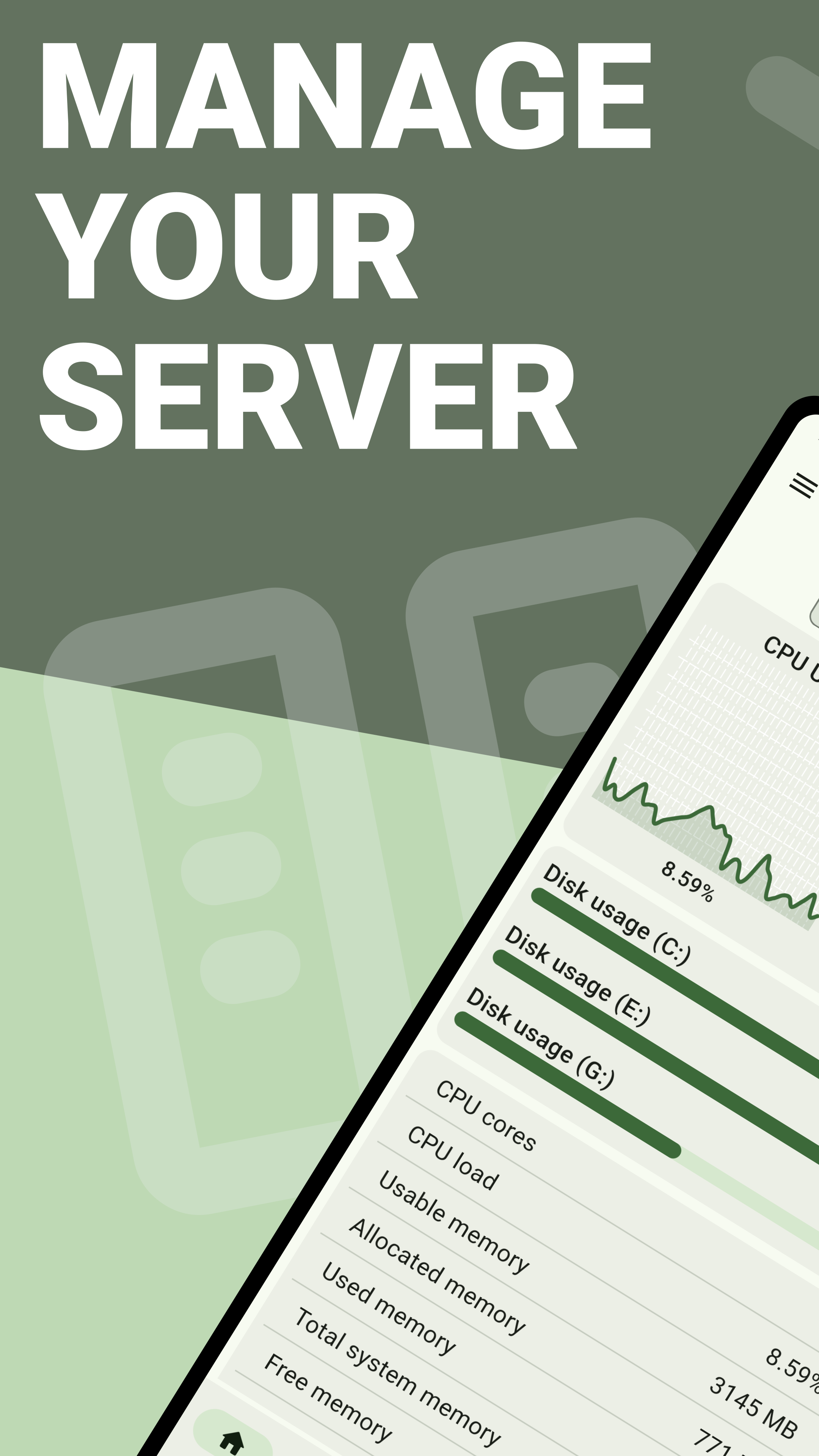
## 🚀 Features - View system health (CPU and RAM usage) - View online players and kick, ban or op them with a click of a button - A fully functional Console - Logging for logins, downloads and more - Rights-System. Add your devs to this plugin and let them perform only the actions you want them to do - Complete file manager that lets you upload, download, edit and much more
## 📷 Screenshots
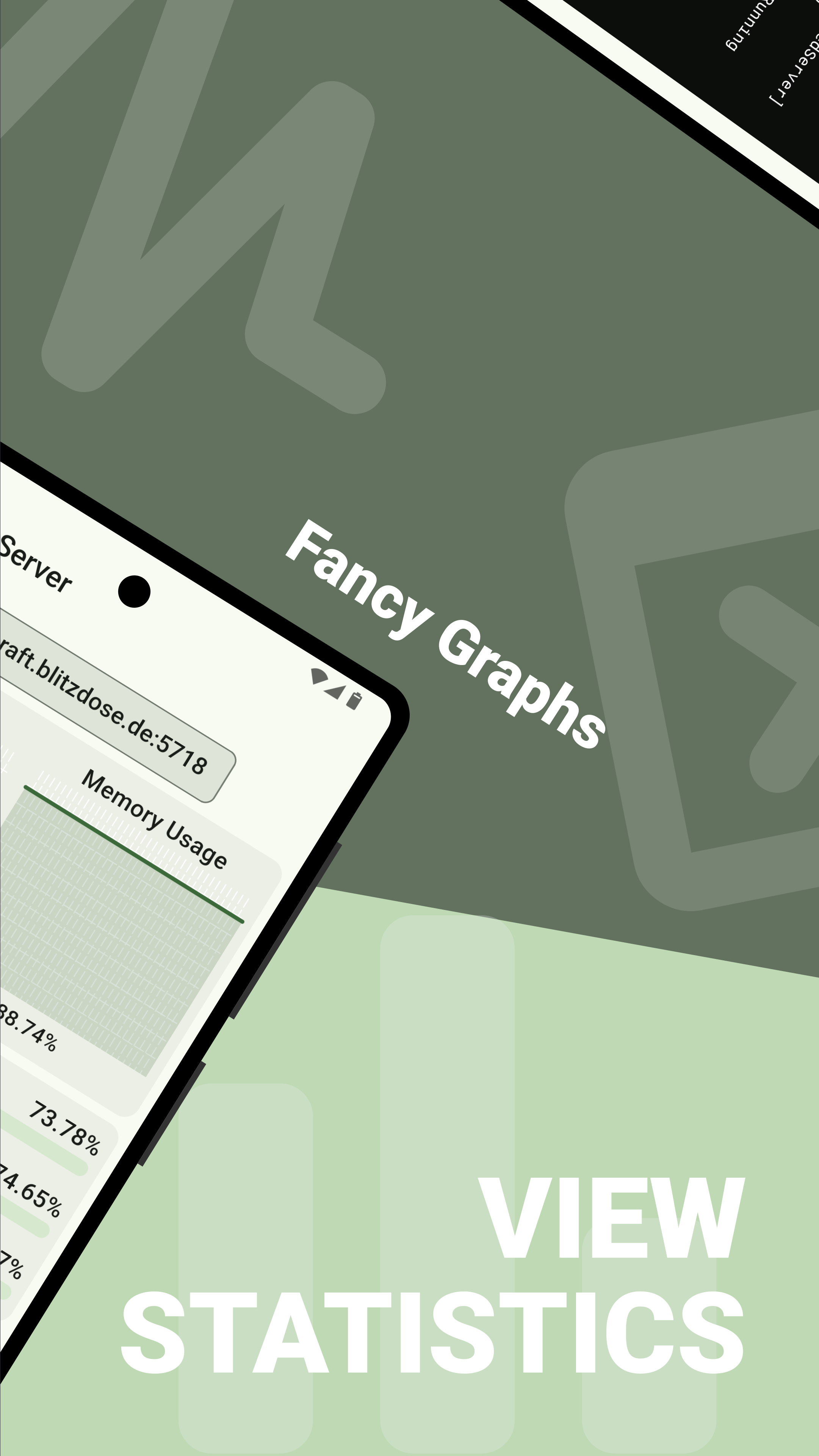
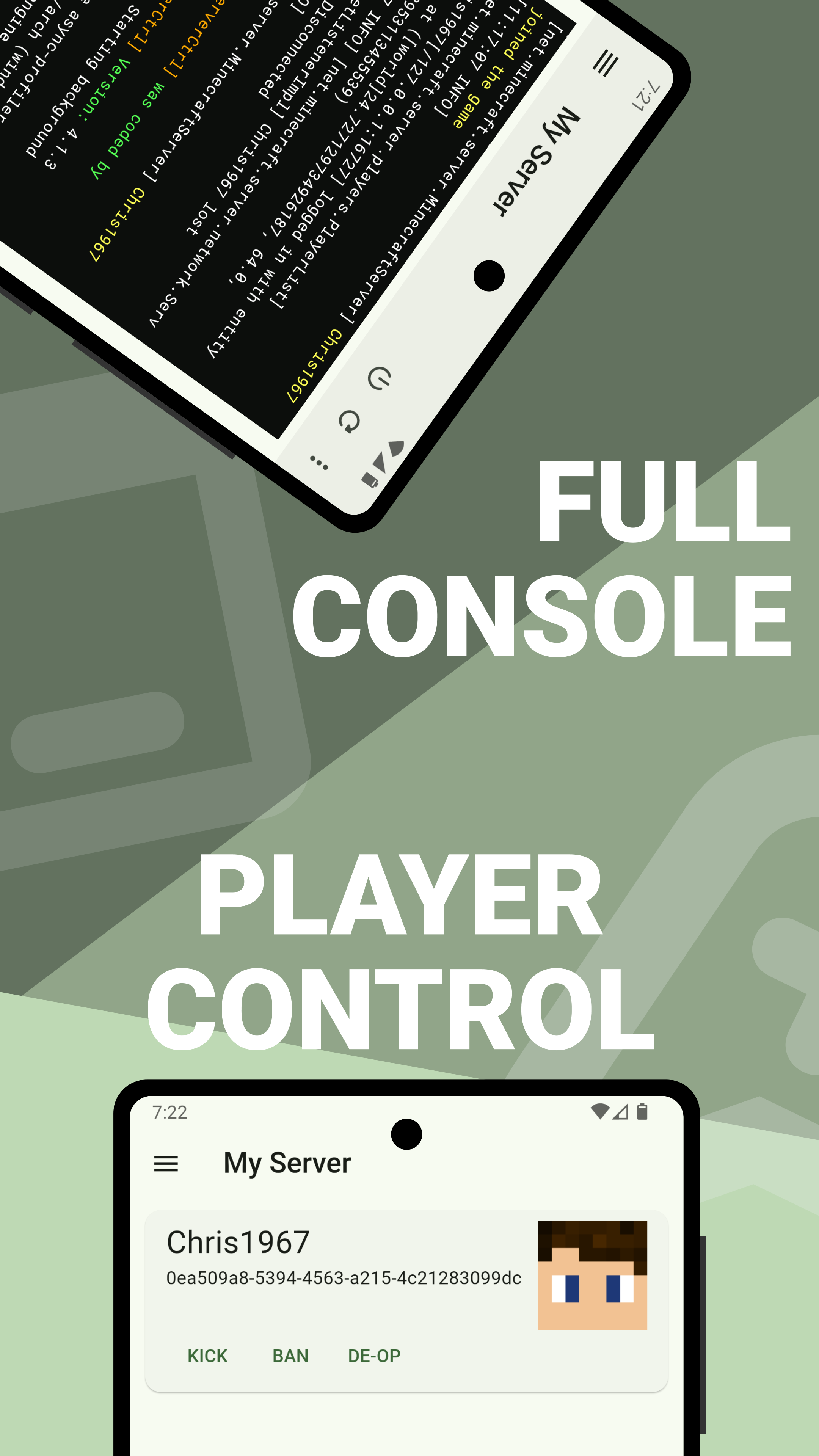

## ⬇️ Download Download the latest version here: (https://github.com/blitzdose/ServerCtrl/releases/latest)
## 🌍 Translation


&query=%24.statistics['zh-CN'].percent&url=https%3A%2F%2Ftranslation.blitzdose.de%2Fapi%2Fv1%2Fprojects%2F1%2Fstatistics)
&query=%24.statistics['zh-TW'].percent&url=https%3A%2F%2Ftranslation.blitzdose.de%2Fapi%2Fv1%2Fprojects%2F1%2Fstatistics)


📊 Mod Details
- Game
- Minecraft Plugins
- Author
- blitzdose
- Version
- 4.1.3
- Downloads
- 1,415
- Endorsements
- 26
- Category
- management
- Created
- 1/16/2024
- Updated
- 7/7/2024
- Game Versions
- 1.16, 1.16.1, 1.16.2, 1.16.3, 1.16.4
- Tags
- management, utility
🔧 How to Install Minecraft Plugins Mods
Download from Modrinth. Use Prism Launcher or drop into your mods folder.
📖 Full step-by-step install guide for Minecraft Plugins →
Visit the official mod page for specific installation instructions for this mod.
🎮 Need cheat codes or console commands? Check ur gaming wiki for Minecraft Plugins commands, item IDs, and more.
❓ Frequently Asked Questions
Which Minecraft Plugins versions does ServerCtrl support?
The author lists 1.16, 1.16.1, 1.16.2, 1.16.3, 1.16.4, 1.16.5. Other versions may work but are untested by the author.
What is the latest version of ServerCtrl?
Version 4.1.3, published 2024-07-07 with 1,415 downloads recorded at the source.
Keep browsing — more Minecraft Plugins mods await