NamedChest
🟡 Updated this year🖼️ Gallery (4 images)
🔍 Analysis
- 👍 2.6% endorsement rate — high engagement, a strong quality signal
- 🏆 #40 of 81 decoration mods in this game by downloads
📋 About This Mod
<div align="center"> <img src="https://raw.githubusercontent.com/ilezzov-code/NamedChest/refs/heads/main/img/logo/BannerRoundedEn.png" alt=""> <h4>Supported versions: Paper: 1.18.2 — 1.21.x</h4> <h1>Give your chest a unique name</h1> </div> ### <a href="https://github.com/ilezzov-code/NamedChest/blob/main/README_RU.md"><img src="https://raw.githubusercontent.com/ilezzov-code/NamedChest/7394aedd09c3c49f8e8d33478f58b61d9844acfb/img/flags/ru.svg" width=15px> Прочитать на русском</a> ## <a id="about"> Description</a> **NamedChest** is a unique plugin that allows you to give names to various blocks in Minecraft using commands, name tags, and anvils! The name will be displayed as a hologram when hovered over. ## <a id="features"> Features</a> * ** Display names as holograms on hover** * WorldGuard support * DecentHolograms support * Dynamic hologram repositioning based on player movement * Renaming using name tags, commands, and anvils * Support for 15 blocks, ignoring vegetation and fluids * Any Minecraft color code format * Name length limits * Configurable block search distance * Enable / Disable the following features: * Saving names when blocks are broken * Restricting anvil usage * Space support * Name tag support * `set` and `clear` commands * Configurable cooldown for commands and name tags * Support for 2 languages (English, Russian) + ability to add custom translations * Version control and security ## <a id="hologram-names">**Display names as holograms on hover**</a> This is the unique and main feature of the plugin. Names are displayed only when hovered over — this allows creating holograms only when needed, which significantly reduces the amount of `Entity` objects and lowers the server load. The names appear next to the block on the side where the player is standing. <img src="https://raw.githubusercontent.com/ilezzov-code/NamedChest/refs/heads/main/img/gifs/cursor-hover.gif" width="300"/> You can also install **(https://github.com/DecentSoftware-eu/DecentHolograms)** on your server, then the plugin will create holograms using its more performant API. ## <a id="worldguard">WorldGuard support</a> If you have **(https://github.com/EngineHub/WorldGuard)** installed on your server, you can enable support for it in the plugin. To do this, change the `support-worldguard` parameter in `config.yml` to `true`. ```yaml support-worldguard: true ``` After this, players will not be able to set names in regions they do not own. <img src="https://raw.githubusercontent.com/ilezzov-code/NamedChest/refs/heads/main/img/gifs/worldguard-example.gif" width="300"/> ## <a id="dynamic-position">Dynamic hologram repositioning based on player movement</a> If a player looks at a block and simultaneously moves around it, the hologram will follow their movement, trying to always stay in the field of view. <img src="https://raw.githubusercontent.com/ilezzov-code/NamedChest/refs/heads/main/img/gifs/dynamic-hologram-movement.gif" width="300"/> ## <a id="renaming-methods">Renaming using name tags, commands, and anvils</a> The plugin supports several methods for setting block names: Using the `/namedchest set` and `/namedchest clear` commands <img src="https://raw.githubusercontent.com/ilezzov-code/NamedChest/refs/heads/main/img/gifs/set-name-with-command.gif" width="300"/> Using name tags <img src="https://raw.githubusercontent.com/ilezzov-code/NamedChest/refs/heads/main/img/gifs/set-name-with-name-tag.gif" width="300"/> Using an anvil <img src="https://raw.githubusercontent.com/ilezzov-code/NamedChest/refs/heads/main/img/gifs/set-name-with-anvil.gif" width="300"/> You can enable / disable each method in `config.yml` by changing the following parameters: ```yaml # Forbid giving a name through an anvil / Запретить давать имя через наковальню cancel-anvil: true # Giving names through a name tag / Давать имена через бирку support-name-tag: true # Enable command /nc set | Включить команду /nc set enable-set: true # Enable command /nc clear | Включить команду /nc clear enable-clear: true ``` ## <a id="supported-blocks">Support for 15 blocks, ignoring vegetation and fluids</a> The plugin supports 15 blocks. These blocks include: * CHEST (chest) * TRAPPED_CHEST (trapped chest) * BARREL (barrel) * FURNACE (furnace) * SMOKER (smoker) * BLAST_FURNACE (blast furnace) * HOPPER (hopper) * DISPENSER (dispenser) * DROPPER (dropper) * BREWING_STAND (brewing stand) * SHULKER_BOX (shulker box) and all types of copper chests: * WAXED_COPPER_CHEST * WAXED_EXPOSED_COPPER_CHEST * WAXED_WEATHERED_COPPER_CHEST * WAXED_OXIDIZED_COPPER_CHEST <img src="https://raw.githubusercontent.com/ilezzov-code/NamedChest/refs/heads/main/img/gifs/supported-blocks.gif" width="300"/> You can also ignore vegetation, water, and other passable blocks on hover. To do this, change the `ignore-passable-blocks` parameter in `config.yml` to `true`. ```yaml ignore-p

Supported versions: Paper: 1. 18. 2 — 1. 21.x
Give your chest a unique name
 Прочитать на русском
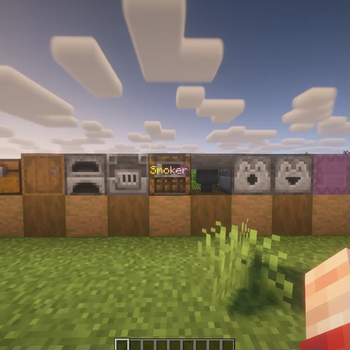
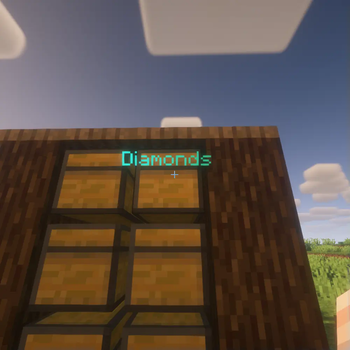
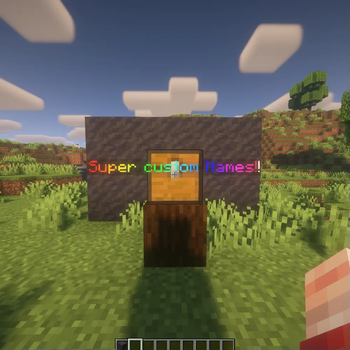
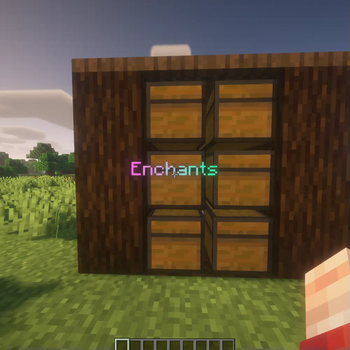
NamedChest is a unique plugin that allows you to give names to various blocks in Minecraft using commands, name tags, and anvils! The name will be displayed as a hologram when hovered over.
## [⭐] Features [🔥] Display names as holograms on hover [🆕] WorldGuard support [🆕] DecentHolograms support [🆕] Dynamic hologram repositioning based on player movement Renaming using name tags, commands, and anvils Support for 15 blocks, ignoring vegetation and fluids Any Minecraft color code format Name length limits Configurable block search distance Enable / Disable the following features: Saving names when blocks are broken Restricting anvil usage Space support Name tag support `set` and `clear` commands Configurable cooldown for commands and name tags Support for 2 languages (English, Russian) + ability to add custom translations Version control and security
## Display names as holograms on hover
This is the unique and main feature of the plugin. Names are displayed only when hovered over — this allows creating holograms only when needed, which significantly reduces the amount of `Entity` objects and lowers the server load.
The names appear next to the block on the side where the player is standing.
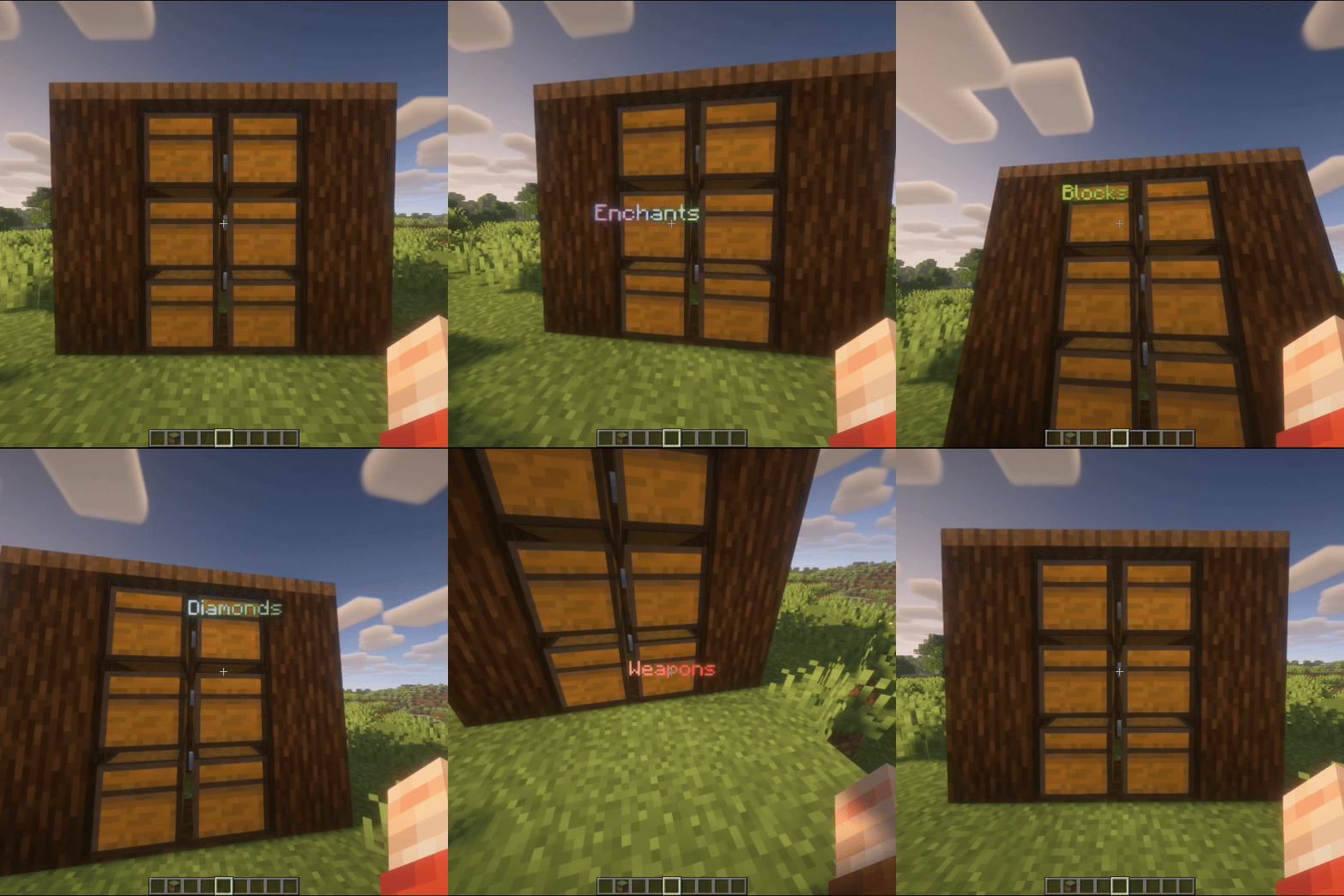
You can also install (https://github.com/DecentSoftware-eu/DecentHolograms)** on your server, then the plugin will create holograms using its more performant API.
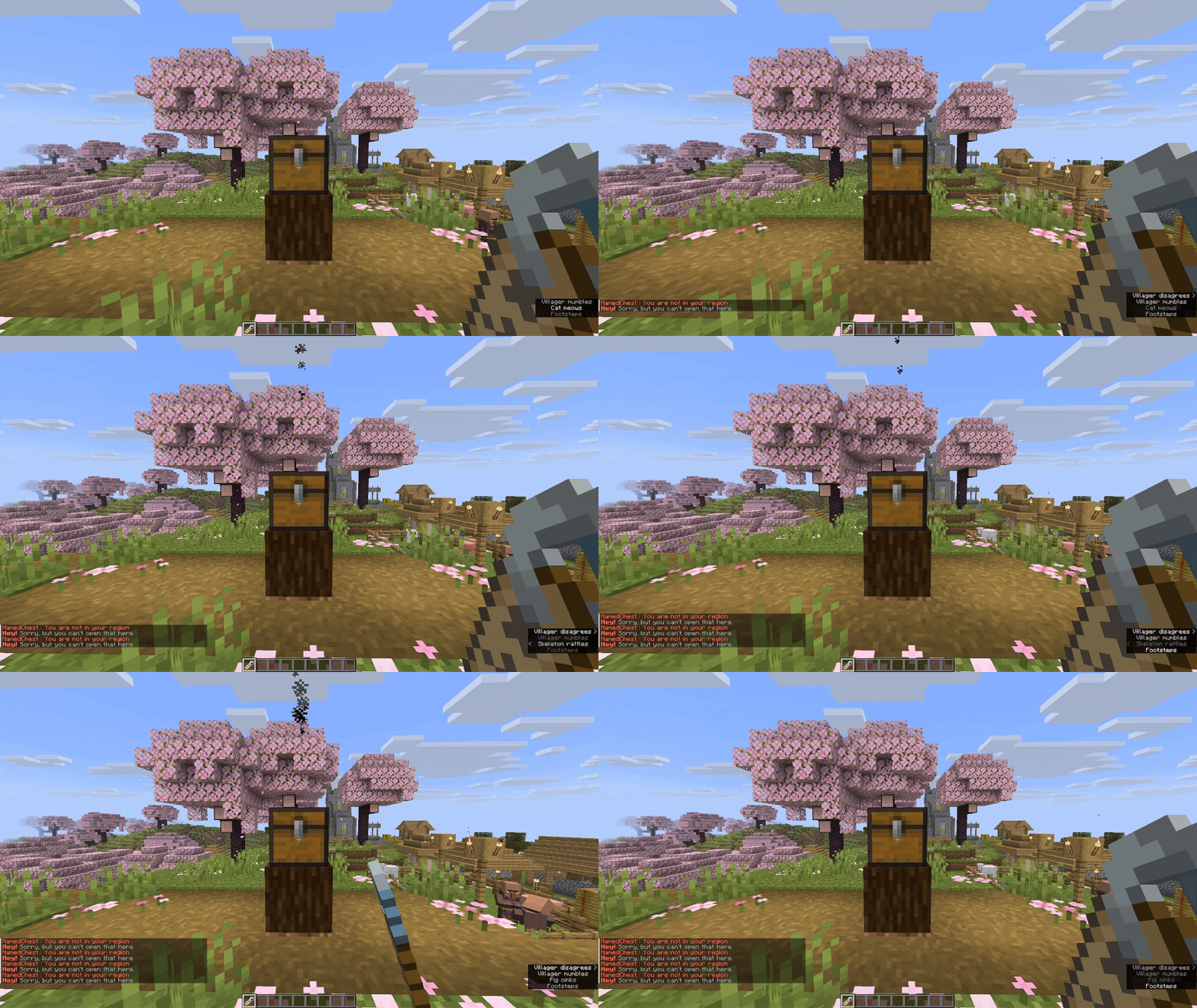
If you have (https://github.com/EngineHub/WorldGuard)** installed on your server, you can enable support for it in the plugin. To do this, change the `support-worldguard` parameter in `config.yml` to `true`.
```yaml support-worldguard: true ```
After this, players will not be able to set names in regions they do not own.
## Dynamic hologram repositioning based on player movement
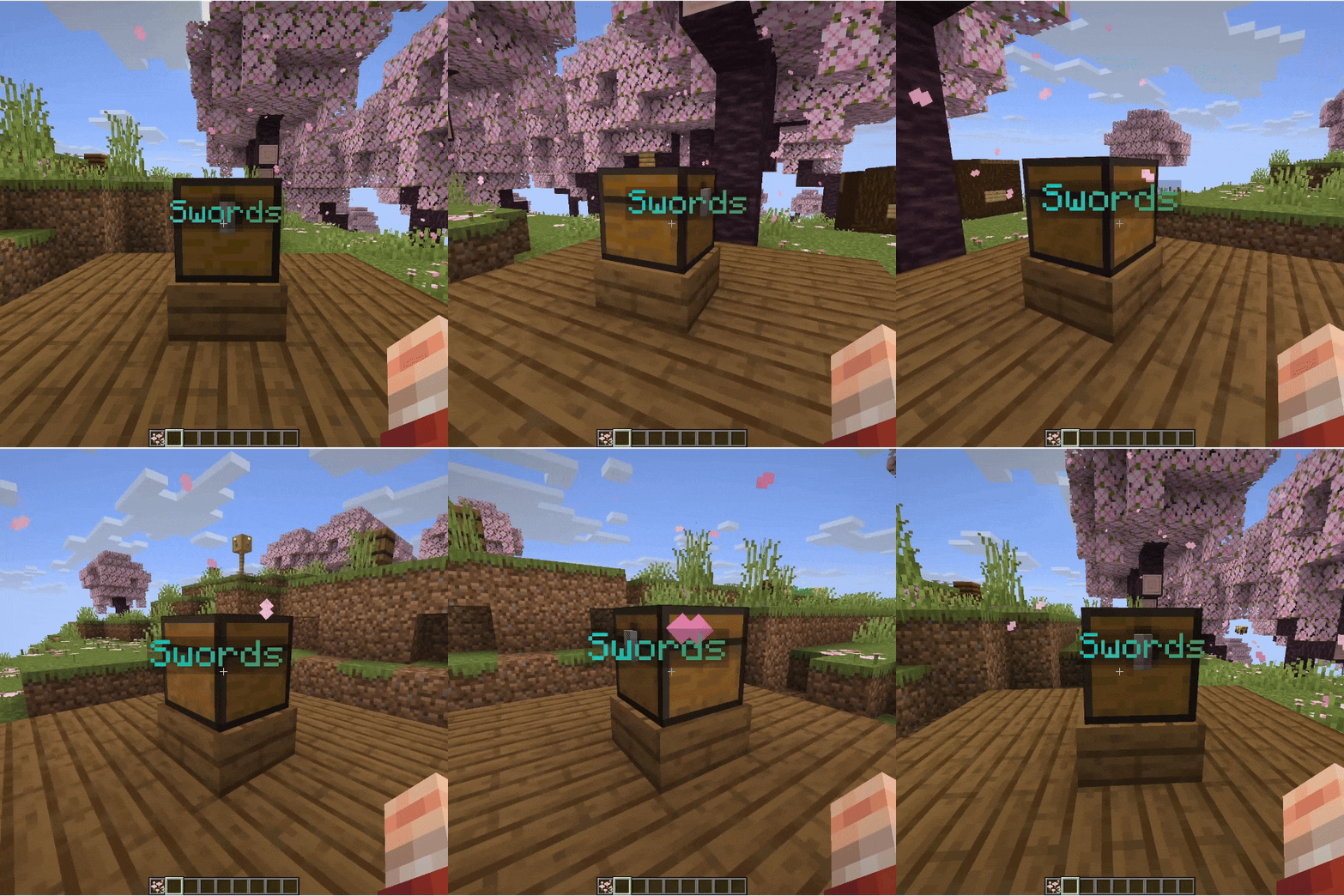
If a player looks at a block and simultaneously moves around it, the hologram will follow their movement, trying to always stay in the field of view.
## Renaming using name tags, commands, and anvils
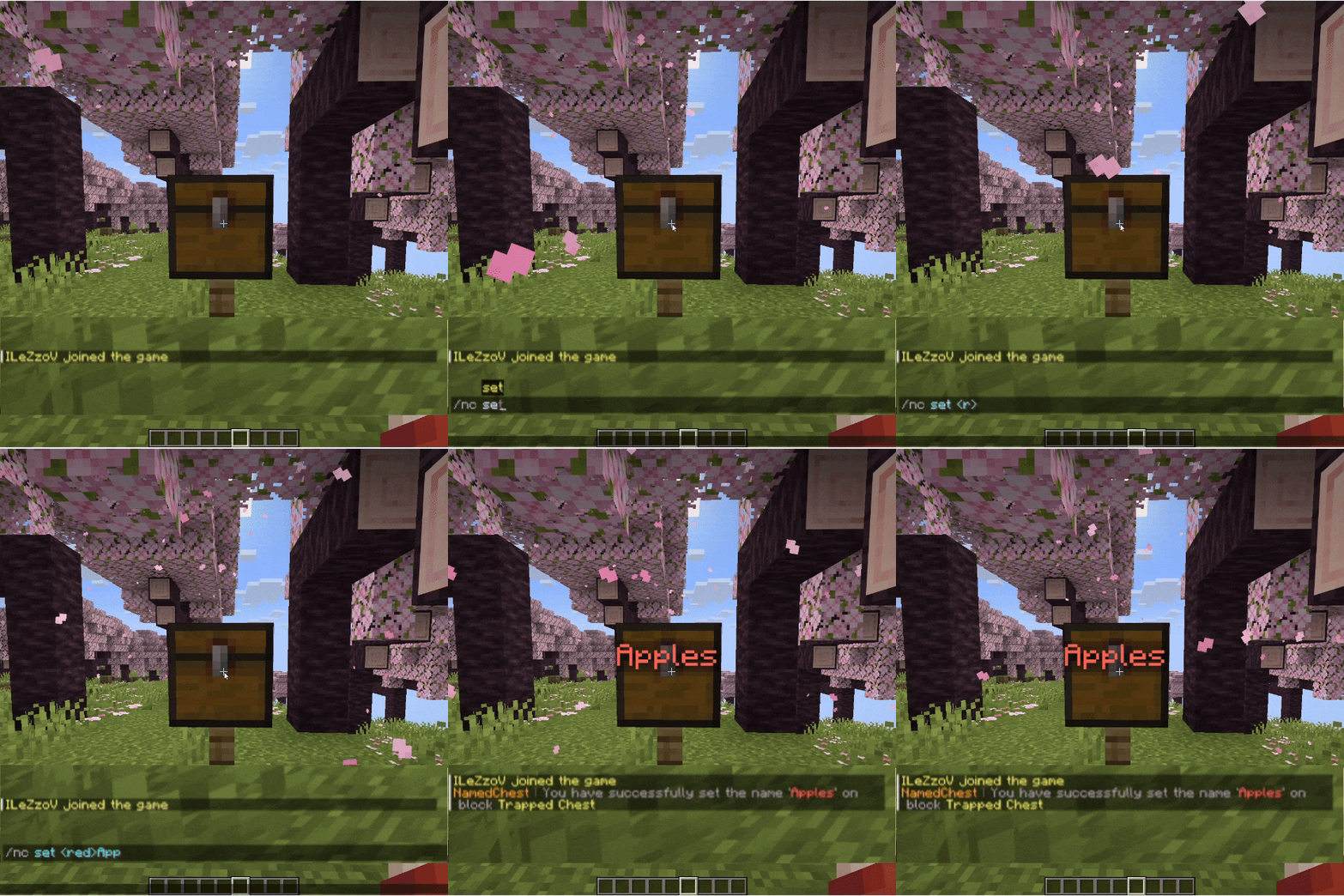
The plugin supports several methods for setting block names: Using the `/namedchest set` and `/namedchest clear` commands
Using name tags
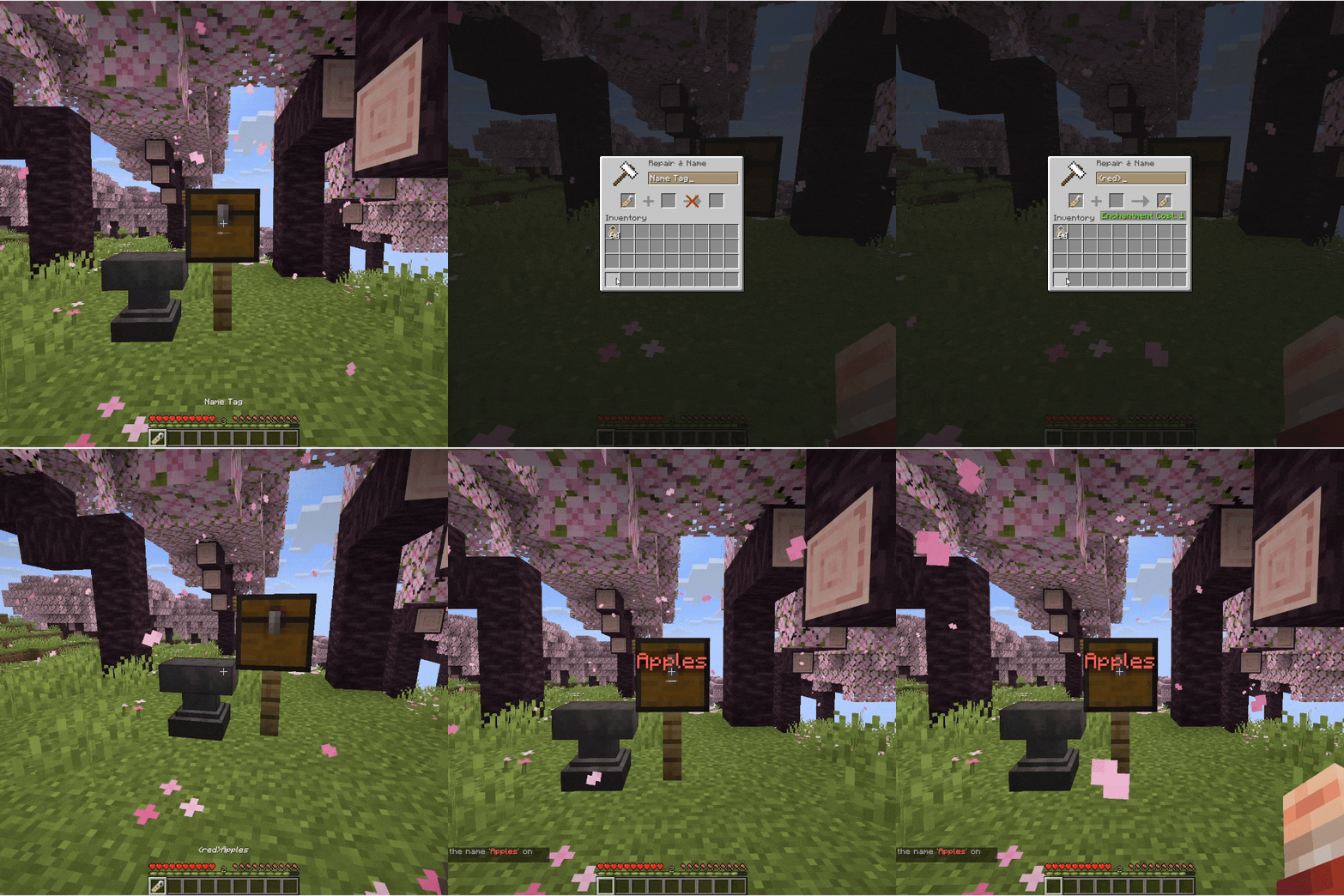
Using an anvil
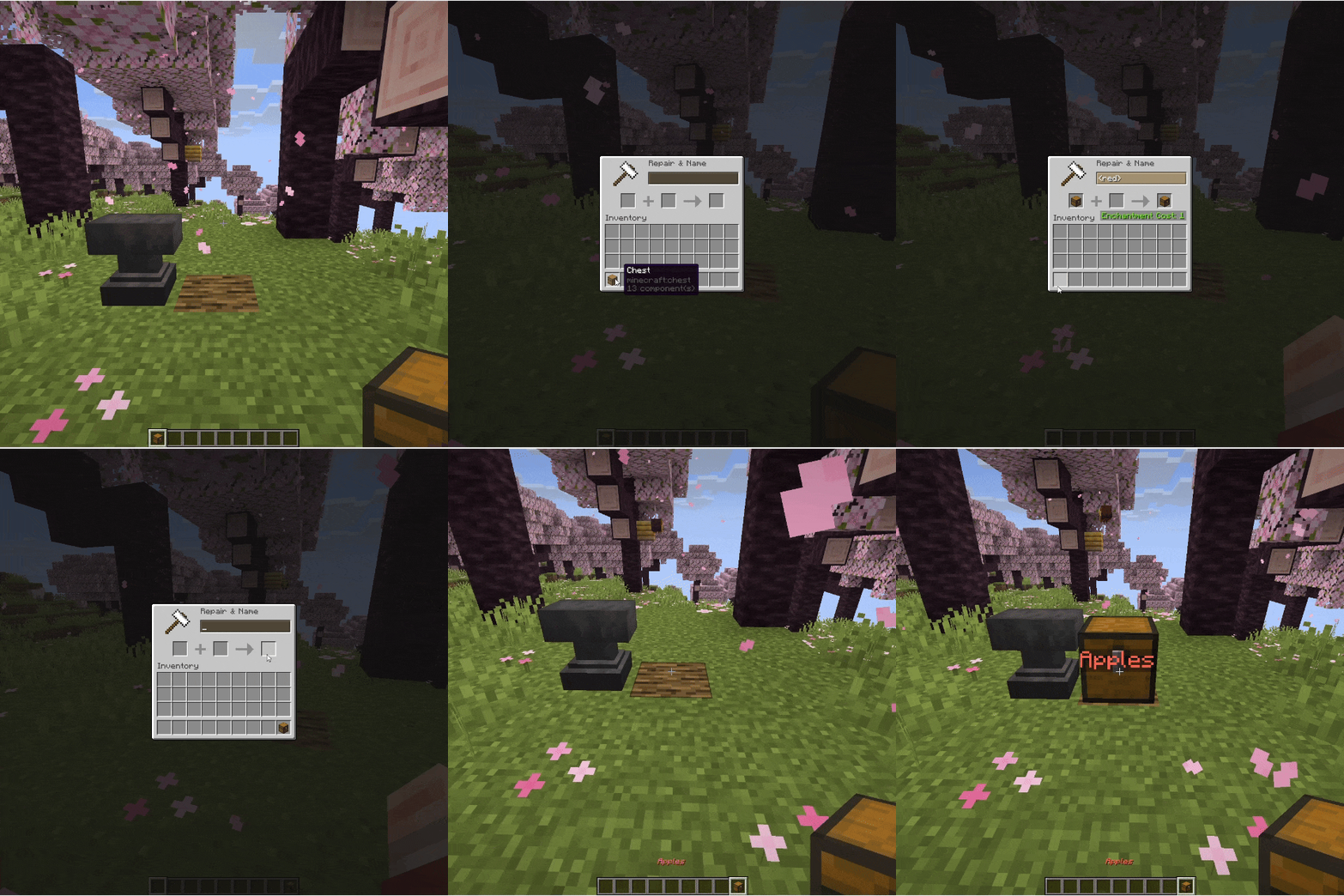
You can enable / disable each method in `config.yml` by changing the following parameters:
```yaml # Forbid giving a name through an anvil / Запретить давать имя через наковальню cancel-anvil: true # Giving names through a name tag / Давать имена через бирку support-name-tag: true # Enable command /nc set | Включить команду /nc set enable-set: true # Enable command /nc clear | Включить команду /nc clear enable-clear: true ```
## Support for 15 blocks, ignoring vegetation and fluids
The plugin supports 15 blocks. These blocks include: CHEST (chest) TRAPPED_CHEST (trapped chest) BARREL (barrel) FURNACE (furnace) SMOKER (smoker) BLAST_FURNACE (blast furnace) HOPPER (hopper) DISPENSER (dispenser) DROPPER (dropper) BREWING_STAND (brewing stand) SHULKER_BOX (shulker box)
and all types of copper chests: WAXED_COPPER_CHEST WAXED_EXPOSED_COPPER_CHEST WAXED_WEATHERED_COPPER_CHEST * WAXED_OXIDIZED_COPPER_CHEST
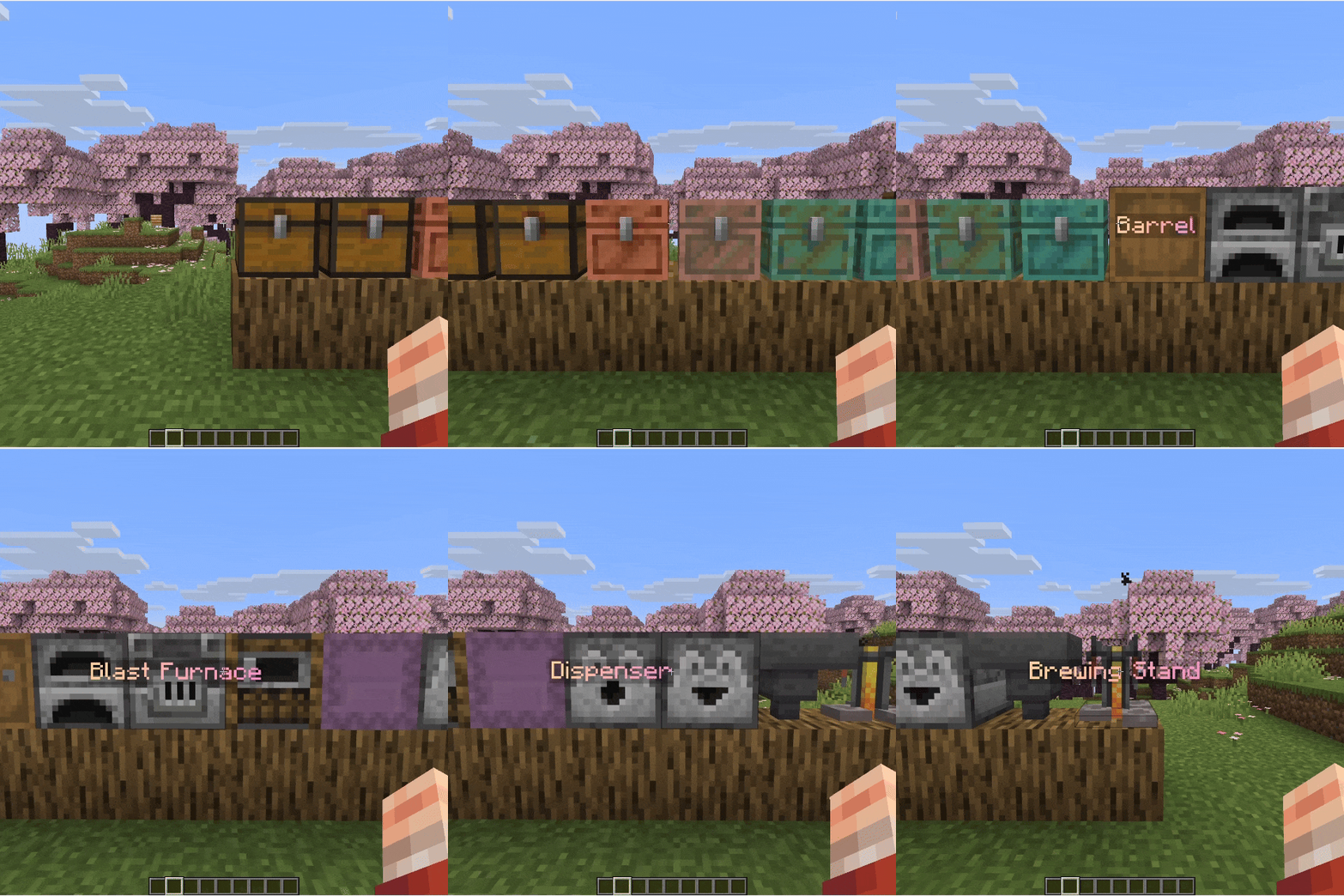
You can also ignore vegetation, water, and other passable blocks on hover. To do this, change the `ignore-passable-blocks` parameter in `config.yml` to `true`.
```yaml ignore-p
📊 Mod Details
- Game
- Minecraft Plugins
- Author
- ilezzov
- Version
- 1.4.0
- Downloads
- 509
- Endorsements
- 13
- Category
- decoration
- Created
- 7/8/2025
- Updated
- 7/31/2026
- Game Versions
- 1.18.2, 1.19, 1.19.1, 1.19.2, 1.19.3
- Tags
- decoration, game-mechanics, storage
🔧 How to Install Minecraft Plugins Mods
Download from Modrinth. Use Prism Launcher or drop into your mods folder.
📖 Full step-by-step install guide for Minecraft Plugins →
Visit the official mod page for specific installation instructions for this mod.
🎮 Need cheat codes or console commands? Check ur gaming wiki for Minecraft Plugins commands, item IDs, and more.
❓ Frequently Asked Questions
Which Minecraft Plugins versions does NamedChest support?
The author lists 1.18.2, 1.19, 1.19.1, 1.19.2, 1.19.3, 1.19.4. Other versions may work but are untested by the author.
What is the latest version of NamedChest?
Version 1.4.0, published 2026-07-31 with 509 downloads recorded at the source.
Keep browsing — more Minecraft Plugins mods await