XBB's hot air balloon fantasy
⚪ Last updated 2023⚠️ Install Order · 2 steps
Install in this order, then this mod last — most mods fail to load without their framework and dependencies in place.
🖼️ Gallery (9 images)


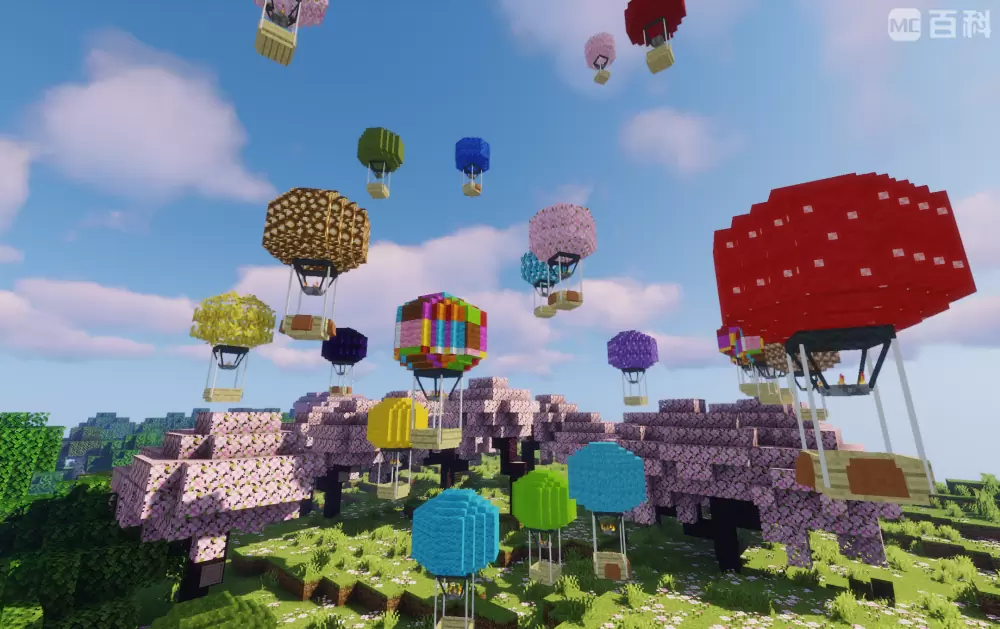
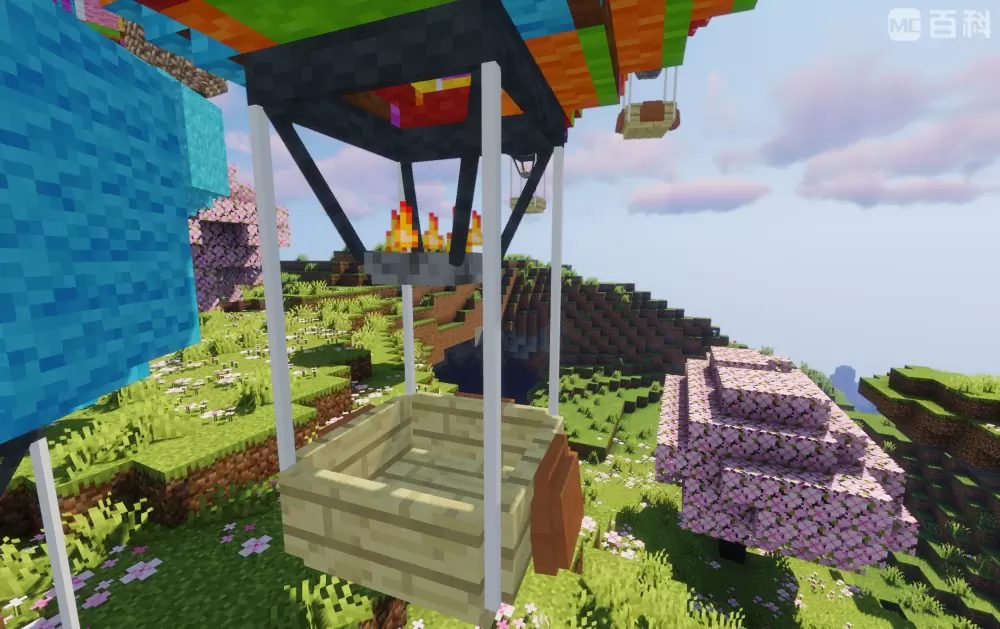
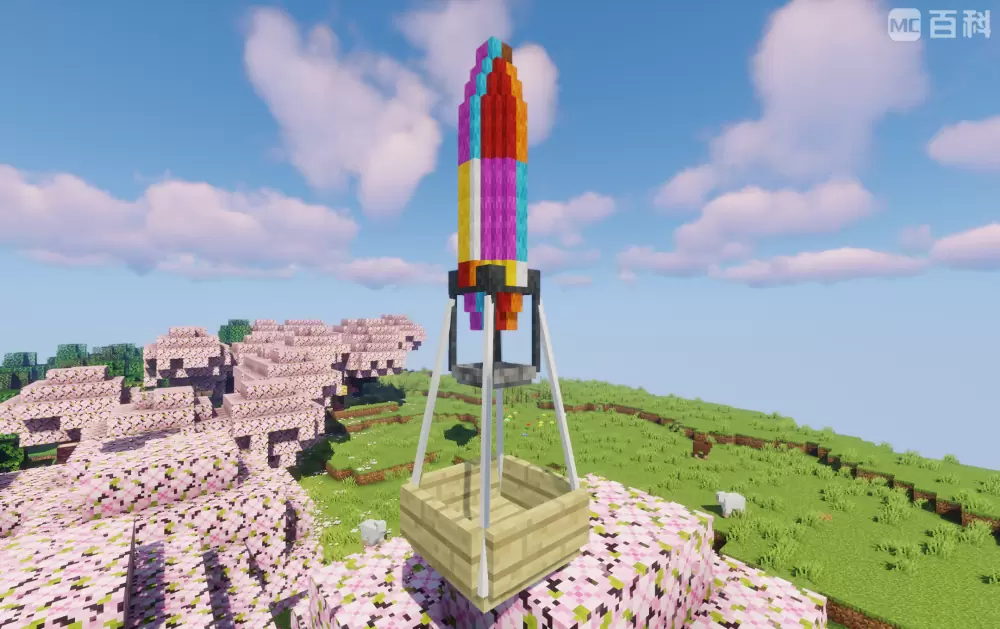
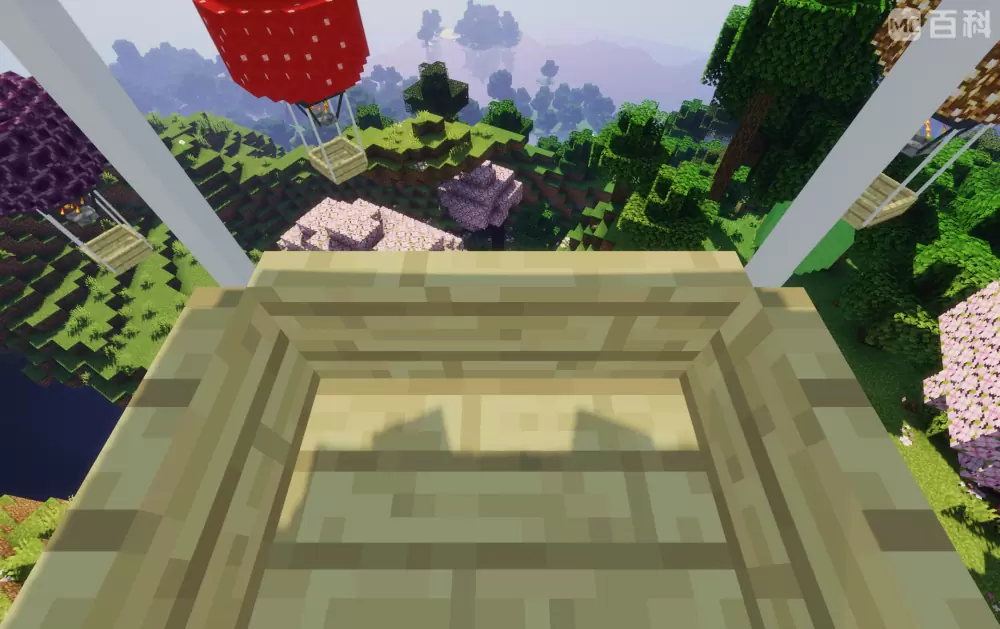
🔍 Analysis
- 👍 0.6% endorsement rate
- 🏆 #274 of 274 decoration mods in this game by downloads
📋 About This Mod
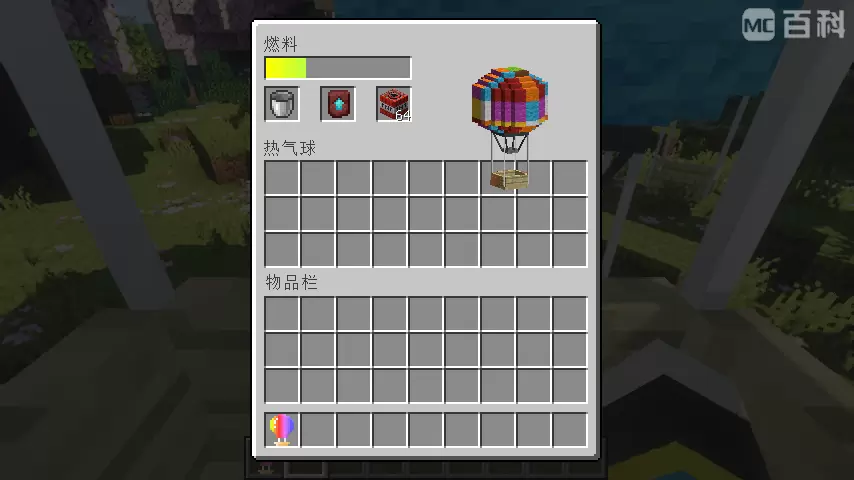
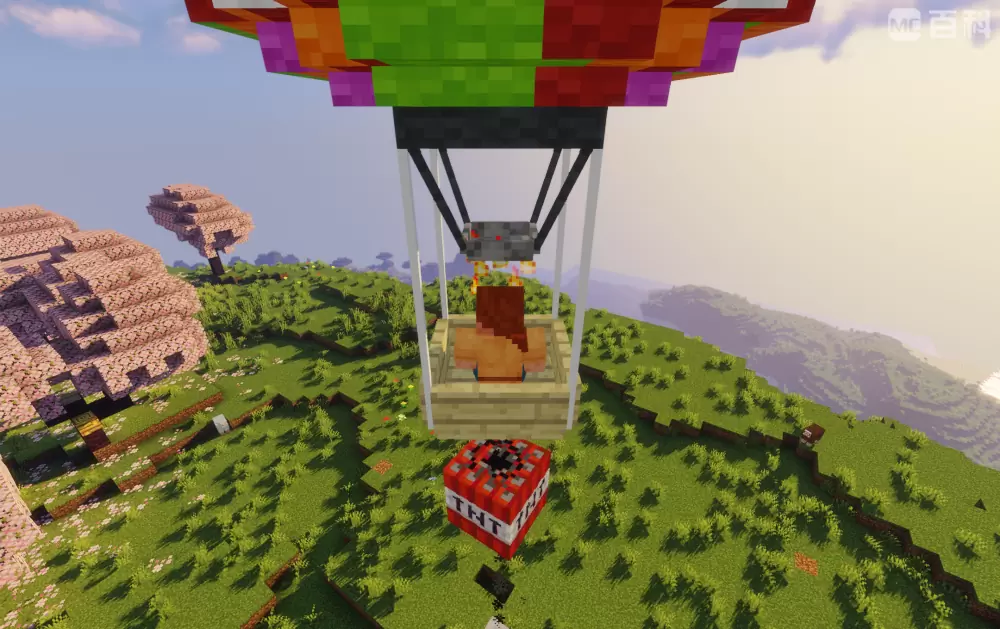
Features: ● When sneaking, right-click on the hot air balloon with a chest to load it with a chest, giving it a UI slot with 27 slots for storing items; ● When sneaking, right-click a hot air balloon with a certain block to customize its balloon texture (including some MOD blocks), but some blocks cannot be customized and will display black and purple lost texture styles; ● Hot air balloons cannot be removed by conventional methods. To remove it,you should sneakand right-click on the hot air balloon with scissors to turn it into an item, and the items in its item column will fall out. Using items on the top of the block will release it, including its previous texture and fuel; ● The hot air balloon can only be controlled when there is fuel in it. The first slot of UI can be placed with coal, charcoal and lava bucket when you are riding it with E key pressed. Coal and charcoal can increase fuel by 2, lava bucket by 30, and the maximum fuel value is 500. Moving will consume its fuel value; ● w, a, s, d control horizontal movement; Y and U key controls up and down movement, and the up and down movement button can modify the key binding in the settings; ● The second slot in the UI can place a lower boundary alloy upgrade template to upgrade the hot air balloon, in order to slow down fuel consumption and increase movement speed; ● The third slot in the UI can place TNT, press the I key to air drop TNT, and modify the key binding in the settings; ● Increase in fuel value of coal, charcoal, and lava bucket, maximum fuel value, basic horizontal and upward/downward movement rates, upgraded horizontal and upward/downward movement rates, and basic and upgraded fuel consumption rates (The larger the value, the slower it becomes) can be modified in the configuration file. others: ● As long as the author information(me,can be abbreviated as XBB) and mod original source(like modrinth) are marked, the module can be added to the integration package or server; ● After testing, the animation of hot air balloons may be incorrect due to loading shaders;
● When sneaking, right-click on the hot air balloon with a chest to load it with a chest, giving it a UI slot with 27 slots for storing items;
● When sneaking, right-click a hot air balloon with a certain block to customize its balloon texture (including some MOD blocks), but some blocks cannot be customized and will display black and purple lost texture styles;
● Hot air balloons cannot be removed by conventional methods. To remove it,you should sneakand right-click on the hot air balloon with scissors to turn it into an item, and the items in its item column will fall out. Using items on the top of the block will release it, including its previous texture and fuel;
● The hot air balloon can only be controlled when there is fuel in it. The first slot of UI can be placed with coal, charcoal and lava bucket when you are riding it with E key pressed. Coal and charcoal can increase fuel by 2, lava bucket by 30, and the maximum fuel value is 500. Moving will consume its fuel value;
● w, a, s, d control horizontal movement; Y and U key controls up and down movement, and the up and down movement button can modify the key binding in the settings;
● The second slot in the UI can place a lower boundary alloy upgrade template to upgrade the hot air balloon, in order to slow down fuel consumption and increase movement speed;
● The third slot in the UI can place TNT, press the I key to air drop TNT, and modify the key binding in the settings;
● Increase in fuel value of coal, charcoal, and lava bucket, maximum fuel value, basic horizontal and upward/downward movement rates, upgraded horizontal and upward/downward movement rates, and basic and upgraded fuel consumption rates (The larger the value, the slower it becomes) can be modified in the configuration file.
● As long as the author information(me,can be abbreviated as XBB) and mod original source(like modrinth) are marked, the module can be added to the integration package or server;
● After testing, the animation of hot air balloons may be incorrect due to loading shaders;
📊 Mod Details
- Game
- Minecraft Mods
- Author
- XBB
- Version
- 1.0.0
- Downloads
- 1,591
- Endorsements
- 10
- Category
- decoration
- Created
- 9/5/2023
- Updated
- 9/2/2023
- Game Versions
- 1.20.1
- Tags
- decoration, equipment, mobs
🔧 How to Install Minecraft Mods Mods
Download from Modrinth. Use Prism Launcher or drop into your mods folder.
📖 Full step-by-step install guide for Minecraft Mods →
Visit the official mod page for specific installation instructions for this mod.
🎮 Need cheat codes or console commands? Check ur gaming wiki for Minecraft Mods commands, item IDs, and more.
❓ Frequently Asked Questions
Which Minecraft Mods versions does XBB's hot air balloon fantasy support?
The author lists 1.20.1. Other versions may work but are untested by the author.
What is the latest version of XBB's hot air balloon fantasy?
Version 1.0.0, published 2023-09-02 with 1,591 downloads recorded at the source.
Keep browsing — more Minecraft Mods mods await