WynnExtras
🟡 Updated this year⚠️ Install Order · 2 steps
Install in this order, then this mod last — most mods fail to load without their framework and dependencies in place.
🖼️ Gallery (12 images)





🔍 Analysis
- 👍 0.0% endorsement rate
- 🏆 #498 of 983 fabric mods in this game by downloads
📋 About This Mod
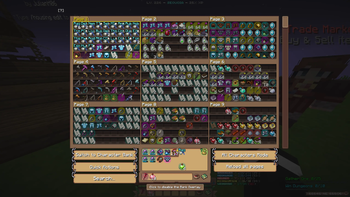
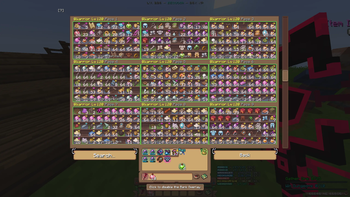
<p align="center"> <img src="https://cdn.modrinth.com/data/cached_images/4a70fa2a7a3a746ca9875b67a2934bf1e0d8e1db.png" alt="WynnExtras Banner"> </p> <h1> <strong> <p align="center"> Features: </p> </strong></h1> <h2> <strong> <p align="center"> Bank Overlay </p> </strong></h2> A custom Bank Overlay, inspired by NEU's Hypixel Skyblock Storage overlay! Includes search filters and an "All characters mode" which allows you to scroll and search through all bank pages on all of you characters! <p align="center"> <img src="https://cdn.modrinth.com/data/cached_images/165215654058f9c67e6eaefe7ba5d8b8bfea1078.png" alt="Bank Overlay"> </p> <p align="center"> <img src="https://cdn.modrinth.com/data/cached_images/13510647d6f3804ccd70842b0c4b062e2f664f1b.png" alt="Bank Overlay all characters mode"> </p> <h2> <strong> <p align="center"> In-game profile & Guild viewer </p> </strong></h2> A custom gui that lets you easily check someones stats! Use ``/pv <username>`` to check them out! (or just ``/pv`` to check your own!) <p align="center"> <img src="https://cdn.modrinth.com/data/cached_images/0d8fad62840abfb087cd6add3ecc9b7e3ccb1cdc.png" alt="Profile Viewer"> </p> Use ``/gv `` to view the stats of a guild! You also see every member and clicking on them will show you their stats in the pv! You can also click on a players guild in the pv to view their guild! <p align="center"> <img sr
Features:
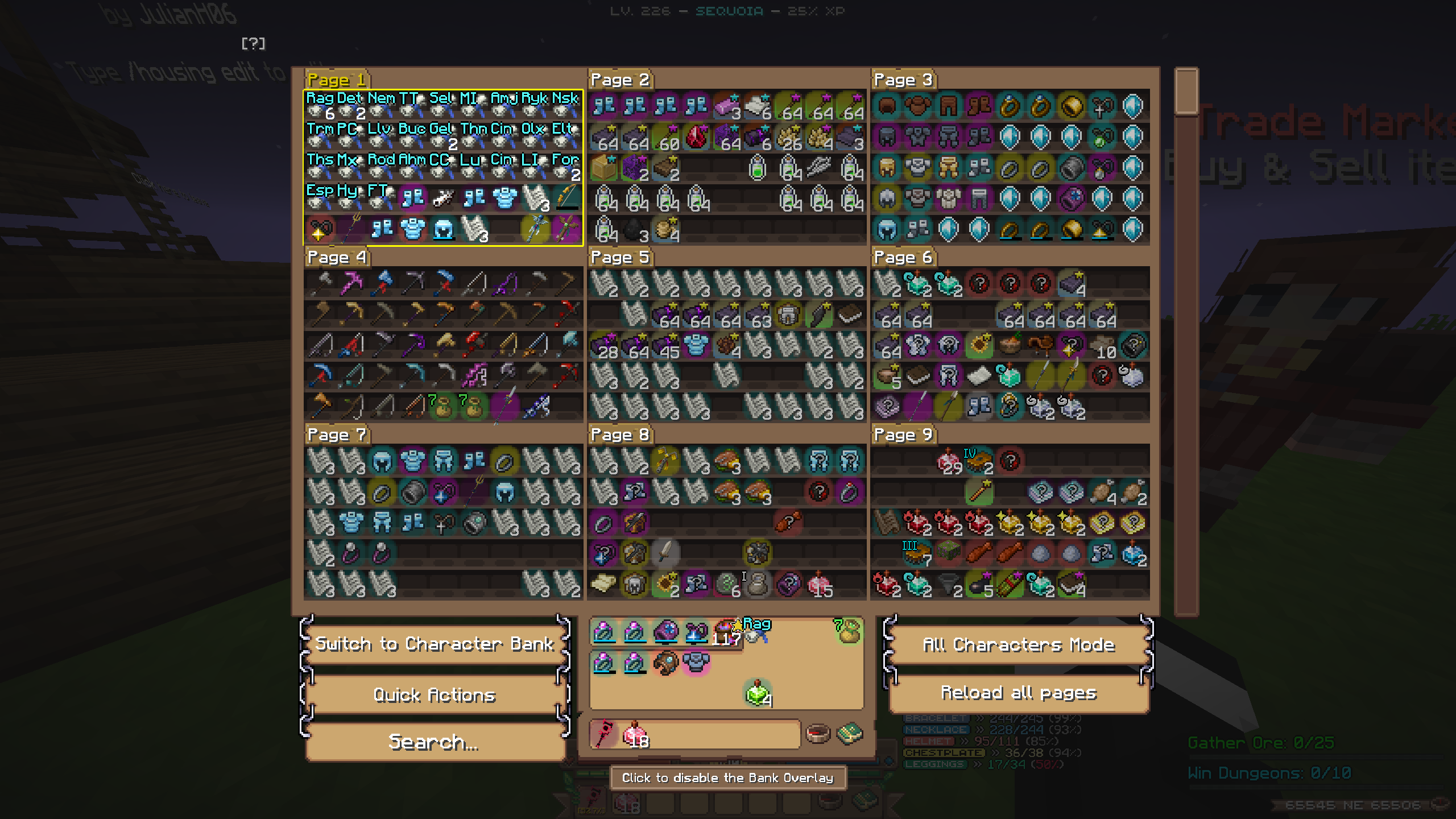
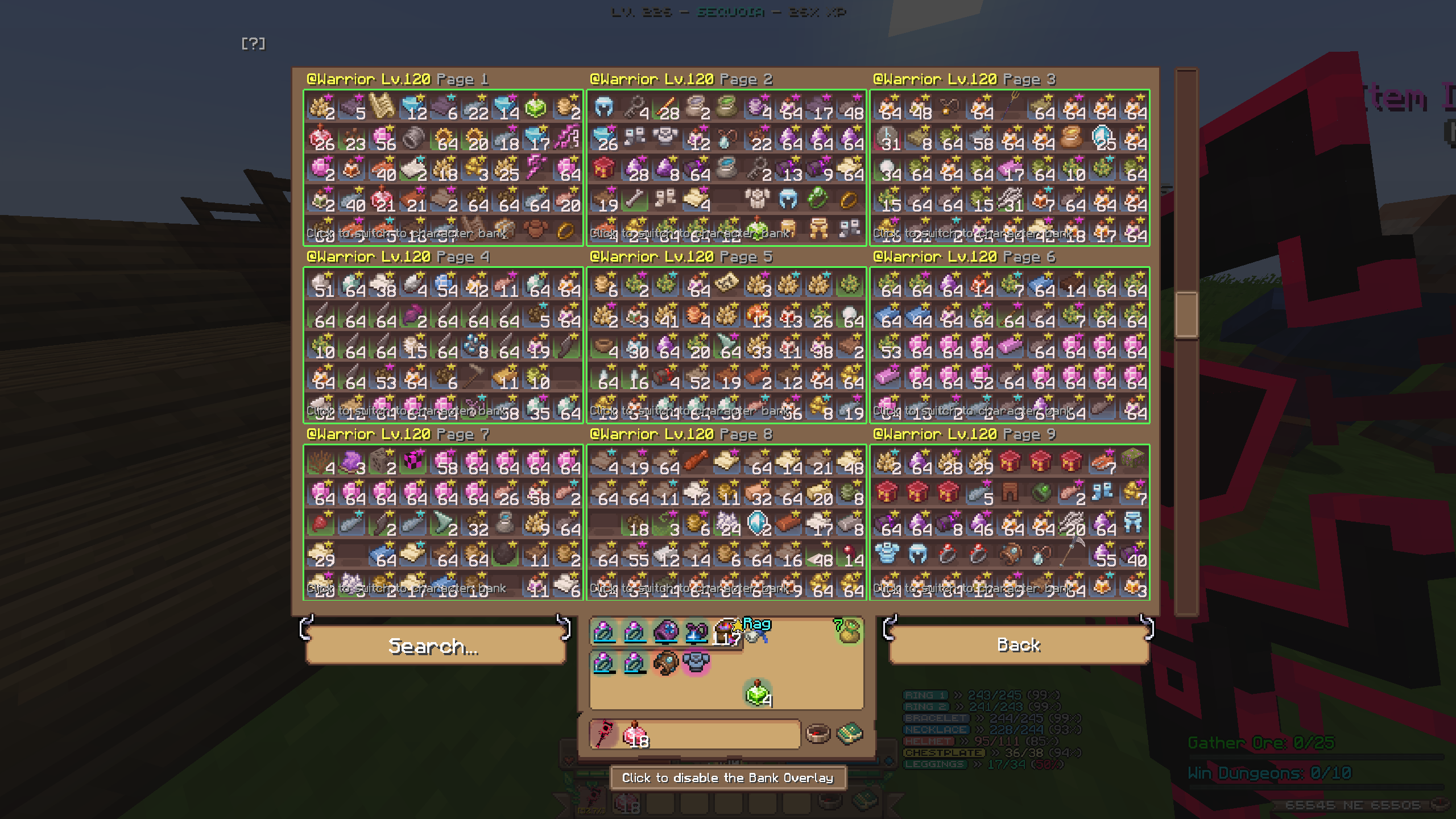
Bank Overlay
A custom Bank Overlay, inspired by NEU's Hypixel Skyblock Storage overlay! Includes search filters and an "All characters mode" which allows you to scroll and search through all bank pages on all of you characters!
In-game profile & Guild viewer
A custom gui that lets you easily check someones stats! Use ``/pv

Use ``/gv `` to view the stats of a guild! You also see every member and clicking on them will show you their stats in the pv! You can also click on a players guild in the pv to view their guild!
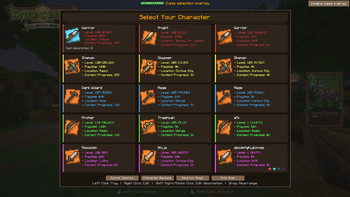
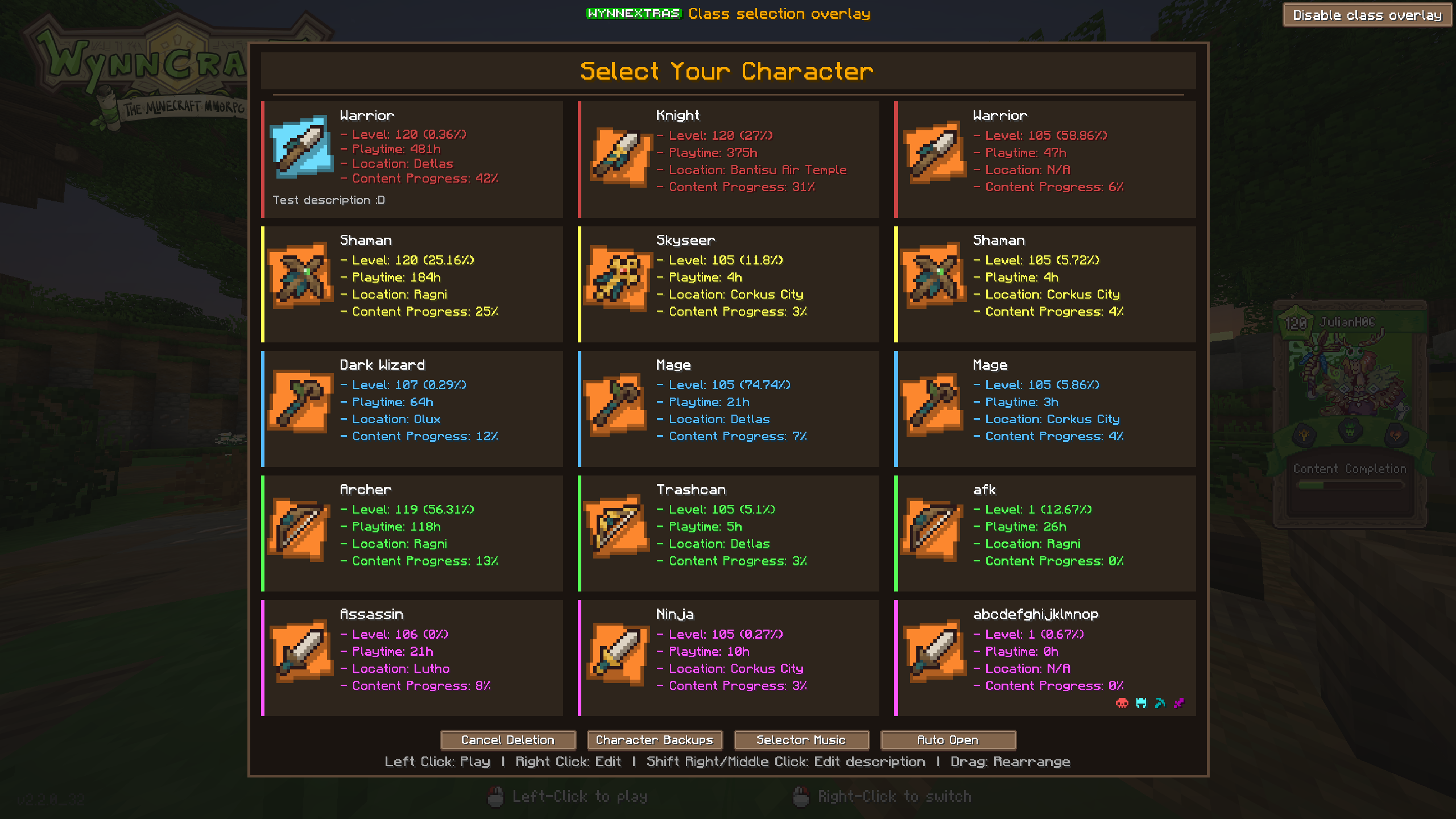
Custom class selection screen
Replaces the vanilla with a custom screen which offers rearrangeable classes, custom class descriptions, customizable colors and more!
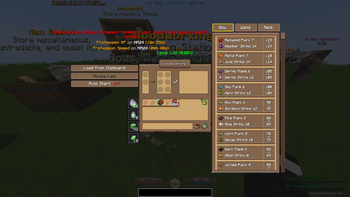
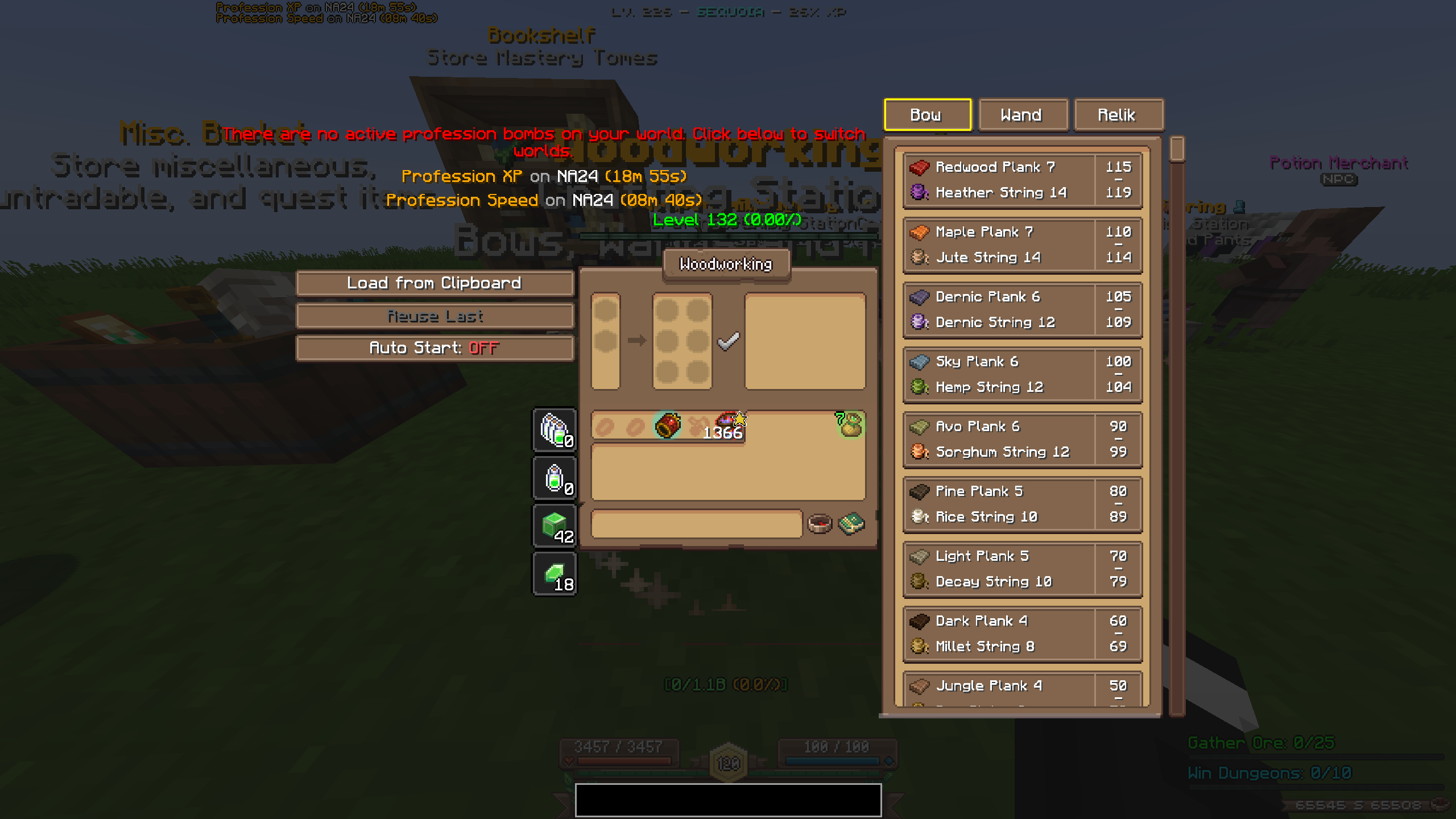
Crafting Helper
Click on the recipe you want to craft and it automatically loads in the materials! The helper is resizable by dragging at the bottom! You also have a profession bomb display at the top showing you where prof bombs are and how long they last! If the world you're currently on doesn't have any active prof bomb you can click on the world and it will switch there! You also have three different buttons:
- "Load from Clipboard": loads a recipe from a wynnbuilder link
- "Reuse Last": loads the last recipe you crafted
- "Auto start": if enabled, automatically starts crafting when clicking one of the two buttons above
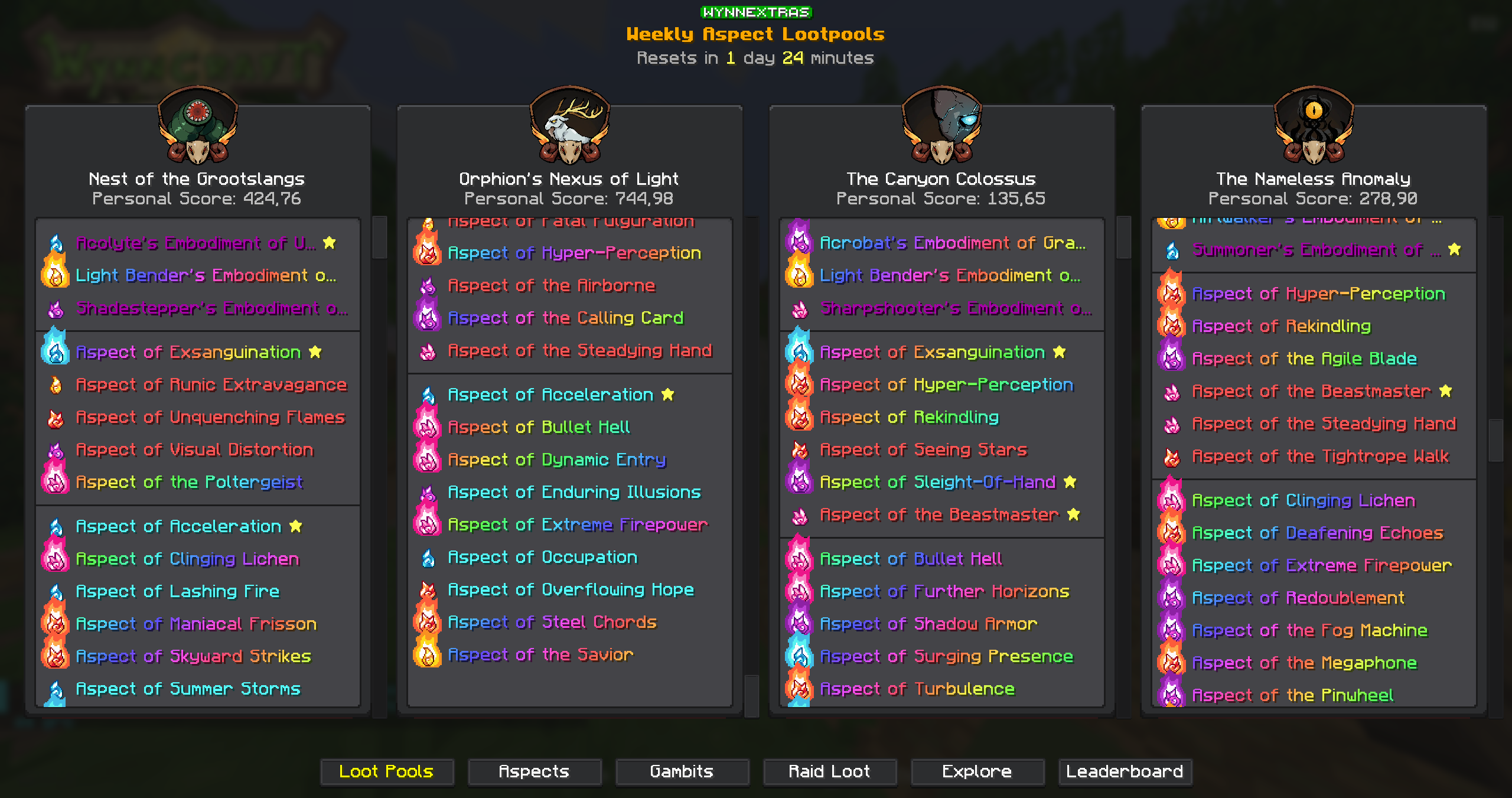
Weekly Lootpools
See the current weekly raid and lootrun lootpools with ``/we lootpool``! You can scan your own aspects with ``/we aspects scan`` to see a personal score for each raid!
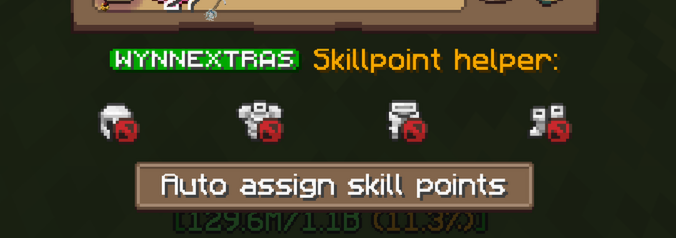
Skillpoint helper
Shows you your currently active armor while in the compass menu and adds a button to automatically assign skill points for your current build!
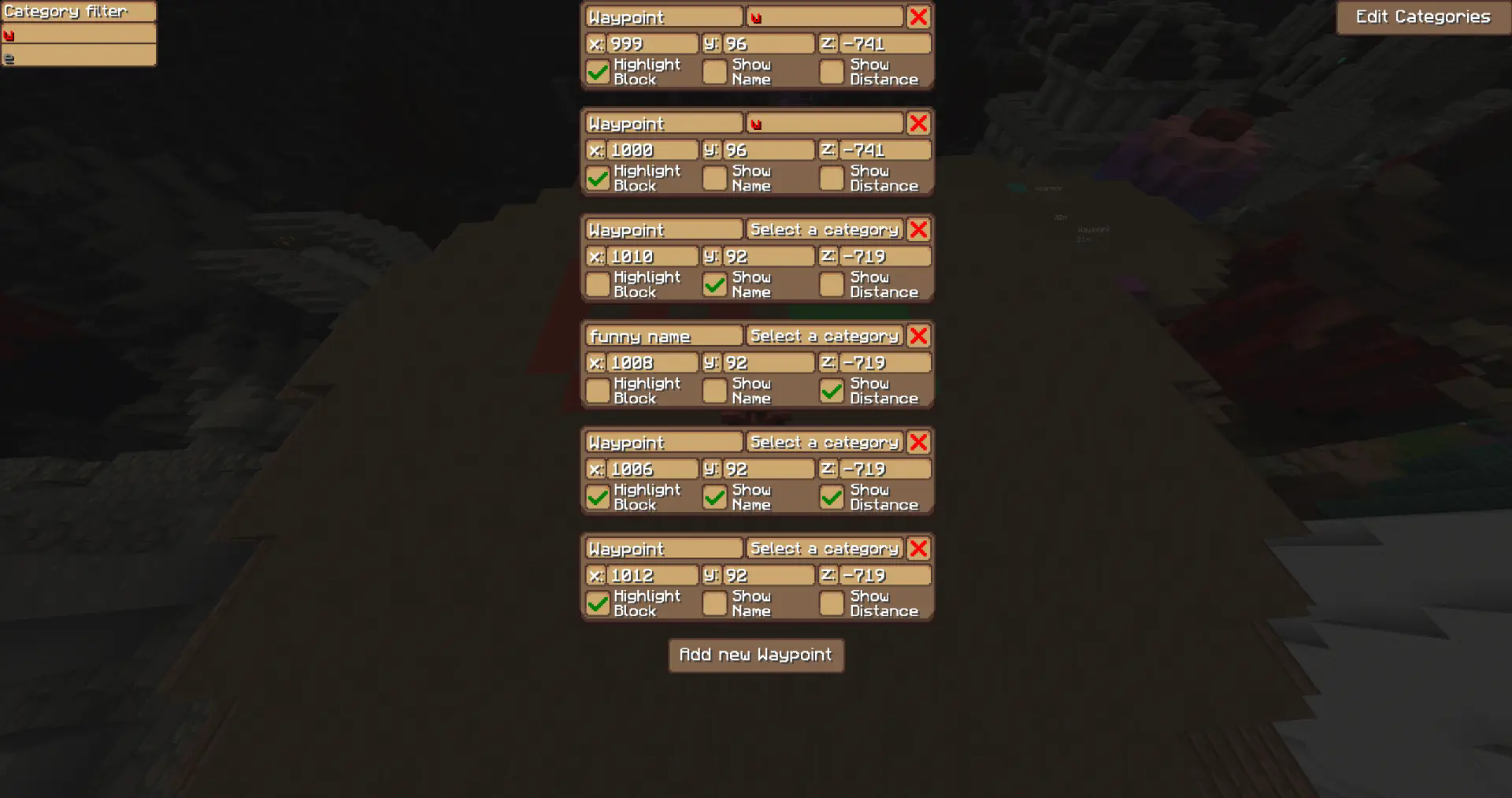
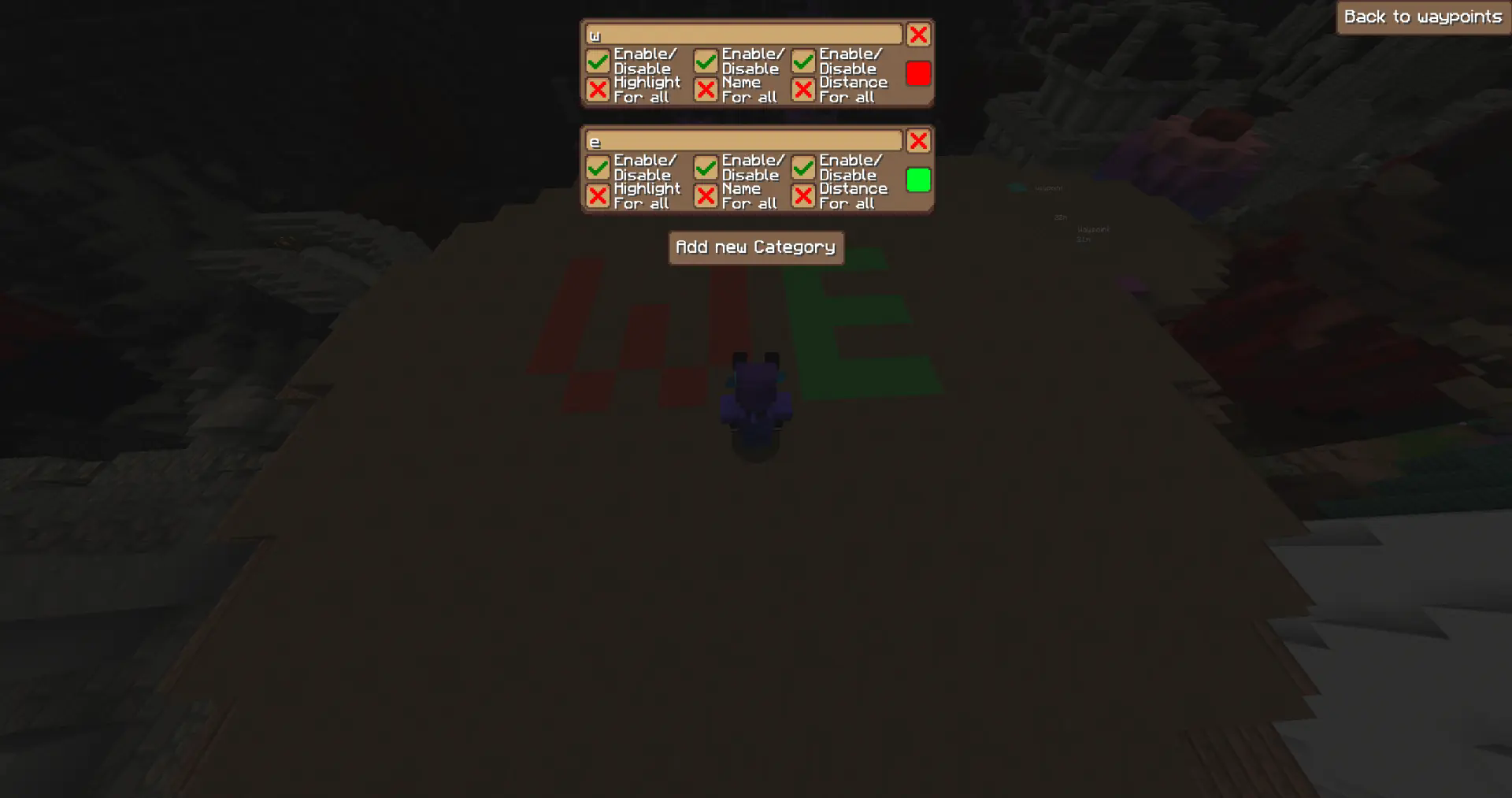
Waypoints
Highlight blocks at specific coordinates!
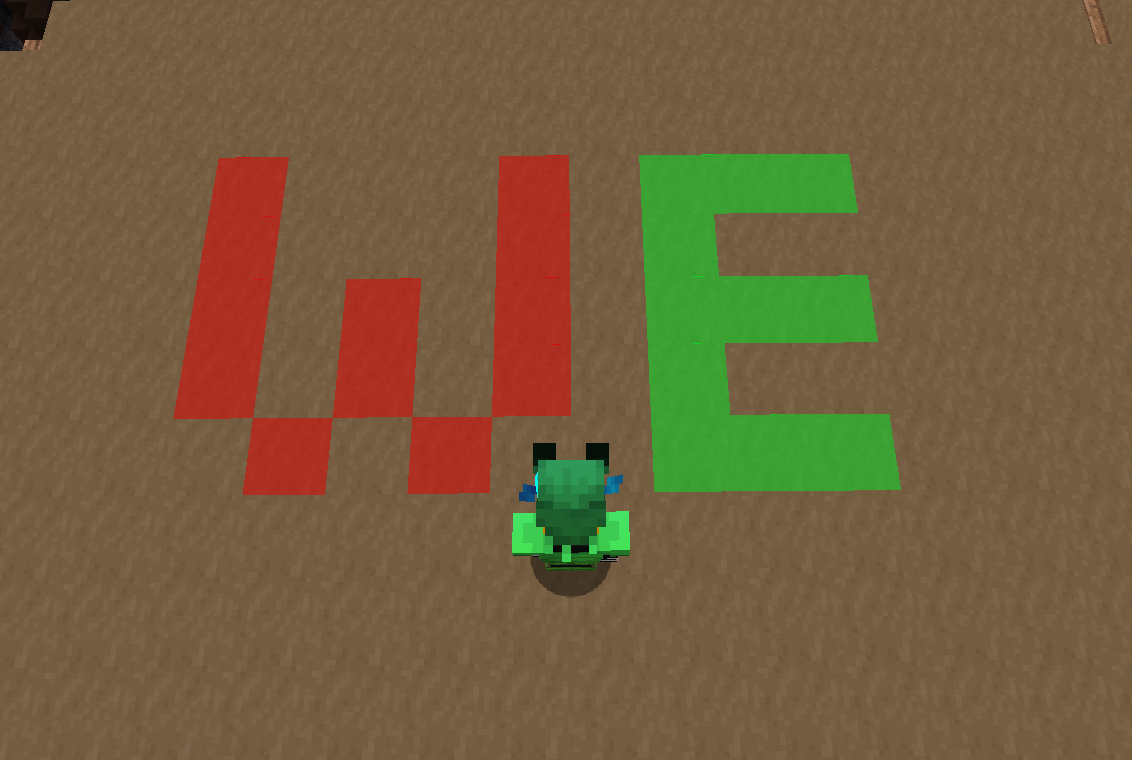
- Create, edit, and delete waypoints in the GUI
- Assign waypoints to categories with custom colors
- Toggle visibility per category
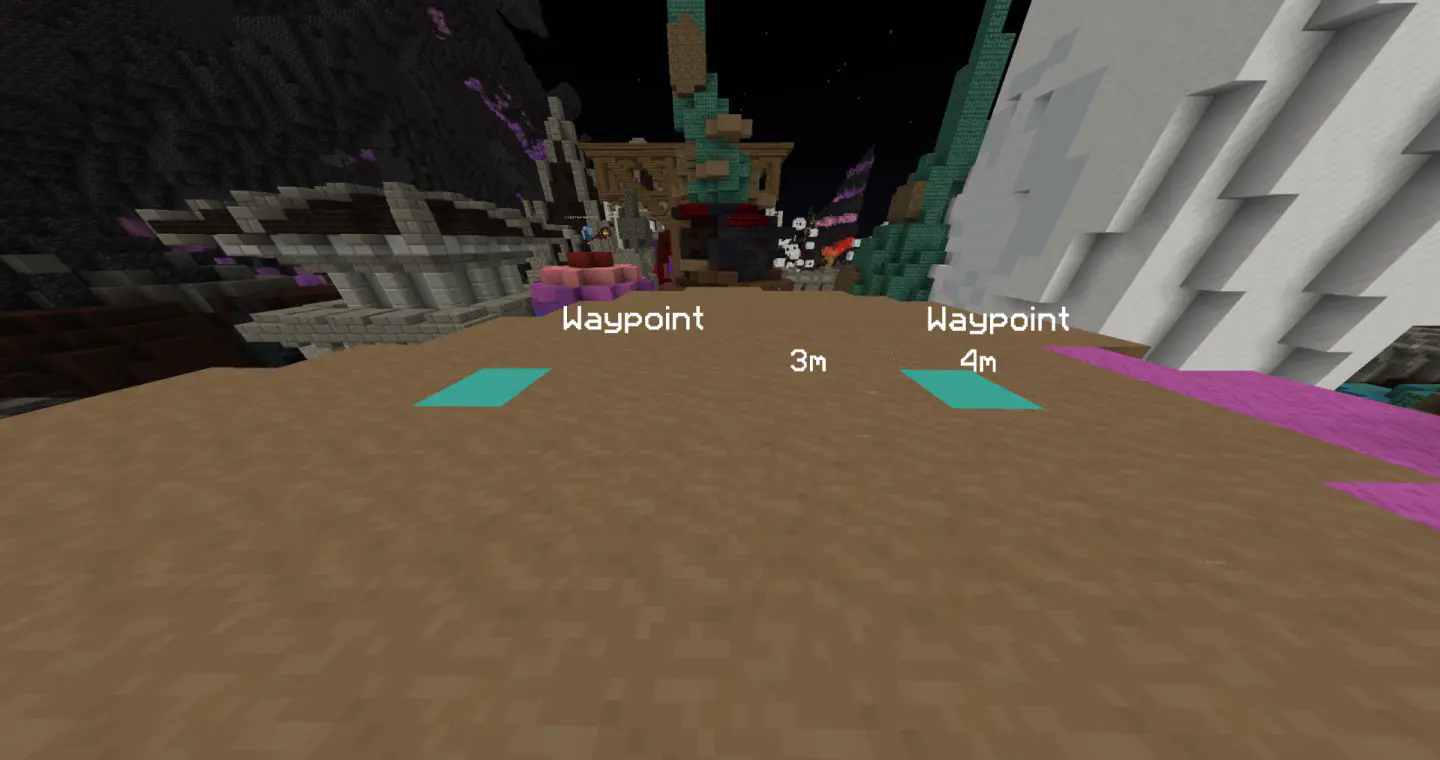
- Each waypoint has three independent visibility modes:
- - Block — highlights the block at the location
- - Name — displays the waypoint name
- - Distance — shows the distance between the player and waypoint
→ You can toggle each of these modes individually for every waypoint!
- `/WynnExtras waypoints` → Opens the waypoint GUI
- `/WynnExtras waypoints add` → Adds a waypoint below the player
- `/WynnExtras waypoints remove`
- → Removes the closest waypoint
Raid List
Use /we Raidlist to see y
📊 Mod Details
- Game
- Minecraft Mods
- Author
- JulianH06
- Version
- 0.18.3
- Downloads
- 53,489
- Endorsements
- 6
- Category
- fabric
- Created
- 9/3/2025
- Updated
- 7/16/2026
- Game Versions
- 1.21.11
- Tags
- social, utility
🔧 How to Install Minecraft Mods Mods
Download from Modrinth. Use Prism Launcher or drop into your mods folder.
📖 Full step-by-step install guide for Minecraft Mods →
Visit the official mod page for specific installation instructions for this mod.
🎮 Need cheat codes or console commands? Check ur gaming wiki for Minecraft Mods commands, item IDs, and more.
❓ Frequently Asked Questions
Which Minecraft Mods versions does WynnExtras support?
The author lists 1.21.11. Other versions may work but are untested by the author.
What is the latest version of WynnExtras?
Version 0.18.3, published 2026-07-16 with 53,489 downloads recorded at the source.
Keep browsing — more Minecraft Mods mods await