WaxyVision
🟡 Updated this year⚠️ Install Order · 2 steps
Install in this order, then this mod last — most mods fail to load without their framework and dependencies in place.
🖼️ Gallery (5 images)
🔍 Analysis
- 👍 0.7% endorsement rate
- 🏆 #53 of 241 decoration mods in this game by downloads
📋 About This Mod
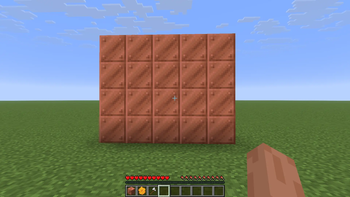
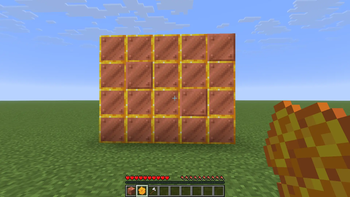
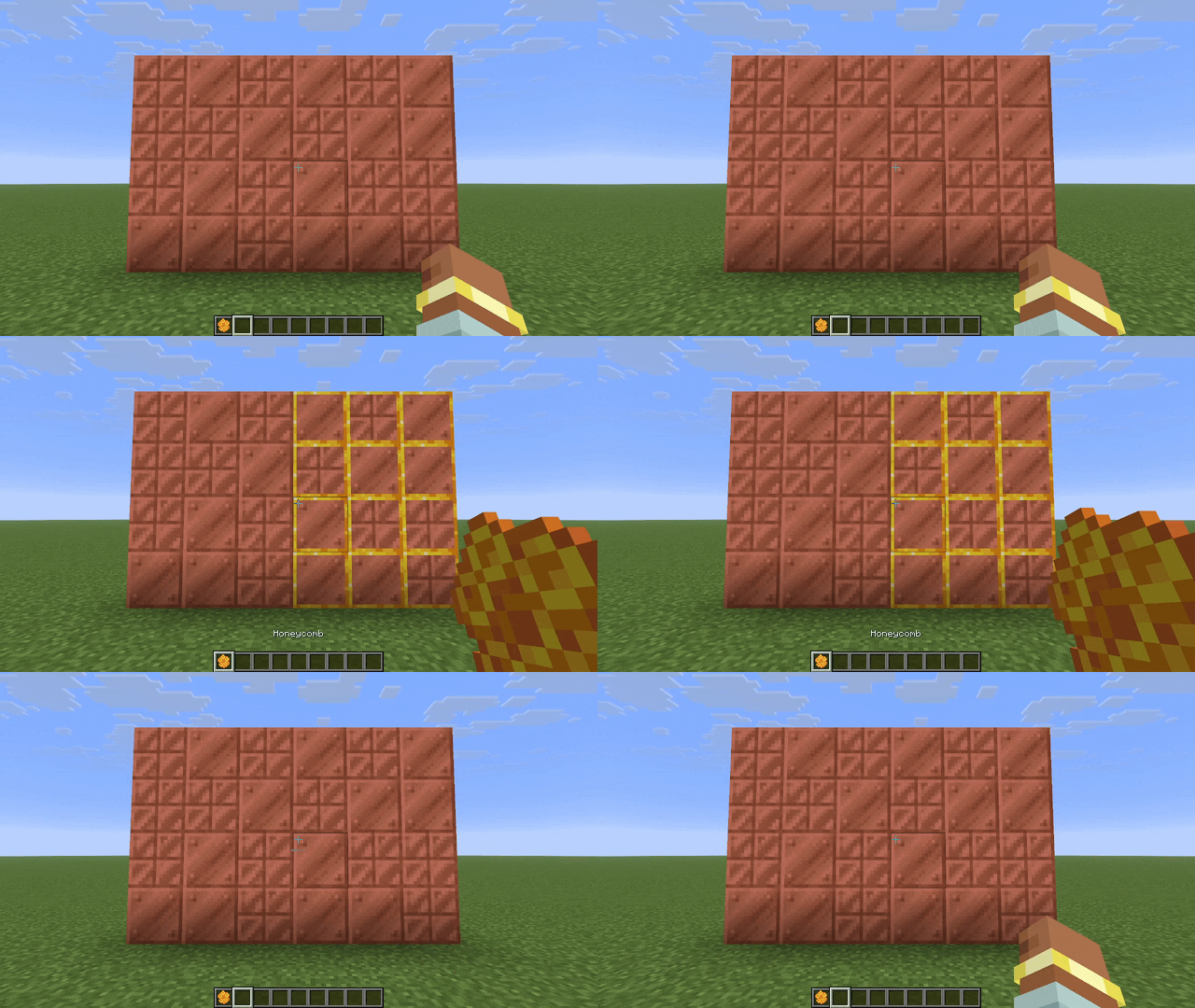
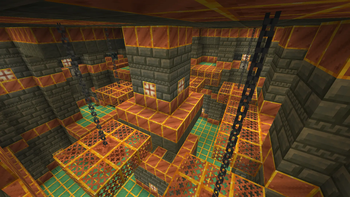
WaxyVision adds a highlight overlay to waxed blocks that only appears when holding a honeycomb.
!(https://cdn.modrinth.com/data/eaeywyTd/images/8912b759a20947bbe744b20a480ceeb26dc9da71.gif)
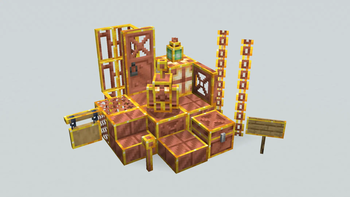
It works on all vanilla waxed copper blocks, as well as copper golems and signs if installed on the server. The behavior is similar to barriers and light blocks, but unlike barriers and light blocks the overlay appears and disappears instantly.
## Optional on Servers
This mod is mostly client-side, however the vanilla server does not tell clients if signs or active copper golems are waxed. Installing the mod on the server will allow displaying waxed signs & copper golems. This will not prevent vanilla clients from joining the server.
## Configuration & Keybinds
Through configuration you can turn the mod on & off, show the overlay even when not holding a honeycomb, and change which items cause the overlay. You can also set keybinds to toggle these settings. Install (https://modrinth.com/mod/mcqoy) for a config GUI and find the keybinds in the keybinds menu.
The config file is located at `config/waxyvision.toml`
| Option | Type | Default | Description | | ------ | ---- | ------- | ----------- | | `enabled` | boolean | `true` | Turns the mod on & off Can be controlled with a keybind | | `requireItem` | boolean | `true` | If the wax overlay should only appear when the right item is held Can be controlled with a keybind | | `waxItems` | item id list | `["minecraft:honeycomb"]` | Which items should cause the wax overlay to appear Invalid item ids will be ignored |
WaxyVision contains native support for these mods:
- (https://modrinth.com/mod/maglev)
- (https://modrinth.com/mod/the-copperier-age) (Except chimes)
Support for other mods can be (https://github.com/ThePotatoArchivist/WaxyVision/issues) or added via resourcepack.
Resource Packs
Most of the overlays are controlled by resourcepack. See (https://github.com/ThePotatoArchivist/WaxyVision/wiki) for a description of the format and (https://github.com/ThePotatoArchivist/WaxyVision/tree/main/src/main/generated/assets/waxyvision/waxyvision/overlays) for examples.
Entities & block entity renderers are hardcoded and cannot be controlled by resourcepack. This includes:
- Sign/Hanging Sign (before 26. 2)
- Copper Golem
- Copper Golem Statue
- Copper Chest
This mod was inspired by a YouTube comment, sadly I cannot remember which video or user it was. The design was inspired by Vanilla Tweaks' Visual Waxed Copper resourcepack.
WaxyVision does not endorse tax evasion
📊 Mod Details
- Game
- Minecraft Mods
- Author
- ThePotatoArchivist
- Version
- 1.1.1+mc26.1.2
- Downloads
- 897
- Endorsements
- 6
- Category
- decoration
- Created
- 5/13/2026
- Updated
- 6/13/2026
- Game Versions
- 26.1, 26.1.1, 26.1.2
- Tags
- decoration, utility
🔧 How to Install Minecraft Mods Mods
Download from Modrinth. Use Prism Launcher or drop into your mods folder.
📖 Full step-by-step install guide for Minecraft Mods →
Visit the official mod page for specific installation instructions for this mod.
🎮 Need cheat codes or console commands? Check ur gaming wiki for Minecraft Mods commands, item IDs, and more.
❓ Frequently Asked Questions
Which Minecraft Mods versions does WaxyVision support?
The author lists 26.1, 26.1.1, 26.1.2. Other versions may work but are untested by the author.
What is the latest version of WaxyVision?
Version 1.1.1+mc26.1.2, published 2026-06-13 with 897 downloads recorded at the source.
Keep browsing — more Minecraft Mods mods await