Visual PIDS Editor
⚪ Last updated 2024⚠️ Install Order · 2 steps
Install in this order, then this mod last — most mods fail to load without their framework and dependencies in place.
🖼️ Gallery (3 images)
🔍 Analysis
- 👍 0.3% endorsement rate
- 🏆 #513 of 885 fabric mods in this game by downloads
📋 About This Mod
# Visual PIDS Editor !(https://i.imgur.com/0HWSaMk.png) # (https://github.com/dooji2/visual-pids-editor/issues) <details> <summary>How to get started</summary> After launching the game, just click on "Options" > "PIDS Visual Editor". If no resource packs with JCM PIDS are loaded, you'll see a screen informing you no compatible resource packs are loaded. If this appears but you do have a JCM PID resource pack, please create a bug report. If you don't have one, just go back to options and load the necessary resource packs, and then when you go to "PIDS Visual Editor" you should see it loaded it now! You should see something like: !(https://cdn.modrinth.com/data/cached_images/a79a0bfffeaf26ea67efb869cbd811b6c9f2dba5.png) I have added some tooltips for the text fields to hopefully help you understand what they are. The top two arrows are to cycle between different resource packs, and the second set of two arrows are to cycle between PID templates ("id"s). There's also a preview render of the current PID template! Changes are automatically saved. **If you'd like to manually create a new PID template instead, for now please consider using the (https://github.com/dooji2/doojis-jcm-pids). This will be available by this mod in the future too.** </details> This mod should be used with Joban's Client Mod but is not required. It is only compatible with JCM PIDS resource packs.
# Visual PIDS Editor !(https://i.imgur.com/0HWSaMk.png) #
[ ](https://github.com/dooji2/visual-pids-editor/issues)
How to get started
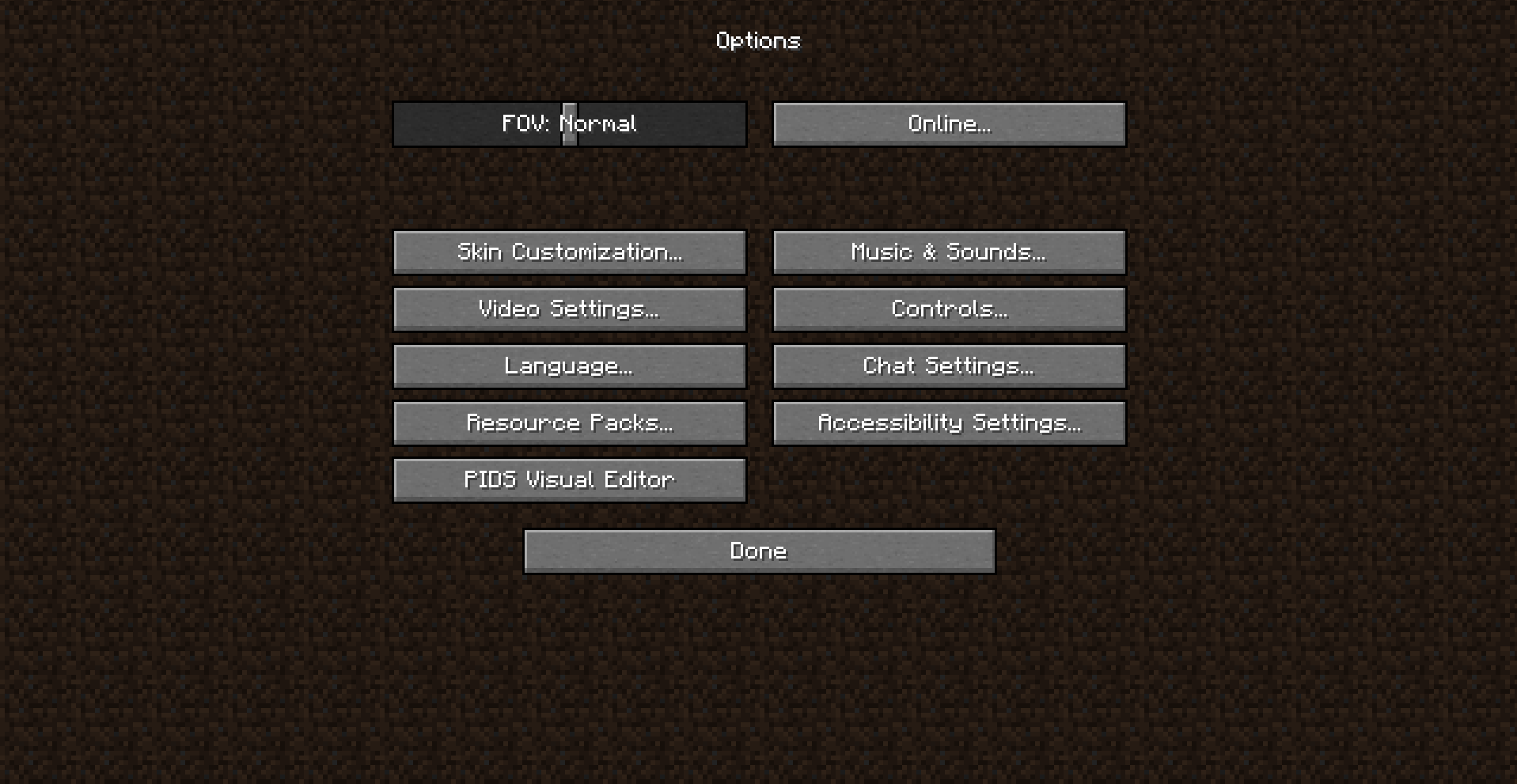
After launching the game, just click on "Options" > "PIDS Visual Editor".
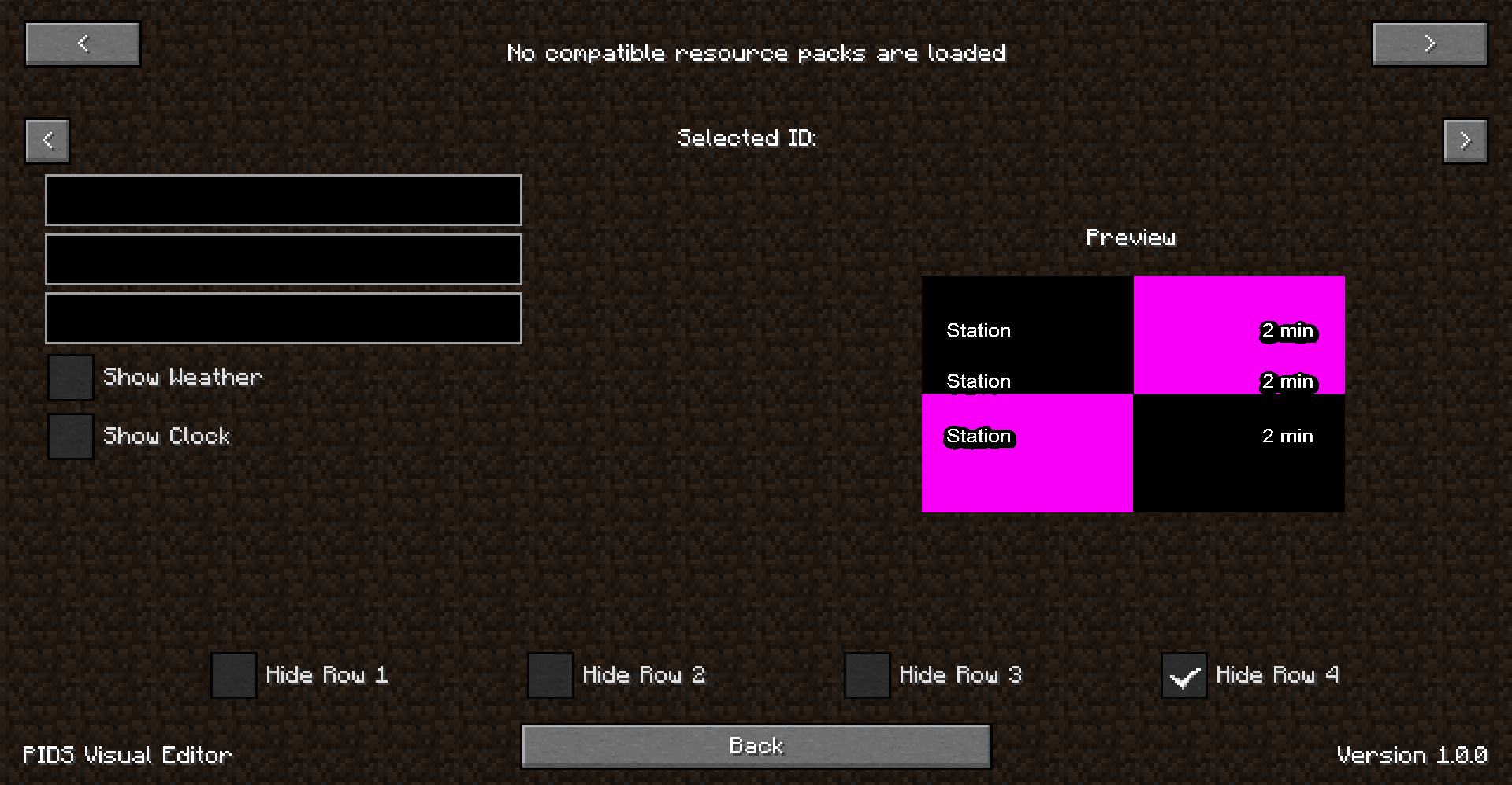
If no resource packs with JCM PIDS are loaded, you'll see a screen informing you no compatible resource packs are loaded. If this appears but you do have a JCM PID resource pack, please create a bug report.
If you don't have one, just go back to options and load the necessary resource packs, and then when you go to "PIDS Visual Editor" you should see it loaded it now!
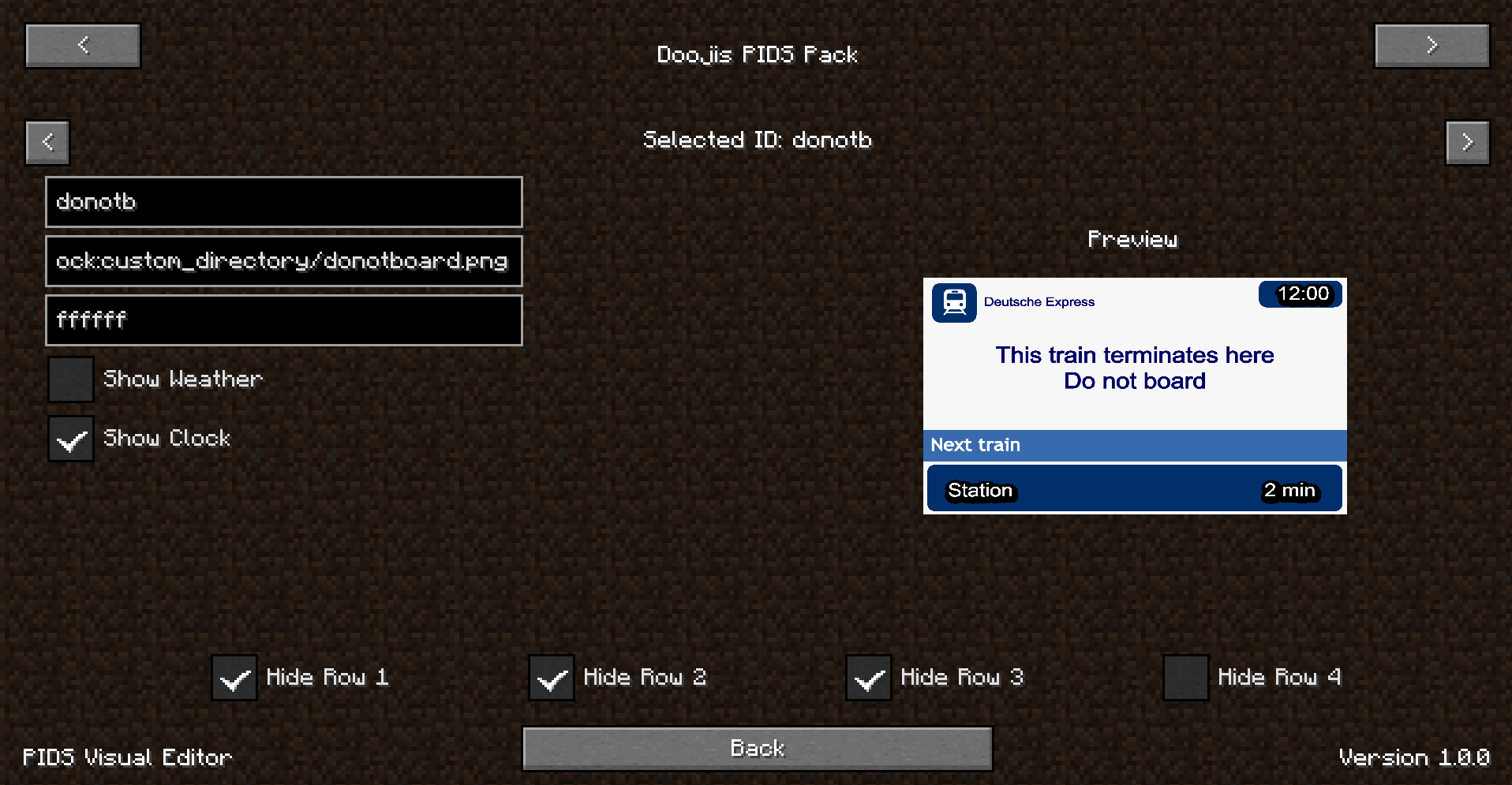
You should see something like: !(https://cdn.modrinth.com/data/cached_images/a79a0bfffeaf26ea67efb869cbd811b6c9f2dba5.png)
I have added some tooltips for the text fields to hopefully help you understand what they are. The top two arrows are to cycle between different resource packs, and the second set of two arrows are to cycle between PID templates ("id"s).
There's also a preview render of the current PID template!
Changes are automatically saved.
If you'd like to manually create a new PID template instead, for now please consider using the (https://github.com/dooji2/doojis-jcm-pids). This will be available by this mod in the future too.
This mod should be used with Joban's Client Mod but is not required. It is only compatible with JCM PIDS resource packs.
📊 Mod Details
- Game
- Minecraft Mods
- Author
- Dooji
- Version
- 1.0.3
- Downloads
- 1,045
- Endorsements
- 3
- Category
- fabric
- Created
- 2/20/2024
- Updated
- 2/13/2024
- Game Versions
- 1.19.2
- Tags
- utility
🔧 How to Install Minecraft Mods Mods
Download from Modrinth. Use Prism Launcher or drop into your mods folder.
📖 Full step-by-step install guide for Minecraft Mods →
Visit the official mod page for specific installation instructions for this mod.
🎮 Need cheat codes or console commands? Check ur gaming wiki for Minecraft Mods commands, item IDs, and more.
❓ Frequently Asked Questions
Which Minecraft Mods versions does Visual PIDS Editor support?
The author lists 1.19.2. Other versions may work but are untested by the author.
What is the latest version of Visual PIDS Editor?
Version 1.0.3, published 2024-02-13 with 1,045 downloads recorded at the source.
Keep browsing — more Minecraft Mods mods await