Tool Switcher
🟡 Updated this year⚠️ Install Order · 2 steps
Install in this order, then this mod last — most mods fail to load without their framework and dependencies in place.
Preview
🔍 Analysis
- 👍 0.1% endorsement rate
- 🏆 #7 of 225 equipment mods in this game by downloads
📋 About This Mod
# Tool Switcher (https://cdn.jsdelivr.net/npm/@intergrav/devins-badges@3/assets/cozy/available/modrinth_vector.svg)](https://modrinth.com/mod/tool-switcher) (https://cdn.jsdelivr.net/npm/@intergrav/devins-badges@3/assets/cozy/available/curseforge_vector.svg)](https://www.curseforge.com/minecraft/mc-mods/tool-switcher) (https://cdn.jsdelivr.net/npm/@intergrav/devins-badges@3/assets/cozy/available/codeberg_vector.svg)](https://codeberg.org/Maganoos/tool-switcher) Tool Switcher is a simple utility mod that enables you to automatically switch tools depending on what block you are trying to break. ### Features - Automatically selects the optimal tool for mining, taking into account factors such as efficiency. - Switches to tools outside the hotbar by temporarily swapping them into your current slot. - Disables itself while you are sneaking, if enabled. - Optionally prevents switching if the current tool has Silk Touch or Fortune. - Fully customizable list of disabled blocks and tools. - Server-side disabling, just install the mod onto the server to stop clients from using it on your server. ### Config All configuration options can be edited in the config file at `config/tool-switcher.toml` or through **Mod Menu & McQoy** (recommended). #### General Settings | Option | Type | Default | Description | |---------------------|------------|---------|---------------------------------------------------------------------------| | `enabled` | true/false | `true` | Enable/disable the mod. Can be toggled with a keybind (default: Period). | | `showMessage` | true/false | `true` | Whether to show a message on the screen when keybind is pressed. | #### Behavior Settings | Option | Type | Default | Description | |----------------------|------------|---------|---------------------------------------------------------------------------| | `sneaking` | true/false | `true` | Whether Tool Switcher turns off while sneaking. | | `goBack` | true/false | `true` | Whether to restore the previous tool/slot after releasing the attack key. | | `respectSilkFortune` | true/false | `true` | Whether to not switch tools if you are holding a silk touch/fortune tool. | #### Filter Settings | Option | Type | Default | Description | |--------------------|--------------|---------|------------------------------------------------| | `disabledTools` | String Array | `` | Tools that don't get switched to. | | `disabledBlocks` | String Array | `` | Blocks that don't trigger tool switching. | <details> <summary><b>How to Configure Filters</b></summary> Tools and blocks must be specified using Minecraft's resource location format in the TOML array syntax. **Example config file (`config/tool-switcher.toml`):** ```toml # Enable or disable the mod. Can be toggled with a keybind. enabled = true # Whether Tool Switcher turns off while sneaking sneaking = true # Whether to show a message on the screen when keybind is pressed showMessage = true # Whether to restore the previous tool/slot after releasing the attack key goBack = true # Whether to not switch tools if you are holding a Silk Touch or Fortune Tool respectSilkFortune = true # Tools that don't get switched to disabledTools = # Blocks that don't trigger tool switcher disabledBlocks = ``` **Format:** - Each entry must be in quotes - Entries are separated by commas - Use Minecraft's resource location format: `"namespace:id"` - Works with modded items: `"create:wrench"`, `"botania:mana_tablet"` **Common Tool IDs:** - `minecraft:wooden_pickaxe`, `minecraft:stone_pickaxe`, `minecraft:iron_pickaxe` - `minecraft:wooden_shovel`, `minecraft:stone_shovel`, `minecraft:iron_shovel` - `minecraft:wooden_axe`, `minecraft:stone_axe`, `minecraft:iron_axe` - `minecraft:golden_pickaxe`, `minecraft:golden_shovel`, `minecraft:golden_axe` **Common Block IDs:** - `minecraft:diamond_ore`, `minecraft:deepslate_diamond_ore` - `minecraft:ancient_debris`, `minecraft:gilded_blackstone` - `minecraft:spawner`, `minecraft:end_portal_frame` </details> ### How It Works **Hotbar Tools:** If the best tool is in your hotbar, Tool Switcher selects that slot. **Inventory Tools:** If the best tool is outside your hotbar, Tool Switcher temporarily swaps it into your current slot. When you release the attack key (or finish mining), it swaps back automatically (if `goBack` is enabled).
# Tool Switcher [!(https://cdn.jsdelivr.net/npm/@intergrav/devins-badges@3/assets/cozy/available/modrinth_vector.svg)](https://modrinth.com/mod/tool-switcher) [!(https://cdn.jsdelivr.net/npm/@intergrav/devins-badges@3/assets/cozy/available/curseforge_vector.svg)](https://www.curseforge.com/minecraft/mc-mods/tool-switcher) [!(https://cdn.jsdelivr.net/npm/@intergrav/devins-badges@3/assets/cozy/available/codeberg_vector.svg)](https://codeberg.org/Maganoos/tool-switcher)
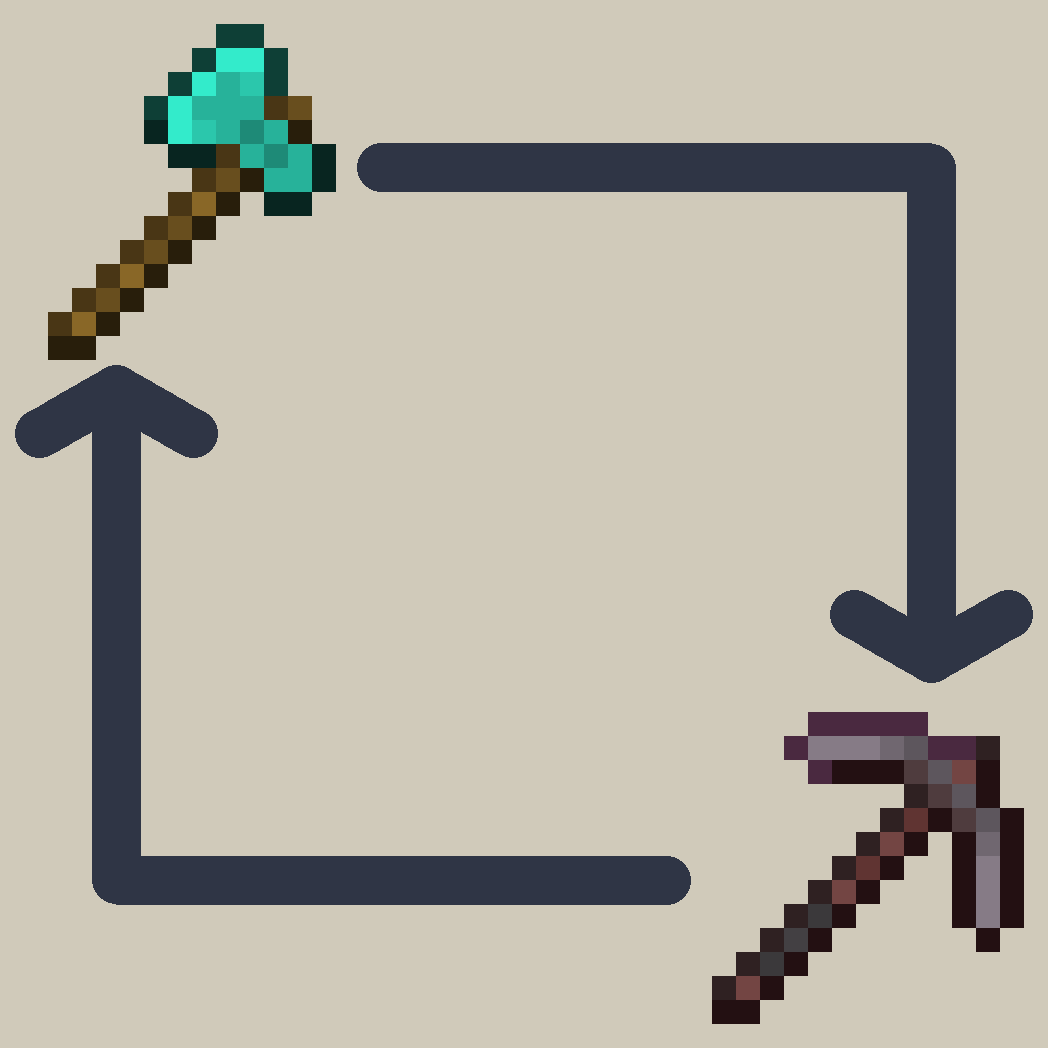
Tool Switcher is a simple utility mod that enables you to automatically switch tools depending on what block you are trying to break.
### Features - Automatically selects the optimal tool for mining, taking into account factors such as efficiency. - Switches to tools outside the hotbar by temporarily swapping them into your current slot. - Disables itself while you are sneaking, if enabled. - Optionally prevents switching if the current tool has Silk Touch or Fortune. - Fully customizable list of disabled blocks and tools. - Server-side disabling, just install the mod onto the server to stop clients from using it on your server.
All configuration options can be edited in the config file at `config/tool-switcher.toml` or through Mod Menu & McQoy (recommended).
#### General Settings | Option | Type | Default | Description | |---------------------|------------|---------|---------------------------------------------------------------------------| | `enabled` | true/false | `true` | Enable/disable the mod. Can be toggled with a keybind (default: Period). | | `showMessage` | true/false | `true` | Whether to show a message on the screen when keybind is pressed. |
#### Behavior Settings | Option | Type | Default | Description | |----------------------|------------|---------|---------------------------------------------------------------------------| | `sneaking` | true/false | `true` | Whether Tool Switcher turns off while sneaking. | | `goBack` | true/false | `true` | Whether to restore the previous tool/slot after releasing the attack key. | | `respectSilkFortune` | true/false | `true` | Whether to not switch tools if you are holding a silk touch/fortune tool. |
#### Filter Settings | Option | Type | Default | Description | |--------------------|--------------|---------|------------------------------------------------| | `disabledTools` | String Array | `[]` | Tools that don't get switched to. | | `disabledBlocks` | String Array | `[]` | Blocks that don't trigger tool switching. |
How to Configure Filters
Tools and blocks must be specified using Minecraft's resource location format in the TOML array syntax.
Example config file (`config/tool-switcher.toml`): ```toml # Enable or disable the mod. Can be toggled with a keybind. enabled = true # Whether Tool Switcher turns off while sneaking sneaking = true # Whether to show a message on the screen when keybind is pressed showMessage = true # Whether to restore the previous tool/slot after releasing the attack key goBack = true # Whether to not switch tools if you are holding a Silk Touch or Fortune Tool respectSilkFortune = true
# Tools that don't get switched to disabledTools = [ "minecraft:wooden_pickaxe", "minecraft:wooden_shovel", "minecraft:golden_pickaxe" ]
# Blocks that don't trigger tool switcher disabledBlocks = [ "minecraft:diamond_block", "minecraft:emerald_ore", "minecraft:ancient_debris" ] ```
Format: - Each entry must be in quotes - Entries are separated by commas - Use Minecraft's resource location format: `"namespace:id"` - Works with modded items: `"create:wrench"`, `"botania:mana_tablet"`
Common Tool IDs: - `minecraft:wooden_pickaxe`, `minecraft:stone_pickaxe`, `minecraft:iron_pickaxe` - `minecraft:wooden_shovel`, `minecraft:stone_shovel`, `minecraft:iron_shovel` - `minecraft:wooden_axe`, `minecraft:stone_axe`, `minecraft:iron_axe` - `minecraft:golden_pickaxe`, `minecraft:golden_shovel`, `minecraft:golden_axe`
Common Block IDs: - `minecraft:diamond_ore`, `minecraft:deepslate_diamond_ore` - `minecraft:ancient_debris`, `minecraft:gilded_blackstone` - `minecraft:spawner`, `minecraft:end_portal_frame`
### How It Works
Hotbar Tools: If the best tool is in your hotbar, Tool Switcher selects that slot.
Inventory Tools: If the best tool is outside your hotbar, Tool Switcher temporarily swaps it into your current slot. When you release the attack key (or finish mining), it swaps back automatically (if `goBack` is enabled).
📊 Mod Details
- Game
- Minecraft Mods
- Author
- Maganoos
- Version
- 3.2.0
- Downloads
- 34,053
- Endorsements
- 32
- Category
- equipment
- Created
- 7/27/2025
- Updated
- 7/19/2026
- Game Versions
- 26.2
- Tags
- equipment, utility
🔧 How to Install Minecraft Mods Mods
Download from Modrinth. Use Prism Launcher or drop into your mods folder.
📖 Full step-by-step install guide for Minecraft Mods →
Visit the official mod page for specific installation instructions for this mod.
🎮 Need cheat codes or console commands? Check ur gaming wiki for Minecraft Mods commands, item IDs, and more.
❓ Frequently Asked Questions
Which Minecraft Mods versions does Tool Switcher support?
The author lists 26.2. Other versions may work but are untested by the author.
What is the latest version of Tool Switcher?
Version 3.2.0, published 2026-07-19 with 34,053 downloads recorded at the source.
Keep browsing — more Minecraft Mods mods await