Screenshot
⚪ Last updated 2024⚠️ Install Order · 2 steps
Install in this order, then this mod last — most mods fail to load without their framework and dependencies in place.
🖼️ Gallery (11 images)
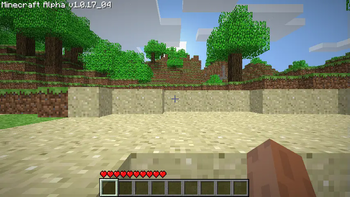
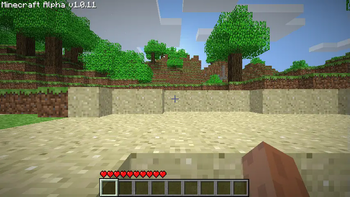
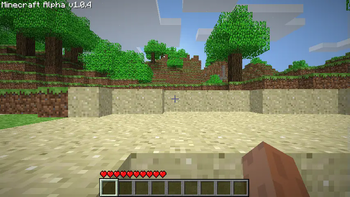
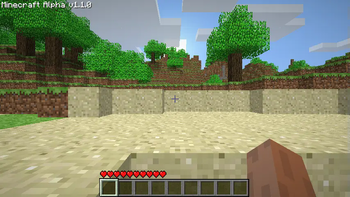
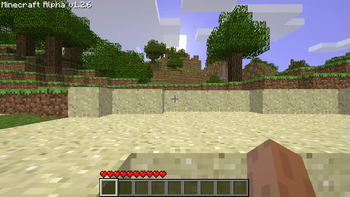
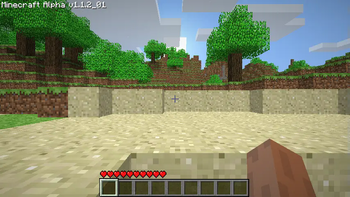
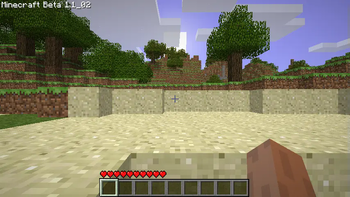
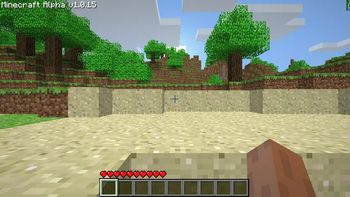
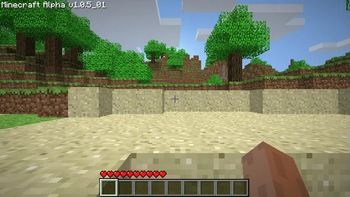
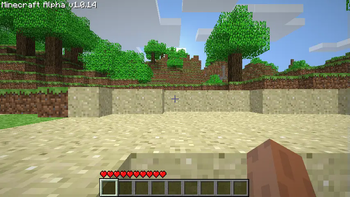
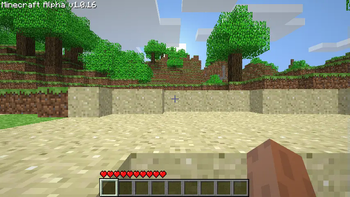
🔍 Analysis
- 👍 0.5% endorsement rate
📋 About This Mod
# Screenshot! Alpha 1.0.4, 1.0.5_01, 1.0.11, 1.0.14, 1.0.15, 1.0.16, 1.0.17_04, 1.1.0, 1.1.2_01, 1.2.6 and Beta 1.1_02 This is a backport of taking screenshots from Beta 1.7.3. Screenshots were added the version after Alpha 1.1.2_01, in Alpha 1.2.0 but required you to hold down F1, where this mod does not. Edits/Additions <details> <summary>Spoiler</summary> **Edits:** Minecraft **Adds:** ScreenShotHelper </details> **Version Information:** <details> <summary>Spoiler</summary> **Beta 1.1_02:** <details> <summary>Spoiler</summary> Edits: **Minecraft** I removed the F1 requirement to take screenshots. </details> **Alpha 1.2.6:** <details> <summary>Spoiler</summary> Edits: **Minecraft** I removed the F1 requirement to take screenshots. </details> **Alpha 1.1.0:** <details> <summary>Spoiler</summary> Basically the same as Alpha 1.1.2_01. </details> **Alpha 1.0.11-1.0.17_04:** <details> <summary>Spoiler</summary> Basically the same as Alpha 1.1.2_01. </details> **Alpha 1.0.4-1.0.5_01:** <details> <summary>Spoiler</summary> These versions modify the **GuiIngame** and **Minecraft** classes and introduce the **ScreenShotHelper**. They lack the necessary code to display the chat message for the screenshot file name, necessitating the modification of GuiIngame. Additionally, these versions are packaged differently from later releases, resulting in a different appearance when viewed within the zip file. </details> **Additional Information:** <details> <summary>Spoiler</summary> In earlier versions of the game, the absence of multiplayer functionality means that chat features are not present. Consequently, certain versions of the mod developed for these early iterations may lack the black transparent shadow behind the file name. </details> </details> Source and RetroMCP patches will be inside the download along side the mod, feel free to check it out. **_Modloader not required but I had to select an API._** Additionally, if you would like a to use another of my mods that I combined this mod with feel free to check out (https://modrinth.com/mod/more-debug-+-screenshot) <iframe width="560" height="315" src="https://www.youtube-nocookie.com/embed/hya28fNOW0s" title="YouTube video player" frameborder="0" allow="accelerometer; autoplay; clipboard-write; encrypted-media; gyroscope; picture-in-picture; web-share" allowfullscreen></iframe>
# Screenshot! Alpha 1. 0. 4, 1. 0. 5_01, 1. 0. 11, 1. 0. 14, 1. 0. 15, 1. 0. 16, 1. 0. 17_04, 1. 1. 0, 1. 1. 2_01, 1. 2. 6 and Beta 1. 1_02
This is a backport of taking screenshots from Beta 1. 7. 3.
Screenshots were added the version after Alpha 1. 1. 2_01, in Alpha 1. 2. 0 but required you to hold down F1, where this mod does not.
Edits/Additions
Spoiler
Edits: Minecraft
Adds: ScreenShotHelper
Version Information:
Spoiler
Beta 1. 1_02:
Spoiler
Edits: Minecraft I removed the F1 requirement to take screenshots.
Alpha 1. 2. 6:
Spoiler
Edits: Minecraft I removed the F1 requirement to take screenshots.
Alpha 1. 1. 0:
Spoiler
Basically the same as Alpha 1. 1. 2_01.
Alpha 1. 0. 11-1. 0. 17_04:
Spoiler
Basically the same as Alpha 1. 1. 2_01.
Alpha 1. 0. 4-1. 0. 5_01:
Spoiler
These versions modify the GuiIngame and Minecraft classes and introduce the ScreenShotHelper. They lack the necessary code to display the chat message for the screenshot file name, necessitating the modification of GuiIngame. Additionally, these versions are packaged differently from later releases, resulting in a different appearance when viewed within the zip file.
Additional Information:
Spoiler
In earlier versions of the game, the absence of multiplayer functionality means that chat features are not present. Consequently, certain versions of the mod developed for these early iterations may lack the black transparent shadow behind the file name.
Source and RetroMCP patches will be inside the download along side the mod, feel free to check it out.
_Modloader not required but I had to select an API._
Additionally, if you would like a to use another of my mods that I combined this mod with feel free to check out (https://modrinth.com/mod/more-debug-+-screenshot)
📊 Mod Details
- Game
- Minecraft Mods
- Author
- poopiedoopie9002
- Version
- 1.0
- Downloads
- 828
- Endorsements
- 4
- Category
- modloader
- Created
- 7/13/2024
- Updated
- 7/15/2024
- Game Versions
- b1.1_02
- Tags
- utility
🔧 How to Install Minecraft Mods Mods
Download from Modrinth. Use Prism Launcher or drop into your mods folder.
📖 Full step-by-step install guide for Minecraft Mods →
Visit the official mod page for specific installation instructions for this mod.
🎮 Need cheat codes or console commands? Check ur gaming wiki for Minecraft Mods commands, item IDs, and more.
❓ Frequently Asked Questions
Which Minecraft Mods versions does Screenshot support?
The author lists b1.1_02. Other versions may work but are untested by the author.
What is the latest version of Screenshot?
Version 1.0, published 2024-07-15 with 828 downloads recorded at the source.
Keep browsing — more Minecraft Mods mods await