NoParticles-Fps
🟡 Updated this year⚠️ Install Order · 2 steps
Install in this order, then this mod last — most mods fail to load without their framework and dependencies in place.
🖼️ Gallery (1 images)
🔍 Analysis
- 👍 0.2% endorsement rate
- 🏆 #95 of 188 cursed mods in this game by downloads
📋 About This Mod
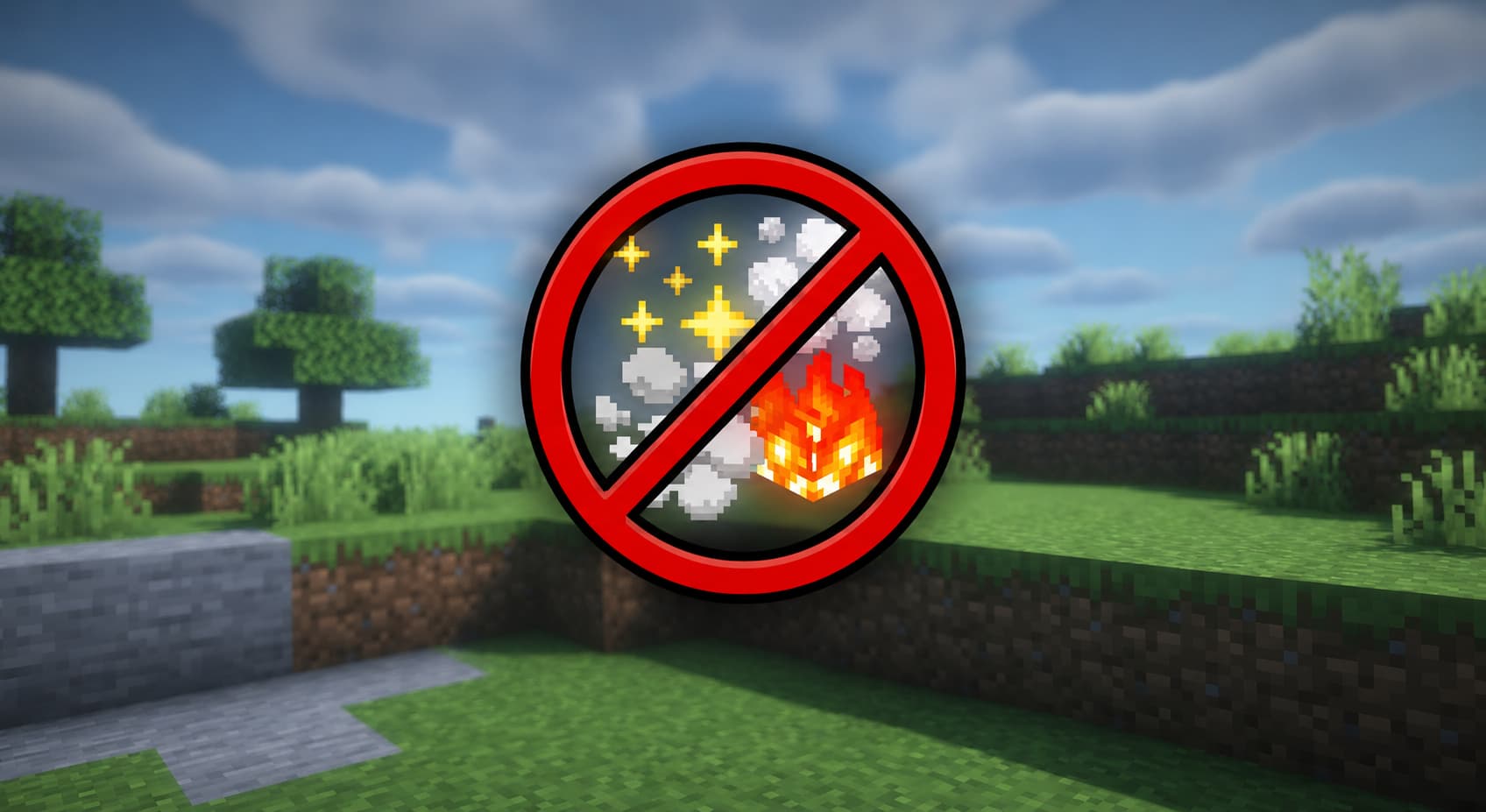
# NoParticles > Remove all particles and improve your FPS and gameplay — built for PvP on low-end PCs. --- ## What is NoParticles? NoParticles is a lightweight, client-side Forge mod for Minecraft 1.8.9 that blocks particle effects at the source — before they ever render. Instead of wasting CPU/GPU cycles on distracting particles, your hardware focuses on what matters: your game. Built for PvP players on low-end PCs who need every frame they can get. --- ## Features - **Disable All Particles** — one toggle, zero particles, maximum FPS - **PvP Mode** — blocks crits, potion, block break, fire & smoke at once - **Per-Type Toggles** — independently control each particle type - **Toggle Keybind** — press `P` in-game to switch on/off instantly - **Config File** — simple `.cfg` file + Forge GUI support - **Zero Overhead** — blocked particles never allocate memory or execute render code --- ## Performance Particles are intercepted via ASM bytecode injection in `EffectRenderer`, before they enter the render pipeline: - ✅ No garbage collection pressure from discarded particle objects - ✅ No GPU draw calls for blocked particles - ✅ No visual glitches — particles never appear, not even for a frame - ✅ Measurable FPS gains on low-end hardware during PvP, block breaking, or potion effects --- ## How to Install 1. Install **Minecraft Forge 1.8.9** (build 11.15.1.2318+) 2. Drop the `.jar` into `.minecraft/mods/` 3. Launch the game 4. Press `P` to toggle, or edit `.minecraft/config/noparticles.cfg` --- ## Config Options | Option | Default | Description | |---|---|---| | `enabled` | `true` | Master toggle for the entire mod | | `particlesDisabled` | `false` | Disable ALL particles completely | | `pvpMode` | `false` | Disable crit, potion, block, fire & smoke at once | | `blockCrit` | `false` | Remove critical hit particles | | `blockPotion` | `false` | Remove potion effect particles | | `blockBlockBreak` | `false` | Remove block break / dig particles | | `blockFireSmoke` | `false` | Remove fire, smoke and lava particles | --- ## Requirements - Minecraft **1.8.9** - Minecraft Forge **11.15.1.2318** or later - Java **8** Open source — built with ForgeGradle 2.1, no extra dependencies. --- ## Links - ((https://discord.gg/6vbrstUrMh)) — Support server
# NoParticles
> Remove all particles and improve your FPS and gameplay — built for PvP on low-end PCs.
## What is NoParticles?
NoParticles is a lightweight, client-side Forge mod for Minecraft 1. 8. 9 that blocks particle effects at the source — before they ever render. Instead of wasting CPU/GPU cycles on distracting particles, your hardware focuses on what matters: your game.
Built for PvP players on low-end PCs who need every frame they can get.
## Features
- Disable All Particles — one toggle, zero particles, maximum FPS
- PvP Mode — blocks crits, potion, block break, fire & smoke at once
- Per-Type Toggles — independently control each particle type
- Toggle Keybind — press `P` in-game to switch on/off instantly
- Config File — simple `.cfg` file + Forge GUI support
- Zero Overhead — blocked particles never allocate memory or execute render code
## Performance
Particles are intercepted via ASM bytecode injection in `EffectRenderer`, before they enter the render pipeline:
- ✅ No garbage collection pressure from discarded particle objects
- ✅ No GPU draw calls for blocked particles
- ✅ No visual glitches — particles never appear, not even for a frame
- ✅ Measurable FPS gains on low-end hardware during PvP, block breaking, or potion effects
## How to Install
1. Install Minecraft Forge 1. 8. 9 (build 11. 15. 1. 2318+) 2. Drop the `.jar` into `.minecraft/mods/` 3. Launch the game 4. Press `P` to toggle, or edit `.minecraft/config/noparticles.cfg`
## Config Options
| Option | Default | Description | |---|---|---| | `enabled` | `true` | Master toggle for the entire mod | | `particlesDisabled` | `false` | Disable ALL particles completely | | `pvpMode` | `false` | Disable crit, potion, block, fire & smoke at once | | `blockCrit` | `false` | Remove critical hit particles | | `blockPotion` | `false` | Remove potion effect particles | | `blockBlockBreak` | `false` | Remove block break / dig particles | | `blockFireSmoke` | `false` | Remove fire, smoke and lava particles |
## Requirements
- Minecraft 1. 8. 9
- Minecraft Forge 11. 15. 1. 2318 or later
- Java 8
Open source — built with ForgeGradle 2. 1, no extra dependencies.
- ((https://discord.gg/6vbrstUrMh)) — Support server
📊 Mod Details
- Game
- Minecraft Mods
- Author
- rtx4400.
- Version
- 1.0.0
- Downloads
- 1,819
- Endorsements
- 3
- Category
- cursed
- Created
- 5/24/2026
- Updated
- 5/18/2026
- Game Versions
- 1.8.9
- Tags
- cursed, game-mechanics, optimization
🔧 How to Install Minecraft Mods Mods
Download from Modrinth. Use Prism Launcher or drop into your mods folder.
📖 Full step-by-step install guide for Minecraft Mods →
Visit the official mod page for specific installation instructions for this mod.
🎮 Need cheat codes or console commands? Check ur gaming wiki for Minecraft Mods commands, item IDs, and more.
❓ Frequently Asked Questions
Which Minecraft Mods versions does NoParticles-Fps support?
The author lists 1.8.9. Other versions may work but are untested by the author.
What is the latest version of NoParticles-Fps?
Version 1.0.0, published 2026-05-18 with 1,819 downloads recorded at the source.
Keep browsing — more Minecraft Mods mods await