Log Sifter
🟡 Updated this year⚠️ Install Order · 2 steps
Install in this order, then this mod last — most mods fail to load without their framework and dependencies in place.
Preview

🔍 Analysis
- 👍 0.5% endorsement rate
- 🏆 #5 of 8 management mods in this game by downloads
📋 About This Mod
<div style="text-align: center;"> <img src="https://raw.githubusercontent.com/MC-Nirvana/log-sifter/main/src/main/resources/log_sifter.png" alt="Log Sifter Logo" width="128" height="128"> </div> # Log Sifter - Filter Out Annoying but Harmless Logs (https://img.shields.io/github/release/MC-Nirvana/log-sifter.svg)](https://github.com/MC-Nirvana/log-sifter/releases) (https://img.shields.io/github/issues/MC-Nirvana/log-sifter.svg)](https://github.com/MC-Nirvana/log-sifter/issues) (https://img.shields.io/github/license/MC-Nirvana/log-sifter.svg)](https://github.com/MC-Nirvana/log-sifter/blob/main/LICENSE) ## Ⅰ. Introduction Log Sifter is a mod designed specifically for Minecraft NeoForge servers and clients (internal codename: Arona-02) , which filters and blocks redundant log information generated in the game. This module is based on the NeoForge platform and can help users reduce noise in log files by customizing configuration rules, making important information more prominent and visible. ## II. Main Features - **Log Filtering**: Define rules through configuration files to block specific log outputs - **Regular Expression Support**: Support precise log content matching using regular expressions - **Dynamic Configuration**: Support loading and applying filtering rules at runtime - **Lightweight Design**: Does not modify core game functions, focusing only on log management ## III. Installation Guide ### 3-1:Prerequisites - Installed supported Minecraft version (1.21.1) - Installed corresponding NeoForge version (21.1.200 or higher) ### 3-2:Installation Steps 1. Download the latest version from the project's (https://github.com/MC-Nirvana/log-sifter/releases/latest) page 2. Place the mod file in the client (or server) `mods` folder 3. Start the game, and the mod will automatically generate the default configuration file in the `config` directory 4. Edit the configuration file as needed 5. Restart the server to apply changes 6. Enjoy the clean console and logs brought by Log Sifter ## IⅤ. Building from Source Code If you want to build the plugin from source code, you need Java Development Kit (JDK) 21 or higher. ### 4-1:Build Steps 1. Clone the repository: `git clone https://github.com/MC-Nirvana/log-sifter.git` 2. Enter the repository directory: `cd log-sifter` 3. Execute the build command: `./gradlew build` 4. Find the generated JAR file in the `build/libs/` directory ### 4-2:Development Environment Setup - Recommended to use IntelliJ IDEA for development - After importing the project, ensure Gradle dependencies download correctly ## V. Contribution and Support Welcome to submit bug reports and feature suggestions through GitHub Issues ### 5-1:Contribution Methods - Submit code improvements and new feature implementations - Improve documentation and translations - Report bugs and security issues - Participate in discussions and provide usage feedback ### 5-2:Best Practices for Submitting Pull Requests 1. Fork the project and create a feature branch 2. Write clear commit messages 3. Ensure code complies with project coding standards 4. Add corresponding test cases 5. Keep Pull Requests focused on a single feature or fix ### 5-3:Developer Resources - The project follows standard Git workflow - Please ensure code passes all tests before submitting a Pull Request - Maintain consistent code style, refer to existing code structure ## VI. License This project uses the (LICENSE) open source license ## VII. Support and Feedback If you like this project, please consider: - Giving the project a Star ⭐ - Sharing this project on social media - Participating in project discussions and providing valuable feedback ### VIII. Sponsorship Support If you wish to support the continued development and maintenance of this project, you can sponsor through the following methods: - (https://ifdian.net/a/MC-Nirvana) - Sponsor through ifdian (suitable for mainland China users) - (https://paypal.me/WHFNirvana) - Sponsor through PayPal (suitable for overseas users) Your sponsorship will be used for: - Maintaining project infrastructure - Buying french fries for the author at the dock :) ## IX. Official Community - (https://qm.qq.com/q/u1FEfZMFe8) - (https://discord.gg/4CVVEkC9aB)
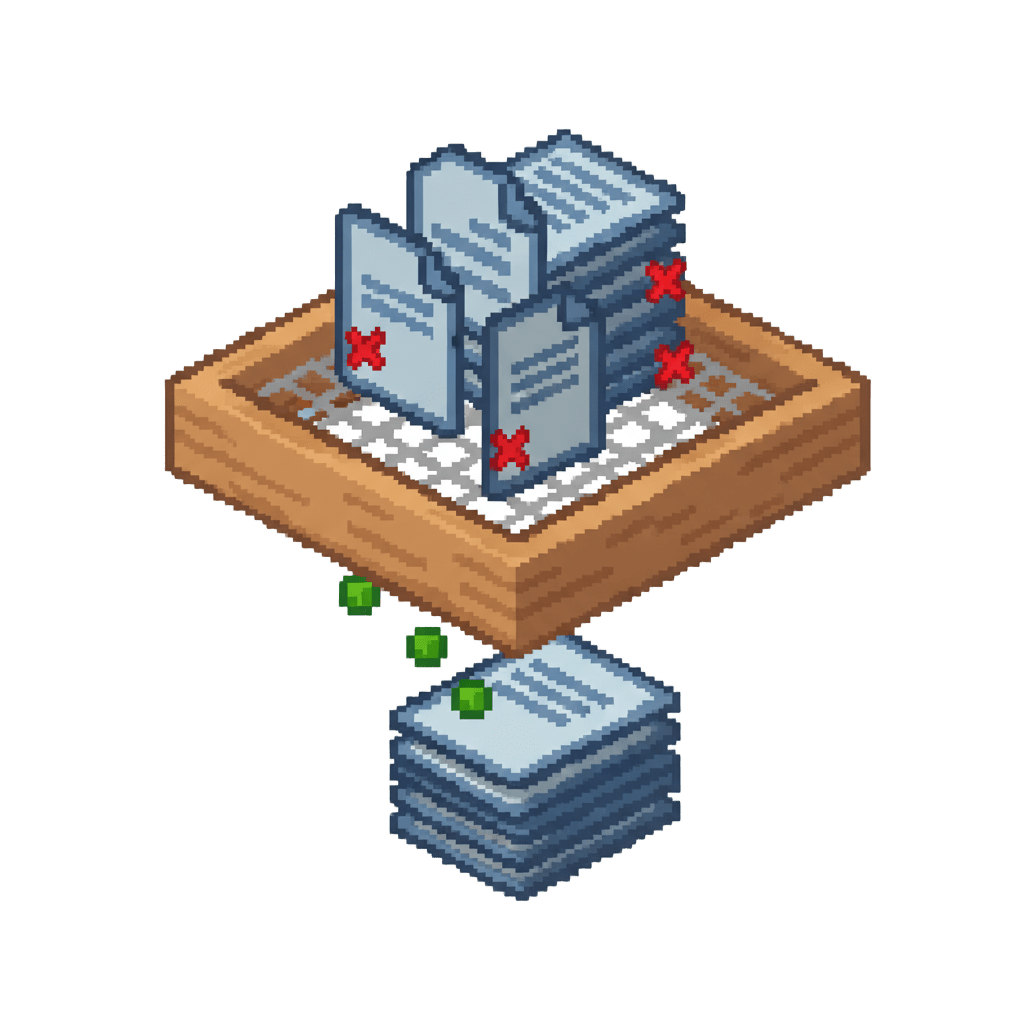
# Log Sifter - Filter Out Annoying but Harmless Logs [!(https://img.shields.io/github/release/MC-Nirvana/log-sifter.svg)](https://github.com/MC-Nirvana/log-sifter/releases) [!(https://img.shields.io/github/issues/MC-Nirvana/log-sifter.svg)](https://github.com/MC-Nirvana/log-sifter/issues) [!(https://img.shields.io/github/license/MC-Nirvana/log-sifter.svg)](https://github.com/MC-Nirvana/log-sifter/blob/main/LICENSE)
## Ⅰ. Introduction Log Sifter is a mod designed specifically for Minecraft NeoForge servers and clients (internal codename: Arona-02) , which filters and blocks redundant log information generated in the game. This module is based on the NeoForge platform and can help users reduce noise in log files by customizing configuration rules, making important information more prominent and visible.
## II. Main Features - Log Filtering: Define rules through configuration files to block specific log outputs - Regular Expression Support: Support precise log content matching using regular expressions - Dynamic Configuration: Support loading and applying filtering rules at runtime - Lightweight Design: Does not modify core game functions, focusing only on log management
## III. Installation Guide
### 3-1:Prerequisites - Installed supported Minecraft version (1. 21. 1) - Installed corresponding NeoForge version (21. 1. 200 or higher)
### 3-2:Installation Steps 1. Download the latest version from the project's (https://github.com/MC-Nirvana/log-sifter/releases/latest) page 2. Place the mod file in the client (or server) `mods` folder 3. Start the game, and the mod will automatically generate the default configuration file in the `config` directory 4. Edit the configuration file as needed 5. Restart the server to apply changes 6. Enjoy the clean console and logs brought by Log Sifter
## IⅤ. Building from Source Code If you want to build the plugin from source code, you need Java Development Kit (JDK) 21 or higher.
### 4-1:Build Steps 1. Clone the repository: `git clone https://github.com/MC-Nirvana/log-sifter.git` 2. Enter the repository directory: `cd log-sifter` 3. Execute the build command: `./gradlew build` 4. Find the generated JAR file in the `build/libs/` directory
### 4-2:Development Environment Setup - Recommended to use IntelliJ IDEA for development - After importing the project, ensure Gradle dependencies download correctly
## V. Contribution and Support Welcome to submit bug reports and feature suggestions through GitHub Issues
### 5-1:Contribution Methods - Submit code improvements and new feature implementations - Improve documentation and translations - Report bugs and security issues - Participate in discussions and provide usage feedback
### 5-2:Best Practices for Submitting Pull Requests 1. Fork the project and create a feature branch 2. Write clear commit messages 3. Ensure code complies with project coding standards 4. Add corresponding test cases 5. Keep Pull Requests focused on a single feature or fix
### 5-3:Developer Resources - The project follows standard Git workflow - Please ensure code passes all tests before submitting a Pull Request - Maintain consistent code style, refer to existing code structure
## VI. License This project uses the (LICENSE) open source license
## VII. Support and Feedback If you like this project, please consider: - Giving the project a Star ⭐ - Sharing this project on social media - Participating in project discussions and providing valuable feedback
### VIII. Sponsorship Support If you wish to support the continued development and maintenance of this project, you can sponsor through the following methods:
- (https://ifdian.net/a/MC-Nirvana) - Sponsor through ifdian (suitable for mainland China users)
- (https://paypal.me/WHFNirvana) - Sponsor through PayPal (suitable for overseas users)
Your sponsorship will be used for: - Maintaining project infrastructure - Buying french fries for the author at the dock :)
## IX. Official Community - (https://qm.qq.com/q/u1FEfZMFe8) - (https://discord.gg/4CVVEkC9aB)
📊 Mod Details
- Game
- Minecraft Mods
- Author
- MC_Nirvana
- Version
- v1.1.0
- Downloads
- 793
- Endorsements
- 4
- Category
- management
- Created
- 9/8/2025
- Updated
- 4/18/2026
- Game Versions
- 1.21.1
- Tags
- management, optimization, utility
🔧 How to Install Minecraft Mods Mods
Download from Modrinth. Use Prism Launcher or drop into your mods folder.
📖 Full step-by-step install guide for Minecraft Mods →
Visit the official mod page for specific installation instructions for this mod.
🎮 Need cheat codes or console commands? Check ur gaming wiki for Minecraft Mods commands, item IDs, and more.
❓ Frequently Asked Questions
Which Minecraft Mods versions does Log Sifter support?
The author lists 1.21.1. Other versions may work but are untested by the author.
What is the latest version of Log Sifter?
Version v1.1.0, published 2026-04-18 with 793 downloads recorded at the source.
Keep browsing — more Minecraft Mods mods await