Joy of Painting
🟡 Updated this year⚠️ Install Order · 2 steps
Install in this order, then this mod last — most mods fail to load without their framework and dependencies in place.
🖼️ Gallery (7 images)
🔍 Analysis
- 👍 0.0% endorsement rate
- 🏆 #136 of 435 decoration mods in this game by downloads
📋 About This Mod
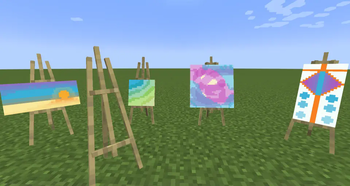
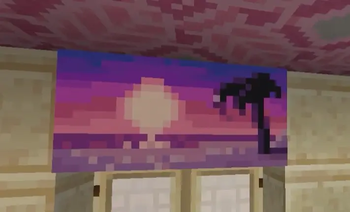
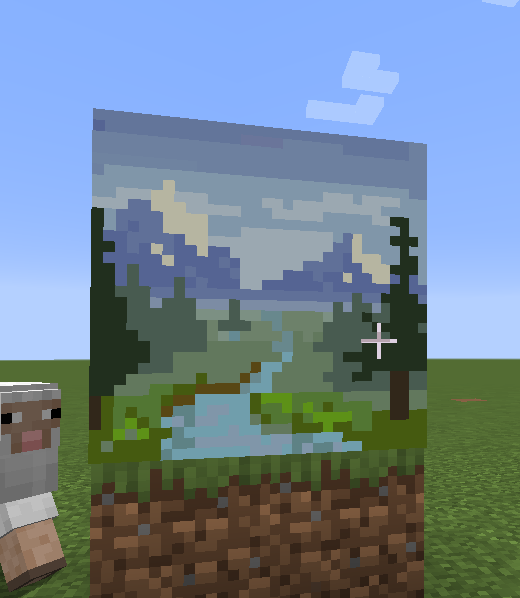
This mod lets you craft a blank canvas and a palette, with which you can paint your own pictures and hang them on a wall like the vanilla paintings. Let your creativity roam free or paint memes and experience the joy of painting.
If you are interested in making music as well, check Music Maker Mod, or check my other mods:
Features
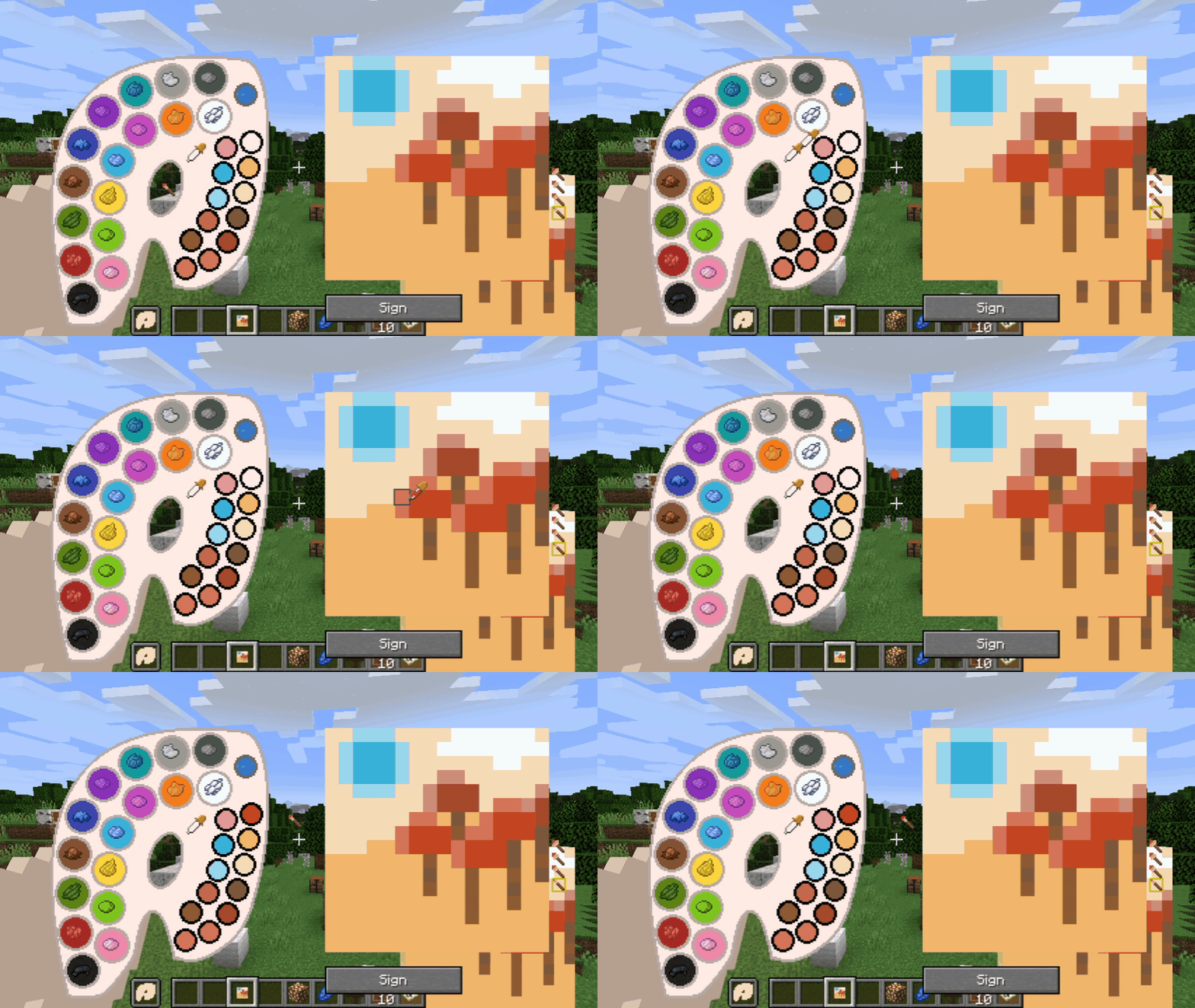
- Color mixing mechanic faithful to vanilla and fun to use
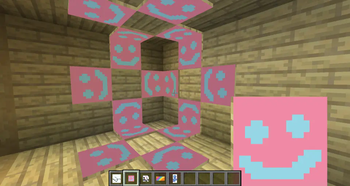
- Painted canvases can be hung on a wall (small ones can also be put on the floor or ceiling)
- Multiple brush sizes and brush opacity
- Multiple canvas sizes and shapes
- All 16 million colors are available (as long as you can mix them)
- Undo mistakes with CTRL+Z
- You can see the paintings while on hand and in the inventory too
- Pleasant painting sound effects
- Color picking tool on full palettes
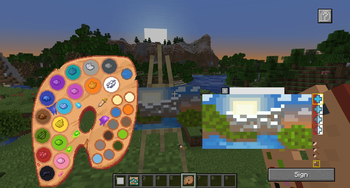
- Easels you can paint on
- Toggleable tooltips on the painting GUI
- Importing and exporting paintings to files via commands
- Canvas and palette in the GUI can be moved anywhere, so that you can see your reference objects
- Painting the canvas sides (frames)
- Glass canvases for transparent paintings
Note about Forge/Neoforge after 1. 21:
Starting with Minecraft 1. 21, every major version will have Fabric support, and only certain versions will have Neoforge support. For other versions, you can try the Fabric file using Neoforge with Sinytra connector and Forgified fabric api. The other Forge won't be supported.
New features in 1. 21. 1-2. 0. 0 and 1. 20. 1-2. 0. 0

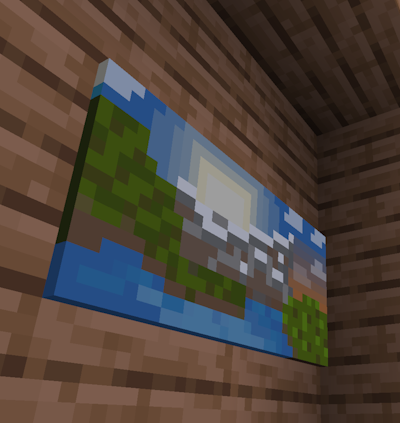
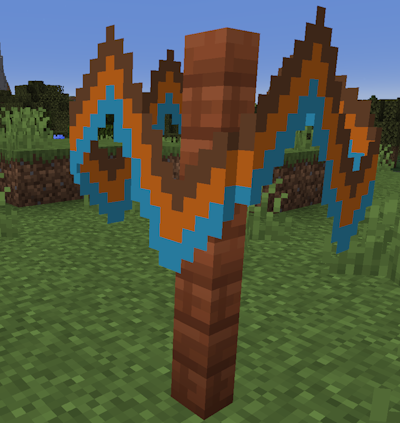
- Glass canvases that make transparent paintings!
- Ability to paint side frames! Click the toggle frames button next to the canvas holder in the GUI to paint the frames. You can also paint glass canvas frames transparent to make them invisible.
- You can now stack signed paintings up to 16 items.
- Changed palette recipe to require a brush. Now that it is a regular recipe, it will show up in the recipe book.
- Other small improvements
Usage Guide
- First, craft a palette and a canvas. Crafting recipes are given below.
- Prior to 1. 21. 1-2. 0. 0, you need at least one dye to craft a palette. Starting with that version, the palette recipe uses a brush and does not need dyes.
- You can then fill the palette by crafting it with dyes that it doesn't have. Each dye corresponds to a basic color in the palette.
- There are four canvas sizes. The basic one is 1 block sized. The others are 1x2, 2x1 and 2x2 block sized.
- Right click with a canvas to view its content.
- Right click with a palette to open its GUI, where you can mix custom colors.
- Using a canvas in one hand and a palette on the other opens the painting GUI. You can mix colors here as well.
- You can also place the canvas on an easel and right click the easel with a palette at hand.
- The color mixing rules work the same way as the vanilla leather armor dyeing mechanic.
- Change the brush size or opacity with the mouse wheel or by clicking on the GUI element
- Undo mistakes with the CTRL+Z shortcut
- After painting a canvas, you can hang it on a wall similar to vanilla paintings.
- Sign a painting to give it a name and make it unchangeable.
- Copy signed paintings by crafting them together with an empty canvas of the same shape.
Import/Export guide:
- Commands are: "/paintexport <filename>" and "/paintimport &l
📊 Mod Details
- Game
- Minecraft Mods
- Author
- xerca
- Version
- 1.20.1-2.0.0
- Downloads
- 3,592,928
- Endorsements
- 549
- Category
- decoration
- Created
- 2/5/2023
- Updated
- 7/27/2026
- Game Versions
- 1.20.1
- Tags
- decoration, game-mechanics, social
🔧 How to Install Minecraft Mods Mods
Download from Modrinth. Use Prism Launcher or drop into your mods folder.
📖 Full step-by-step install guide for Minecraft Mods →
Visit the official mod page for specific installation instructions for this mod.
🎮 Need cheat codes or console commands? Check ur gaming wiki for Minecraft Mods commands, item IDs, and more.
❓ Frequently Asked Questions
Which Minecraft Mods versions does Joy of Painting support?
The author lists 1.20.1. Other versions may work but are untested by the author.
What is the latest version of Joy of Painting?
Version 1.20.1-2.0.0, published 2026-07-27 with 3.6M downloads recorded at the source.
Keep browsing — more Minecraft Mods mods await