Gooseboy
🟡 Updated this year⚠️ Install Order · 2 steps
Install in this order, then this mod last — most mods fail to load without their framework and dependencies in place.
🖼️ Gallery (8 images)
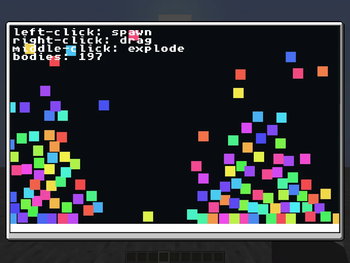
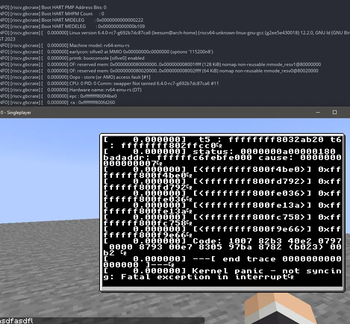
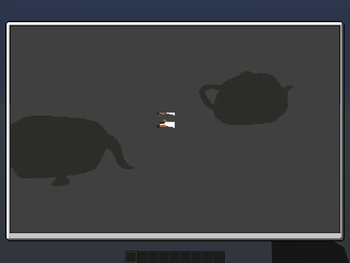
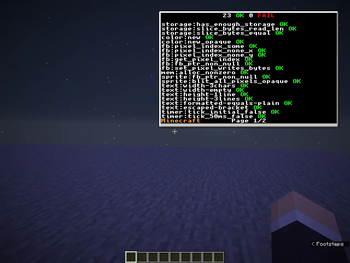

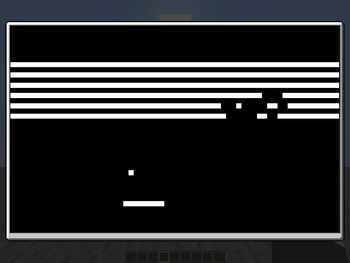


🔍 Analysis
- 🏆 #86 of 899 fabric mods in this game by downloads
📋 About This Mod
<div align="center"> <h1>Gooseboy</h1> <img src="https://cdn.modrinth.com/data/g9gZB3CI/images/5a008304fd56ab93082597fdba446172ae4e3bad.png" /> <h3>A tiny game console inside Minecraft</h3> <a href="https://fabricmc.net/"><img alt="Available for Fabric" src="https://raw.githubusercontent.com/intergrav/devins-badges/c7fd18efdadd1c3f12ae56b49afd834640d2d797/assets/cozy/supported/fabric_vector.svg" /></a> <a href="https://modrinth.com/mod/fabric-api"><img alt="Requires Fabric API" src="https://raw.githubusercontent.com/intergrav/devins-badges/c7fd18efdadd1c3f12ae56b49afd834640d2d797/assets/cozy/requires/fabric-api_vector.svg" /></a> <a href="https://modrinth.com/mod/gooseboy/gallery"><img alt="Check out the gallery" src="https://raw.githubusercontent.com/intergrav/devins-badges/c7fd18efdadd1c3f12ae56b49afd834640d2d797/assets/cozy/documentation/modrinth-gallery_vector.svg" /></a> </div> This mod allows you to run (https://webassembly.org/) scripts inside Minecraft on the client safely, allowing the creation of games, programs, and whatever your heart desires. > Note: Scripts are called crates in Gooseboy ## Features - Run games and applications inside Minecraft with minimal performance impact - Make games and applications using (https://rust-lang.org/) and (https://github.com/awildergoose/gooseboy-rs) - Per-crate permission control and storage - Crate support for playing any audio, without reloading the game ## Permissions Every crate by default has very minimal permissions to only the console and the mouse, you can change the permissions for each crate by opening the settings of the crate. The full list of permissions are as follows: - **CONSOLE**: Allows the crate to log messages to the console. - **AUDIO**: Allows the crate to play sounds and/or music, with any audio. - **INPUT_KEYBOARD**: Allows the crate to know if you pressed a key. - **INPUT_MOUSE**: Allows the crate to know if you clicked with your mouse. - **INPUT_MOUSE_POS**: Allows the crate to know the position of your mouse, adjusted to the region of the screen. - **INPUT_GRAB_MOUSE**: Allows the crate to hide the mouse and lock it to the center - **STORAGE_READ**: Allows the crate to read from that crate's storage. - **STORAGE_WRITE**: Allows the crate to write to its storage. - **GPU**: Allows the crate to render in 3D, only inside the frame. ### Security Crates are run using the Java (https://chicory.dev/) WASM runtime. For security, crates can't: - access or modify Minecraft's state (e.g. where other players are in-game) - access or modify other crates' storage - access or modify your files - render onto the world - run in the background - read your keyboard or mouse inputs outside of the game - use your internet or communicate with any server - run java code If you’ve found a crate that can bypass these restrictions, please report it via (https://github.com/awildergoose/). ## How-to open the crates menu Go in-game, and press `M`. (you can change the keybinding in the Controls options if you'd like to!) ## Where-to find crates You can find the official example crates (https://github.com/awildergoose/gooseboy-rs/releases/tag/1.2.0) ## How-to add a crate You can add crates by moving them to the crates folder. You can open the crates folder from the menu by pressing the " Open crates folder location" button at the bottom. ## How-to create crates You can make crates in any language that compiles to WebAssembly (WASI is unsupported due to security concerns). The recommended language to use is (https://rust-lang.org/), and so the (https://github.com/awildergoose/gooseboy-rs) is made in Rust as well. An example crate is as follows: ```rs #! use gooseboy::framebuffer::{get_framebuffer_width, init_fb}; use gooseboy::text::{draw_text, get_text_width}; use gooseboy::{color::Color, framebuffer::clear_framebuffer}; // Every crate has to have a main function, make sure to decorate it // with gooseboy::main though, or else the crate won't start # fn main() { // Initializes the framebuffer, you are required to initialize this // here if you plan to draw to the screen (which is very likely) init_fb(); } // This is also required in every crate, the gooseboy::update is required // here too, this function runs X times per second where X is equal to your // maximum framerate in the options # fn update(nano_time: i64) { // Clear out the screen, erasing everything that was there previously clear_framebuffer(Color::BLACK); // Initialize the string we want to draw to the screen, You can also use Rust's // String type here, with the caveat of having to clone it at draw_text let text = "Hello, world!"; // Convert the time from nanoseconds to seconds let time_sec = nano_time as f64 / 1_000_000_000.0; // Get the position of the right corner and subtract the width of th
Gooseboy
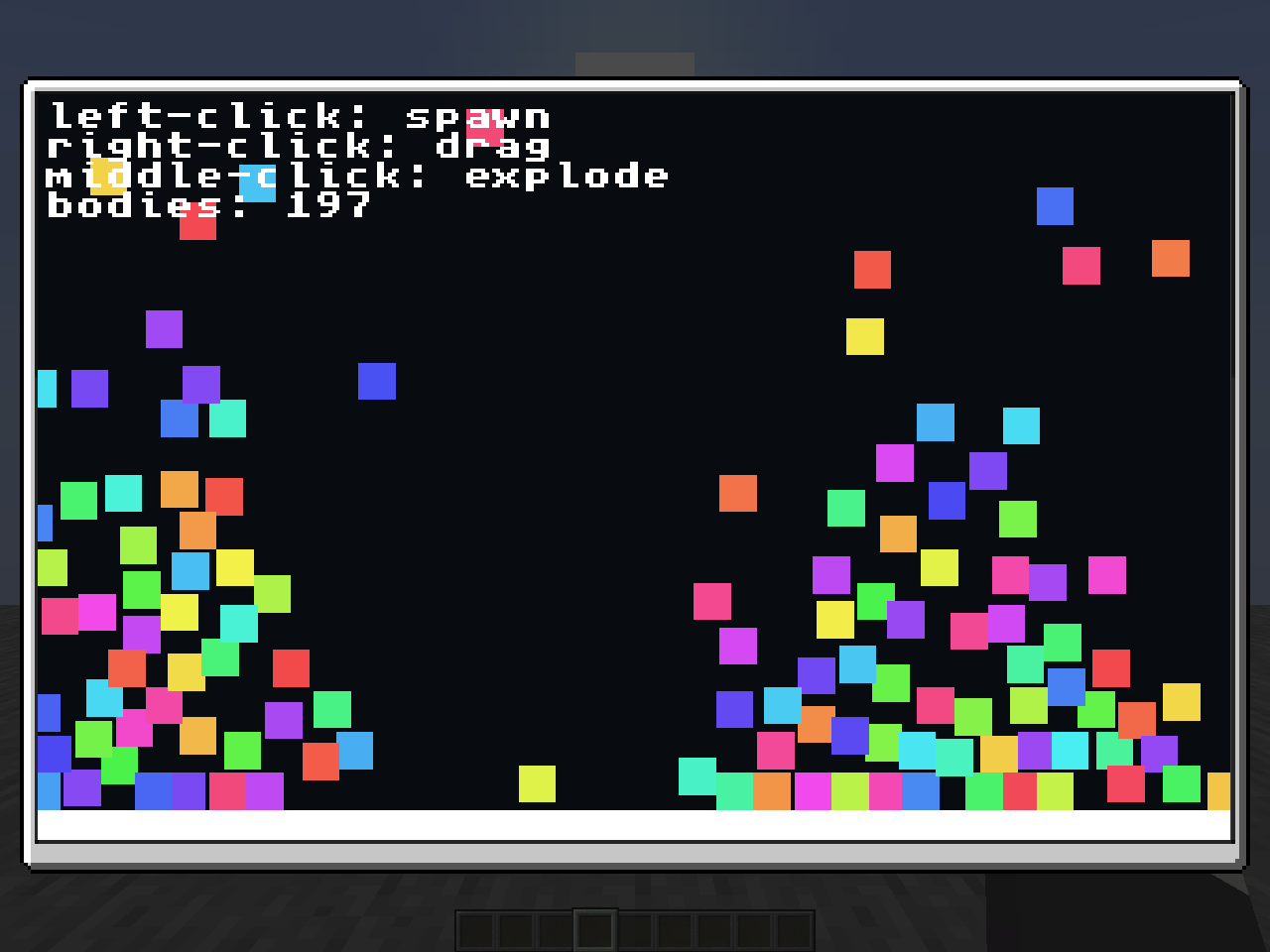
A tiny game console inside Minecraft

This mod allows you to run (https://webassembly.org/) scripts inside Minecraft on the client safely, allowing the creation of games, programs, and whatever your heart desires.
> Note: Scripts are called crates in Gooseboy
## Features - Run games and applications inside Minecraft with minimal performance impact - Make games and applications using (https://rust-lang.org/) and (https://github.com/awildergoose/gooseboy-rs) - Per-crate permission control and storage - Crate support for playing any audio, without reloading the game
## Permissions Every crate by default has very minimal permissions to only the console and the mouse, you can change the permissions for each crate by opening the settings of the crate. The full list of permissions are as follows:
- CONSOLE: Allows the crate to log messages to the console.
- AUDIO: Allows the crate to play sounds and/or music, with any audio.
- INPUT_KEYBOARD: Allows the crate to know if you pressed a key.
- INPUT_MOUSE: Allows the crate to know if you clicked with your mouse.
- INPUT_MOUSE_POS: Allows the crate to know the position of your mouse, adjusted to the region of the screen.
- INPUT_GRAB_MOUSE: Allows the crate to hide the mouse and lock it to the center
- STORAGE_READ: Allows the crate to read from that crate's storage.
- STORAGE_WRITE: Allows the crate to write to its storage.
- GPU: Allows the crate to render in 3D, only inside the frame.
### Security Crates are run using the Java (https://chicory.dev/) WASM runtime. For security, crates can't: - access or modify Minecraft's state (e.g. where other players are in-game) - access or modify other crates' storage - access or modify your files - render onto the world - run in the background - read your keyboard or mouse inputs outside of the game - use your internet or communicate with any server - run java code
If you’ve found a crate that can bypass these restrictions, please report it via (https://github.com/awildergoose/).
## How-to open the crates menu
Go in-game, and press `M`. (you can change the keybinding in the Controls options if you'd like to!)
## Where-to find crates
You can find the official example crates (https://github.com/awildergoose/gooseboy-rs/releases/tag/1. 2. 0)
## How-to add a crate
You can add crates by moving them to the crates folder. You can open the crates folder from the menu by pressing the " Open crates folder location" button at the bottom.
## How-to create crates
You can make crates in any language that compiles to WebAssembly (WASI is unsupported due to security concerns). The recommended language to use is (https://rust-lang.org/), and so the (https://github.com/awildergoose/gooseboy-rs) is made in Rust as well.
An example crate is as follows:
use gooseboy::framebuffer::{get_framebuffer_width, init_fb}; use gooseboy::text::{draw_text, get_text_width}; use gooseboy::{color::Color, framebuffer::clear_framebuffer};
// Every crate has to have a main function, make sure to decorate it // with gooseboy::main though, or else the crate won't start # fn main() { // Initializes the framebuffer, you are required to initialize this // here if you plan to draw to the screen (which is very likely) init_fb(); }
// This is also required in every crate, the gooseboy::update is required // here too, this function runs X times per second where X is equal to your // maximum framerate in the options # fn update(nano_time: i64) { // Clear out the screen, erasing everything that was there previously clear_framebuffer(Color::BLACK);
// Initialize the string we want to draw to the screen, You can also use Rust's // String type here, with the caveat of having to clone it at draw_text let text = "Hello, world!"; // Convert the time from nanoseconds to seconds let time_sec = nano_time as f64 / 1_000_000_000. 0; // Get the position of the right corner and subtract the width of th
📊 Mod Details
- Game
- Minecraft Mods
- Author
- awildergoose
- Version
- 1.3.0
- Downloads
- 187
- Endorsements
- 7
- Category
- fabric
- Created
- 11/8/2025
- Updated
- 6/4/2026
- Game Versions
- 1.21.10
- Tags
- minigame, technology, utility
🔧 How to Install Minecraft Mods Mods
Download from Modrinth. Use Prism Launcher or drop into your mods folder.
📖 Full step-by-step install guide for Minecraft Mods →
Visit the official mod page for specific installation instructions for this mod.
🎮 Need cheat codes or console commands? Check ur gaming wiki for Minecraft Mods commands, item IDs, and more.
❓ Frequently Asked Questions
Which Minecraft Mods versions does Gooseboy support?
The author lists 1.21.10. Other versions may work but are untested by the author.
What is the latest version of Gooseboy?
Version 1.3.0, published 2026-06-04 with 187 downloads recorded at the source.
Keep browsing — more Minecraft Mods mods await