Gallery
🟡 Updated this year⚠️ Install Order · 2 steps
Install in this order, then this mod last — most mods fail to load without their framework and dependencies in place.
🖼️ Gallery (2 images)

🔍 Analysis
- 👍 0.0% endorsement rate
- 🏆 #302 of 435 decoration mods in this game by downloads
📋 About This Mod
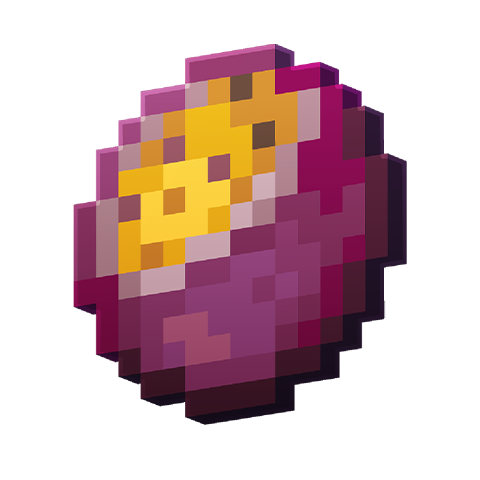
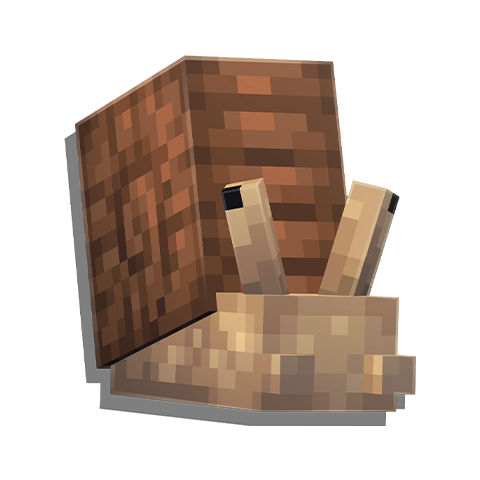
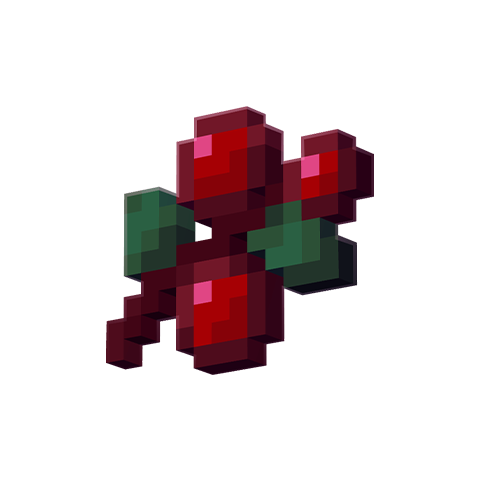
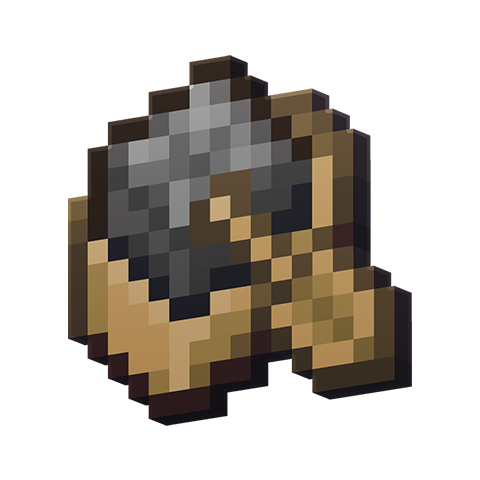
!(https://i.slabfi.sh/banner/gallery.png) <p align="center"> <a href="https://slabfi.sh/mr/blueprint"><img alt="Blueprint" src="https://slabfi.sh/shield/blueprint"></a> <a href="https://slabfi.sh"><img alt="Website" src="https://slabfi.sh/shield/website"></a> <a href="https://slabfi.sh/discord"><img alt="Discord" src="https://slabfi.sh/shield/discord"></a> <a href="https://slabfi.sh/x"><img alt="X" src="https://slabfi.sh/shield/x"></a> <a href="https://slabfi.sh/patreon"><img alt="Patreon" src="https://slabfi.sh/shield/patreon"></a> </p> ### 📖 About: Gallery is a small mod introducing multiple quality-of-life features for paintings! This includes the following: * Painting items now have icon textures based on the painting they represent * Painting variants can be searched and selected through a GUI by right-clicking while holding a painting item * Painting variants can now be collected as individual items by using Shears or Silk Touch on a placed painting * The painting variants from the Tricky Trials update have been backported to 1.20.1 !(https://i.slabfi.sh/web/divider.png) <p align="center"> <a href="https://slabfi.sh/mr/blueprint"><img src="https://i.slabfi.sh/icon_crop/blueprint.png" width="96" height="96"></a> <a href="https://slabfi.sh/mr/abnormals_delight"><img src="https://i.slabfi.sh/icon_crop/abnormals_delight.png" width="96" height="96"></a> <a href="https://slabfi.sh/mr/allurement"><img src="https://i.slabfi.sh/icon_crop/allurement.png" width="96" height="96"></a> <a href="https://slabfi.sh/mr/atmospheric"><img src="https://i.slabfi.sh/icon_crop/atmospheric.png" width="96" height="96"></a> <a href="https://slabfi.sh/mr/autumnity"><img src="https://i.slabfi.sh/icon_crop/autumnity.png" width="96" height="96"></a> <a href="https://slabfi.sh/mr/berry_good"><img src="https://i.slabfi.sh/icon_crop/berry_good.png" width="96" height="96"></a> <a href="https://slabfi.sh/mr/boatload"><img src="https://i.slabfi.sh/icon_crop/boatload.png" width="96" height="96"></a> <a href="https://slabfi.sh/mr/buzzier_bees"><img src="https://i.slabfi.sh/icon_crop/buzzier_bees.png" width="96" height="96"></a> <a href="https://slabfi.sh/mr/caverns_and_chasms"><img src="https://i.slabfi.sh/icon_crop/caverns_and_chasms.png" width="96" height="96"></a> <a href="https://slabfi.sh/mr/clayworks"><img src="https://i.slabfi.sh/icon_crop/clayworks.png" width="96" height="96"></a> <a href="https://slabfi.sh/mr/endergetic"><img src="https://i.slabfi.sh/icon_crop/endergetic.png" width="96" height="96"></a> <a href="https://slabfi.sh/mr/environmental"><img src="https://i.slabfi.sh/icon_crop/environmental.png" width="96" height="96"></a> <a href="https://slabfi.sh/mr/gallery"><img src="https://i.slabfi.sh/icon_crop/gallery.png" width="96" height="96"></a> <a href="https://slabfi.sh/mr/incubation"><img src="https://i.slabfi.sh/icon_crop/incubation.png" width="96" height="96"></a> <a href="https://slabfi.sh/mr/neapolitan"><img src="https://i.slabfi.sh/icon_crop/neapolitan.png" width="96" height="96"></a> <a href="https://slabfi.sh/mr/personality"><img src="https://i.slabfi.sh/icon_crop/personality.png" width="96" height="96"></a> <a href="https://slabfi.sh/mr/pet_cemetery"><img src="https://i.slabfi.sh/icon_crop/pet_cemetery.png" width="96" height="96"></a> <a href="https://slabfi.sh/mr/savage_and_ravage"><img src="https://i.slabfi.sh/icon_crop/savage_and_ravage.png" width="96" height="96"></a> <a href="https://slabfi.sh/mr/upgrade_aquatic"><img src="https://i.slabfi.sh/icon_crop/upgrade_aquatic.png" width="96" height="96"></a> <a href="https://slabfi.sh/mr/woodworks"><img src="https://i.slabfi.sh/icon_crop/woodworks.png" width="96" height="96"></a> </p> !(https://i.slabfi.sh/web/divider.png) (https://i.slabfi.sh/web/nodecraft.png)](https://slabfi.sh/nodecraft)
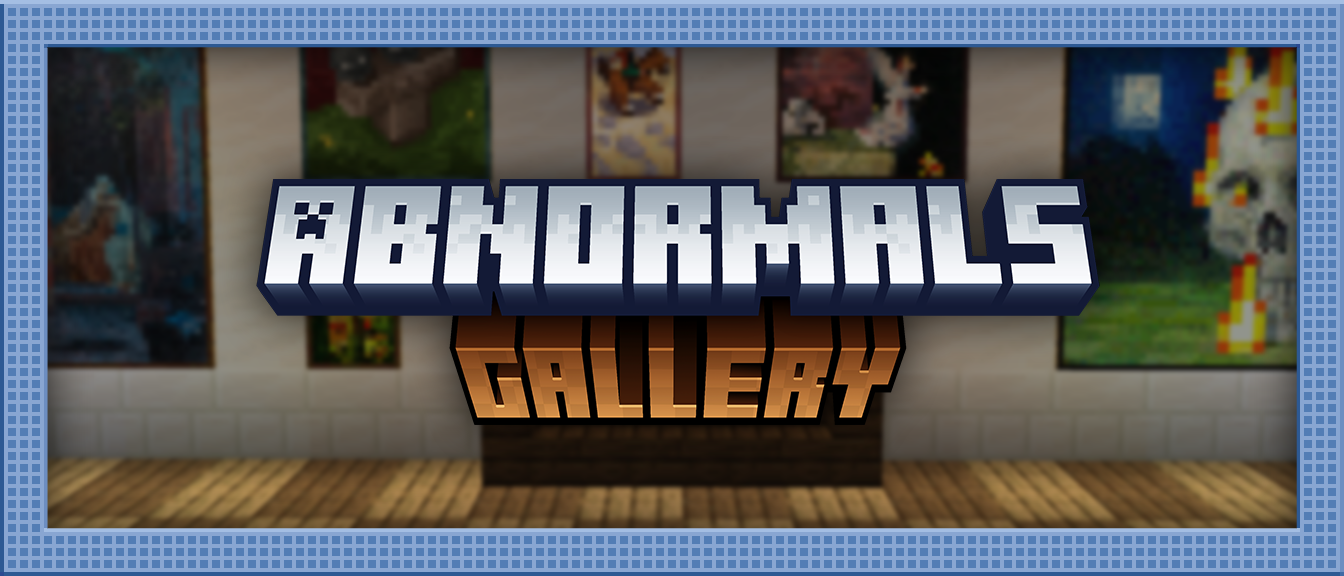
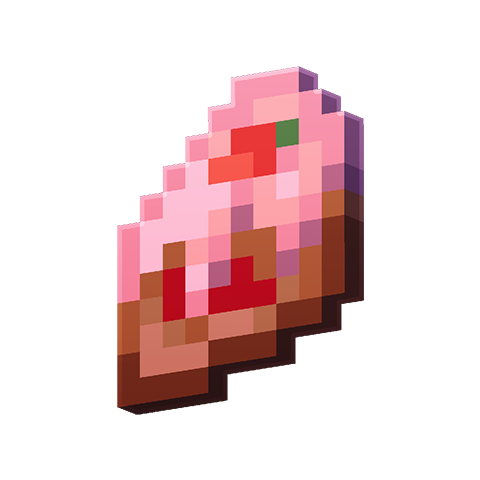
### 📖 About: Gallery is a small mod introducing multiple quality-of-life features for paintings! This includes the following: Painting items now have icon textures based on the painting they represent Painting variants can be searched and selected through a GUI by right-clicking while holding a painting item Painting variants can now be collected as individual items by using Shears or Silk Touch on a placed painting The painting variants from the Tricky Trials update have been backported to 1. 20. 1



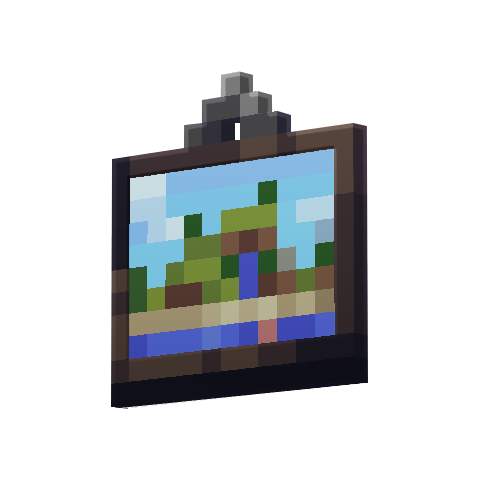
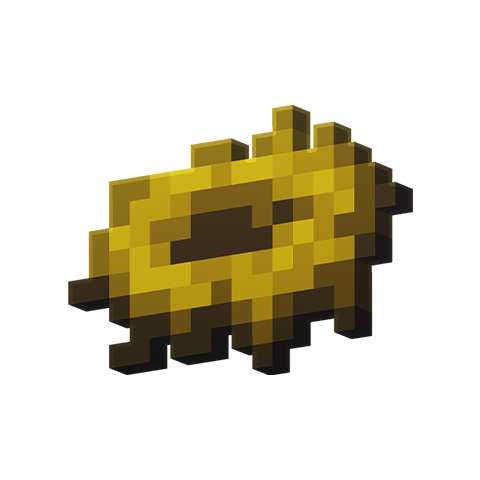
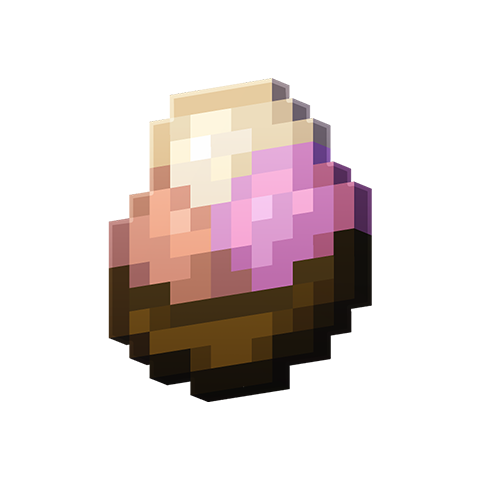


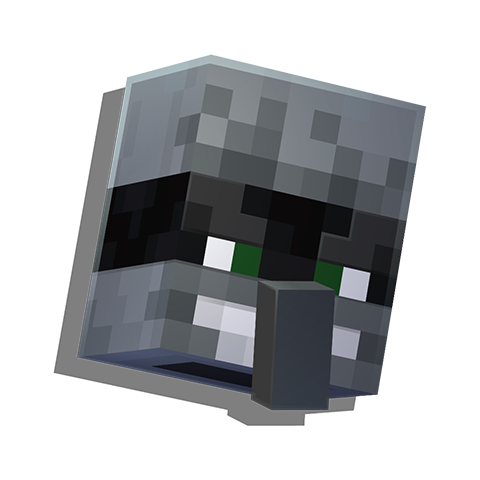

[](https://slabfi.sh/nodecraft)
📊 Mod Details
- Game
- Minecraft Mods
- Author
- TeamAbnormals
- Version
- 2.0.1
- Downloads
- 968,071
- Endorsements
- 176
- Category
- decoration
- Created
- 1/23/2025
- Updated
- 5/28/2026
- Game Versions
- 1.21.1
- Tags
- decoration, management, utility
🔧 How to Install Minecraft Mods Mods
Download from Modrinth. Use Prism Launcher or drop into your mods folder.
📖 Full step-by-step install guide for Minecraft Mods →
Visit the official mod page for specific installation instructions for this mod.
🎮 Need cheat codes or console commands? Check ur gaming wiki for Minecraft Mods commands, item IDs, and more.
❓ Frequently Asked Questions
Which Minecraft Mods versions does Gallery support?
The author lists 1.21.1. Other versions may work but are untested by the author.
What is the latest version of Gallery?
Version 2.0.1, published 2026-05-28 with 968,071 downloads recorded at the source.
Keep browsing — more Minecraft Mods mods await