Block Express
🟠 Updated over a year ago⚠️ Install Order · 2 steps
Install in this order, then this mod last — most mods fail to load without their framework and dependencies in place.
🖼️ Gallery (4 images)
🔍 Analysis
- 🏆 #310 of 371 forge mods in this game by downloads
📋 About This Mod
<iframe width="560" height="315" src="https://www.youtube-nocookie.com/embed/hoV_Kz93Ni0" title="YouTube video player" frameborder="0" allow="accelerometer; autoplay; clipboard-write; encrypted-media; gyroscope; picture-in-picture; web-share" allowfullscreen></iframe> To create your station; first, craft the Station Builder block. When you place this block, a station will be created at that location. If you place this block a second time, a railway will be established between the first and second stations, allowing for fast travel between your bases. You can also create connecting routes between more than two stations. For the Station Builder block to connect to the previous station, it must be at the same Y-coordinate, and the X and Z coordinates must be at least 20 blocks apart. Depending on the direction of the connected stations, some old tracks may become damaged; you can manually repair these sections. If you wish to disconnect from old stations and start a new station network from scratch, you will need to craft the Station Builder block again. Each time you craft a Station Builder, it resets your connection to the old station network. Therefore, ensure you craft enough Station Builder blocks before creating your initial station and starting your network. When you craft a Station Builder block, your connection to the old station network is reset, allowing you to set up a station at your desired Y-coordinate to start a new network. Conductor can spawn Blocktrain when you right click on him (cooldown 120 second) ____________________________________________________________________________________________________________ I haven't set a limit on the distance for creating railway. However, I recommend keeping this distance low depending on your computer's power. When I tested with 8GB of RAM, a distance of about 4000 blocks caused issues and posed a crash risk, so be careful. ____________________________________________________________________________________________________________
To create your station; first, craft the Station Builder block.
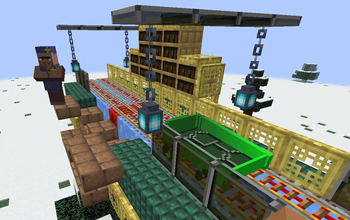
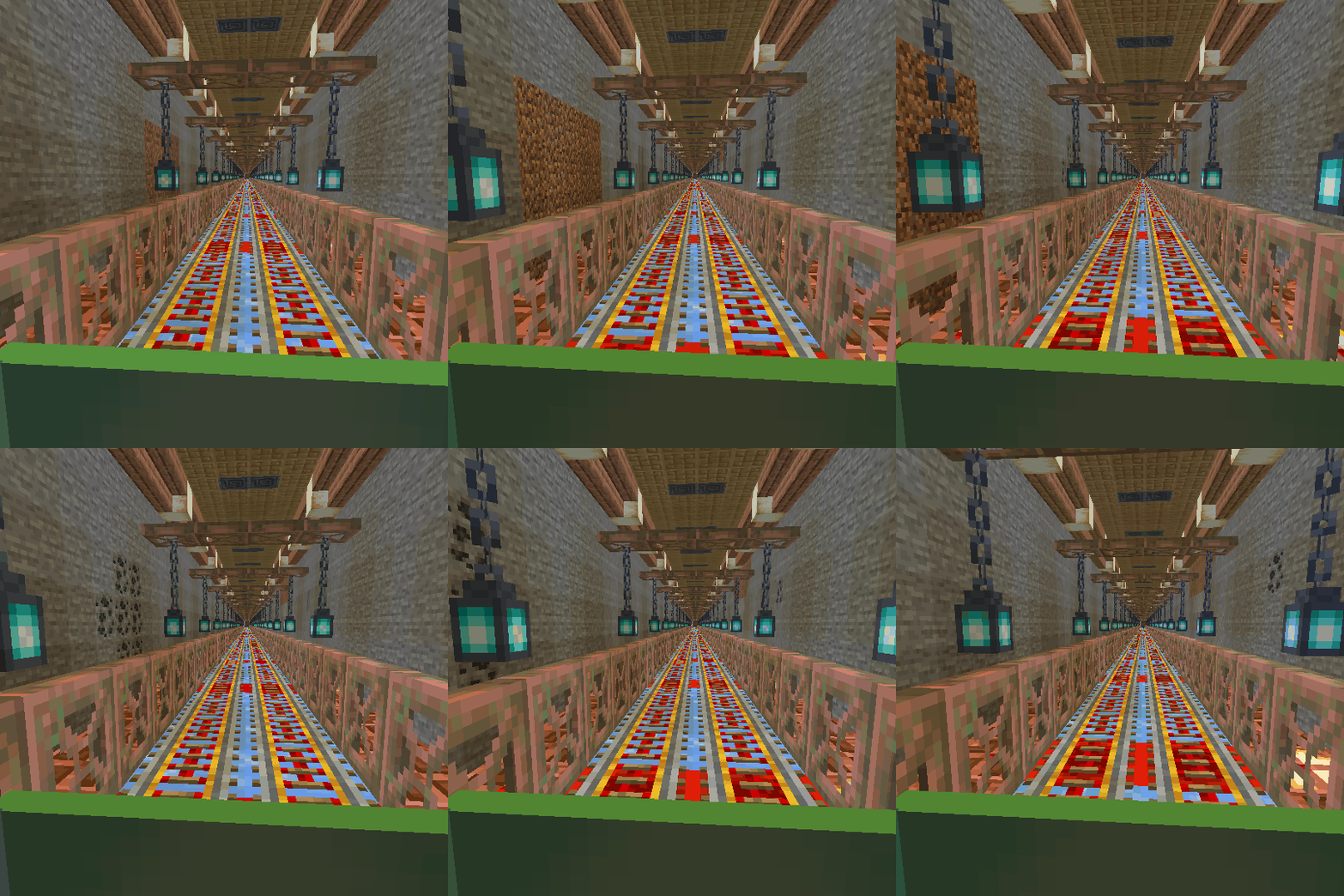
When you place this block, a station will be created at that location. If you place this block a second time, a railway will be established between the first and second stations, allowing for fast travel between your bases. You can also create connecting routes between more than two stations.
For the Station Builder block to connect to the previous station, it must be at the same Y-coordinate, and the X and Z coordinates must be at least 20 blocks apart. Depending on the direction of the connected stations, some old tracks may become damaged; you can manually repair these sections.
If you wish to disconnect from old stations and start a new station network from scratch, you will need to craft the Station Builder block again. Each time you craft a Station Builder, it resets your connection to the old station network. Therefore, ensure you craft enough Station Builder blocks before creating your initial station and starting your network.
When you craft a Station Builder block, your connection to the old station network is reset, allowing you to set up a station at your desired Y-coordinate to start a new network.
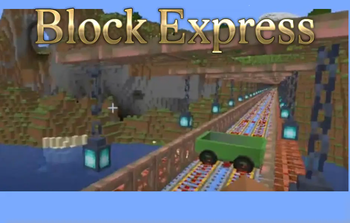
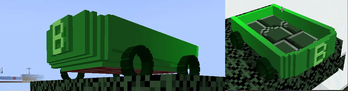
Conductor can spawn Blocktrain when you right click on him (cooldown 120 second)
____________________________________________________________________________________________________________
I haven't set a limit on the distance for creating railway. However, I recommend keeping this distance low depending on your computer's power. When I tested with 8GB of RAM, a distance of about 4000 blocks caused issues and posed a crash risk, so be careful.
____________________________________________________________________________________________________________
📊 Mod Details
- Game
- Minecraft Mods
- Author
- Erdmen
- Version
- 1.1.0
- Downloads
- 311
- Endorsements
- 6
- Category
- forge
- Created
- 10/13/2024
- Updated
- 10/14/2024
- Game Versions
- 1.21.1
- Tags
- technology, transportation
🔧 How to Install Minecraft Mods Mods
Download from Modrinth. Use Prism Launcher or drop into your mods folder.
📖 Full step-by-step install guide for Minecraft Mods →
Visit the official mod page for specific installation instructions for this mod.
🎮 Need cheat codes or console commands? Check ur gaming wiki for Minecraft Mods commands, item IDs, and more.
❓ Frequently Asked Questions
Which Minecraft Mods versions does Block Express support?
The author lists 1.21.1. Other versions may work but are untested by the author.
What is the latest version of Block Express?
Version 1.1.0, published 2024-10-14 with 311 downloads recorded at the source.
Keep browsing — more Minecraft Mods mods await