Armor Trims Backport
🟠 Updated over a year ago⚠️ Install Order · 2 steps
Install in this order, then this mod last — most mods fail to load without their framework and dependencies in place.
🖼️ Gallery (4 images)

🔍 Analysis
- 👍 0.2% endorsement rate
- 🏆 #254 of 343 decoration mods in this game by downloads
📋 About This Mod
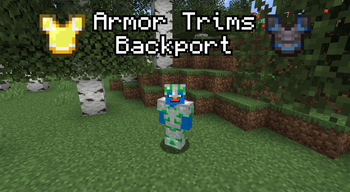
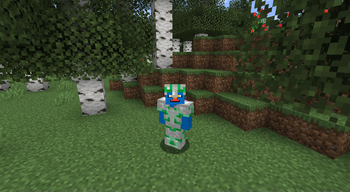
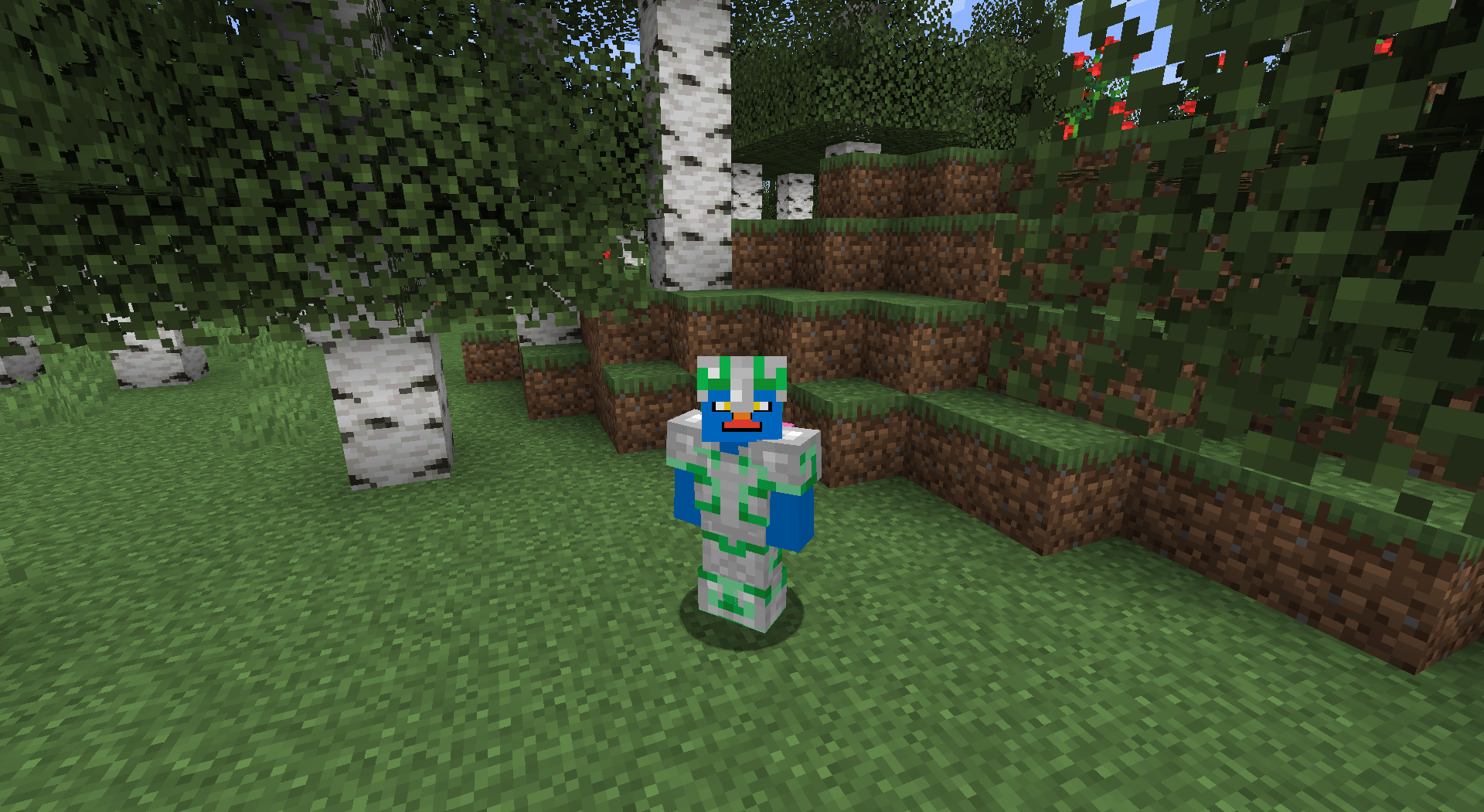
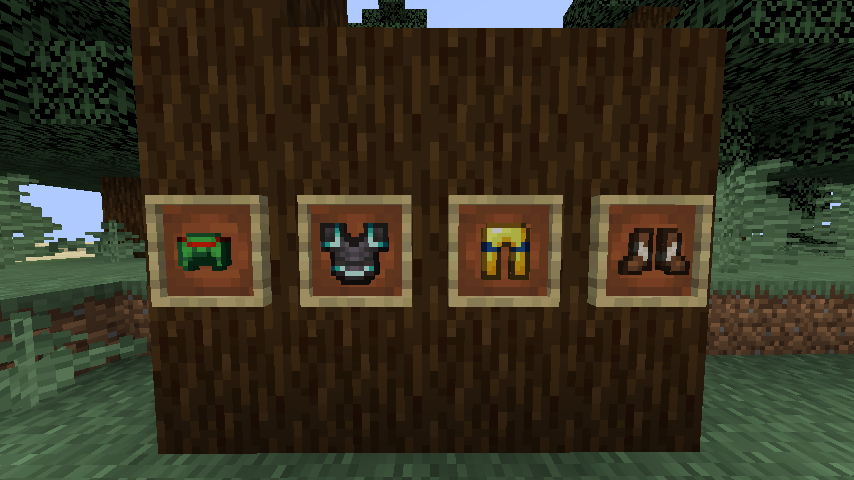
<div align="center"><img src="https://raw.githubusercontent.com/Hipposgrumm/armor-trims/master/images/banner.png" alt="Armor Trims Backport" title="Do you like my white and gold armor trim?"></div><br> Armor Trims Backport allows you to decorate your armor with various materials.<br> <br> When interacting with a smithing table, this is what you'll see instead of the normal GUI:<br> <img src="https://raw.githubusercontent.com/Hipposgrumm/armor-trims/master/images/guiShow.png" alt="A modified smithing table GUI featuring a smithing template slot and an armor stand."><br> Regular smithing recipes can still be laid out as normal, ignoring the smithing template slot.<br> This excludes netherite upgrading—which has been disabled in favor of the Netherite Upgrade Smithing Template, but can be reenabled if you so desire.<br> <br> Trims are visible on the player (obviously) and are also displayed on the item.<!-- Off the record, this wasn't easy to simply plop in. --> <img src="https://raw.githubusercontent.com/Hipposgrumm/armor-trims/master/images/armorShow.png" alt="Hipposgrumm (aka the mod developer) wearing iron armor trimmed with emerald in the pattern Flow."><br> <img src="https://raw.githubusercontent.com/Hipposgrumm/armor-trims/master/images/itemShow.png" alt="A display of trimmed armors in item frames: Turtle Helmet with Redstone, Netherite Chestplate with Diamond, Gold Leggings with Lapis, and Leather Boots with Quartz.">

Armor Trims Backport allows you to decorate your armor with various materials.
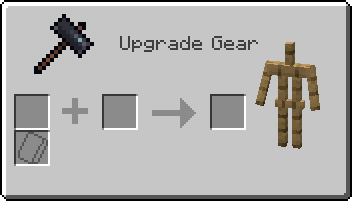
When interacting with a smithing table, this is what you'll see instead of the normal GUI:
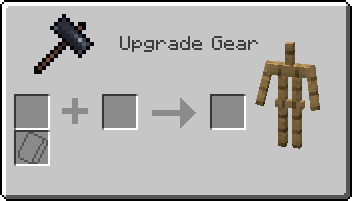
Regular smithing recipes can still be laid out as normal, ignoring the smithing template slot.
This excludes netherite upgrading—which has been disabled in favor of the Netherite Upgrade Smithing Template, but can be reenabled if you so desire.
Trims are visible on the player (obviously) and are also displayed on the item.
📊 Mod Details
- Game
- Minecraft Mods
- Author
- Hipposgrumm
- Version
- 2.0.1
- Downloads
- 11,233
- Endorsements
- 26
- Category
- decoration
- Created
- 5/17/2023
- Updated
- 8/11/2025
- Game Versions
- 1.19.2
- Tags
- decoration, equipment
🔧 How to Install Minecraft Mods Mods
Download from Modrinth. Use Prism Launcher or drop into your mods folder.
📖 Full step-by-step install guide for Minecraft Mods →
Visit the official mod page for specific installation instructions for this mod.
🎮 Need cheat codes or console commands? Check ur gaming wiki for Minecraft Mods commands, item IDs, and more.
❓ Frequently Asked Questions
Which Minecraft Mods versions does Armor Trims Backport support?
The author lists 1.19.2. Other versions may work but are untested by the author.
What is the latest version of Armor Trims Backport?
Version 2.0.1, published 2025-08-11 with 11,233 downloads recorded at the source.
Keep browsing — more Minecraft Mods mods await