AnimationRecorder
⚪ Last updated 2024⚠️ Install Order · 2 steps
Install in this order, then this mod last — most mods fail to load without their framework and dependencies in place.
🖼️ Gallery (1 images)
🔍 Analysis
- 🏆 #69 of 907 fabric mods in this game by downloads
📋 About This Mod
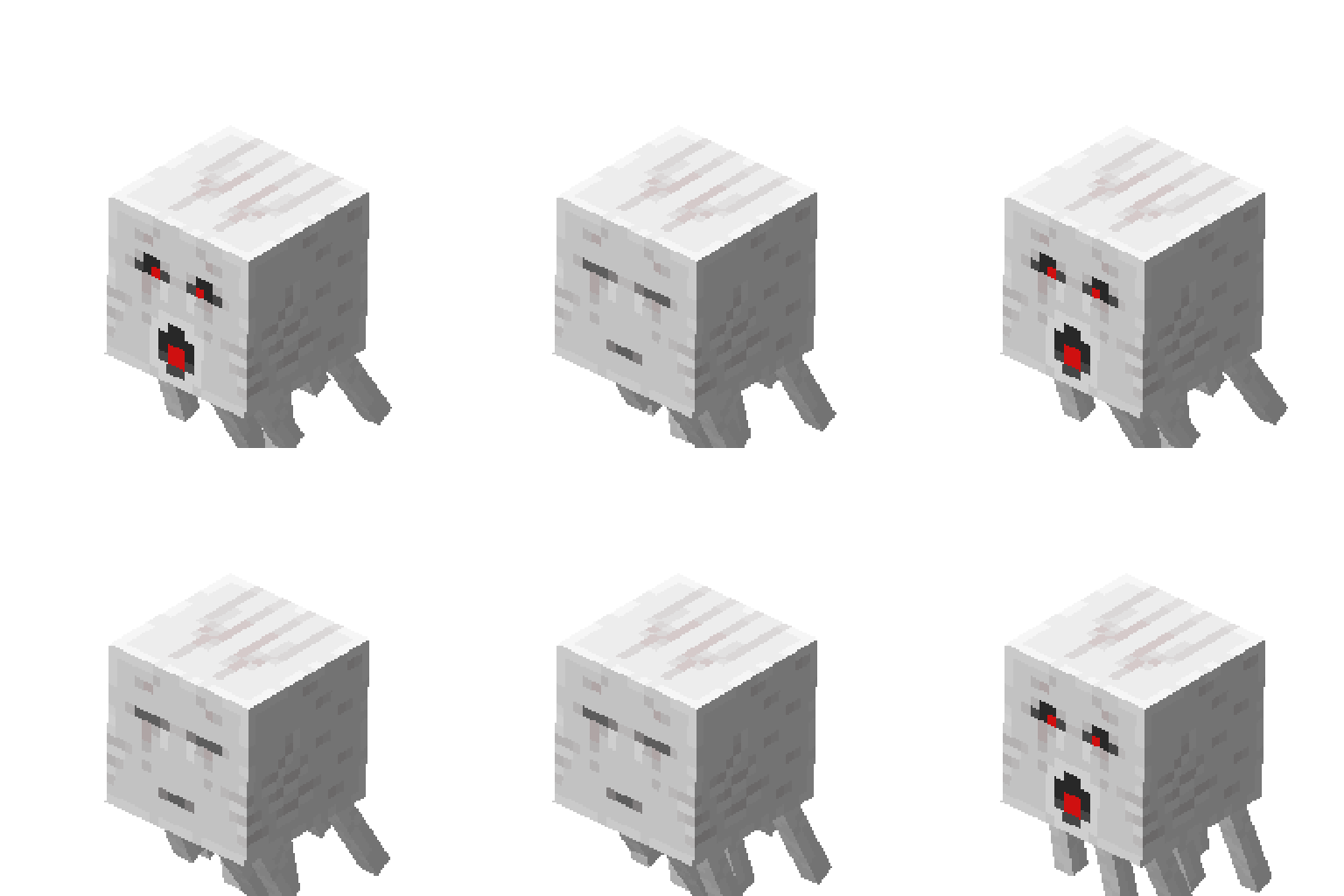
**Record your own GIF/JPG/PNGs of Minecraft mobs/entities!** Press【Y】to target the entity. Press【Ctrl+Y】to target the player yourself. After targetting an entity, press【U】to start recording. You can always press【U】to stop recording in advance. More options are available in the setting screen, you can change its hotkey binding. !(https://cdn.modrinth.com/data/cached_images/ae63d4b16dfcd11d879a4add8eda02532893da82.gif)
Hotkey Description Press in the game to bind the creature you want to record. Press to set the parameter to the player himself After binding the creature, press in the game to record the animation (GIF format) of the creature. When recording, you can press again to end the recording in advance and save it. For version 1. 0. 0: Aim at the creature in the game and press to record the animation of the creature. When recording, you can press again to end the recording in advance and save it. There is a button "AnR Settings" in the options, enter this interface to set custom parameters and preview them on the left. The buttons on the right are all operations on the configuration. Commands and Configurations Command: /recorder Parameters: loadConfig: Read the configuration file from AnimationRecorder\config.properties in the game directory (see configuration file parameters for details). saveConfig: Save the configuration file to AnimationRecorder\config.properties. maxFrames : Set the number of frames for recording animations. The default is 120 (if it is set to 120 frames, the duration is 6 seconds, and the default is 20fps). scale : Set the model scaling size. Defaults to 1. 0. gifSize : Set the length and width of the recorded animation. Default is 128. trans : Whether the background is transparent, 0 is opaque, 1 is transparent. Defaults to 1. multiThreads : Whether to enable multi-threaded export, if not, it will cause the game process to block until the export is completed after recording the animation. Defaults to 1. itemDelta : Set the displacement of the model in the two-dimensional coordinate system. The default is 0. rotate : Set the rotation angle of the 3D model. The default is -22. 5, -45, 22. 5, respectively. (New in 1. 1. 0) reset: Reset the parameter to the default value. Configuration file parameters (corresponding to the above command): gifSize, itemDeltaX, itemDeltaY, maxFrames, multiThreads, trans, scale Note: The length and width of the animation should preferably be less than or equal to the minimum length and width of the screen.
📊 Mod Details
- Game
- Minecraft Mods
- Author
- GregTao
- Version
- 1.1.0
- Downloads
- 464
- Endorsements
- 3
- Category
- fabric
- Created
- 5/21/2024
- Updated
- 5/17/2024
- Game Versions
- 1.19
- Tags
- game-mechanics, management, mobs
🔧 How to Install Minecraft Mods Mods
Download from Modrinth. Use Prism Launcher or drop into your mods folder.
📖 Full step-by-step install guide for Minecraft Mods →
Visit the official mod page for specific installation instructions for this mod.
🎮 Need cheat codes or console commands? Check ur gaming wiki for Minecraft Mods commands, item IDs, and more.
❓ Frequently Asked Questions
Which Minecraft Mods versions does AnimationRecorder support?
The author lists 1.19. Other versions may work but are untested by the author.
What is the latest version of AnimationRecorder?
Version 1.1.0, published 2024-05-17 with 464 downloads recorded at the source.
Keep browsing — more Minecraft Mods mods await