Horror +
🟡 Updated this year🖼️ Gallery (6 images)
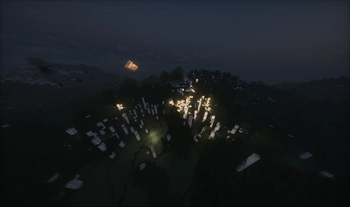
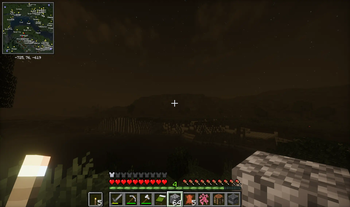

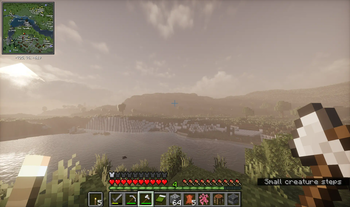
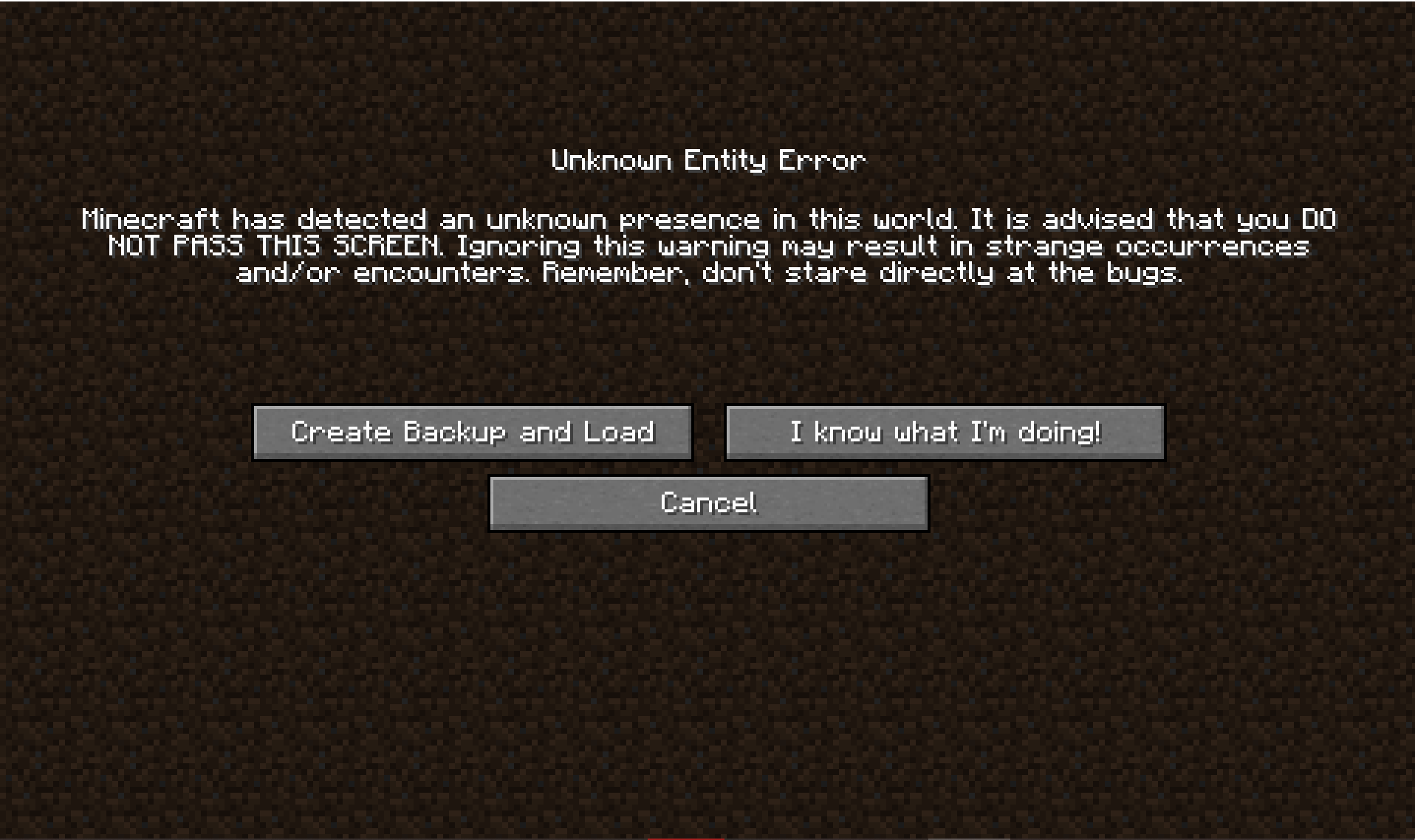
🔍 Analysis
- 👍 0.0% endorsement rate
- 🏆 #87 of 1435 adventure mods in this game by downloads
📋 About This Mod
### Take the horror to the next level… **Horror+** is a Fabric modpack that brings the horror experience to Minecraft. It focuses on atmosphere, exploration, and survival. The world may look calm during the day, but something is always watching. It features: - **Enhanced terrain generation** - **New biomes** - **New hostile mobs** - **New structures** - **Corrupted entities** Your goal is simple: **survive for as long as possible**. Days may feel peaceful, but nights are never safe. --- ### Multiplayer & Server support (NEW) Horror+ now includes **official server support**. A dedicated **Horror+ Server modpack** is available, allowing you to play multiplayer with the exact same experience. The server version is designed specifically for Fabric servers and is **not intended to be used as a client modpack**. You have **3 official options** to play Horror+ in multiplayer: **1. Pre-configured server (recommended)** Download the (https://drive.google.com/drive/folders/1ShkQgu1hWPphDtIYp6NZkB7TKzZApvKd?usp=sharing) and follow the tutorial provided in the Google Drive. This is the fastest option if you want a **free** ready-to-run server. **2. Server modpack** Download the **(https://modrinth.com/modpack/horror+server)**, extract it, and copy the `mods` folder into your Fabric server directory. **3. Mods folder only** Download the mods folder (https://drive.google.com/drive/folders/1zp26eRT9LnOXUfQamZjCMCIo0hab5in_?usp=sharing). Then place the `mods` folder directly into your Fabric server directory. ➡ For **full installation steps, hosting details, and Modrinth Hosting requirements**, see the **Horror+ Server page**: https://modrinth.com/project/horror+server --- ### Hosting options You can host the Horror+ server **yourself for free**, directly on your own hardware. Performance will depend on your setup. ⚠ Less than **16 GB RAM**, a **weak CPU**, or a **poor internet connection** may cause lag or crashes. You can also use a **paid hosting provider**, which is generally simpler and avoids network configuration: - **(https://modrinth.com/hosting#plan)** : Recommended at least **6 GB RAM** ⚠ For advanced configuration and host-specific requirements, always refer to the **Horror+ Server page**. --- ### Support If you encounter a bug, join the Discord server, accept the rules, go to **Help**, and send a message describing your issue while pinging **@amilex**. --- ### Legal This modpack is the property of **amilexx**. Copying, modifying, or redistributing this modpack is **strictly prohibited without written permission**. **All rights reserved.**
### Take the horror to the next level…
Horror+ is a Fabric modpack that brings the horror experience to Minecraft.
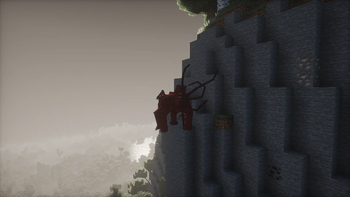
It focuses on atmosphere, exploration, and survival. The world may look calm during the day, but something is always watching.
It features:
- Enhanced terrain generation
- New biomes
- New hostile mobs
- New structures
- Corrupted entities
Your goal is simple: survive for as long as possible. Days may feel peaceful, but nights are never safe.
### Multiplayer & Server support (NEW)
Horror+ now includes official server support.
A dedicated Horror+ Server modpack is available, allowing you to play multiplayer with the exact same experience. The server version is designed specifically for Fabric servers and is not intended to be used as a client modpack.
You have 3 official options to play Horror+ in multiplayer:
1. Pre-configured server (recommended) Download the (https://drive.google.com/drive/folders/1ShkQgu1hWPphDtIYp6NZkB7TKzZApvKd?usp=sharing) and follow the tutorial provided in the Google Drive. This is the fastest option if you want a free ready-to-run server.
2. Server modpack Download the (https://modrinth.com/modpack/horror+server)**, extract it, and copy the `mods` folder into your Fabric server directory.
3. Mods folder only Download the mods folder (https://drive.google.com/drive/folders/1zp26eRT9LnOXUfQamZjCMCIo0hab5in_?usp=sharing). Then place the `mods` folder directly into your Fabric server directory.
➡ For full installation steps, hosting details, and Modrinth Hosting requirements, see the Horror+ Server page: https://modrinth.com/project/horror+server
### Hosting options
You can host the Horror+ server yourself for free, directly on your own hardware. Performance will depend on your setup. ⚠ Less than 16 GB RAM, a weak CPU, or a poor internet connection may cause lag or crashes.
You can also use a paid hosting provider, which is generally simpler and avoids network configuration:
- (https://modrinth.com/hosting#plan)** :
- Recommended at least 6 GB RAM
### Support
If you encounter a bug, join the Discord server, accept the rules, go to Help, and send a message describing your issue while pinging @amilex.
This modpack is the property of amilexx. Copying, modifying, or redistributing this modpack is strictly prohibited without written permission. All rights reserved.
📊 Mod Details
- Game
- Minecraft Modpacks
- Author
- Amilexx
- Version
- 3.0.0
- Downloads
- 120,054
- Endorsements
- 39
- Category
- adventure
- Created
- 8/10/2024
- Updated
- 1/3/2026
- Game Versions
- 1.20.1
- Tags
- adventure, challenging, magic
🔧 How to Install Minecraft Modpacks Mods
Download from Modrinth. Use Prism Launcher or drop into your mods folder.
📖 Full step-by-step install guide for Minecraft Modpacks →
Visit the official mod page for specific installation instructions for this mod.
🎮 Need cheat codes or console commands? Check ur gaming wiki for Minecraft Modpacks commands, item IDs, and more.
❓ Frequently Asked Questions
Which Minecraft Modpacks versions does Horror + support?
The author lists 1.20.1. Other versions may work but are untested by the author.
What is the latest version of Horror +?
Version 3.0.0, published 2026-01-03 with 120,054 downloads recorded at the source.
Keep browsing — more Minecraft Modpacks mods await