Digital Clocks
⚪ Last updated 2023🖼️ Gallery (7 images)
🔍 Analysis
- 🏆 #1264 of 2046 datapack mods in this game by downloads
📋 About This Mod
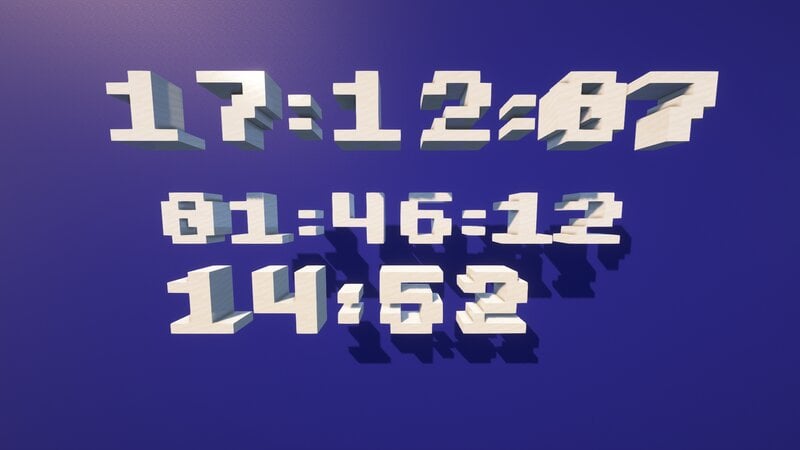
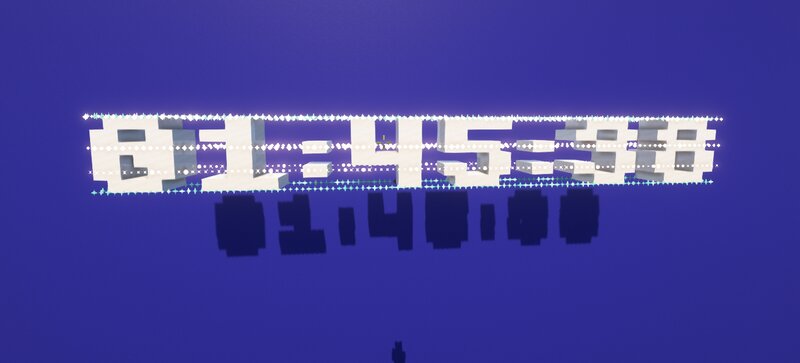
This datapack adds a digital clock to Minecraft. <iframe width="1280" height="720" src="https://www.youtube.com/embed/ZD-HoukYB0o" title="YouTube video player" frameborder="0" allow="accelerometer; autoplay; clipboard-write; encrypted-media; gyroscope; picture-in-picture; web-share" allowfullscreen></iframe> There are several types of clocks: - Clock of in-game time - displays the current time inside the game in a convenient 24-hour format - Timer - can be used for any competitive games to conveniently display the remaining time - Customizable manual clock - set the displayed time manually Use this command to get the clock: ``` /loot give @s loot clocks:clock ``` The clock is managed using a dynamically changing book that displays all the current settings of the selected clock. Each clock works independently of each other. The datapack also supports translation into other languages. To do this, you just need to place one function with its translation in the `data\clocks\functions\translate` folder of the datapack, and after reloading the datapack, it is enough to update the list of translations inside the dynamic book. Let me know if you see any inaccuracies in the translation. This datapack is not intended for survival mode.
This datapack adds a digital clock to Minecraft.
There are several types of clocks:
- Clock of in-game time - displays the current time inside the game in a convenient 24-hour format
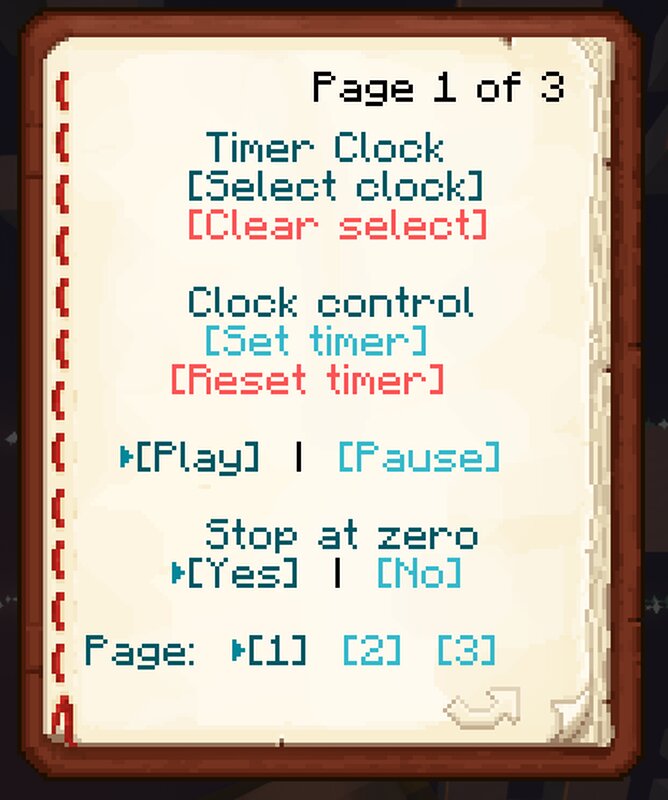
- Timer - can be used for any competitive games to conveniently display the remaining time
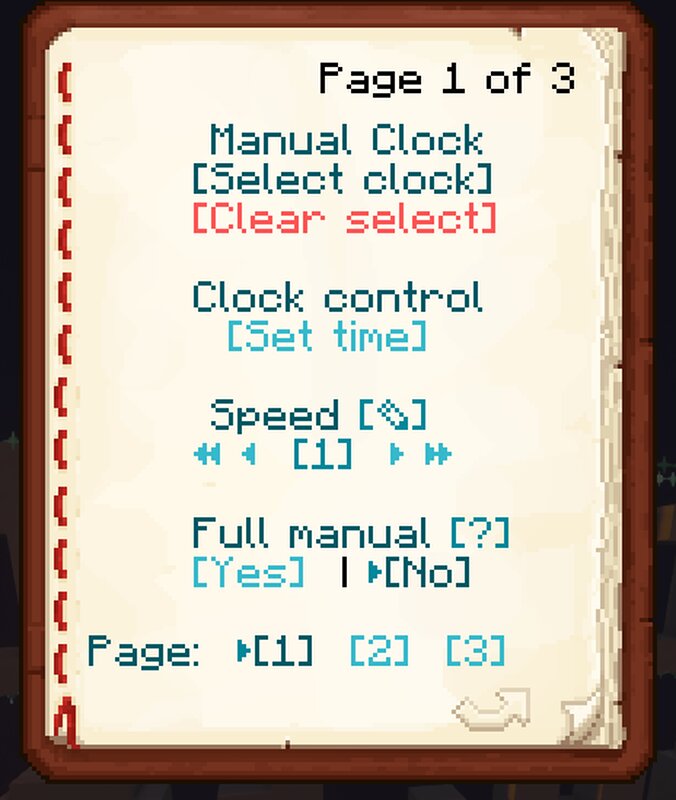
- Customizable manual clock - set the displayed time manually
- Use this command to get the clock:
- ```
- /loot give @s loot clocks:clock
- ```
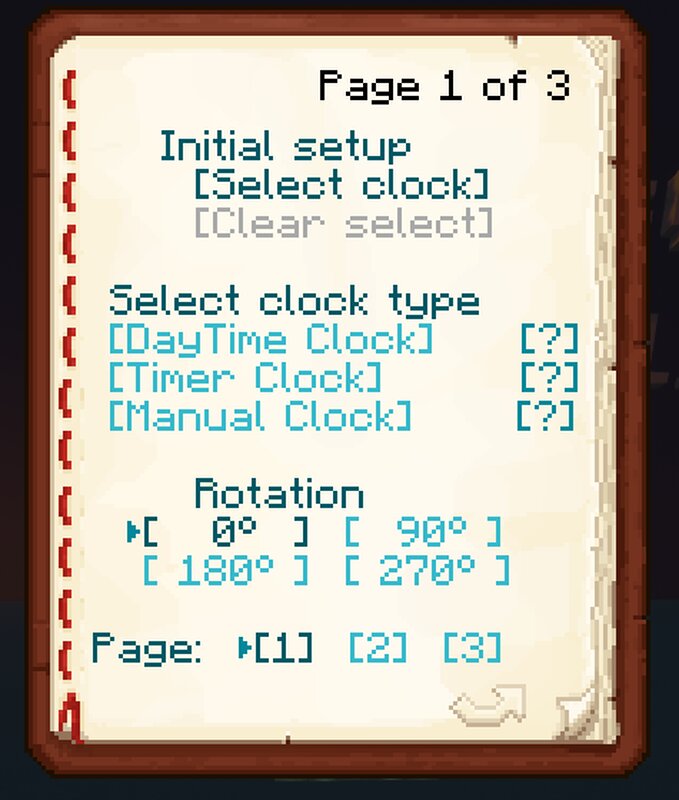
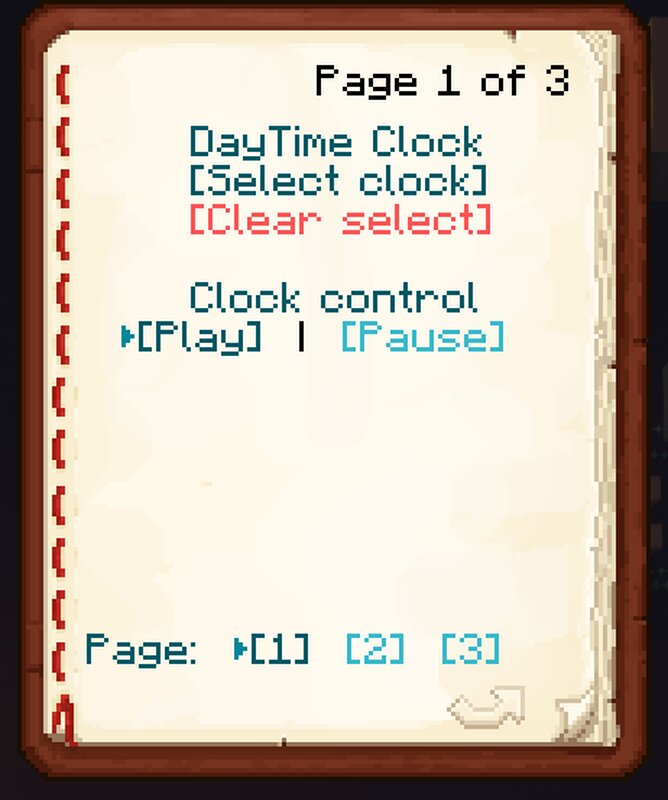
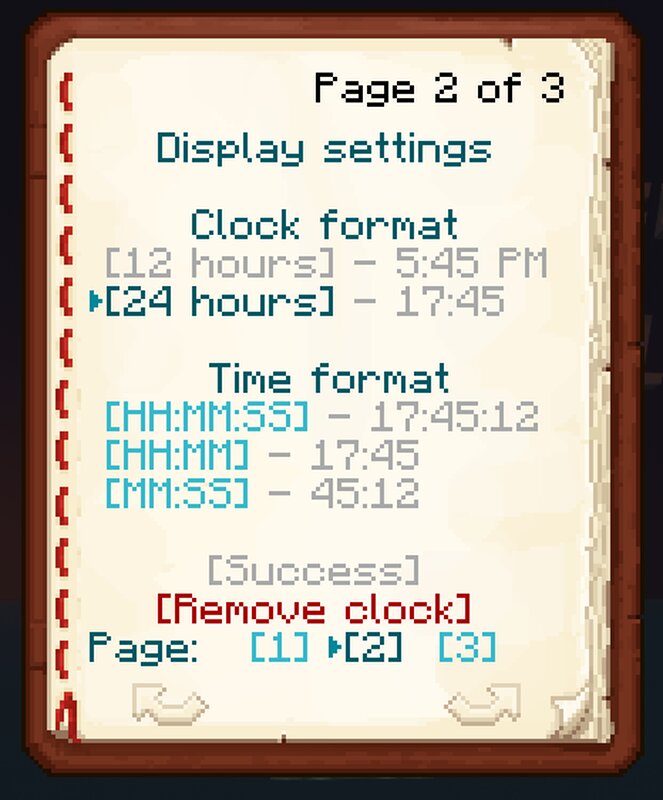
- The clock is managed using a dynamically changing book that displays all the current settings of the selected clock. Each clock works independently of each other.
- The datapack also supports translation into other languages. To do this, you just need to place one function with its translation in the `data\clocks\functions\translate` folder of the datapack, and after reloading the datapack, it is enough to update the list of translations inside the dynamic book.
- Let me know if you see any inaccuracies in the translation.
- This datapack is not intended for survival mode.
📊 Mod Details
- Game
- Minecraft Data Packs
- Author
- GalSergey
- Version
- 0.9
- Downloads
- 326
- Endorsements
- 1
- Category
- datapack
- Created
- 6/17/2023
- Updated
- 6/15/2023
- Game Versions
- 1.20, 1.20.1
- Tags
- minigame, utility
🔧 How to Install Minecraft Data Packs Mods
Download from Modrinth. Use Prism Launcher or drop into your mods folder.
📖 Full step-by-step install guide for Minecraft Data Packs →
Visit the official mod page for specific installation instructions for this mod.
🎮 Need cheat codes or console commands? Check ur gaming wiki for Minecraft Data Packs commands, item IDs, and more.
❓ Frequently Asked Questions
Which Minecraft Data Packs versions does Digital Clocks support?
The author lists 1.20, 1.20.1. Other versions may work but are untested by the author.
What is the latest version of Digital Clocks?
Version 0.9, published 2023-06-15 with 326 downloads recorded at the source.
Keep browsing — more Minecraft Data Packs mods await