Blazon's Emotes
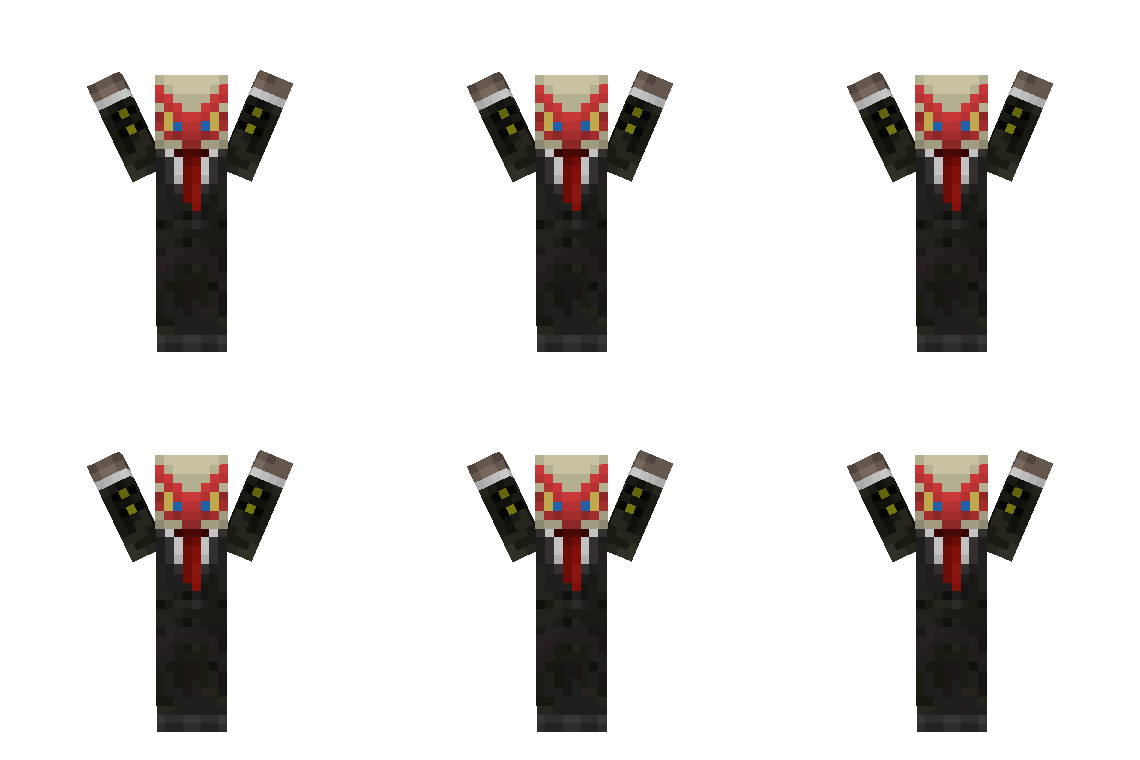
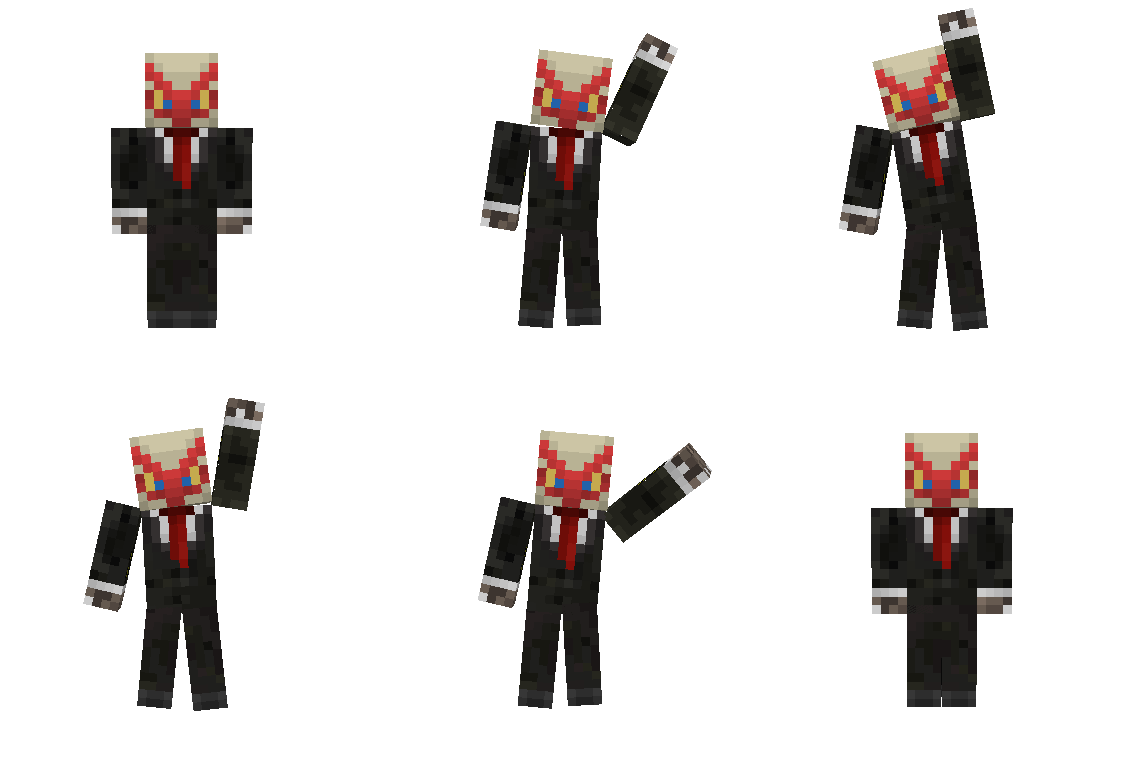
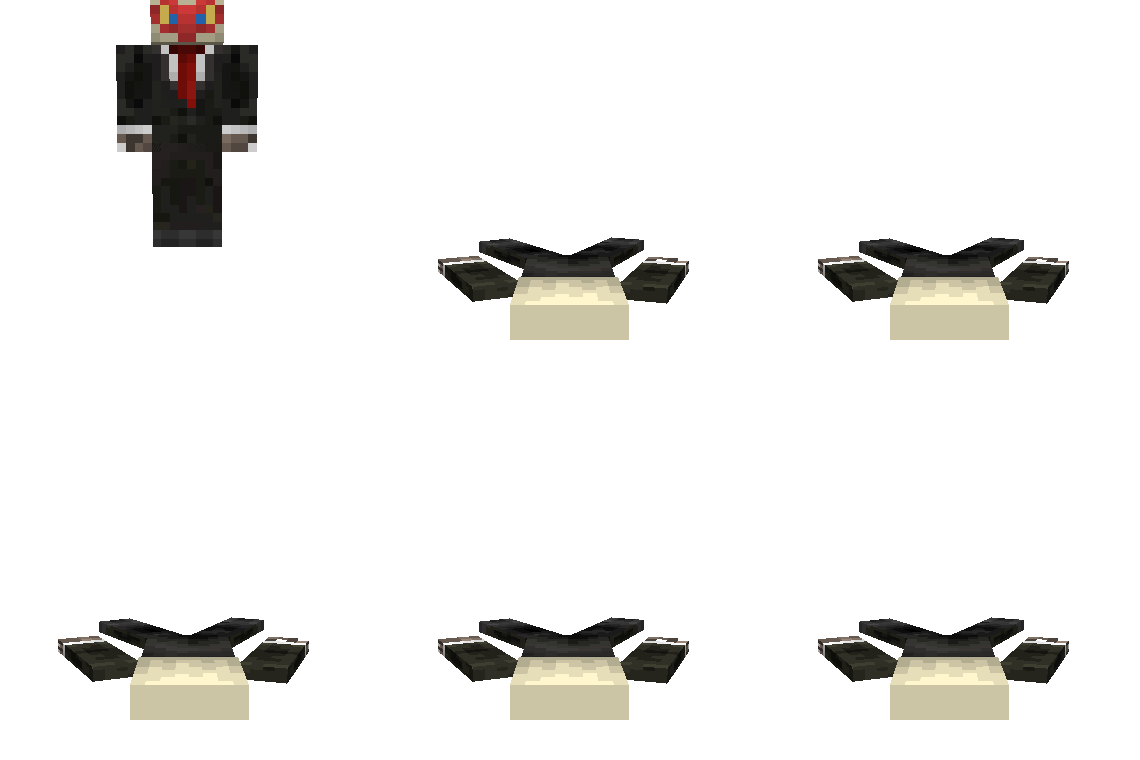
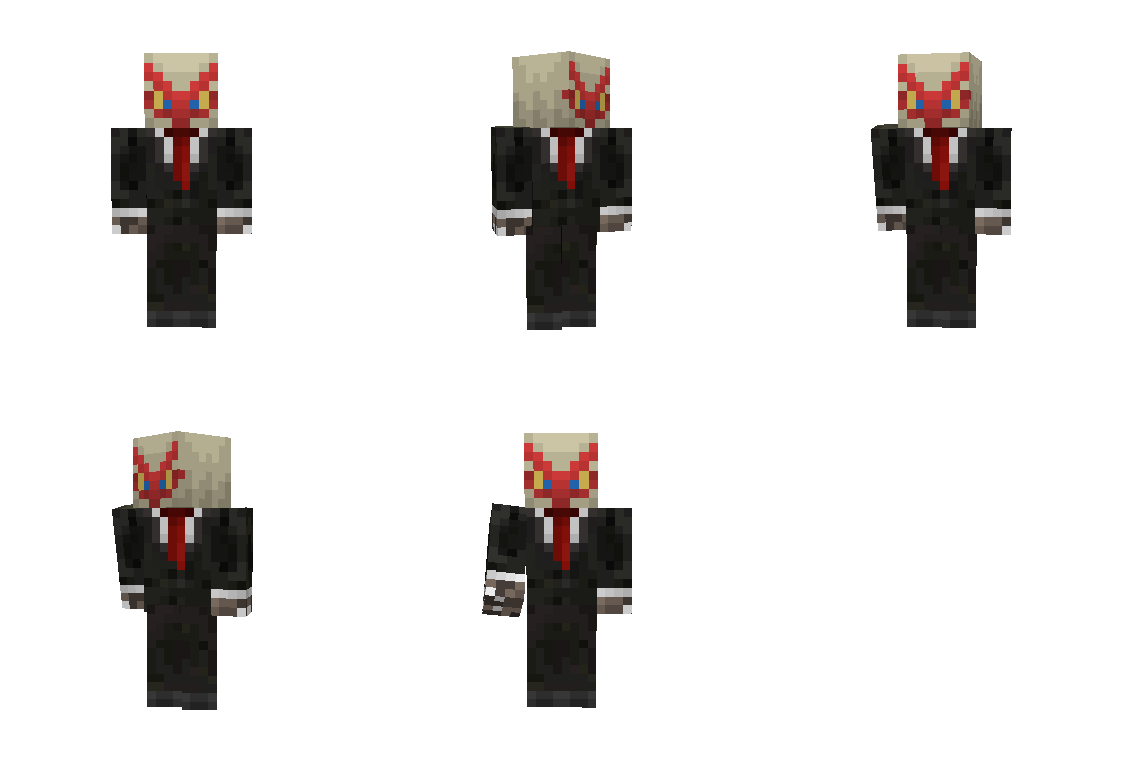
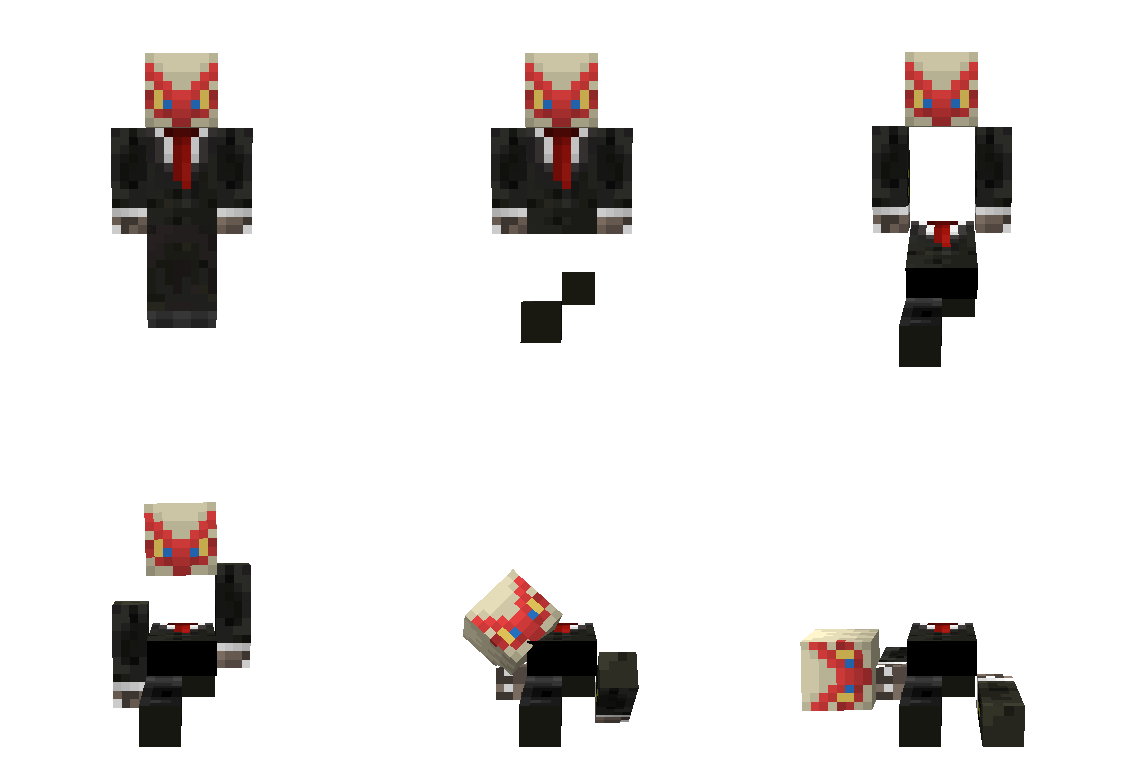
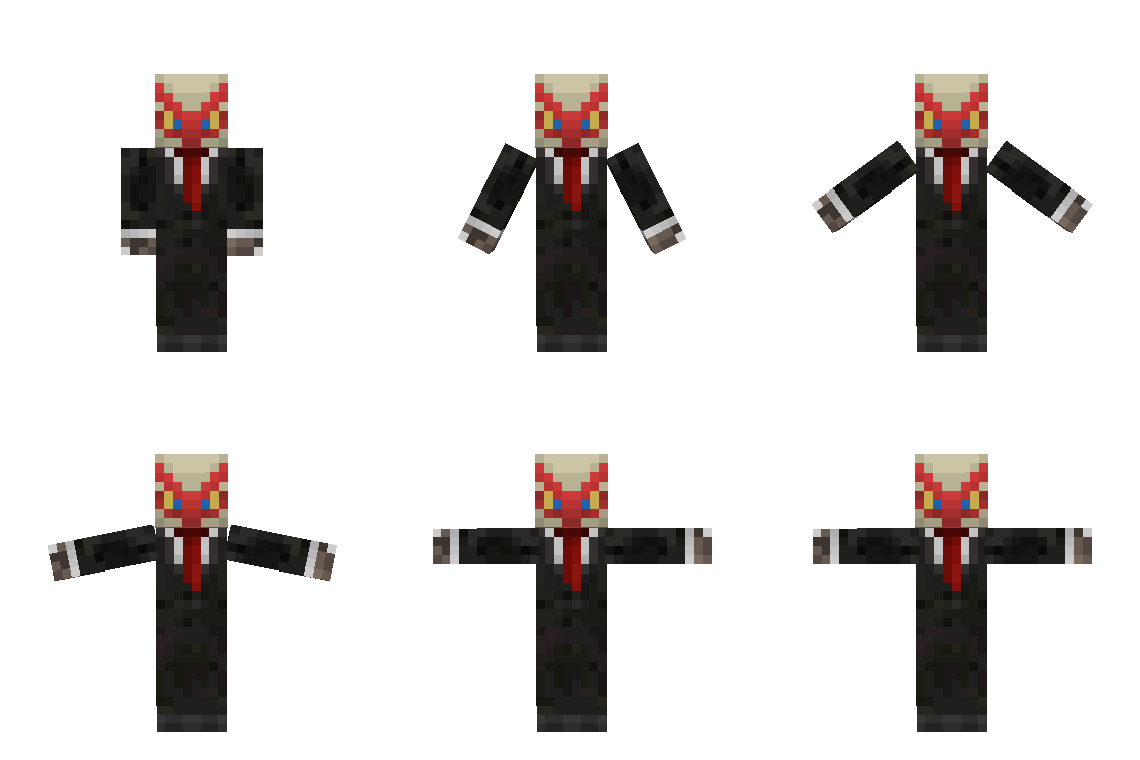
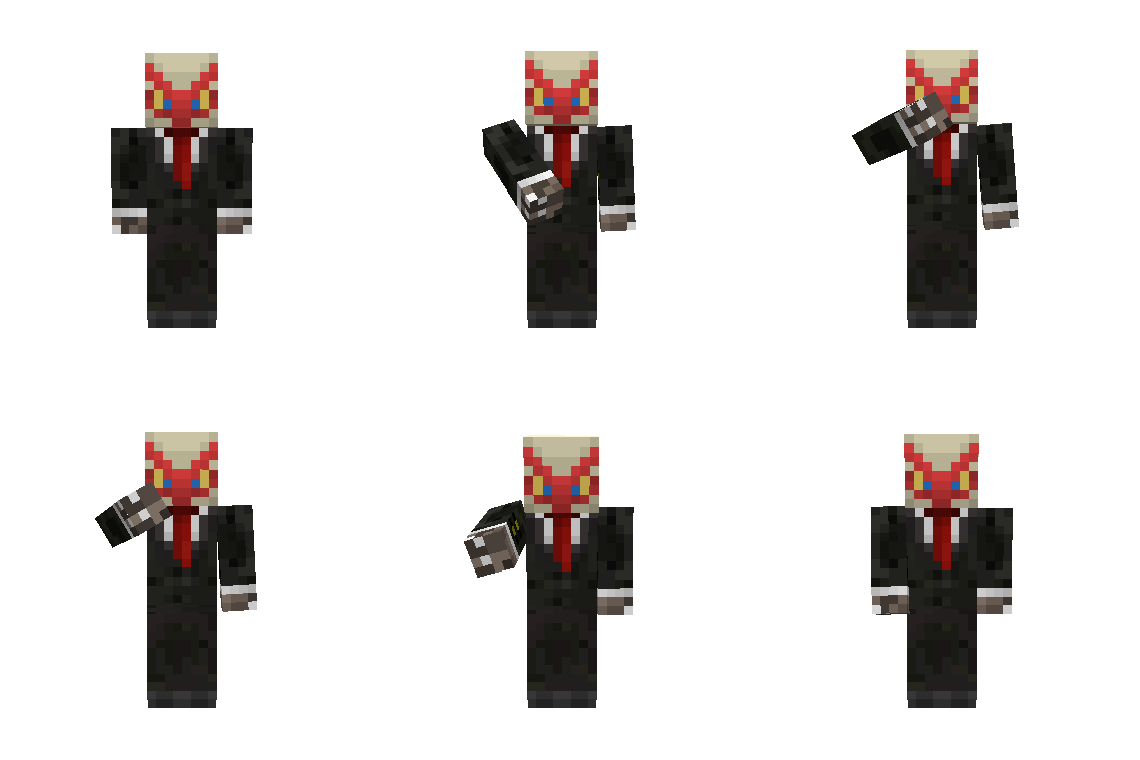
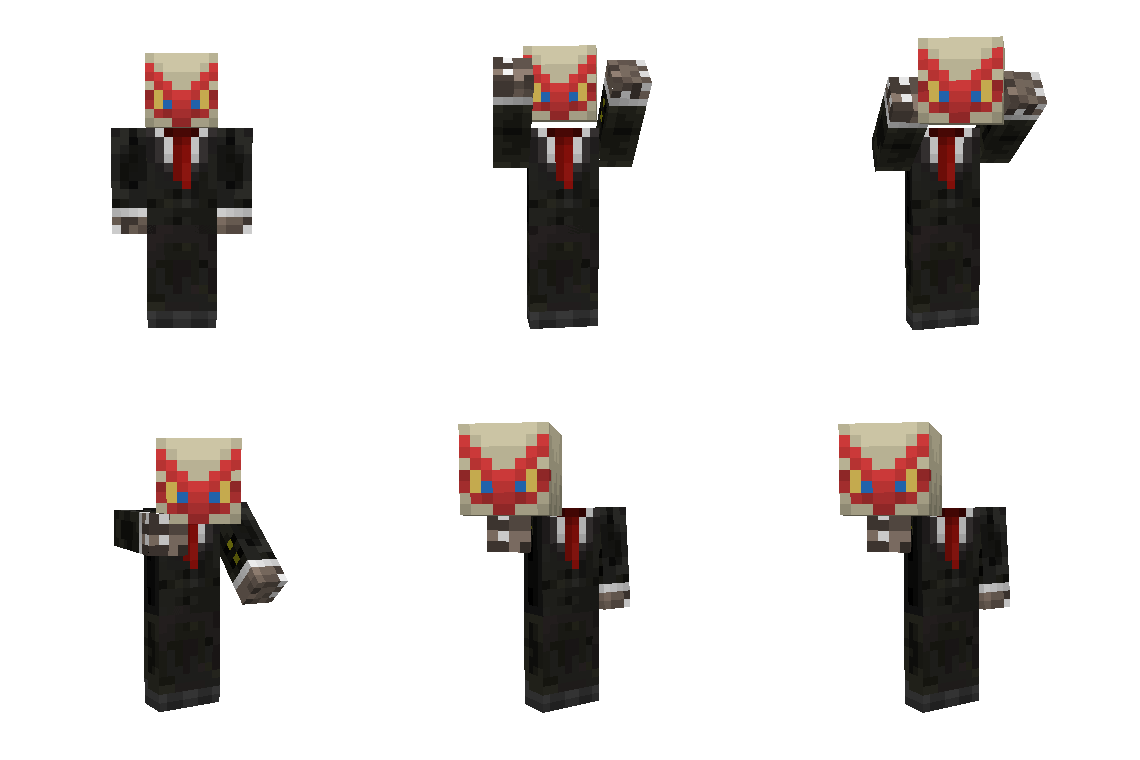
🟡 Updated this year🖼️ Gallery (12 images)
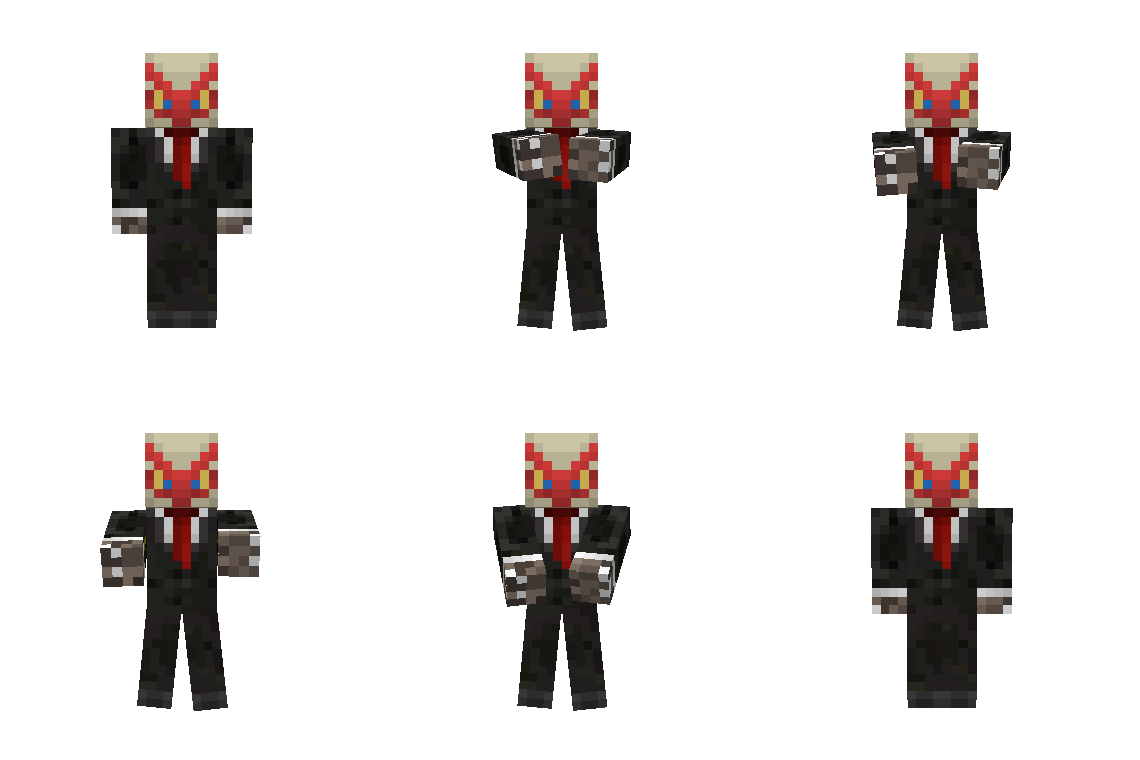
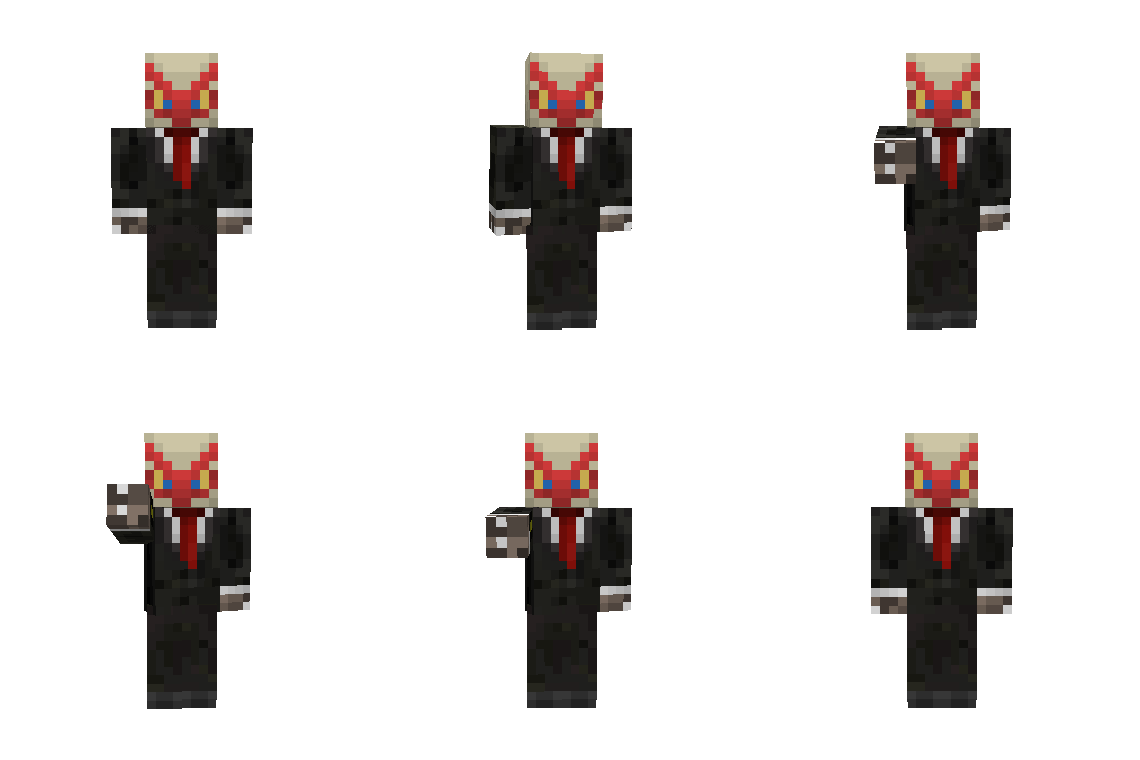
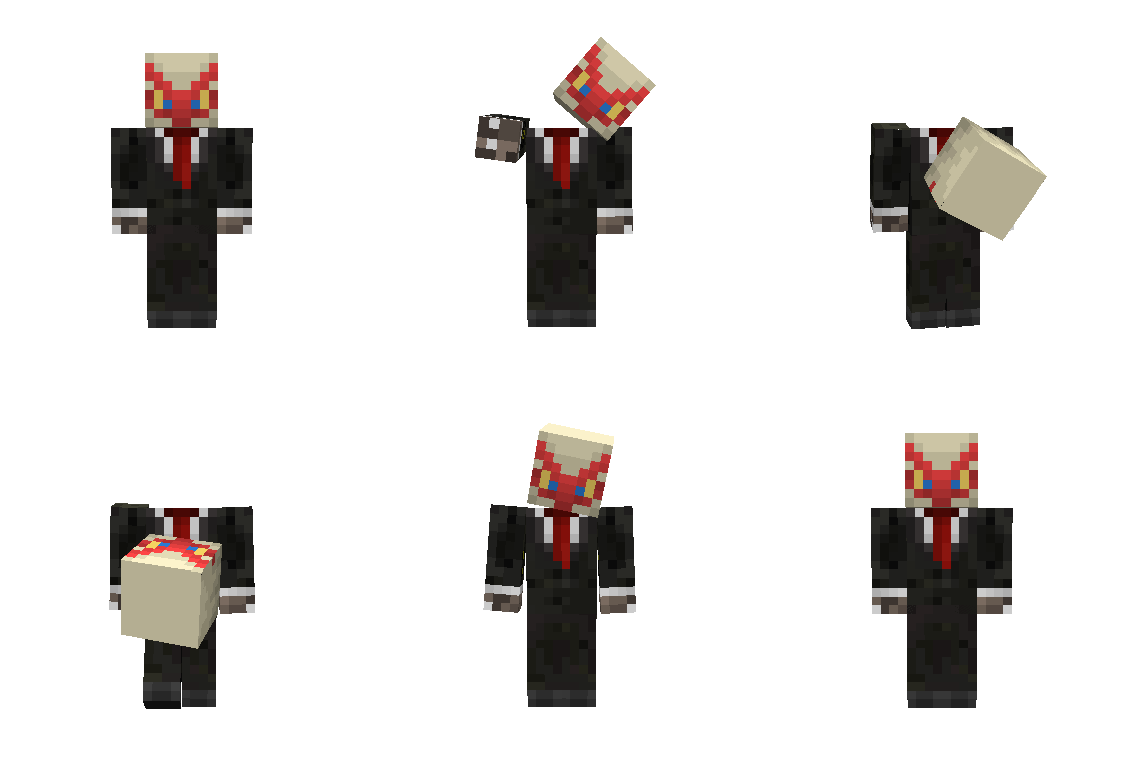
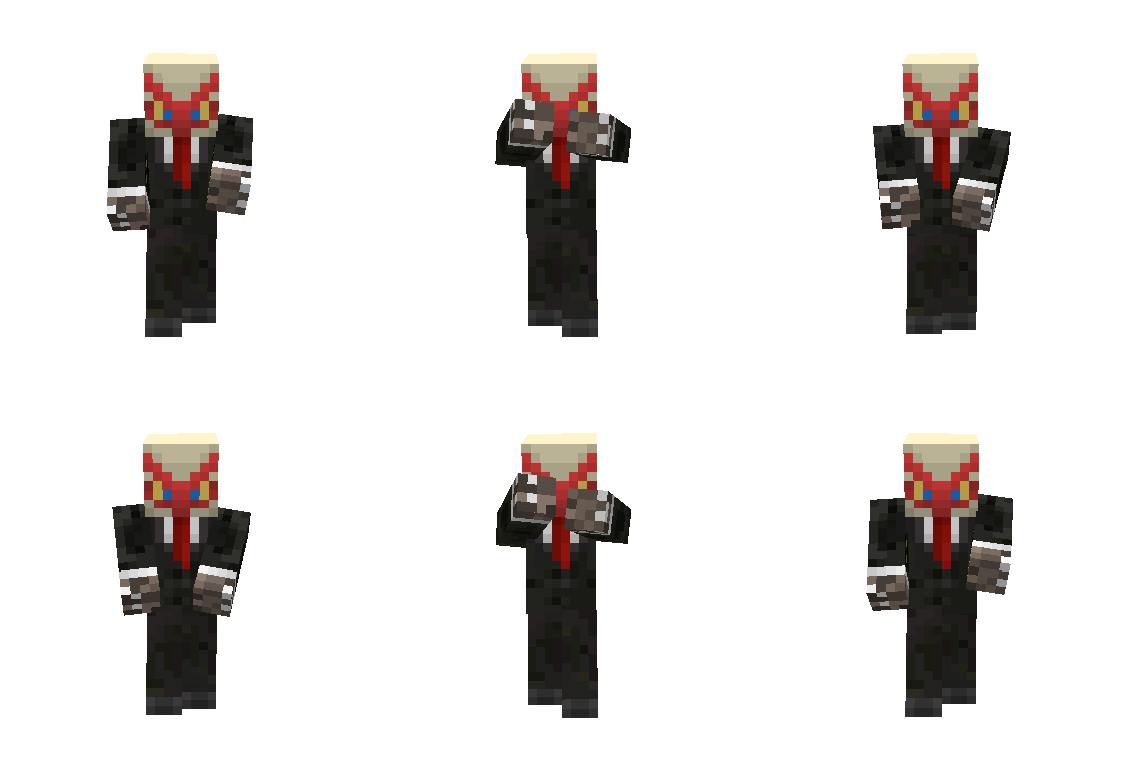
🔍 Analysis
- 🏆 #1275 of 1745 datapack mods in this game by downloads
📋 About This Mod
## Emotes - Adds 12 new and unique ways to express yourself ingame without needing to download any mods with some of the emotes having special effects, sounds or even functionality. _(View all avaliable emotes in the gallery page)_ - Use the point emote ingame to ping the location you're looking at to let your friends know where to look. - Multiplayer support and an entire menu for emote selection! !(https://cdn.modrinth.com/data/cached_images/30e388732706a37acc2a027e8193580c4b10a410.png) ## Customization & Settings - The default keybind for the emotes menu is **G**, if you wish to change it look for the **Quick Actions** keybind in controls - The default skin style is set to **Classic** if your skin uses **Slim** style run this command ``/trigger skin_type`` run the command again if you want to switch back to **Classic**. ## Installation Download the datapack and either - Place it inside your datapacks folder and create a new world with it enabled or - Place the datapack inside your existing world _(make sure to leave and rejoin for it to fully work)_ - Don't forget to download and enable the resourcepack, if you're using this on a server make sure all players have it enabled or set it as your server's resource pack. ## Notes - When joining a singleplayer world this screen will appear !(https://cdn.modrinth.com/data/cached_images/fae37824a8b2ca416e50275afcb3a664a8736289_0.webp) that means the datapack is working, just click on **I Know What I'm Doing!** - The emotes don't work in first person, use **Third Person** _(default key: F5)_ for best experience - This only works on Minecraft 26.2 and no older versions - I will try and update this pack to add more emotes and features in the future, this is just a small part of what I plan to do with this. if you find any bugs send me a message on discord - @notblazon All the animations were made using (https://animated-java.dev/) and (https://github.com/OpenVoxelStudios/player-animated-java).
## Emotes - Adds 12 new and unique ways to express yourself ingame without needing to download any mods with some of the emotes having special effects, sounds or even functionality. _(View all avaliable emotes in the gallery page)_ - Use the point emote ingame to ping the location you're looking at to let your friends know where to look. - Multiplayer support and an entire menu for emote selection! !(https://cdn.modrinth.com/data/cached_images/30e388732706a37acc2a027e8193580c4b10a410.png)
## Customization & Settings - The default keybind for the emotes menu is G, if you wish to change it look for the Quick Actions keybind in controls - The default skin style is set to Classic if your skin uses Slim style run this command ``/trigger skin_type`` run the command again if you want to switch back to Classic.
## Installation Download the datapack and either - Place it inside your datapacks folder and create a new world with it enabled or - Place the datapack inside your existing world _(make sure to leave and rejoin for it to fully work)_ - Don't forget to download and enable the resourcepack, if you're using this on a server make sure all players have it enabled or set it as your server's resource pack.
## Notes - When joining a singleplayer world this screen will appear !(https://cdn.modrinth.com/data/cached_images/fae37824a8b2ca416e50275afcb3a664a8736289_0.webp) that means the datapack is working, just click on I Know What I'm Doing! - The emotes don't work in first person, use Third Person _(default key: F5)_ for best experience - This only works on Minecraft 26. 2 and no older versions - I will try and update this pack to add more emotes and features in the future, this is just a small part of what I plan to do with this. if you find any bugs send me a message on discord - @notblazon
All the animations were made using (https://animated-java.dev/) and (https://github.com/OpenVoxelStudios/player-animated-java).
📊 Mod Details
- Game
- Minecraft Data Packs
- Author
- NotBlazon
- Version
- 1.0.0
- Downloads
- 19
- Endorsements
- 1
- Category
- datapack
- Created
- 8/16/2026
- Updated
- 8/14/2026
- Game Versions
- 26.2
- Tags
- game-mechanics, social, utility
🔧 How to Install Minecraft Data Packs Mods
Download from Modrinth. Use Prism Launcher or drop into your mods folder.
📖 Full step-by-step install guide for Minecraft Data Packs →
Visit the official mod page for specific installation instructions for this mod.
🎮 Need cheat codes or console commands? Check ur gaming wiki for Minecraft Data Packs commands, item IDs, and more.
❓ Frequently Asked Questions
Which Minecraft Data Packs versions does Blazon's Emotes support?
The author lists 26.2. Other versions may work but are untested by the author.
What is the latest version of Blazon's Emotes?
Version 1.0.0, published 2026-08-14 with 19 downloads recorded at the source.
Keep browsing — more Minecraft Data Packs mods await