Bring Your Own Posters (Custom Poster Replacement Guide)
⚪ Last updated 2020Preview
🔍 Analysis
- 👍 6.5% endorsement rate — high engagement, a strong quality signal
- 🏆 #471 of 925 Models and Textures mods in this game by downloads
📋 About This Mod
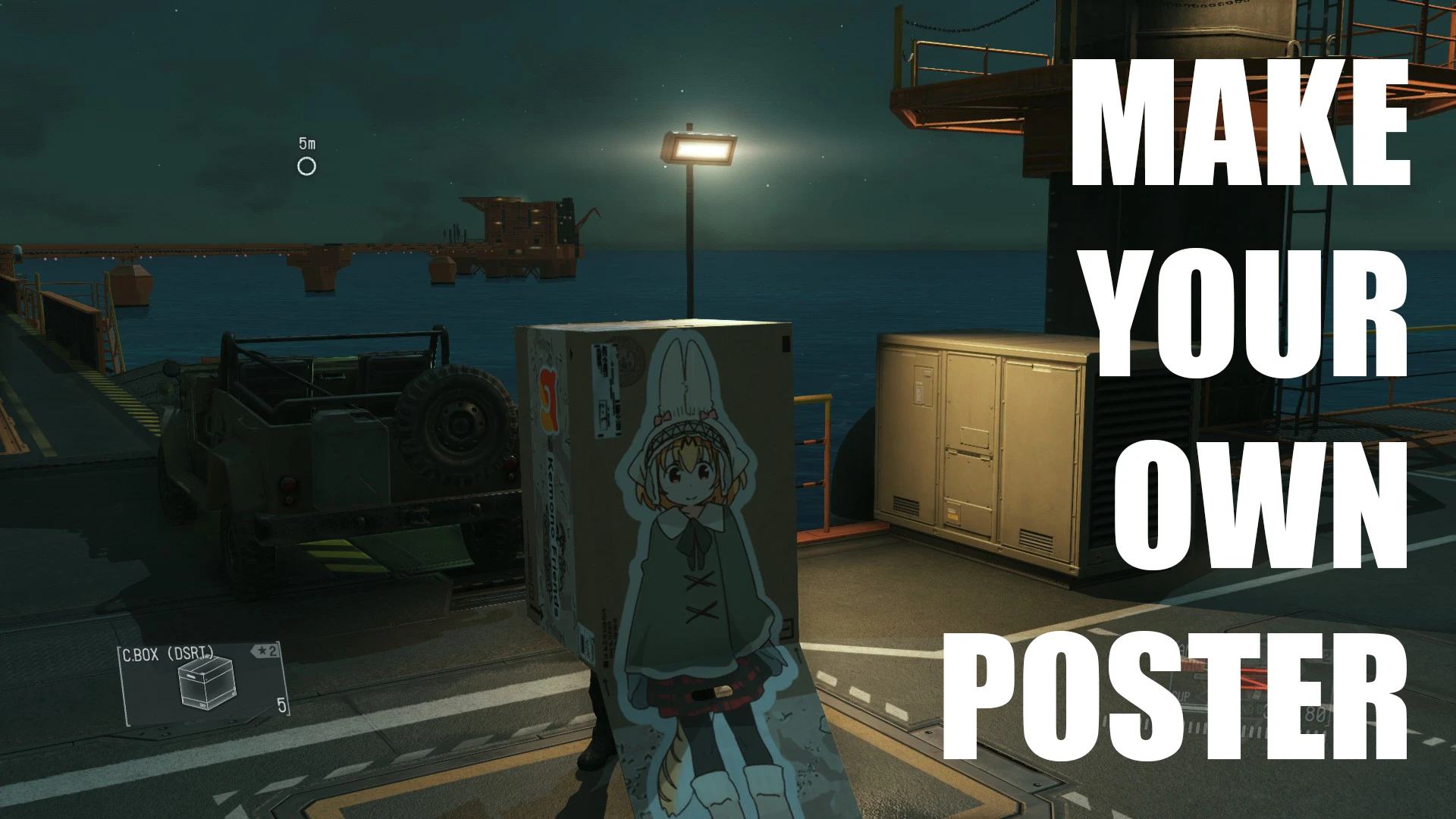
A how-to guide on how to create and implement your own custom poster replacements, just like those in the game. Includes Photoshop files for guidance.
This is an in-depth on how to make and implement your own custom box posters. It includes Photoshop files with references and (hopefully) clear instructions. This guide owes a lot to Hakanai312 and Morbidslinky for already doing a lot of this work.
1. 1 Update - I made a really quick video guide and have included my own expanded poster modding resources that now includes stuff like menu icons.
eL4IQFCC1zo
0. The Basics
This guide is going to assume you know very little to none about modding. A box poster is made up of four separate .dds textures.
You can find a Photoshop CC plugin to save as .dds here
-
[]The first is the poster as it will appear in the world. It is a simple 512 x 1024px image.
[
]The second is the actual image on the box (ends with "_lym"). It is a 1024 x 1024px image.[]The third is a mask (ends with "_lbm"). It has a colored pattern that will determine what parts of your image will be shown on the box and can be used for making outlines.
[]The last determines glossiness (ends with "_srm"). It uses colors to determine what parts of your box will have a poster-like shine in bright light. More than likely, it will be the same as your mask.
1. Before We Begin
You can't change the function of each poster, nor can you add additional posters. The Soviet soldier poster will still cause guards to salute, even if your box shows an anime girl. For this, you will need:
-
[]Mentioned above, a plugin for GIMP or your version of Photoshop to save as .dds textures
[
]File Monolith - SnakeBite/MakeBite
2. Making the Textures
Start by finding an image you want, ideally one either very tall or very wide with some transparency to go on your box. Make a 512 x 1024px canvas and create what the poster will look like in the open world. You can't have transparency here. Vertical posters need to be rotated -90 degrees (so they are longways).
Decide which poster you want to replace and copy that folder from the Poster Modding Guide.
Save as a .dds file and overwrite the poster (it will have a file name something like "33fad46cc94c5.dds"). Choose "DXT1 RGB 4bpp | no alpha" and save.
Open "Box Poster Image Guide.psd" in Photoshop. Drag the version you want on the box into it and place it where it belongs using the guides provided. Spacing around the edges matters, I recommend leaving a little bit of room on each side. For the sides, flip your layer horizontally so they will match. Additionally, the side flaps are only visible with the horizontal posters and will cover part of the side when not in prone.
Make sure your layers are where they belong in the "Align" layer g
📊 Mod Details
- Game
- Mgsv Tpp Mods
- Author
- love laika
- Version
- 1.1
- Downloads
- 718
- Endorsements
- 47
- Category
- Models and Textures
- Created
- 1/8/2020
- Updated
- 1/15/2020
🔧 How to Install MGSV Mods
Use SnakeBite Mod Manager.
📖 Full step-by-step install guide for MGSV →
Visit the official mod page for specific installation instructions for this mod.
🎮 Need cheat codes or console commands? Check ur gaming wiki for MGSV commands, item IDs, and more.
Keep browsing — more MGSV mods await