E3 2013 3.0
⚪ Last updated 2016⚠️ Install Order · 1 step
Install in this order, then this mod last — most mods fail to load without their framework and dependencies in place.
Preview
🔍 Analysis
- 👍 3.0% endorsement rate — high engagement, a strong quality signal
- 🏆 #6 of 66 Visuals and Graphics mods in this game by downloads
📋 About This Mod
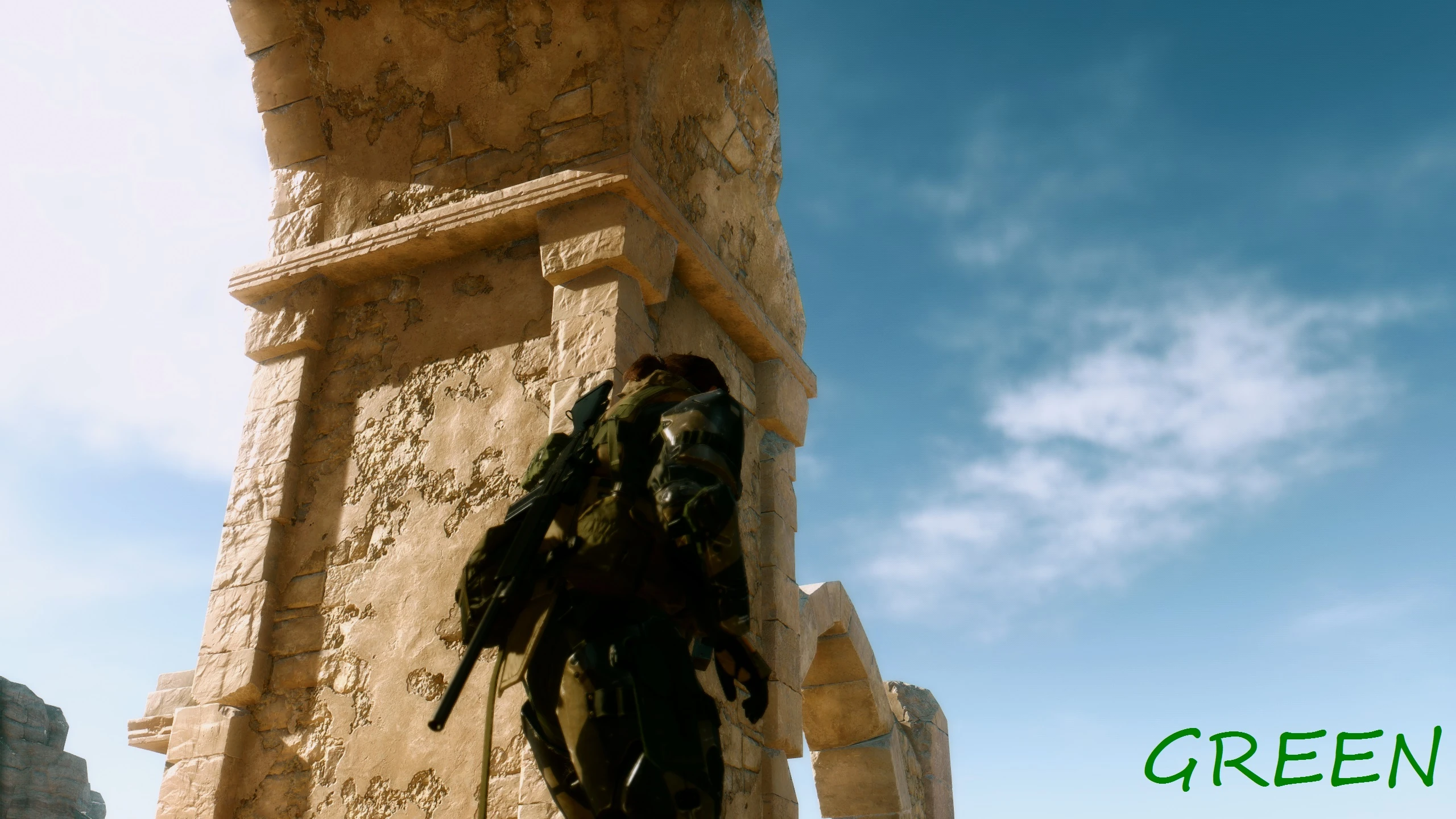
A ReShade preset inspired by the 2013 E3 Trailer with improved contrast and a focus on photorealism.
Featured: http://www.gamewatcher.com/editorials/metal-gear-solid-5-the-phantom-pain-mods/12318 and here... http://www.eteknix.com/metal-gear-solid-v-mods-fixes-graphic-downgrade/ Installation: Drag the files provided here into your MGSV root folder *\Program Files (x86)\Steam\steamapps\common\MGS_TPP (Remove all other Reshade files if you have a preset already installed, they may conflict). Press scroll lock in game to toggle Gaussian blur (when on the text may be blurry).
35mcsNfk2U8 Video by Pirate
k71TMzXosJo Video by theVIPLord
EUKQSMIefY0 Video by Solidcal Modding
You might need to relaunch the game multiple times to get SweetFx to inject, it sometimes doesn't loa
E3 2013 3.0 is a ReShade preset that aims to replicate the visual style of the original E3 2013 trailer. It has 957 endorsements and over 32,000 downloads, last updated in January 2016. This preset is for players who want a cinematic, trailer-like look in their game.
✨ Key Features
📊 Pros & Cons
✅ Pros
- Community favorite with 957 endorsements and 32k downloads
- Gives your game that cinematic E3 trailer look
- Simple to install if you already use ReShade
⚠️ Cons
- Last updated in 2016 – may not work with current game versions or ReShade updates
- Requires ReShade, which is not included and must be set up separately
For players who want to recreate the iconic E3 2013 trailer aesthetic in their game. If you're into cinematic visuals and already use ReShade, this is a quick way to get that look. Skip if you prefer vanilla graphics or want a more modern preset with active support.
💡 Beginner Tips
- Make sure you have ReShade installed and set up for your game before adding this preset.
- If the preset doesn't work, try updating ReShade or checking for compatibility patches.
- Adjust the preset's intensity in-game using the ReShade overlay to suit your preference.
📊 Mod Details
- Game
- Metalgearsolidvtpp Mods
- Author
- Shagwan
- Version
- 3.0
- Downloads
- 32,339
- Endorsements
- 957
- Category
- Visuals and Graphics
- Created
- 9/23/2015
- Updated
- 1/21/2016
🔧 How to Install Metal Gear Solid V: The P Mods
Download from Nexus Mods.
📖 Full step-by-step install guide for Metal Gear Solid V: The P →
Visit the official mod page for specific installation instructions for this mod.
🎮 Need cheat codes or console commands? Check ur gaming wiki for Metal Gear Solid V: The P commands, item IDs, and more.
Keep browsing — more Metal Gear Solid V: The P mods await