Falkrun's Pendor ReVision
🟡 Updated this yearPreview
🔍 Analysis
- 👍 2.6% endorsement rate — high engagement, a strong quality signal
- 🏆 #13 of 134 Module Add-ons and Patches mods in this game by downloads
📋 About This Mod
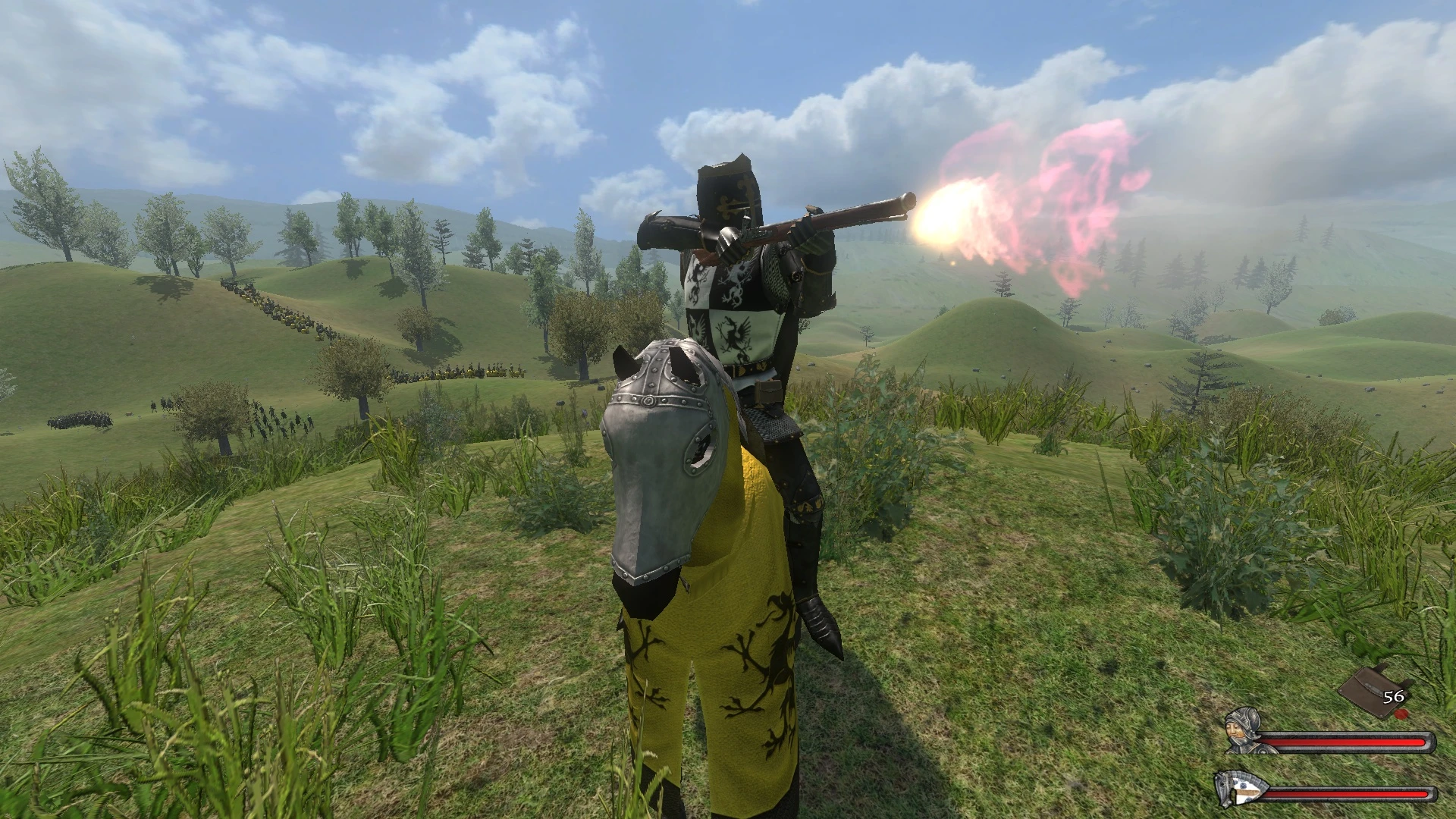
My personal overhaul of Prophecy of Pendor 3.9.5. Includes many bugfixes, more options for kingdom micro-management, bodyguards, wife as companion, horse whistle, battle shout, new firearms, and an overhaul of troop trees. Also includes
PoP 3. 9. 5
Falkrun's ReVision
For full details of all tweaks, credits, and their instructions, check the mod wiki’s Tweaks page
Artwork from the banner can be found here posted by the original artist: Lily Curtis
Installation
1. Starting from the beginning, to ensure proper installation. Install a clean installation of MB: Warband from chosen source (Steam, GOG, etc).
2. Open the base Warband directory. Inside, you'll see two folders: Textures and TexturesHD. Copy all contents from TexturesHD into Textures, overwriting all when asked. Then delete TexturesHD. This is the proper way to fix the water-cows and other texture glitches.
3. If you struggle with video memory, you can optionally install
MB Warband - Optimized Textures
into the Textures folder, overwriting all when asked.4. Install the latest version of Prophecy of Pendor into the modules folder. You can have multiple different versions of Pendor in this folder, just name each version of the Pendor modules correspondingly.
5. If you previously installed the optimized textures for Warband, you'll also want to install Prophecy of Pendor - Optimized Textures at this point. Simply unzip them into the Textures folder located inside the Pendor module.
6. Now finally we come to it. Install my mod directly into the base Pendor module directory, so that all the associated folders and files will overwrite/merge. Overwrite/merge all when asked.
7. The optional settings for my mod were placed into the "README_POP" folder, which is the same location of the optional files for Prophecy of Pendor itself.
8. If you wish to use my font settings, first copy "font.dds" located in "README_POP\OPTIONAL_FONT_ENG\Textures" into the Pendor module's Textures folder. Then copy "font_data.xml" from my included settings into the Data folder of the Pendor module.
9. If you wish for Ullr Vetr Manifest to have an AOE effect, copy the "item_kinds1.txt" file into the Pendor module base directory, overwriting the original.
10. If you don't want battles with lords to take place in villages, and would prefer a standard field battle, copy the "menus.txt" file into the Pendor module base directory, overwriting the original.
11. If you wish to keep your f
📊 Mod Details
- Game
- Mb Warband Mods
- Author
- Falkrun
- Version
- 3.1
- Downloads
- 4,346
- Endorsements
- 113
- Category
- Module Add-ons and Patches
- Created
- 4/12/2024
- Updated
- 2/7/2026
🔧 How to Install M&B Warband Mods
Manual install.
📖 Full step-by-step install guide for M&B Warband →
Visit the official mod page for specific installation instructions for this mod.
🎮 Need cheat codes or console commands? Check ur gaming wiki for M&B Warband commands, item IDs, and more.
Keep browsing — more M&B Warband mods await