Battle Time v1.174
⚪ Last updated 2020Preview
🔍 Analysis
- 👍 1.9% endorsement rate — high engagement, a strong quality signal
- 🏆 #79 of 533 Modules mods in this game by downloads
📋 About This Mod
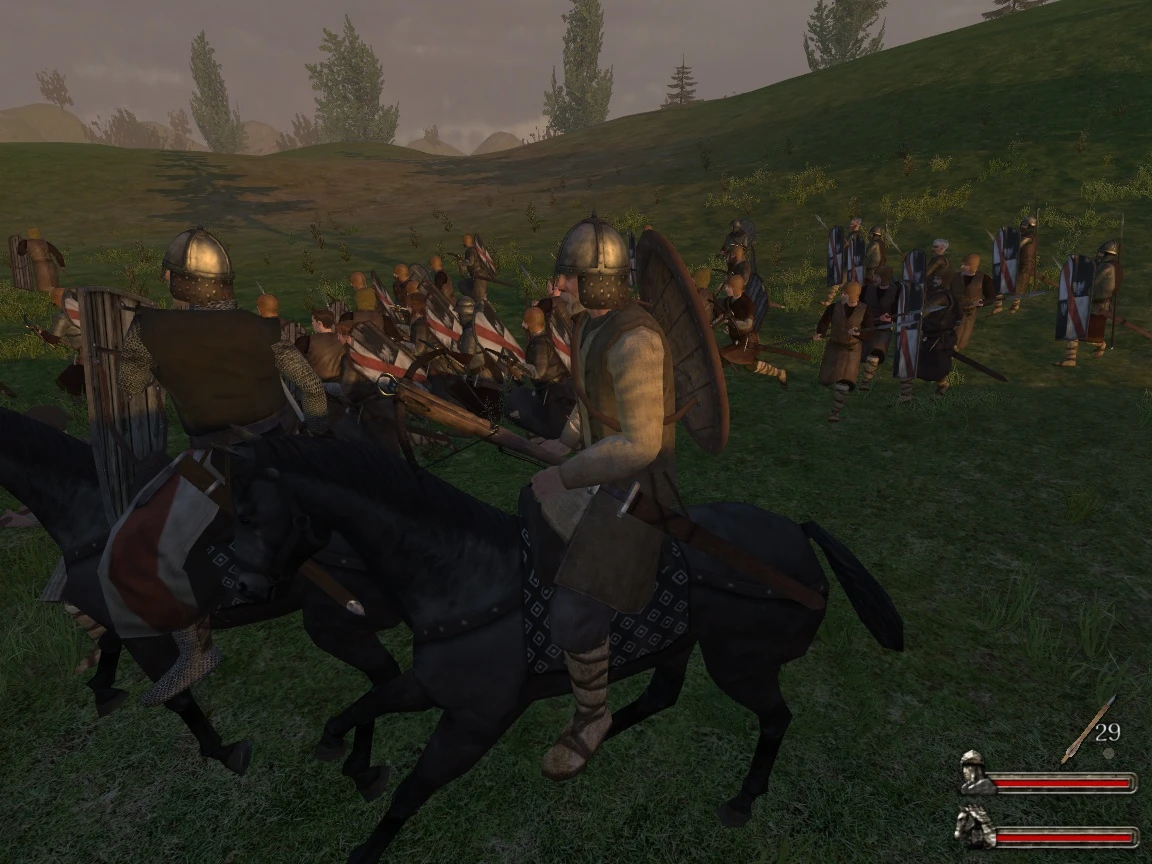
A co-op campaign mod, working in game version 1.174 (including the steam and gog versions).
First things first: I didn't make the original mod, and I didn't make this update. I'm only uploading this and providing instructions so that more people can enjoy playing Battle Time in the Native module on the latest version of the game (v1. 174). All credit goes to Egbert for the original Battle Time mod, and Namakan on the Taleworlds forums for updating it to work with v1. 7xx versions of the game. Credit to cmpxchg8b and K700 on the Taleworlds forums for Warband Script Enhancer, which is included in this upload.
Link to Namakan's post: https://forums.taleworlds.com/index.php?threads/battle-time-the-co-op-mod-v1-4-updated-10-1-12. 150827/page-40#post-8680544
Link to WSE: https://forums.taleworlds.com/index.php?threads/wb-warband-script-enhancer-v4-7-7-for-1-174. 324890/
Please refer to instructions on the original Battle Time page for anything I don't cover here, including how the mod is used and an overview of its features: https://www.nexusmods.com/mbwarband/mods/3814?tab=description
Install Instructions:
Video tutorial: https://www.youtube.com/watch?v=voLbpF1BThU
- Download the zip file provided
- Extract its entire contents into the root of the Mount and Blade Warband installation directory
- Run WSELoader.exe to start the game client, select the "COOP" module, and play. This method means creating a new lobby for every co-op battle you encounter.
For a dedicated server (recommended method so that you don't need to make a new lobby for every fight), the instructions are strange but this is what I found to make it work:
- Open Battle_Time.txt in your install directory, and edit "set_pass_admin ADMIN" to a password of your choice. Example: "set_pass_admin NEWPASSWORD".
- Edit "set_server_name BattleTime" to a server name of your choice. Example: "set_server_name NEWNAME"
- Open wse_settings.ini in your install directory
- Edit the file so that "storage path = " points to a WSE folder within your install directory.
Example: "storage_path = D:\SteamLibrary\steamapps\common\MountBlade Warband\WSE"
The next steps will need to be done every time you want to launch the server:
- rename mb_warband.exe to something else. (like "mb_warband_RENAMED.exe")
- run Battle_Time_Start.bat
- name mb_warband.exe back to its original name
- run WSELoader.exe
Now your server will run in the background and you can play the game as normal. Make sure to click "Join" instead of "Host" when it comes time to play multiplayer.
To join a game as a friend:
- Download the zip file provided
- Extract its entire contents into the root of the Mount and Blade Warband installation directory
- Run WSELoader.exe to start the game client, select the "COOP" module, and play.
📊 Mod Details
- Game
- Mb Warband Mods
- Author
- Original by Egbert - updated by Namakan - uploaded by Elvani
- Version
- 1.174
- Downloads
- 5,702
- Endorsements
- 111
- Category
- Modules
- Created
- 4/5/2020
- Updated
- 4/5/2020
🔧 How to Install M&B Warband Mods
Manual install.
📖 Full step-by-step install guide for M&B Warband →
Visit the official mod page for specific installation instructions for this mod.
🎮 Need cheat codes or console commands? Check ur gaming wiki for M&B Warband commands, item IDs, and more.
Keep browsing — more M&B Warband mods await