Toggle HUD
⚪ Last updated 2018Preview
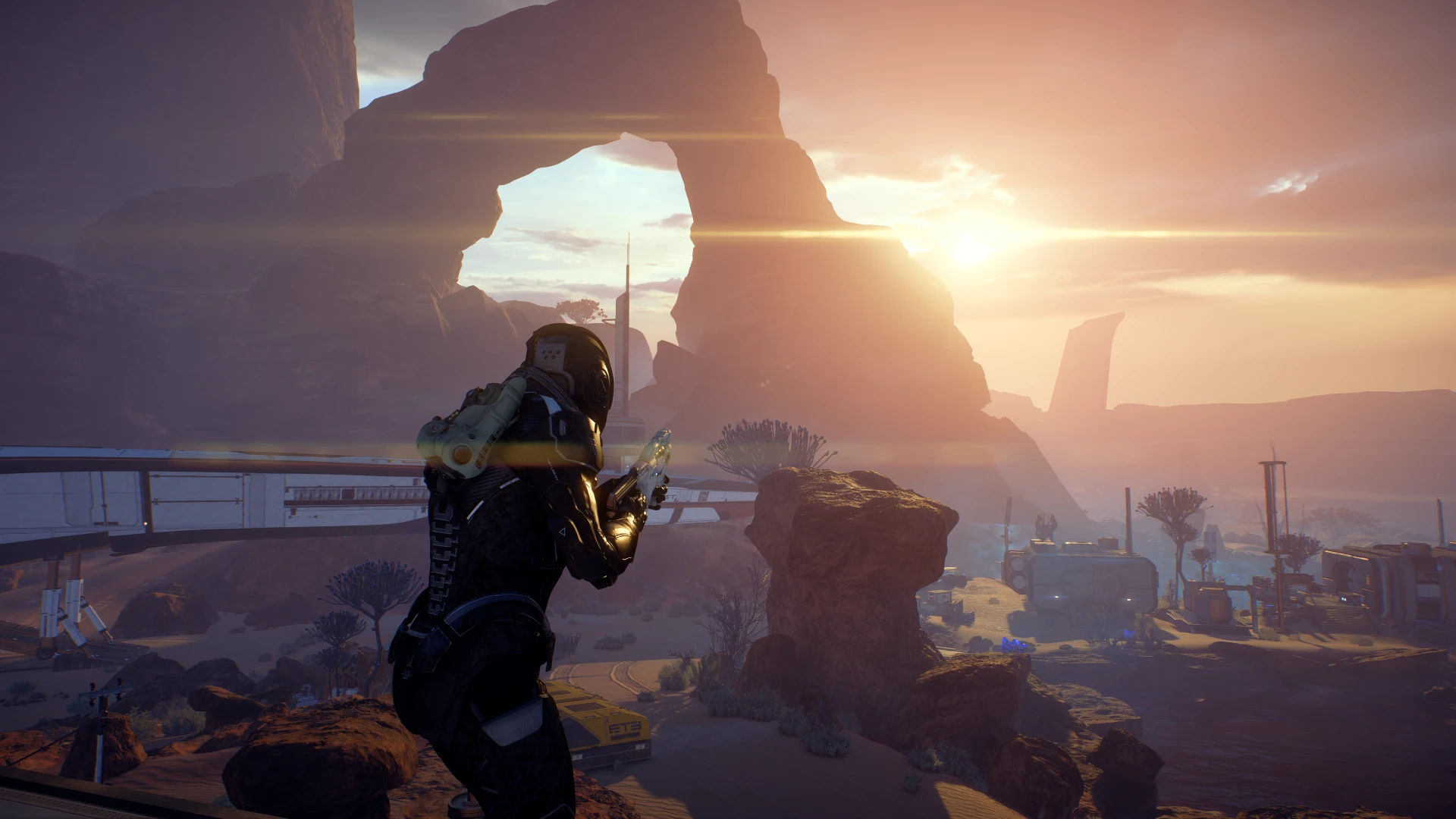
🔍 Analysis
- 👍 7.4% endorsement rate — high engagement, a strong quality signal
- 🏆 #23 of 63 User Interface mods in this game by downloads
📋 About This Mod
Installation:
First open the right folder depending on if you have a AMD or Nvidia graphics card, then simply drop all files in the Mass Effect Andromeda folder where the .exe is located
Ingame press caps lock to toggle the HUD on or off.
Note that this will pretty much toggle every 2D objects on screen so that includes menus and sniper scopes. So you have to toggle the HUD back on
when using menus
For Xbox controller users:
If you have an Xbox controller hold both the back and start button at the same time for atleast 1 second to toggle the HUD. Pressing both buttons also toggles the HUD, but the reason for holding is to avoid accidentally pausing the game.
It's set up this way because all buttons are already in use, but you can change the button binding to whatever you want if you open d3dx.ini and then find this section:
Key = caps <---
Change this for keyboard
type = toggle
Key = XB_BACK XB_START <---
Change this for Xbox controller
type = toggle
List of Xbox buttons:
XB_DPAD_RIGHT
XB_DPAD_LEFT
XB_DPAD_DOWN
XB_RIGHT_SHOULDER
XB_LEFT_SHOULDER
XB_RIGHT_THUMB
XB_LEFT_THUMB
XB_LEFT_TRIGGER
XB_RIGHT_TRIGGER
Toggle HUD is a compact UI mod for Skyrim that lets you hide or show the entire HUD with a hotkey, with Xbox controller support. It's a simple quality-of-life tool for players who want clean screenshots or immersive play, though it hasn't been updated since 2018.
✨ Key Features
📊 Pros & Cons
✅ Pros
- Perfect for taking clean screenshots or recording videos without HUD clutter.
- Hotkey toggle is instant and doesn't require menu diving.
- Controller support is a nice touch for couch players.
⚠️ Cons
- Last updated in 2018 — might not work with the latest Skyrim version or mod setups.
- No configurable options beyond the hotkey; you can't customize which elements hide.
- Small mod with modest endorsements (187) — not a huge community behind it.
For Skyrim players who want to quickly hide the HUD for immersive play or clean screenshots. Also great for Let's Players who need to toggle UI on the fly. Skip if you want granular control over individual HUD elements.
💡 Beginner Tips
- Assign the hotkey to something easy to reach, like the Backslash or Insert key, so you can toggle without breaking gameplay flow.
- If you're using a mod manager like Vortex or MO2, install via the manager to keep track of files and easy uninstall.
- Test the toggle in a safe area first to make sure it doesn't conflict with other UI mods you might have.
📊 Mod Details
- Game
- Masseffectandromeda Mods
- Author
- TheJanitor
- Version
- 1.0
- Downloads
- 2,543
- Endorsements
- 187
- Category
- User Interface
- Created
- 6/21/2018
- Updated
- 6/21/2018
🔧 How to Install Mass Effect Andromeda Mods
Download from Nexus Mods.
📖 Full step-by-step install guide for Mass Effect Andromeda →
Visit the official mod page for specific installation instructions for this mod.
🎮 Need cheat codes or console commands? Check ur gaming wiki for Mass Effect Andromeda commands, item IDs, and more.
Keep browsing — more Mass Effect Andromeda mods await