Screenshot - Photo Mode for ME3
⚪ Last updated 2019Preview
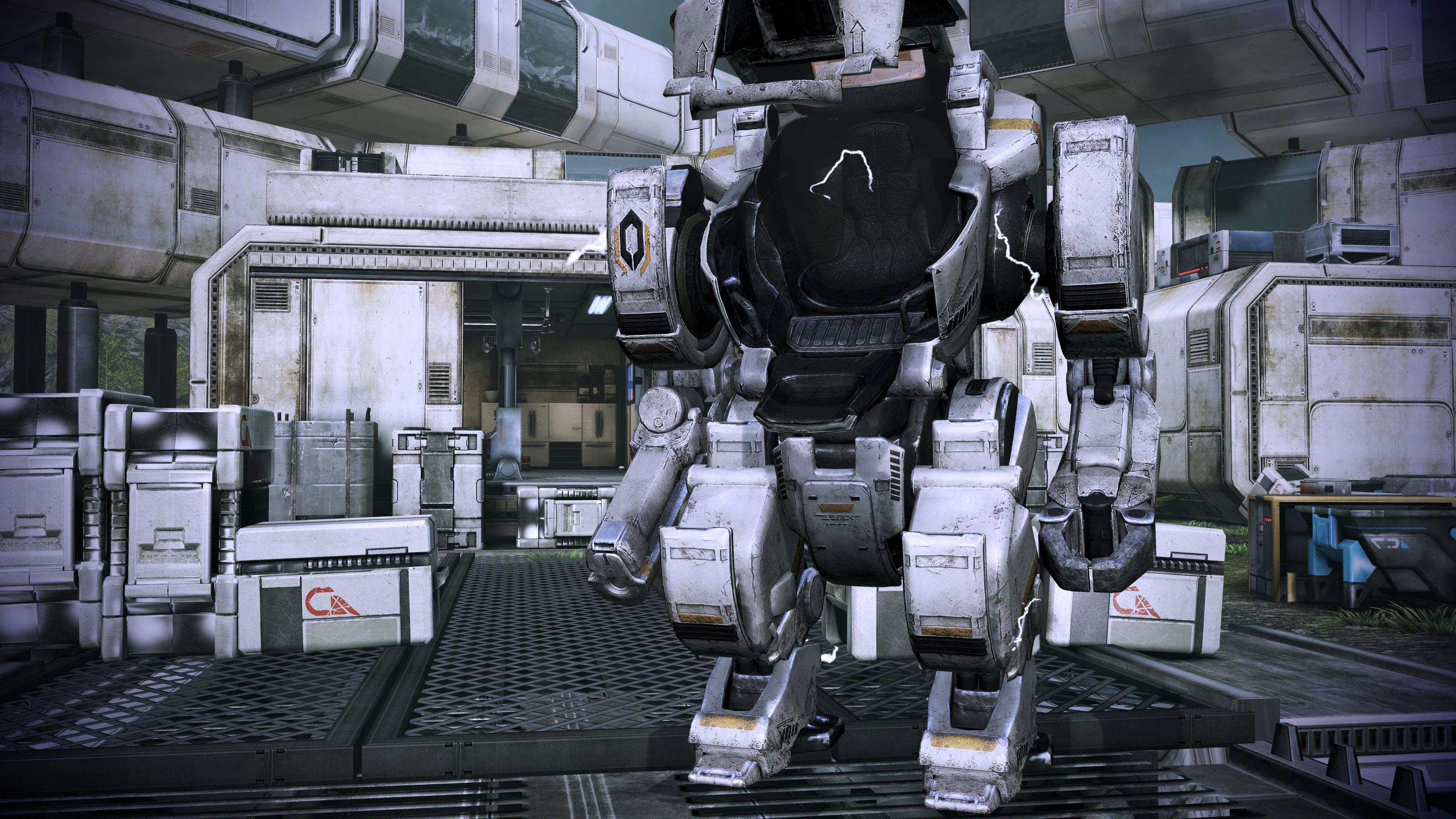
🔍 Analysis
- 👍 14.8% endorsement rate — high engagement, a strong quality signal
- 🏆 #17 of 19 Utilities mods in this game by downloads
📋 About This Mod
Add key bindings to activate and deactivate screenshot mode : freeze time, toggle fly cam, toggle the HUD.
Very simple mod to activate and deactivate screenshot mode : freeze time, toggle fly cam, toggle the HUD.
INSTALLATION
You will need to modify the configuration file Coalesced.bin using the Wench Coalesced Editor, located in the folder "Mass Effect 3\BIOGame\CookedPCConsole".
In the Coalesced Editor, browse for your Coalesced.bin, and add the following lines under bioinput.ini > engine > playerinput > bindings.
(Name="G", InputMode=BIO_INPUT_MODE_NONE, Command="SloMo 0 | ToggleFlyCam | ToggleHUD",Control=False,Shift=False,Alt=False)
(Name="H", InputMode=BIO_INPUT_MODE_NONE, Command="SloMo 1 | ToggleFlyCam | ToggleHUD",Control=False,Shift=False,Alt=False)
The tool isn't particularly intuitive to use, here's a screenshot showing what you need to do.
DEMONSTRATION
Same video as for ME1, it works just the same.
Zo79X2_dXJQ
MORE INFORMATION
In the lines above, pressing the G key freezes time, activates the fly cam and deactivates the HUD; while H unfreezes time, deactivates the fly cam and reactivates the HUD.
You can customize the exact bindings to your liking, see guide here. The important part is the combination of three commands separated by "|" :
- SloMo 0 : freeze time
- ToggleFlyCam : toggle fly cam on and off
- ToggleHUD : toggle HUD off and on
Other useful commands and information (thanks to Tajfun403) :
- Tiledshot x y : make screenshots at x times the resolution of your monitor. y is how many pixels overlap between each tiled shot, it should be set to around your window height divided by 2. 5.
You need to disable whole HUD using Show Scaleform before using it. Screenshots will be saved in *. BMP format in C:\Users\%USERNAME%\Documents\BioWare\Mass Effect 3\BIOGame\Screenshots and named Highres_Screenshot_00000(number).
You can't make photos with a GUI with this method.
- Slomo 0 doesn't really freeze the time. It only makes everything about 100 times slower. If you prefer a complete freeze of time, you can replace it with PlayersOnly instead. It works as a toggle.
- ToggleHUD leaves the power bar and some parts of the HUD visible. You can use Show Scaleform instead - it works as a toggle and hides everything except selectors. You can toggle selectors by using Show Lensflares. It hides lens flares from sun as well.
📊 Mod Details
- Game
- Masseffect3 Mods
- Author
- CreeperLava
- Version
- 1.0
- Downloads
- 527
- Endorsements
- 78
- Category
- Utilities
- Created
- 3/9/2019
- Updated
- 3/9/2019
🔧 How to Install Mass Effect 3 Mods
Download from Nexus Mods.
📖 Full step-by-step install guide for Mass Effect 3 →
Visit the official mod page for specific installation instructions for this mod.
🎮 Need cheat codes or console commands? Check ur gaming wiki for Mass Effect 3 commands, item IDs, and more.
Keep browsing — more Mass Effect 3 mods await