ENB or Reshade with SweetFX for Mass Effect 3
⚪ Last updated 2019Preview
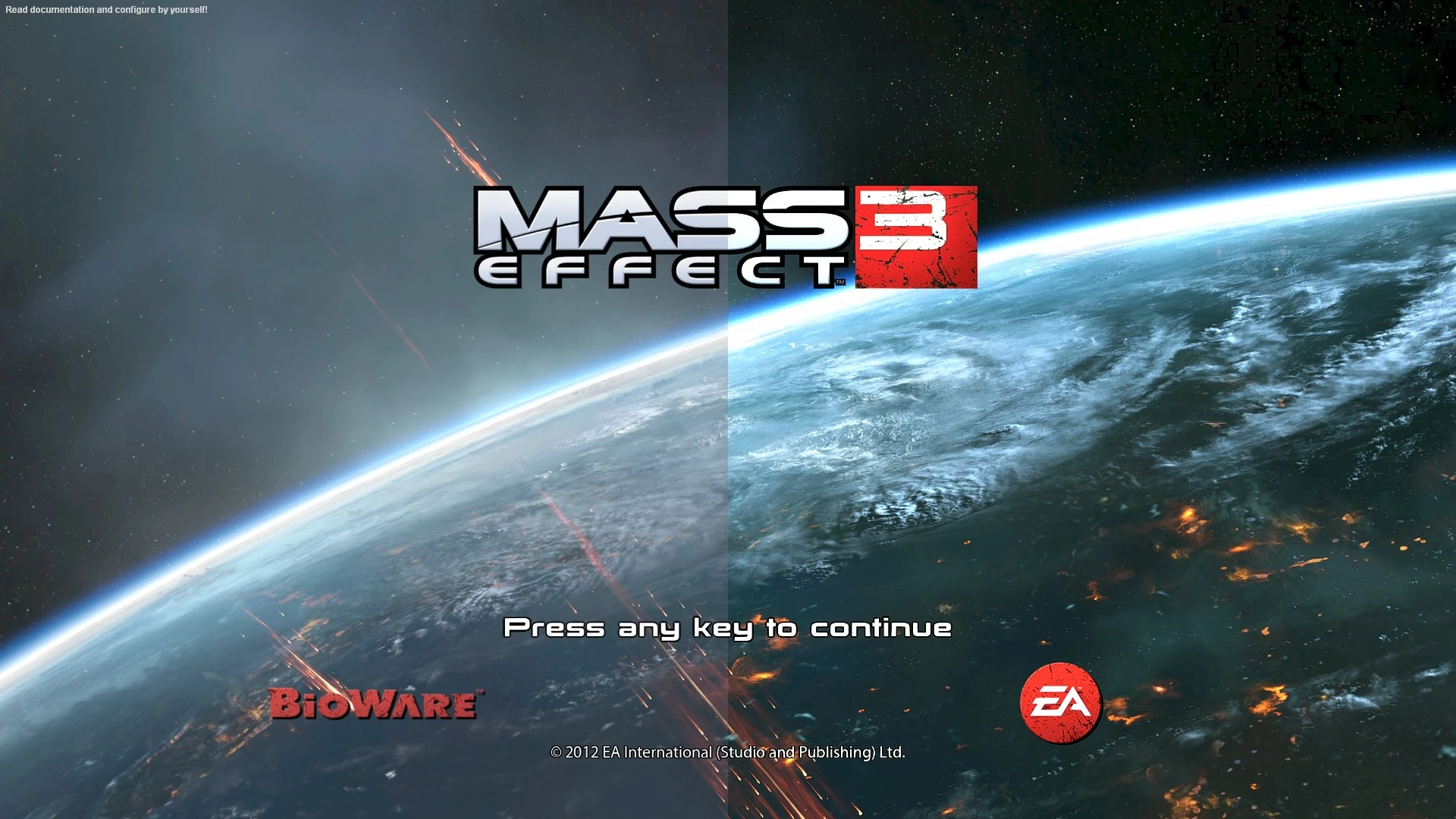
🔍 Analysis
- 👍 4.1% endorsement rate — high engagement, a strong quality signal
- 🏆 #2 of 24 Visuals and Graphics mods in this game by downloads
📋 About This Mod
A File of the Month
for February 2016
Thanks very much all.
This is meant to enhance the overall games appearance. Bringing out the true colors and definition in the game. Giving you a sharper and clearer picture.
Works alongside any texture or HD Pack also, further enhancing them.
======================================================================================================
Reshade Version
(Newest Release)
Download Newest Reshade ini
After downloading preset file do the following.
Legendary Edition.
-
[]Download the newest Reshade installer from the Official ReShade Website.[/]
[]Run the installer and target your MassEffect3.exe file in the game folder. Select the DirectX 10/11/12 rendering API.[/]
[]Steam: C:\Program Files (x86)\Steam\steamapps\common\Mass Effect Legendary Edition\Game\ME3\Binaries\Win64\[/]
[]EA App / Xbox Game Pass: C:\Program Files\EA Games\Mass Effect Legendary Edition\Game\ME3\Binaries\Win64\[/]
[]When the setup screen asks you to select effect packages to download, check the boxes for:
[]Standard Effects (by crosire)[/]
[]SweetFX (by CeeJayDK)[/]
[]Finish the installation, then drop the downloaded preset file into your Mass Effect 3 game folder.[/]
[]Open the game, press the Home key to pull up the ReShade overlay, and select the preset from the top drop-down menu.[/]
Original Edition.
Run the installer and target your MassEffect3.exe file in the game folder. Select the DirectX 9 rendering API.
Steam: C:\Program Files (x86)\Steam\steamapps\common\Mass Effect 3\Binaries\Win32
EA App / Origin: C:\Program Files (x86)\EA Games\Mass Effect 3\Binaries\Win32
[color=#a4c
A visual enhancement mod for Mass Effect 3 that sharpens the image and brings out true colors, with videos included. It's a popular choice with over 2,000 endorsements, though it hasn't been updated since 2019.
✨ Key Features
📊 Pros & Cons
✅ Pros
- Community favorite with 2,044 endorsements and nearly 50k downloads
- Simple visual upgrade that makes the game look crisper and more vibrant
- Videos included so you can see what you're getting before you install
⚠️ Cons
- Last updated in 2019, so it might not be compatible with the latest game patches or mods
- No detailed installation instructions or compatibility notes in the description
- Potential conflicts with other visual mods or reshade presets
For Mass Effect 3 players who want a quick visual facelift without overhauling the game. If you're after a sharper, more colorful look and don't mind a mod that's been dormant for years, this is for you. Skip if you need active support or compatibility with recent mods.
💡 Beginner Tips
- Make sure to disable any in-game anti-aliasing or post-processing to avoid conflicts with the reshade effects.
- Check the included videos to see the visual difference before installing, so you know what to expect.
- If you're using other mods that affect lighting or textures, test this mod last to ensure it doesn't override them.
📊 Mod Details
- Game
- Masseffect3 Mods
- Author
- Carinth
- Version
- 2.4
- Downloads
- 49,456
- Endorsements
- 2,044
- Category
- Visuals and Graphics
- Created
- 2/24/2016
- Updated
- 4/24/2019
🔧 How to Install Mass Effect 3 Mods
Download from Nexus Mods.
📖 Full step-by-step install guide for Mass Effect 3 →
Visit the official mod page for specific installation instructions for this mod.
🎮 Need cheat codes or console commands? Check ur gaming wiki for Mass Effect 3 commands, item IDs, and more.
Keep browsing — more Mass Effect 3 mods await